AppRecs review analysis
AppRecs rating 4.5. Trustworthiness 68 out of 100. Review manipulation risk 41 out of 100. Based on a review sample analyzed.
★★★★☆
4.5
AppRecs Rating
Ratings breakdown
5 star
88%
4 star
0%
3 star
13%
2 star
0%
1 star
0%
What to know
⚠
Questionable review patterns
41% review manipulation risk - some review patterns appear unusual
⚠
Rating authenticity concerns
High rating concentration (88% 5-star) in sampled ratings
About ReDD Focus: Hide Distractions
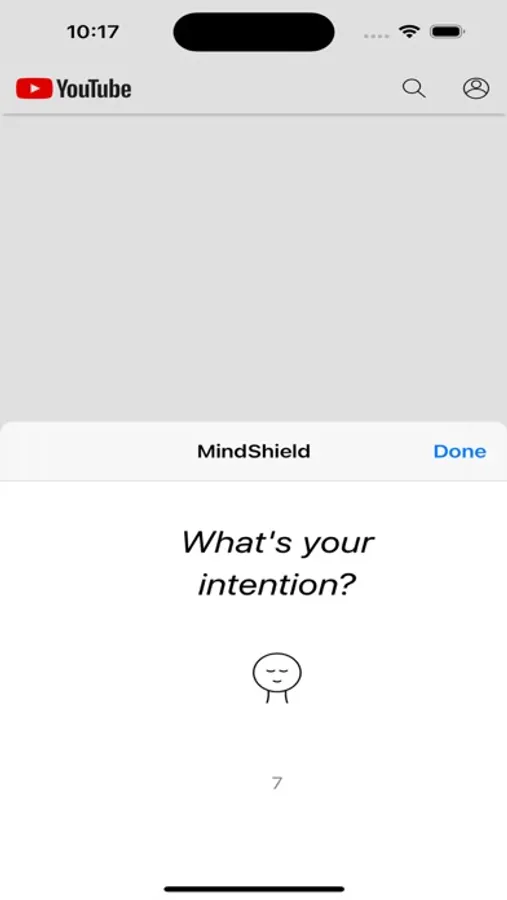
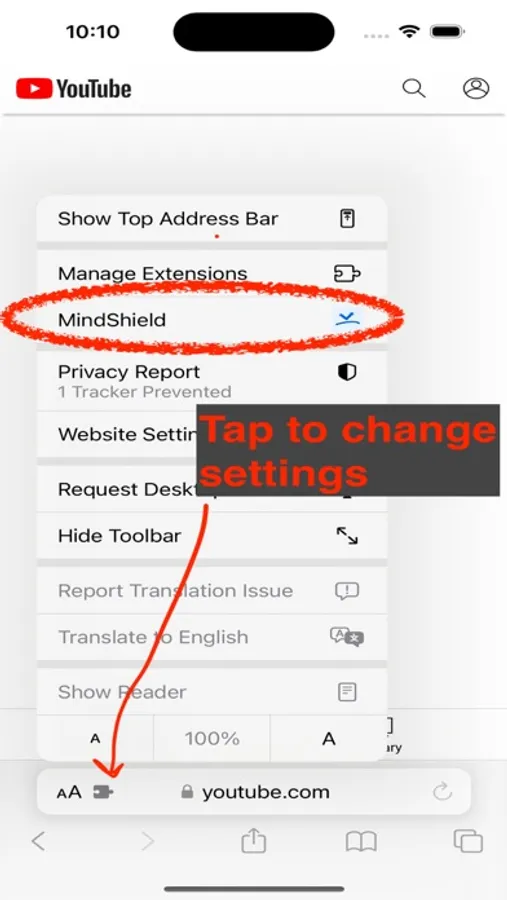
*NOTE: WORKS WITHIN SAFARI, NOT THE APPS*: This app lets you control how YouTube, LinkedIn, etc. appears in the Safari browser. It does NOT change the apps, as this is not possible.
To make using e.g. Instagram in the browser as convenient as the app, create an icon on your home screen to take you directly to the site in the browser. You can find instructions for how to do so at redd-project.org/mindshield
----
ReDD Focus (formerly known as 'Viking Focus' and 'MindShield') is a browser extension for Safari we built to help ourselves be less distracted online.
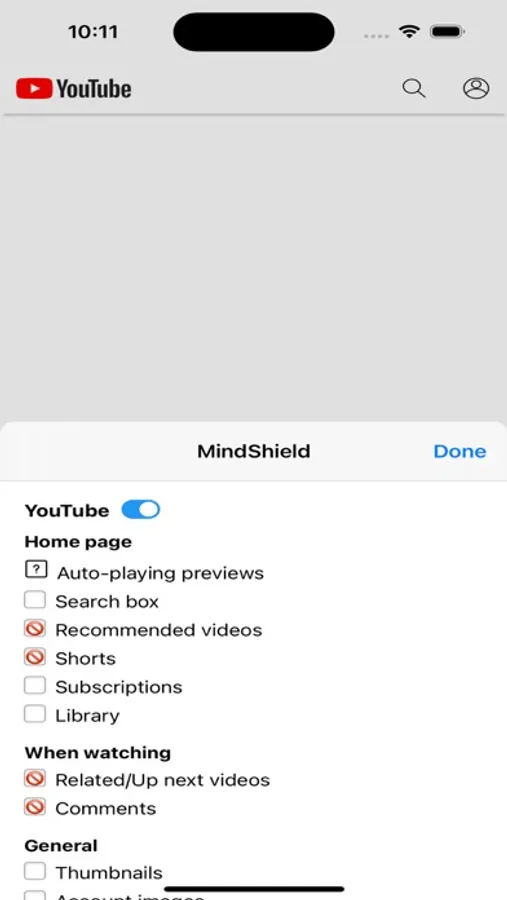
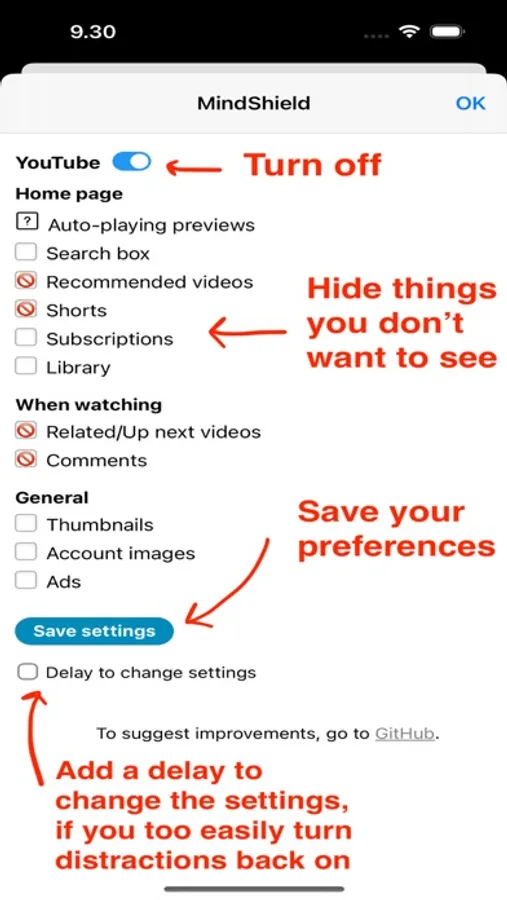
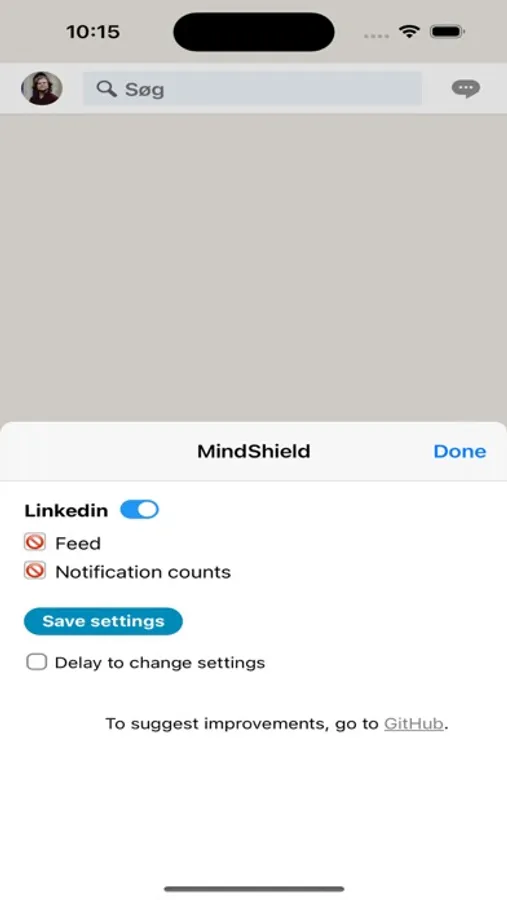
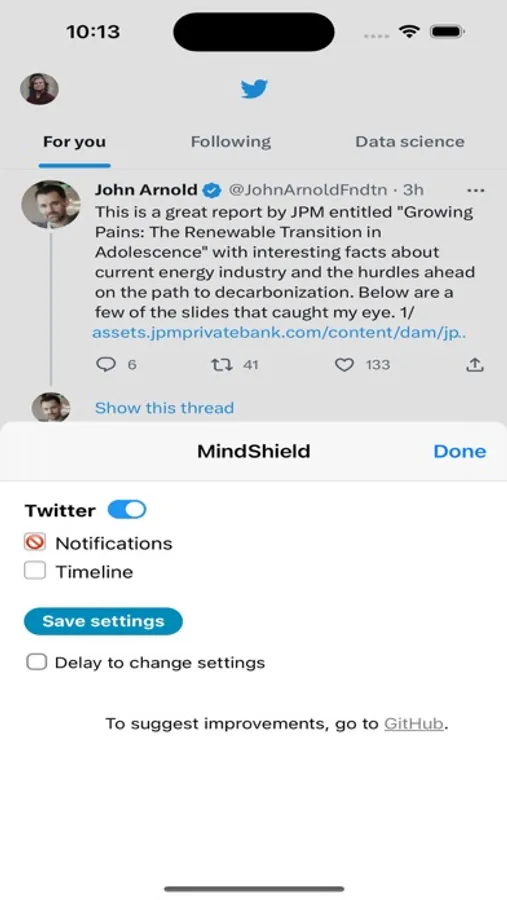
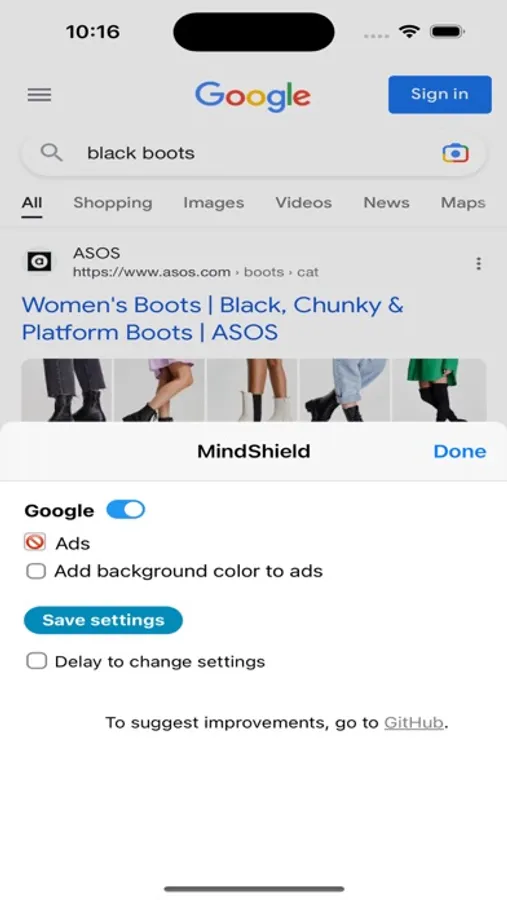
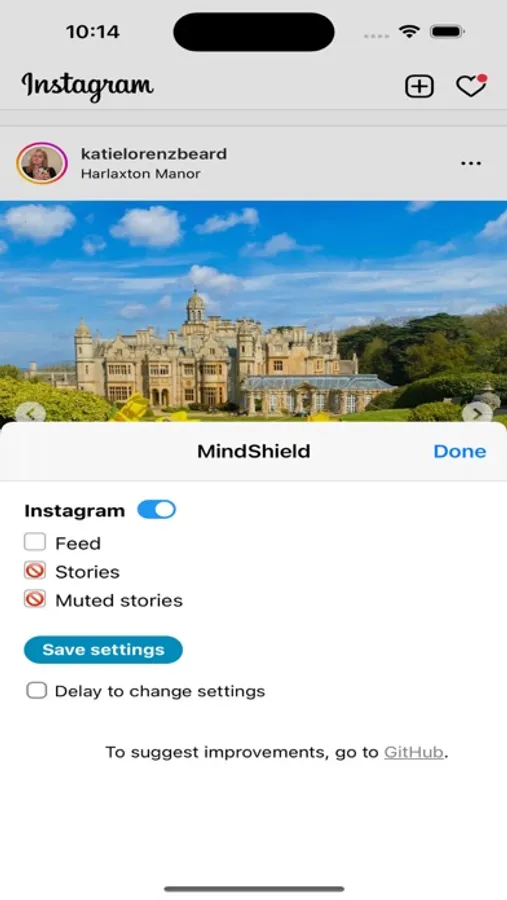
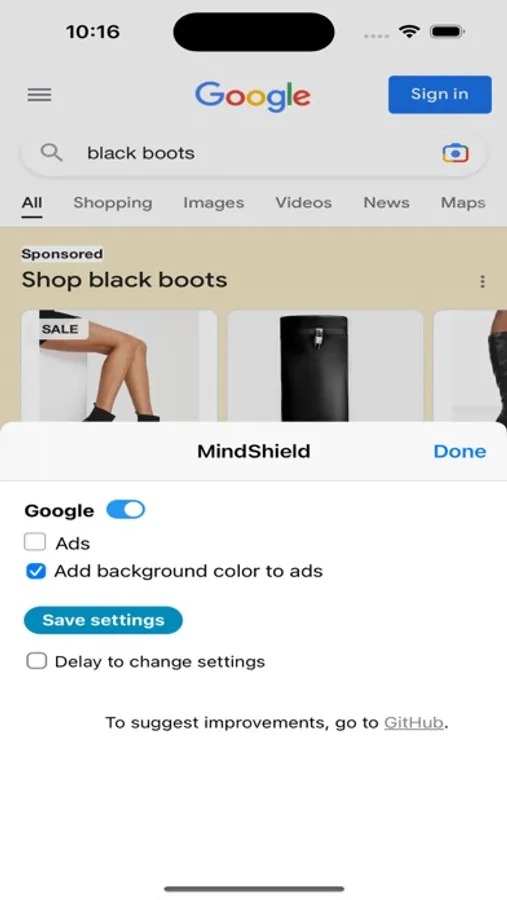
It lets you hide distracting elements on any website, with ready-made options for YouTube, Facebook, Twitter, Instagram, LinkedIn, Reddit, Google Search, and WhatsApp Web. For example, on YouTube you might want to hide recommended videos, on Facebook you might hide the newsfeed and ads in the sidebar, and on Google Search you might want to hide or highligt ads.
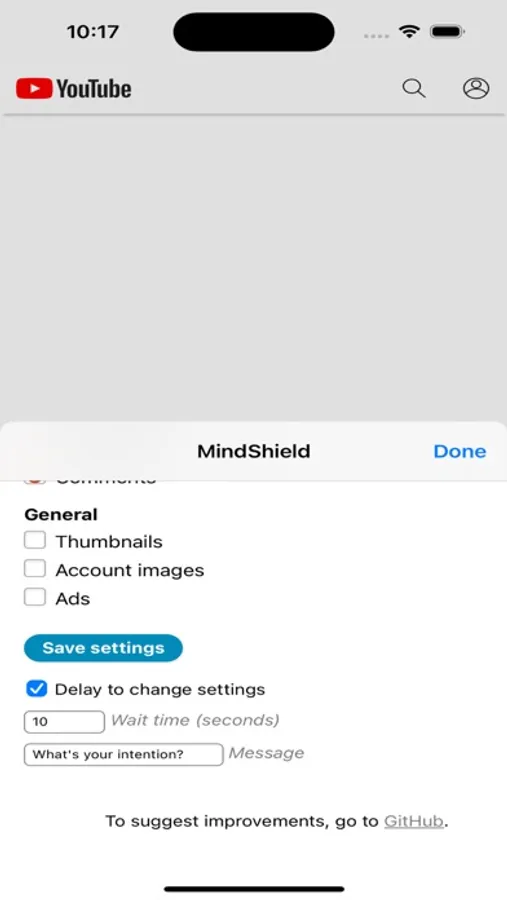
You have full control over what is hidden. Simply click the extension icon in the browser toolbar to select elements to hide, and save your preferred settings. To help hold yourself accountable, you can also add a delay time to change the settings.
Everywhere you go on the internet, something tries to grab your attention. This extension gives you back control. Enjoy!
- Ulrik, Konrad, Tiago, and the Reduce Digital Distraction Team (see what we're up to at reddfocus.org)
NOTE: the extension is open source and collects zero user data. See the source code, flag bugs, or submit suggestions for improvement at https://github.com/ulyngs/reddfocus-open-source
ReDD Focus: Hide Distractions Screenshots
Tap to Rate:
Reviews for ReDD Focus: Hide Distractions
parkersanders
Works great so far
Was looking for a robust blocker on my MacBook since I mainly use Safari on it. Works great, would love to see a more robust Reddit implementation.
Akvin
Simple and brilliant
I found this app via always excellent Macrumors as I was looking for a way to hide Google’s AI Overview. The app lets the user hide distracting elements on webpages, on both Mac and iPhone. It’s very easy to do by simply selecting the undesired elements on a page. In the latest update one can even more easily hide Google’s AI Overview by ticking the dedicated box in the settings. I had contact with the developer Ulrik Lyngs about the possibility to hide the AI Overview and was very happy about how responsive he and the team behind the app were to make this possible. It should be noted that there’s science behind the app’s functionality in terms of removing distractions online. It’s an app that can make a real difference to one’s digital life and I highly recommend it.