
In this note-taking app, you can record meetings and generate editable markdown notes with AI assistance. Includes speaker identification, automatic transcripts, search functionality, and import-export options.
AppRecs review analysis
AppRecs rating 4.4. Trustworthiness 76 out of 100. Review manipulation risk 23 out of 100. Based on a review sample analyzed.
★★★★☆
4.4
AppRecs Rating
Ratings breakdown
5 star
75%
4 star
10%
3 star
4%
2 star
0%
1 star
12%
What to know
✓
Low review manipulation risk
23% review manipulation risk
✓
Credible reviews
76% trustworthiness score from analyzed reviews
✓
High user satisfaction
84% of sampled ratings are 4+ stars (4.4★ average)
About Paxo: AI Meeting Notes
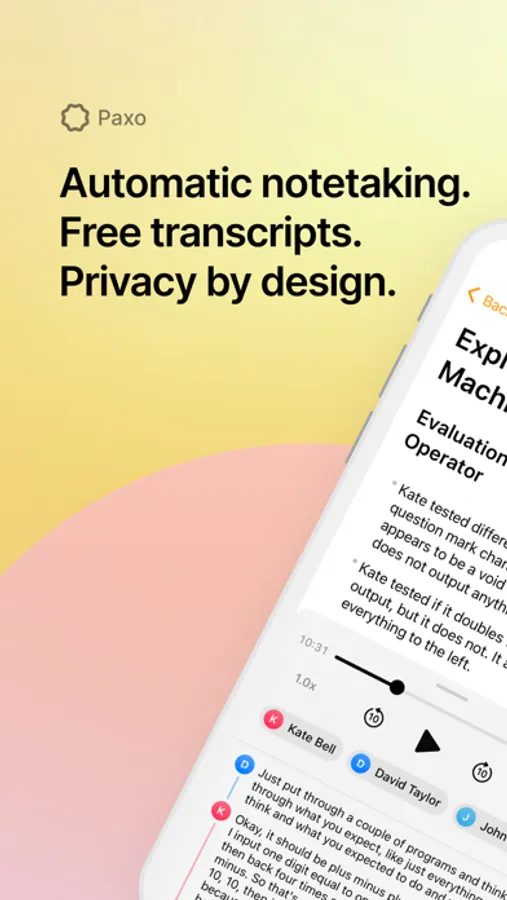
Paxo is purpose-built for in-person conversations. Stop letting key decisions and action items fall through the cracks. Simply hit record and let Paxo do the rest.
Paxo offers tons of groundbreaking features:
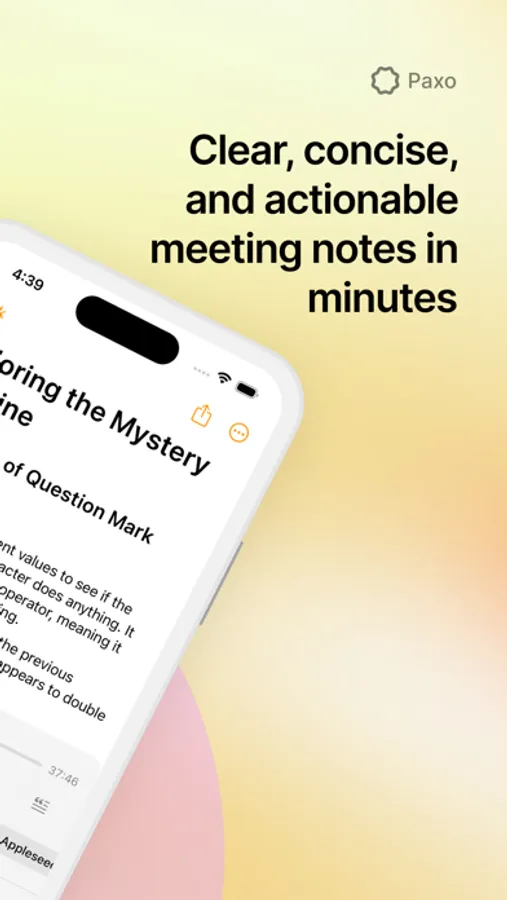
- AI-Generated, fully editable markdown notes: After recording a meeting, Paxo leverages OpenAI GPT to automatically generate notes in a well-summarized, easy-to-digest format that comprehensively covers the contents of your meeting. These notes are fully editable, and they can be exported to your document-editor of choice (Notion, Google Docs, Microsoft Word, etc.)
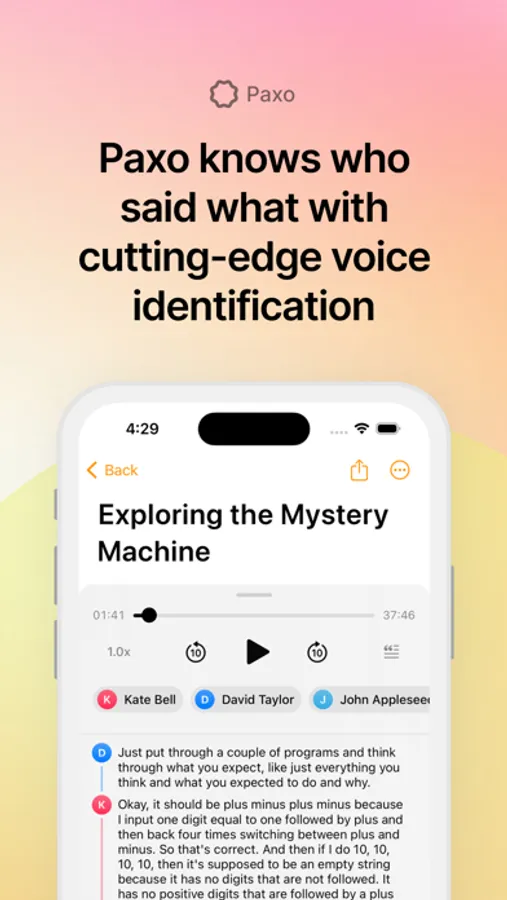
- Speaker identification: Paxo uses cutting-edge voice processing to distinguish between speakers in your meetings. Conveniently assign speakers using your Contacts, and Paxo will learn their voices and recommend speaker assignments for future recordings. After assigning speakers, the transcript and notes will update in real-time to reflect speaker names.
- Automatic time-indexed transcripts: In addition to markdown notes, Paxo uses state-of-the-art OpenAI Whisper technology to generate a transcript of the audio. This transcript is fully interactive; you can click on a part of the transcript to seek to a different point in the audio playback, and the part of the transcript that is highlighted tracks what is being played by the audio player.
- Audio playback: The underlying audio recording is saved and playable from within the interface, with support for seeking to different points in the recording, skipping back and forth 10 seconds, and changing playback speed.
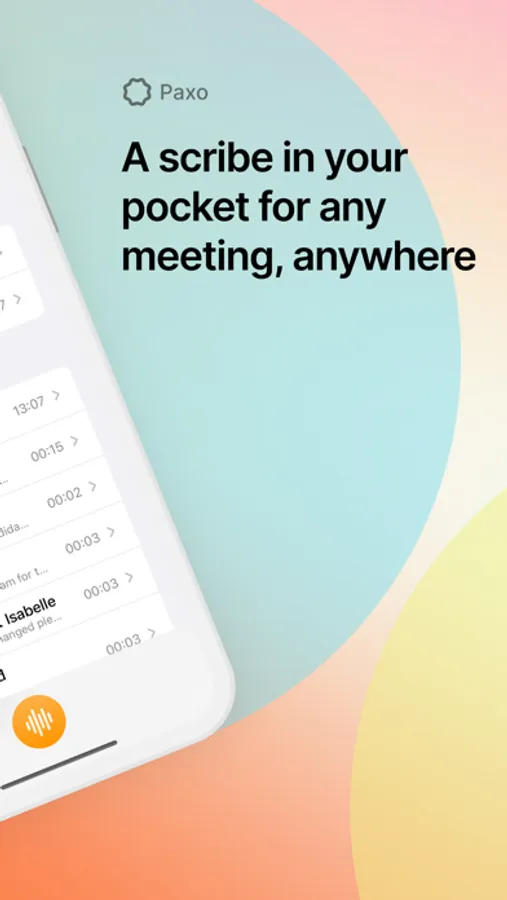
- Search: All your notes on Paxo are fully searchable; you can search for a piece of text that appeared in your notes or transcript for a recording. Searching yields a list of recordings and previews for the search text, from where you can click on the desired recording.
- Import and export: Paxo makes it easy to import and export recordings, transcripts, and notes, so you can use them with other applications. Export your recordings, transcripts, and notes in .txt and .m4a formats. You can even choose to directly import a recording from another app (Google Drive, Dropbox, etc.) into Paxo.
PLANS AND PRICING
AI-generated notes and speaker identification are only available if you subscribe to Paxo Pro for $8.99 / month. Transcriptions are available for all users free of charge.
PRIVACY AND SECURITY
Paxo is architected from the ground up for privacy. We store your recordings on device — not in our cloud. We delete your recordings from our servers as soon as we're done processing them.
Contact Us: team@paxo.ai.
Privacy Policy and Terms of Service: https://www.paxo.ai/pages/terms-and-privacy
Paxo offers tons of groundbreaking features:
- AI-Generated, fully editable markdown notes: After recording a meeting, Paxo leverages OpenAI GPT to automatically generate notes in a well-summarized, easy-to-digest format that comprehensively covers the contents of your meeting. These notes are fully editable, and they can be exported to your document-editor of choice (Notion, Google Docs, Microsoft Word, etc.)
- Speaker identification: Paxo uses cutting-edge voice processing to distinguish between speakers in your meetings. Conveniently assign speakers using your Contacts, and Paxo will learn their voices and recommend speaker assignments for future recordings. After assigning speakers, the transcript and notes will update in real-time to reflect speaker names.
- Automatic time-indexed transcripts: In addition to markdown notes, Paxo uses state-of-the-art OpenAI Whisper technology to generate a transcript of the audio. This transcript is fully interactive; you can click on a part of the transcript to seek to a different point in the audio playback, and the part of the transcript that is highlighted tracks what is being played by the audio player.
- Audio playback: The underlying audio recording is saved and playable from within the interface, with support for seeking to different points in the recording, skipping back and forth 10 seconds, and changing playback speed.
- Search: All your notes on Paxo are fully searchable; you can search for a piece of text that appeared in your notes or transcript for a recording. Searching yields a list of recordings and previews for the search text, from where you can click on the desired recording.
- Import and export: Paxo makes it easy to import and export recordings, transcripts, and notes, so you can use them with other applications. Export your recordings, transcripts, and notes in .txt and .m4a formats. You can even choose to directly import a recording from another app (Google Drive, Dropbox, etc.) into Paxo.
PLANS AND PRICING
AI-generated notes and speaker identification are only available if you subscribe to Paxo Pro for $8.99 / month. Transcriptions are available for all users free of charge.
PRIVACY AND SECURITY
Paxo is architected from the ground up for privacy. We store your recordings on device — not in our cloud. We delete your recordings from our servers as soon as we're done processing them.
Contact Us: team@paxo.ai.
Privacy Policy and Terms of Service: https://www.paxo.ai/pages/terms-and-privacy
Paxo: AI Meeting Notes Screenshots

Tap to Rate:
Reviews for Paxo: AI Meeting Notes
Squeen661
No print option
Great meeting summary. Could not print this summary. Could only save verbatim transcript. Not being able to print is a no go.
Sweetnovember67.lc
Need tweaking
When I try to export the notes, it does not let me. For example when I select email it will open , but as soon as I try to pick a recipient it closes.