In this pixel art studio, you can create detailed pixel illustrations, spritesheets, and animations using a comprehensive toolkit. Includes advanced layers, high-performance rendering, and customizable interface layout options.
AppRecs review analysis
AppRecs rating 4.5. Trustworthiness 77 out of 100. Review manipulation risk 23 out of 100. Based on a review sample analyzed.
★★★★☆
4.5
AppRecs Rating
Ratings breakdown
5 star
85%
4 star
8%
3 star
3%
2 star
2%
1 star
3%
What to know
✓
Low review manipulation risk
23% review manipulation risk
✓
Credible reviews
77% trustworthiness score from analyzed reviews
⚠
Pricing complaints
Many low ratings mention paywalls or pricing
About Resprite: pixel art studio
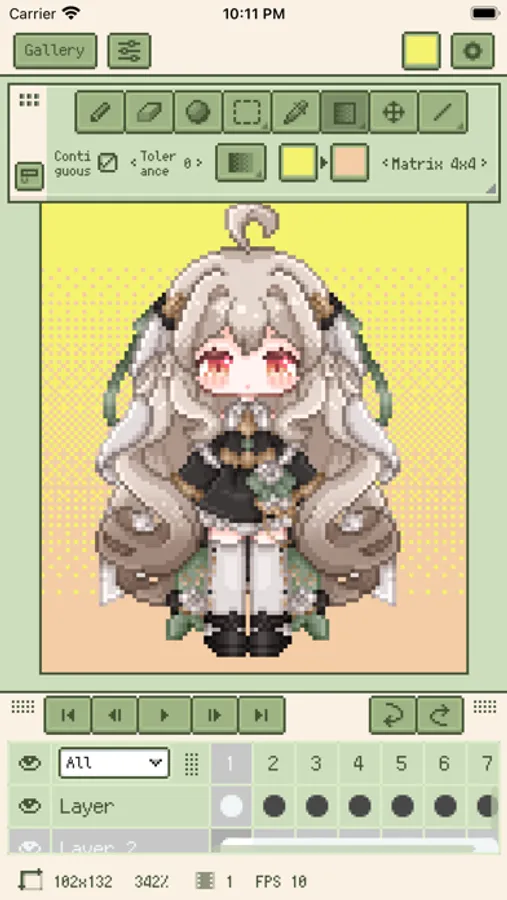
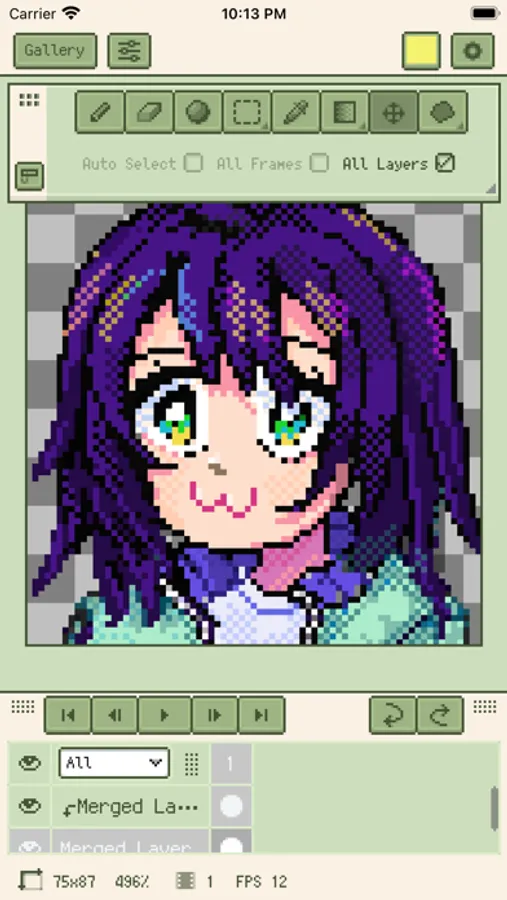
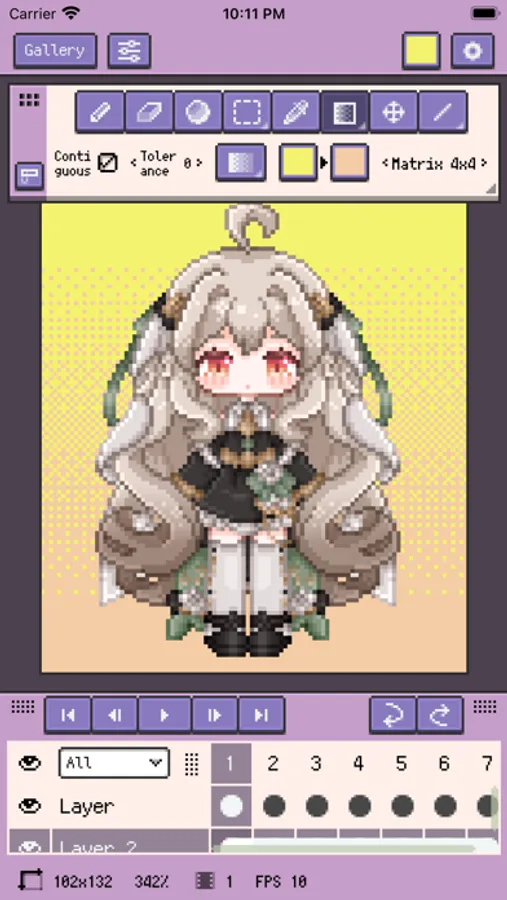
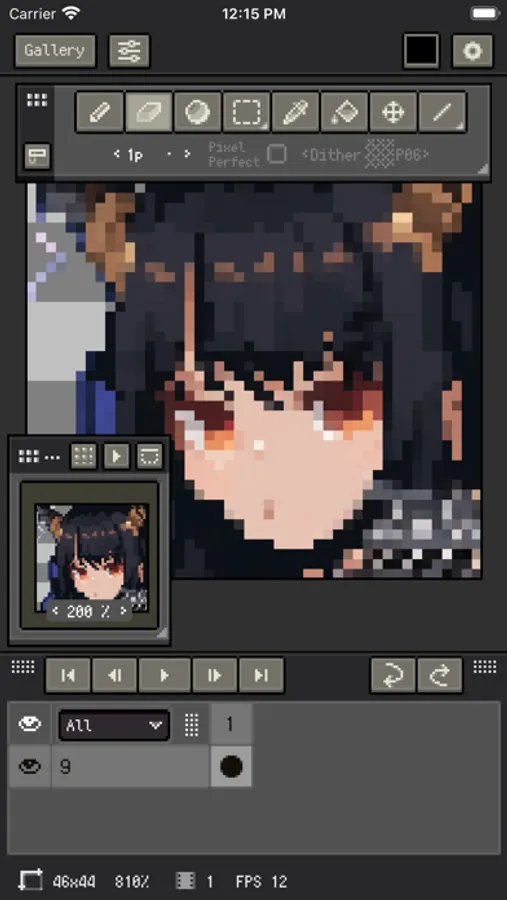
Resprite brings together a complete pixel toolset, an innovative coloring system, advanced layers and timelines, and a Metal-powered high-performance renderer so you can easily make pixel illustrations, spritesheets, GIF animations, and game art assets.
Wherever you are—at home, camping, on the beach, or waiting at the gate—you can start creating. Resprite is your mobile pixel art studio.
Resprite includes:
- High-performance drawing engine
- Innovative and efficient palette and coloring tools
- Complete dithering pattern support
- Flexible interface layout, always one tap away
- Optimized gesture and pen controls for precision
Flexible interface layout:
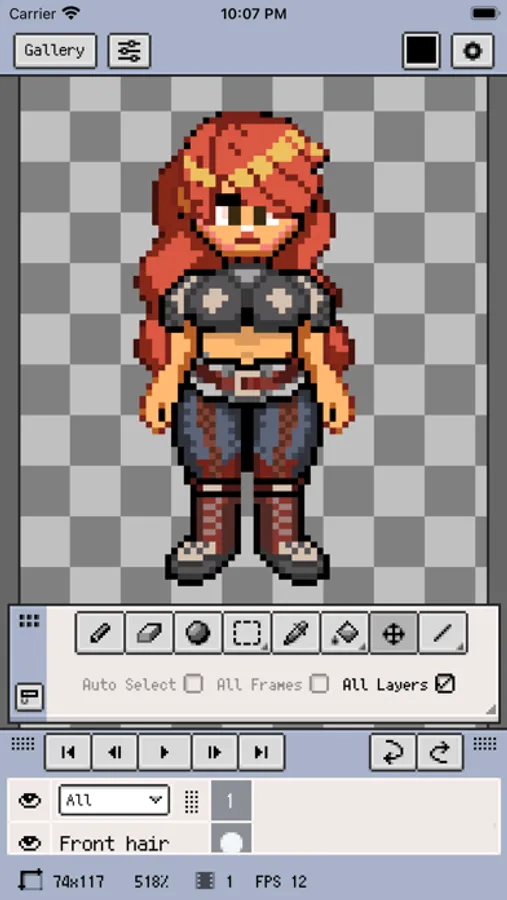
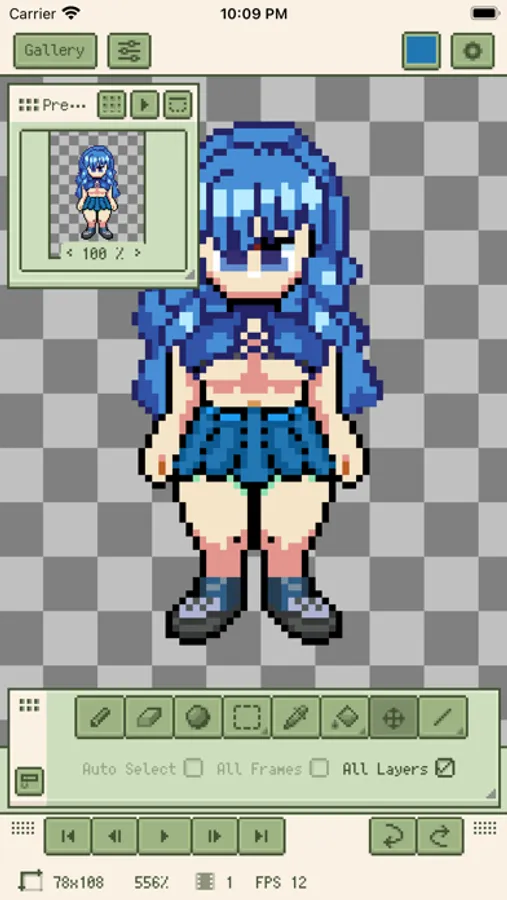
- Arrange floating panels freely
- All panels can be minimized
- Shorten the distance between pen and target to boost efficiency
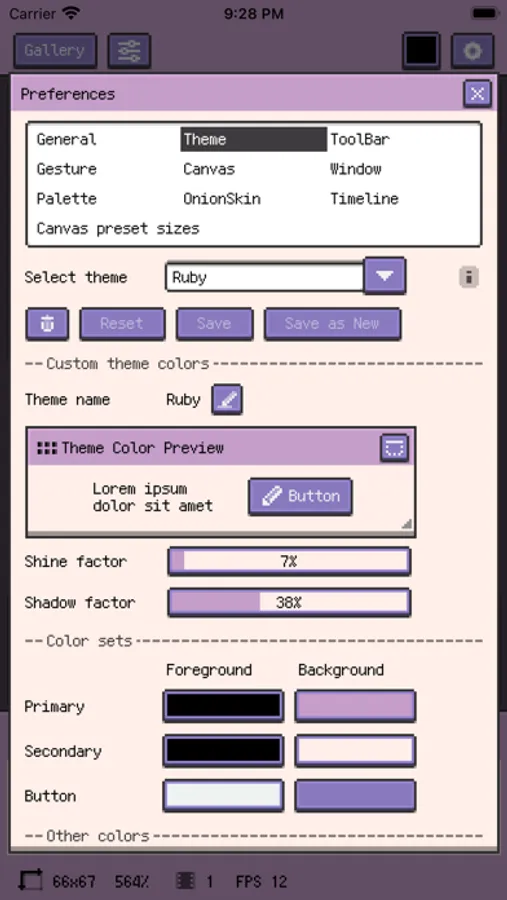
- Cohesive pixel-styled UI
All-in-one toolset:
- Brushes, innovative coloring tools, three selection tools, eyedropper, paint bucket, three shape tools, plus rich sub-options
- Pixel Perfect, Alpha Lock, dithering textures, and other advanced features
- Place the toolbar anywhere for instant access
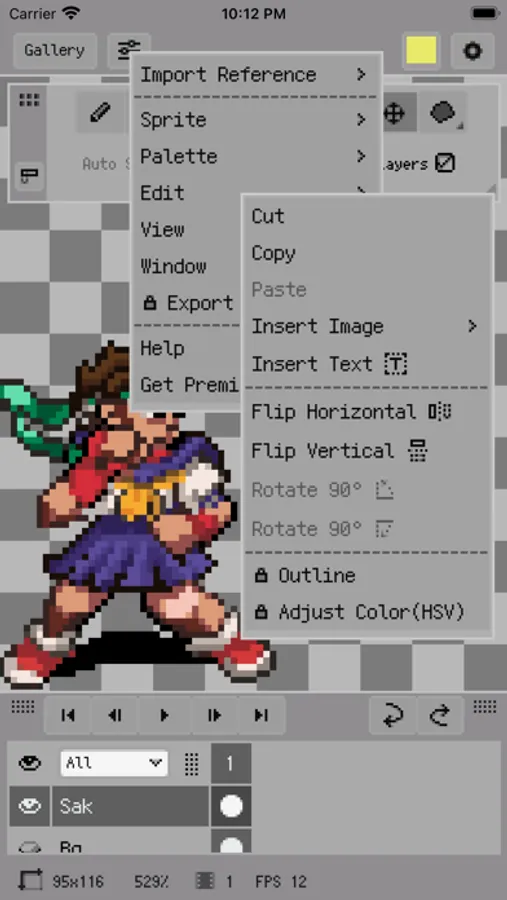
- Copy, paste (including across files), flip horizontally/vertically, rotate, scale
- Zoom and transform both canvas and image
- Quick outline, HSV tuning, brightness/contrast adjustment, blur filter
- Insert multi-line or vertical text, with custom fonts
Convenient reference images:
- Load multiple reference images
- References can be zoomed and minimized
- Place them anywhere
Innovative palette:
- Free placement layout
- Linked workflow with coloring tools
- Interpolate to create intermediate colors
- Palette import and export
- Automatically sample palettes from the canvas
Import and sharing:
- Import/export GIF, spritesheet, and Resprite packages
- Export with scale, frame margin, spritesheet layout options, and more
- Export per animation clip or by row
- Import/export palettes (GPL, RPL formats)
- Export PSD files
- Import/export APNG animations
- Export timelapse recordings of your drawing
Layer and timeline system:
- Comprehensive features for flexible layer-based creation
- Copy, merge, flatten, rasterize, and other advanced operations
- Onion Skin support
- Set multiple animation clips and select them individually
- Reliable performance—smooth even with hundreds of frames
- Color tags, multi-level grouping, and opacity control
Fast gesture operations:
- Supports low-tilt and heavy-press stylus gestures
- Two-finger/three-finger tap for undo/redo
- Customizable pen Double-Tap actions
- One-finger gestures to switch frames, play, and toggle onion skin
- Long-press gesture
- Flexibly map gestures to actions
Pixel art in the demos comes from these artists:
史大巴、斯尔娜娜、扑倒奥利奥、吱小墨、妘归、KATLEE十三、石睐暮
PREMIUM:
Your Resprite PREMIUM unlocks:
- Remove export limits
- Color adjustments
- Stroke
- Symmetry tool
- Text tool
All app features are available, and Premium is shared between iPad and iPhone.
Customer support:
Docs: https://resprite.fengeon.com/
Email: support@fengeon.com
Optional in-app purchases:
Charges are deducted from your iTunes account. Subscriptions renew automatically unless auto-renew is turned off at least 24 hours before the current period ends. After purchase, you can manage auto-renewal anytime in your Apple ID account settings.
Terms and conditions:
Your use of this app is governed by the Terms at https://resprite.fengeon.com/terms and the Privacy Policy at https://resprite.fengeon.com/privacy, including future versions.
Resprite: pixel art studio Screenshots
Tap to Rate:
Reviews for Resprite: pixel art studio
OPP x NIVAL
Spoiled
Beyond spoiled to have such a tool in my hand.
JakGdrawz
Nice mobile alternative for aseprite
So I already have aseprite right, well that’s a pc only thing, so this in turn is a good option for on the go spriting…I still prefer to use a mouse for my spriting and not my fingers, but this is still nice :D Also ps: this is probably a bug but somehow for some strange reason it won’t let me place pixels on a blank canvas, but when I fill it it will…also note I’ve tried restarting/ closing out the app and the bug persists even then…idk what I did but I did something…cause it was fine before…but still