
AppRecs review analysis
AppRecs rating 4.5. Trustworthiness 53 out of 100. Review manipulation risk 33 out of 100. Based on a review sample analyzed.
★★★★☆
4.5
AppRecs Rating
Ratings breakdown
5 star
98%
4 star
2%
3 star
0%
2 star
0%
1 star
0%
What to know
✓
High user satisfaction
98% of sampled ratings are 5 stars
About InfiniteInfo
Free on download:
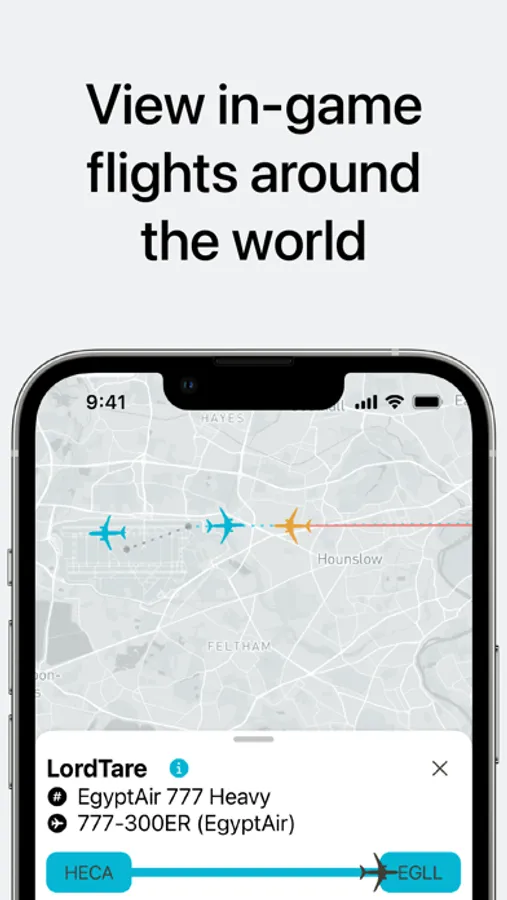
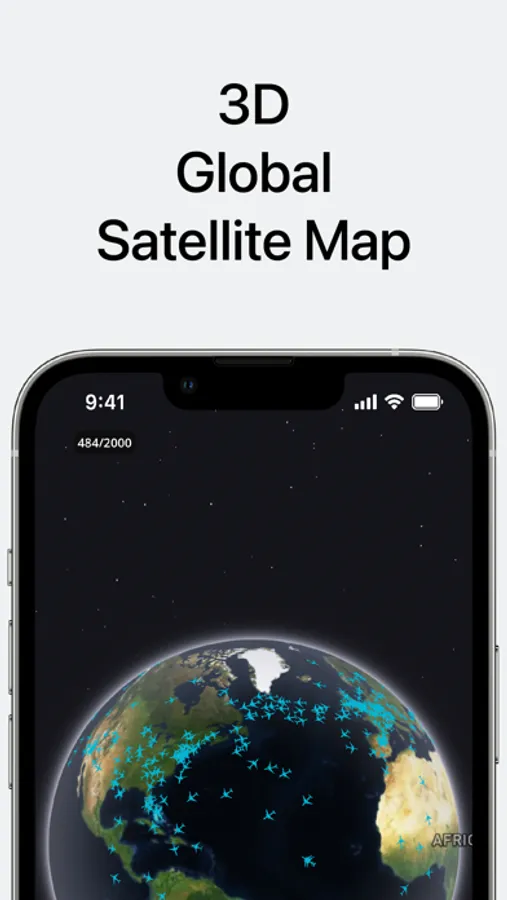
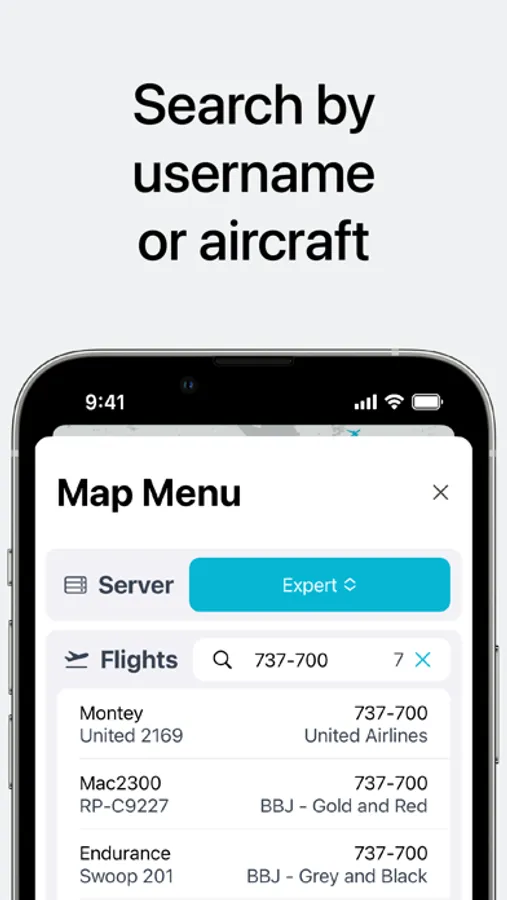
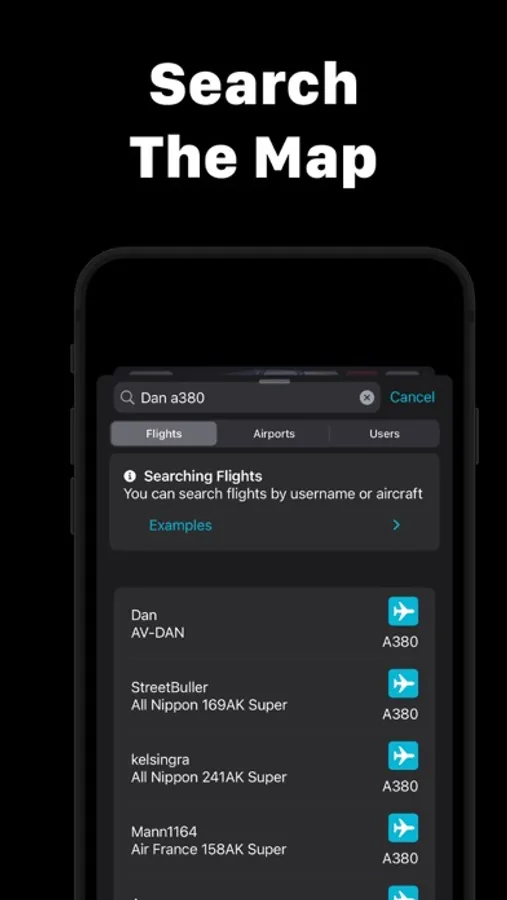
- Track any flight across all three servers (Casual, Training, and Expert)
- View an aircraft's flight plan color coded based on SIDs, STARs, Approaches, and Tracks
- View an aircraft's flight track color coded based on altitude
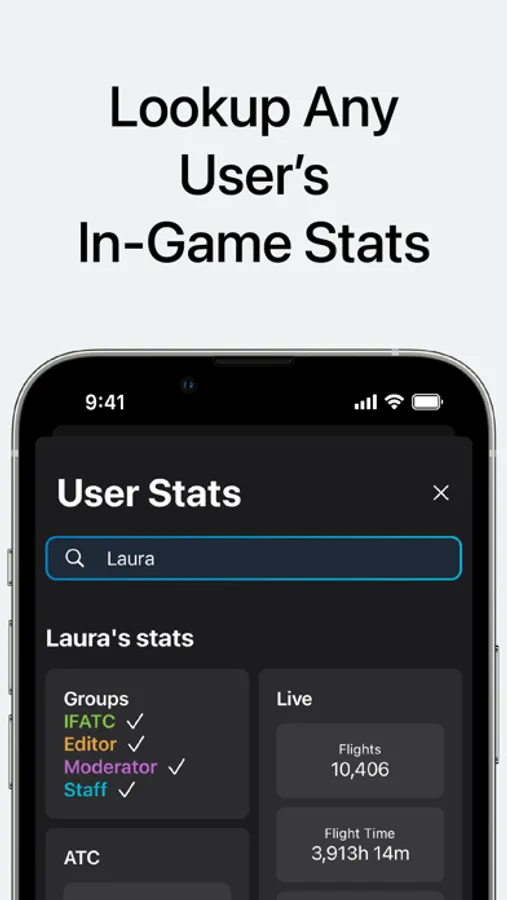
- Lookup any user's statistics
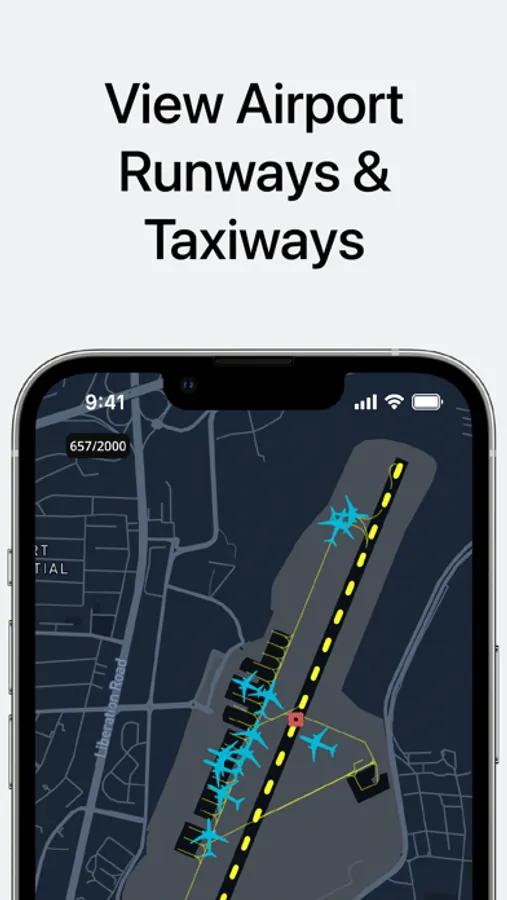
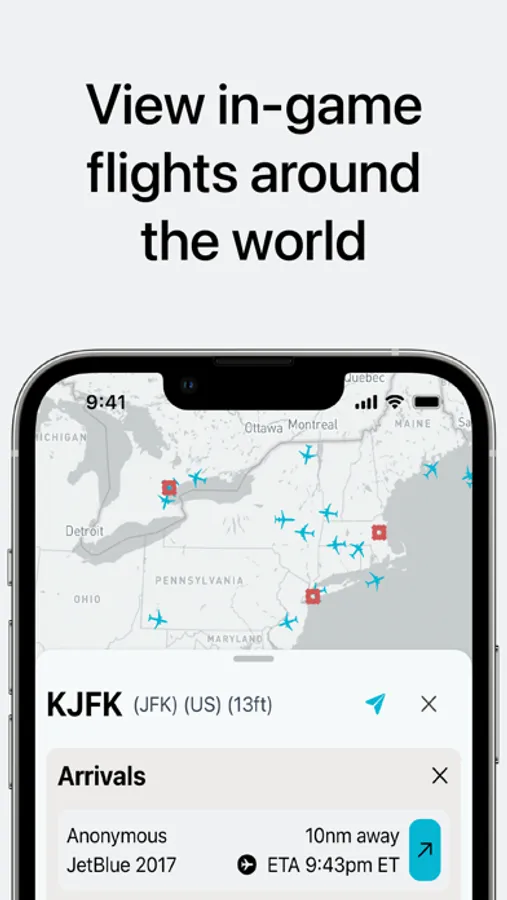
- Flight Information for active airports on the servers
- Details about airports
- Flight Snapshots
InfiniteInfo Plus features:
- Flight Graphs: View graphs for each flight as well as explore different data points while watching a flight replay on the map
- Focused User: Highlight up to 10 users of your choice on the map so they are easier to spot and follow
- Flight Plan Information: Get information about an aircraft's flight plan like its STARs, SIDs, approaches and more
- ATC Boxes: Show information about ATC on the map above the active airports
- Active Airport Searching: Search through active airports using the airport search menu
- Airport Inbound and Outbound Filtering: Filter the aircraft on the map to only be showing if they are inbound or outbound to the selected airport
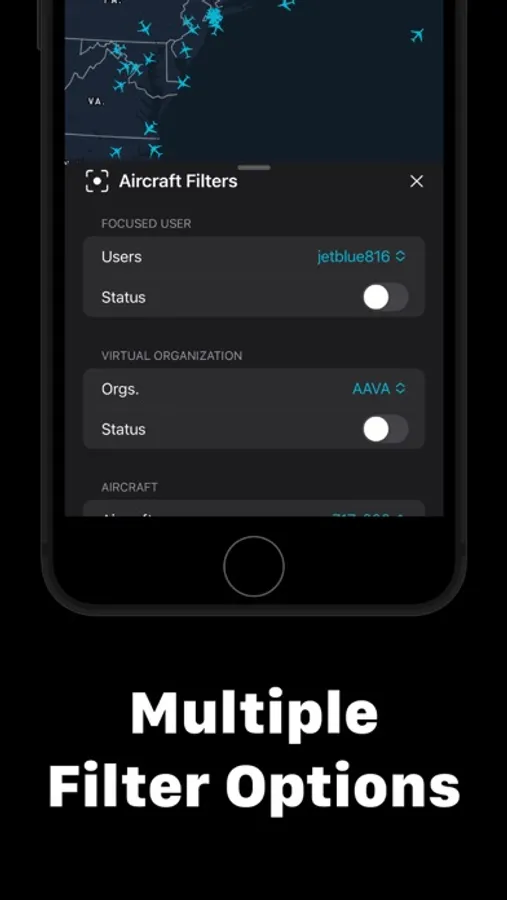
- Map Filters: Access to 4 filters which allow you to filter by focused users, virtual airline/organization, altitude range, and aircraft type.
- Unique Icons: Aircraft will be displayed on the map by an icon that is close to what it would look like in the simulator. For example, A 737-700 or A320 will be represented by a narrow body jet on the map
- Selected User: Highlight the aircraft of the currently selected user
- Terrain Map: Shows terrain map when zoomed in
Terms of Use: https://www.apple.com/legal/internet-services/itunes/dev/stdeula/
InfiniteInfo Screenshots
Tap to Rate:
Reviews for InfiniteInfo
Josiah is coolavgeek
Error code 54
Why everytime I reinstall the app it always keeps giving me the error code I heard it’s good but it won’t let me use the app
UPS11_Jim
Loving It
This app is the best for finding friends online, seeing flights around the world, flight plans, and other info. We need a way to be able clock on 2 aircrafts to see how many nm they’re apart. With or without that, this is still the best app to use when flying to avoid conflicts in the skies. It’s like having a TCAS.