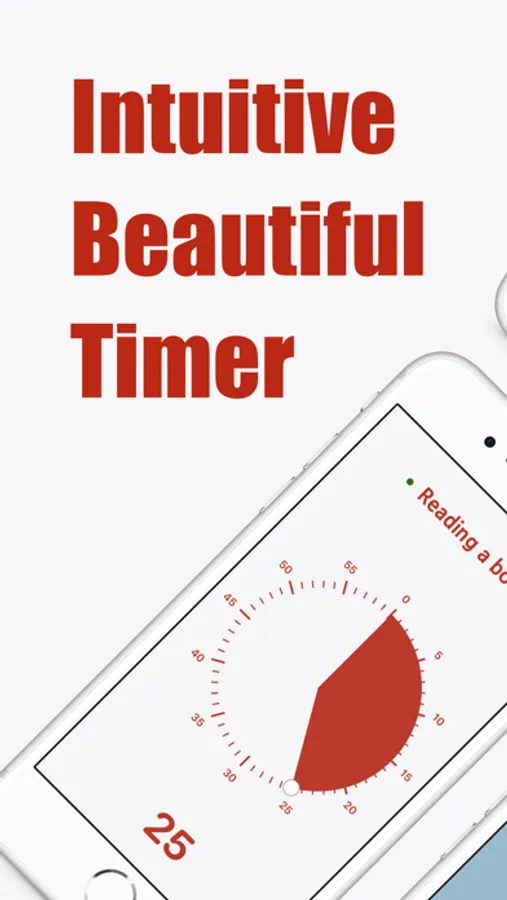
In this timer app, you can set focus sessions using a drag interface and track progress with intuitive visuals. Includes customizable themes, retrospective task notes, and iCloud synchronization for seamless device access.
AppRecs review analysis
AppRecs rating 4.4. Trustworthiness 71 out of 100. Review manipulation risk 27 out of 100. Based on a review sample analyzed.
★★★★☆
4.4
AppRecs Rating
Ratings breakdown
5 star
85%
4 star
7%
3 star
5%
2 star
2%
1 star
2%
What to know
✓
Low review manipulation risk
27% review manipulation risk
✓
Credible reviews
71% trustworthiness score from analyzed reviews
✓
High user satisfaction
85% of sampled ratings are 5 stars
About Ultimate Focus - Visual Timer
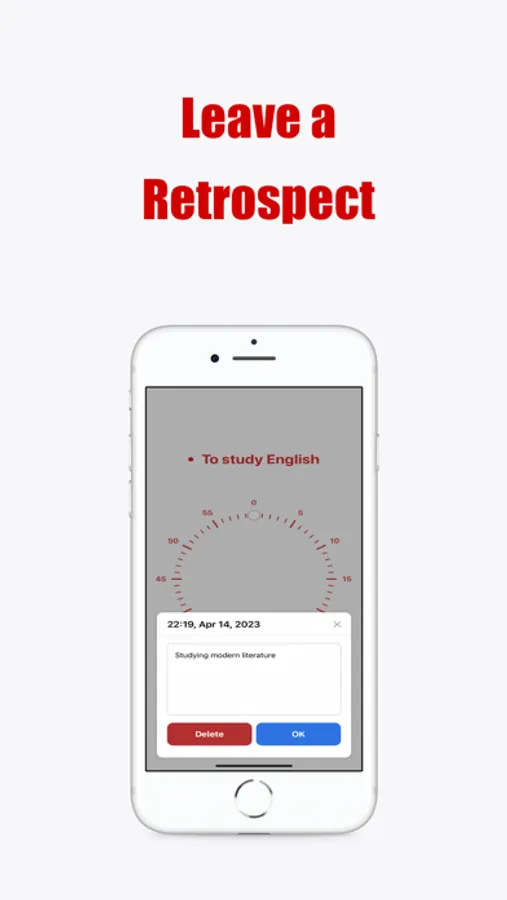
It encourages you to reflect after each focus session, offering insights that guide you in refining your future focus management.
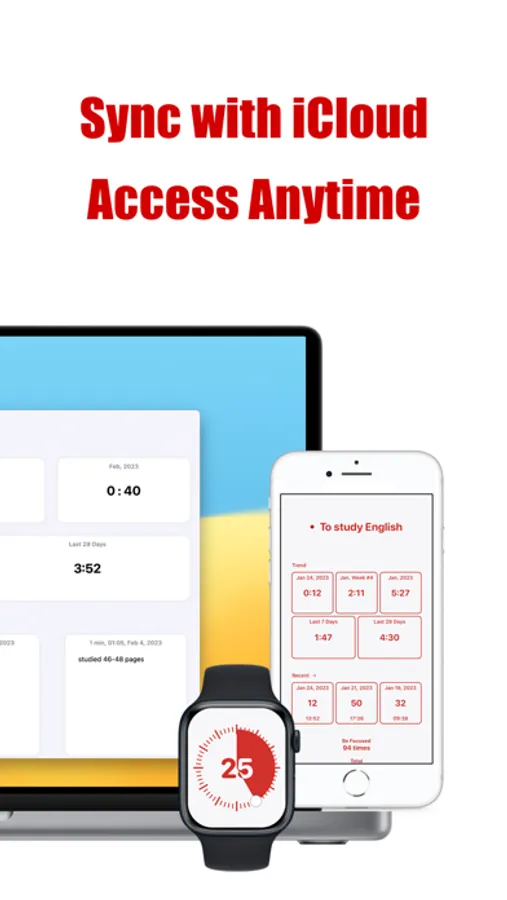
With iCloud synchronization, Ultimate Focus is accessible, manageable, and synchronizable anywhere, anytime.
Harness the power of the Pomodoro Technique, elegantly designed within the app, to strike the optimal balance between focus and relaxation periods, ensuring you sustain peak productivity.
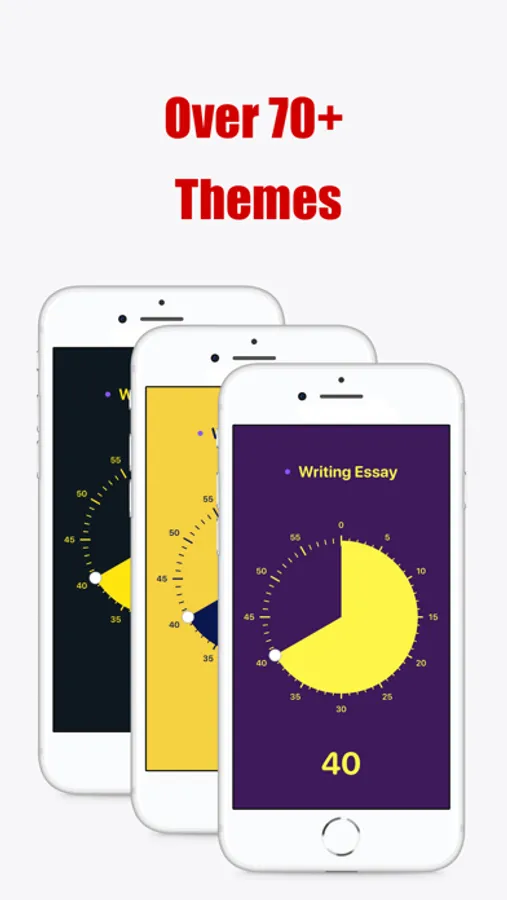
Despite adhering to minimalism, Ultimate Focus is rich in customization with over 70 distinct themes, letting you tailor the app according to your individual tastes.
Features:
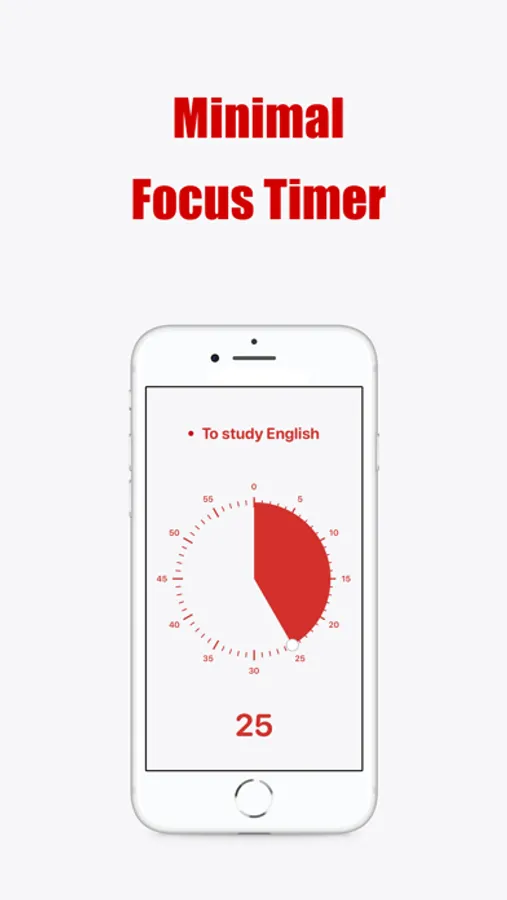
- Set your focus time effortlessly with a simple finger-drag.
- Remain informed of remaining time with our intuitive pie-chart.
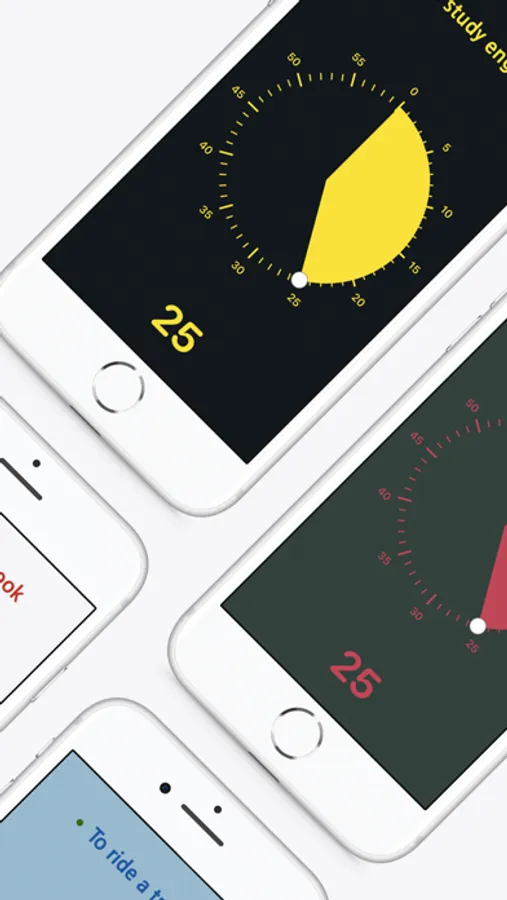
- Select from a wide array of over 70 color themes to design your preferred interface.
- Opt for your ideal alarm sound from our diverse library (premium plan).
- Choose the background music that complements your taste from our expansive collection (premium plan).
- With iCloud synchronization, you can view and modify your focus record on other devices, ensuring seamless continuity (premium plan).
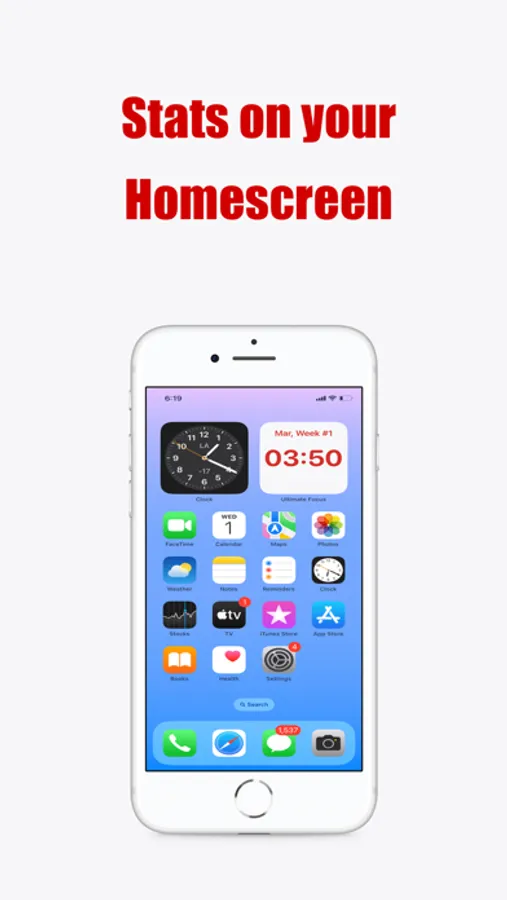
- Utilize widgets to monitor your focus stats on the Home screen.
- Customize your app icon to match the color theme of your choice.
- Manage your focus efficiently by creating a new session for each task.
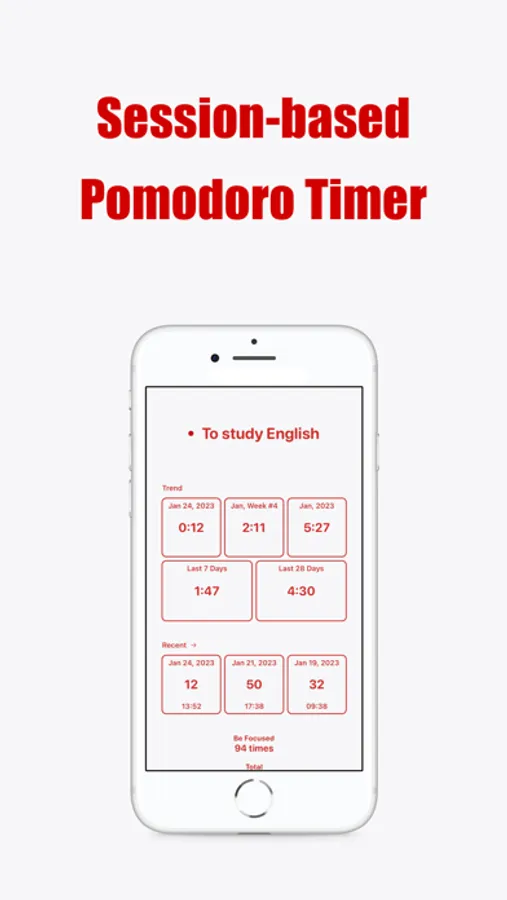
- The Statistics window offers an immediate overview of your recent focus.
- After each focus session, jot down your task using the retrospect function for future reference.
- Retrospects are easily accessible through the retrospect window and support modification and deletion.
- Utilize the Splitview feature for simultaneous viewing of timer and other apps (for iPad).
- With routine notifications, you can regularly manage your focus.
- Maximize productivity with Pomodoro mode, alternating between focused work and rejuvenating break.
-
- You can synchronize the focus history with calendar app
If you encounter any issues, have queries, or spot a bug during your use of the app, please feel free to reach us at hello@ultimatefocus.app
Terms of Use : https://www.apple.com/legal/internet-services/itunes/dev/stdeula/
Ultimate Focus - Visual Timer Screenshots
Tap to Rate:
Reviews for Ultimate Focus - Visual Timer
SD photo geek
So Far So Good
Seems like a well-executed app, so far. Thank you.
Olive_the_Color
Beautiful and Effective
I’ve tried too many pomodoro and time tracking apps. This is my favorite one. It’s minimal, gorgeous, and buttery smooth. I don’t know why it’s not more popular! Quick suggestions: I’d love to be able to choose my own theming colors. If there was a also a weekly report that showed me what time during the day I was most productive, total hours studied per day, heat map of productivity, comparison to past weeks, AI to break down what all of these trends mean, that would take this app to the next level. I’d be happy to pay a small monthly subscription for those kinds of features. I’m hoping that more people discover this app soon, it deserves more love :D