
AppRecs review analysis
AppRecs rating 4.0. Trustworthiness 65 out of 100. Review manipulation risk 29 out of 100. Based on a review sample analyzed.
★★★★☆
4.0
AppRecs Rating
Ratings breakdown
5 star
0%
4 star
100%
3 star
0%
2 star
0%
1 star
0%
What to know
✓
Low review manipulation risk
29% review manipulation risk
✓
High user satisfaction
100% of sampled ratings are 4+ stars (4.0★ average)
About Kalimbar
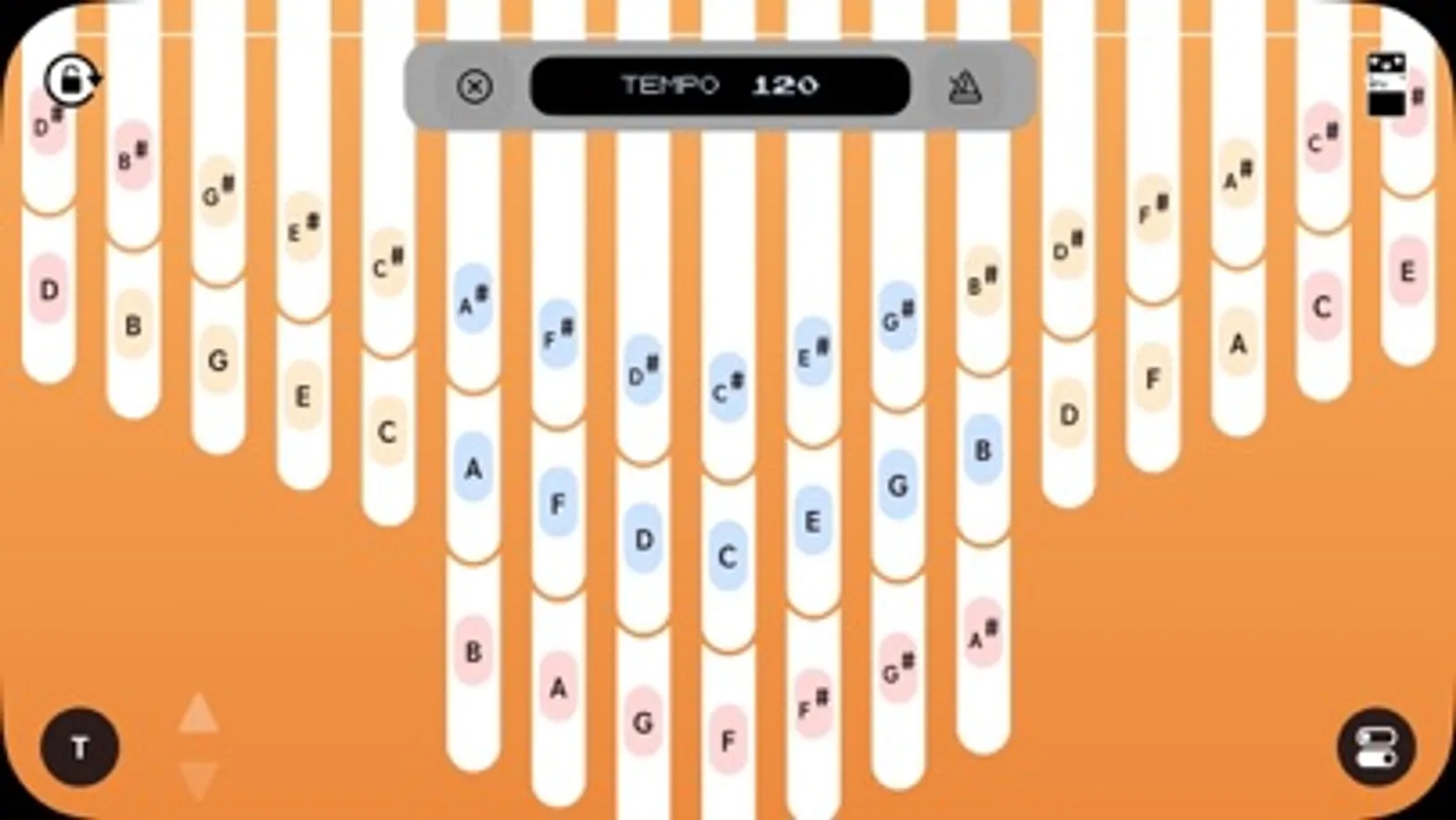
Supports 17/34/41-key layouts. A serious kalimba performance app loved by some professional kalimba players.
• Portrait & landscape support, with realistic kalimba sounds
• Rich customization: tone, transposition, note-name display, and custom wallpapers
• Effects
• Metronome
• Recording & playback
• Add overdubs to layer your performance
• Change key and tempo during playback
• Seamless performance data sharing with our companion app, Melodician
• Simple staff notation display
• Many features are available for free. No ads while screen recording
【FAQ】
Q. I’m concerned about the response time (latency) between tapping and hearing the sound.
A. We recommend using the device’s built-in speaker or a wired connection (earphones/headphones via USB-C/Lightning).
Note: Bluetooth (wireless) audio is more likely to introduce delay by design.
Q. When I use 3-finger (or more) multitouch, the sound or behavior becomes unstable.
A. If Settings > Accessibility > Zoom is ON, iOS/iPadOS prioritizes its built-in three-finger gestures, which can interfere with this app’s controls.
If needed, please temporarily turn Zoom OFF.
• Portrait & landscape support, with realistic kalimba sounds
• Rich customization: tone, transposition, note-name display, and custom wallpapers
• Effects
• Metronome
• Recording & playback
• Add overdubs to layer your performance
• Change key and tempo during playback
• Seamless performance data sharing with our companion app, Melodician
• Simple staff notation display
• Many features are available for free. No ads while screen recording
【FAQ】
Q. I’m concerned about the response time (latency) between tapping and hearing the sound.
A. We recommend using the device’s built-in speaker or a wired connection (earphones/headphones via USB-C/Lightning).
Note: Bluetooth (wireless) audio is more likely to introduce delay by design.
Q. When I use 3-finger (or more) multitouch, the sound or behavior becomes unstable.
A. If Settings > Accessibility > Zoom is ON, iOS/iPadOS prioritizes its built-in three-finger gestures, which can interfere with this app’s controls.
If needed, please temporarily turn Zoom OFF.
Kalimbar Screenshots
Tap to Rate:
Reviews for Kalimbar
HelloCaity
fun app for when you can’t bring a kalimba
The high notes are a bit plinky. It’s accurate, but I wish I had the option to hear non-plinky versions as well. Would also be nice to have an option to label the keys as numbers instead of letters. But hey, it’s free, and it’s the best chromatic kalimba app I’ve tried. :)