About Fraud Scanner
Fraud Scanner: Prevent Online Fraud
Receive automatic alerts for unsafe websites.
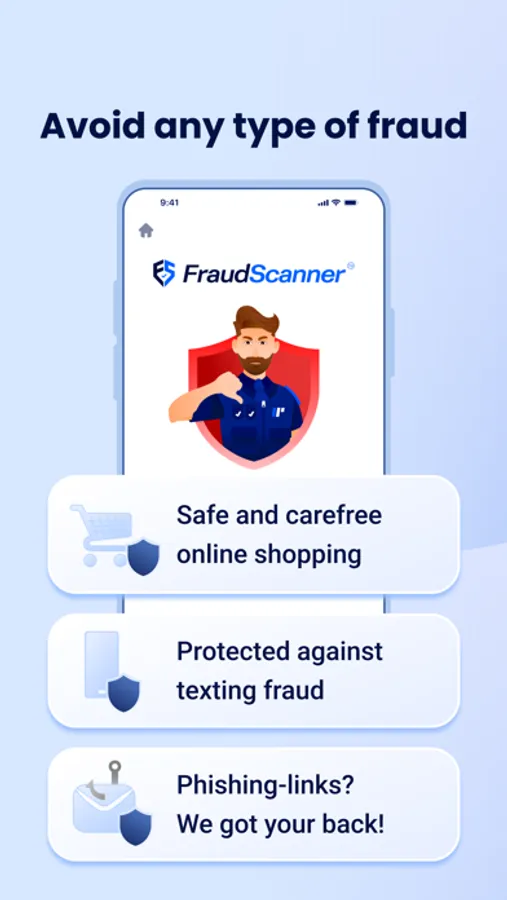
Do you want to browse the internet safely without the risk of online scams like phishing or fraud? Fraud Scanner (powered by Internet Police) instantly warns you about suspicious websites and online scammers. The app provides real-time alerts to help you stay safe online. Over 40,000 people in the Netherlands are already using it—don’t become a victim of internet criminals!
Why download the Fraud Scanner?
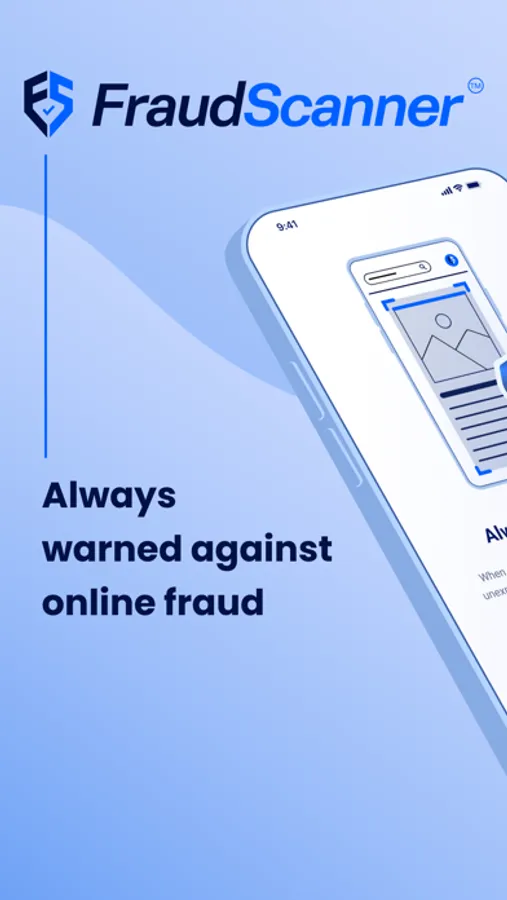
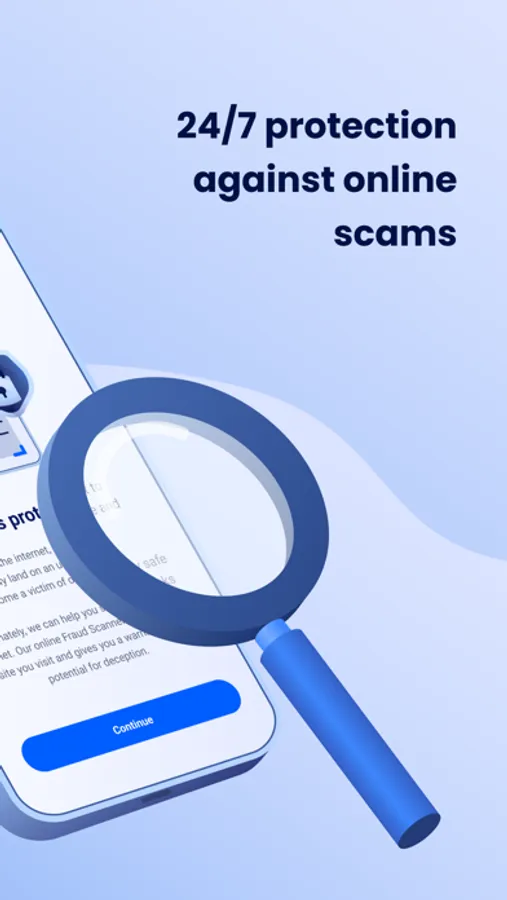
- Always protected – Get instant warnings for dangerous websites.
- Easy to use – No alert? The site is safe. Alert? Be cautious.
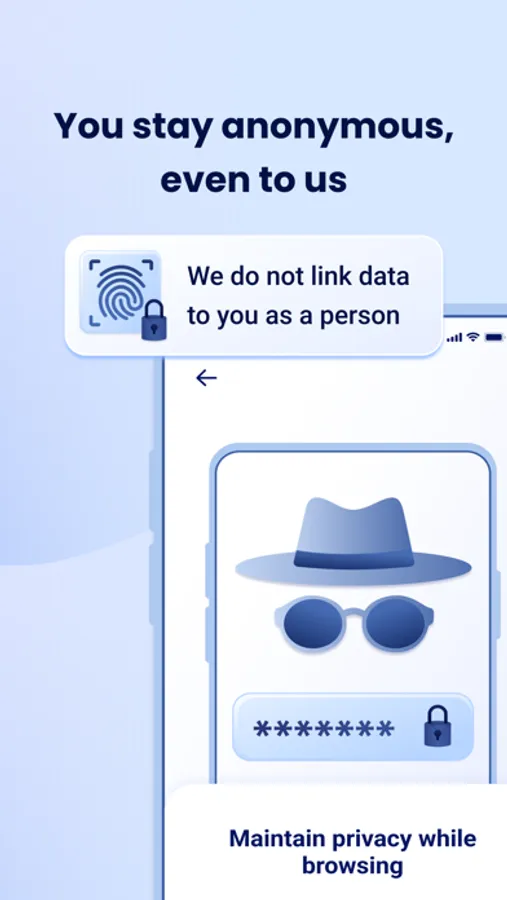
- Your privacy is secure – We don’t store personal data.
How does it work?
- Smart detection – New suspicious websites are added within 4 minutes.
- Automatic warnings – Get notified immediately about unsafe websites.
- Clear indicators – Green = safe, Yellow = suspicious, Red = dangerous.
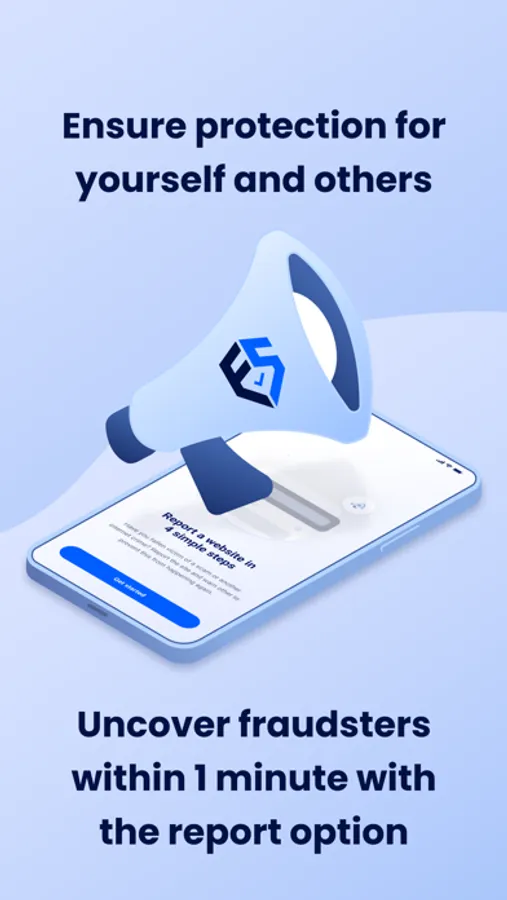
- Report a suspicious site – Easily submit suspicious websites.
- Community – Share experiences and tips with other users.
Protect yourself from online scams.
Download the Fraud Scanner today and browse the internet safely.
Want to know more? Visit www.fraudscanner.com.
Receive automatic alerts for unsafe websites.
Do you want to browse the internet safely without the risk of online scams like phishing or fraud? Fraud Scanner (powered by Internet Police) instantly warns you about suspicious websites and online scammers. The app provides real-time alerts to help you stay safe online. Over 40,000 people in the Netherlands are already using it—don’t become a victim of internet criminals!
Why download the Fraud Scanner?
- Always protected – Get instant warnings for dangerous websites.
- Easy to use – No alert? The site is safe. Alert? Be cautious.
- Your privacy is secure – We don’t store personal data.
How does it work?
- Smart detection – New suspicious websites are added within 4 minutes.
- Automatic warnings – Get notified immediately about unsafe websites.
- Clear indicators – Green = safe, Yellow = suspicious, Red = dangerous.
- Report a suspicious site – Easily submit suspicious websites.
- Community – Share experiences and tips with other users.
Protect yourself from online scams.
Download the Fraud Scanner today and browse the internet safely.
Want to know more? Visit www.fraudscanner.com.
Fraud Scanner Screenshots

Tap to Rate: