
AutoClicker - Auto Scroll: OP
My Media and Entertainment
4.4 ★
1K ratings
Free
In this automation app, you can set up automatic taps, scrolls, and multi-step actions to streamline tasks. Includes customizable intervals, multi-action sequences, and scripting options.
AppRecs review analysis
AppRecs rating 4.5. Trustworthiness 64 out of 100. Review manipulation risk 39 out of 100. Based on a review sample analyzed.
★★★★☆
4.5
AppRecs Rating
Ratings breakdown
5 star
74%
4 star
10%
3 star
6%
2 star
2%
1 star
7%
What to know
✓
High user satisfaction
84% of sampled ratings are 4+ stars (4.4★ average)
✓
Authentic reviews
Natural distribution, no red flags
About AutoClicker - Auto Scroll: OP
ONE CLICK ● MULTICLICK ● AUTO-SCROLL ● COMPLEX SCENARIOS
⁕⁕⁕ Automated Your Routine with a SINGLE TOUCH ⁕⁕⁕
With AutoClicker, you get a universal tool for automating any actions - from clicks and swipes to multi-step scenarios. Customize the number of taps, intervals (from 1 ms to hours) and precise tap zones.
KEY FEATURES:
▸ Smart Auto-Click — Set any intervals (from 1 ms) and tap locations
▸ Multi-Actions — Execute click sequences across different screen points in one cycle
▸ Auto-Scroll — Effortless content scrolling without manual input
▸ Advanced Scripts — Create and save multi-step action sequences
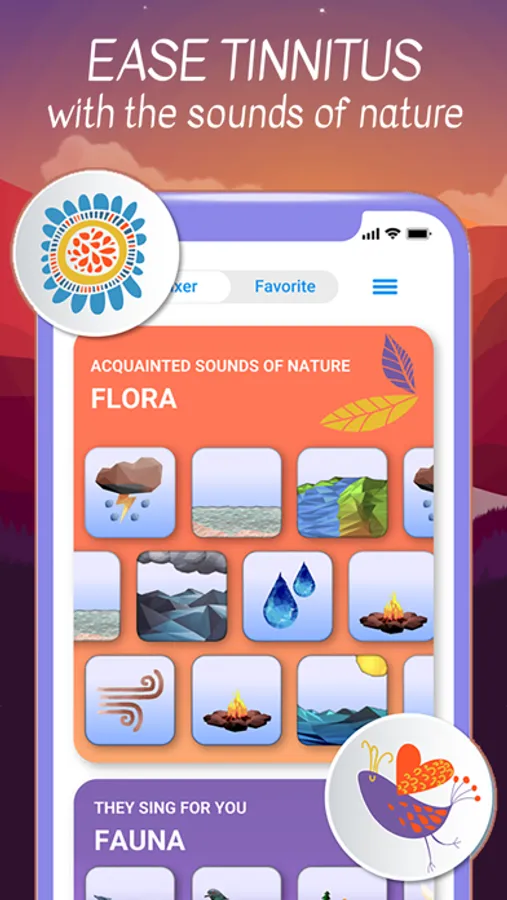
◆ ◆ ◆ Tinnitus Sound Masking ◆ ◆ ◆
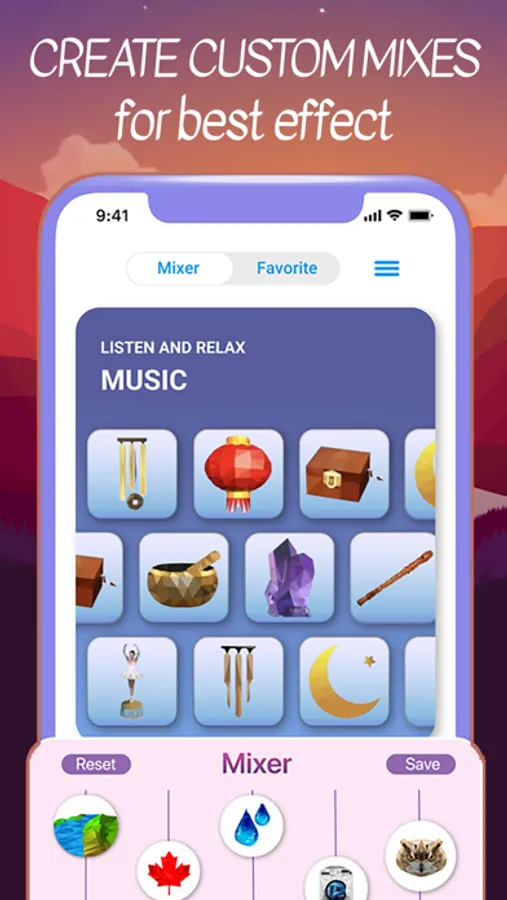
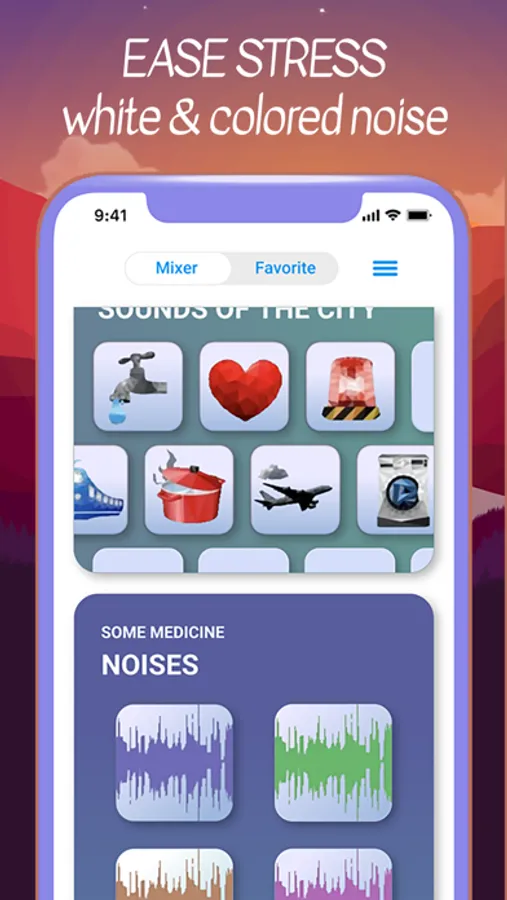
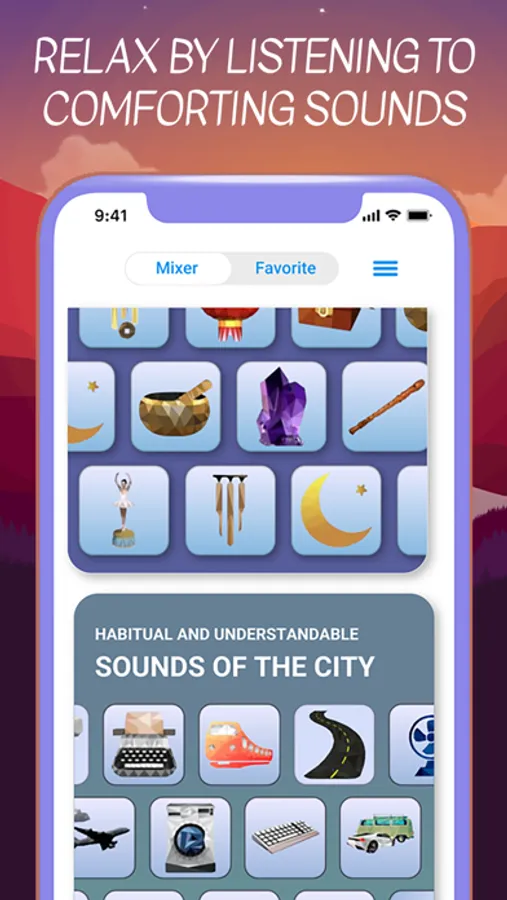
• Select and tap personalized mixes of white noise and nature sounds
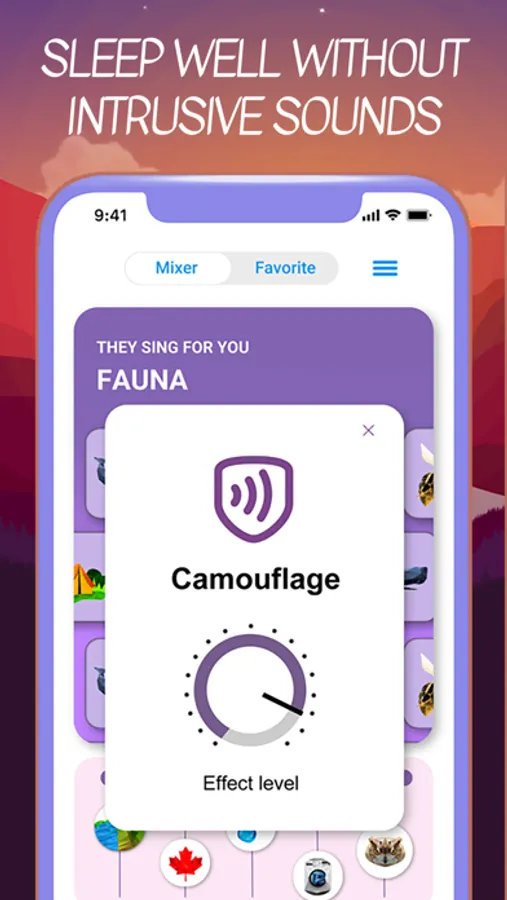
• Automatic adaptation to the environment
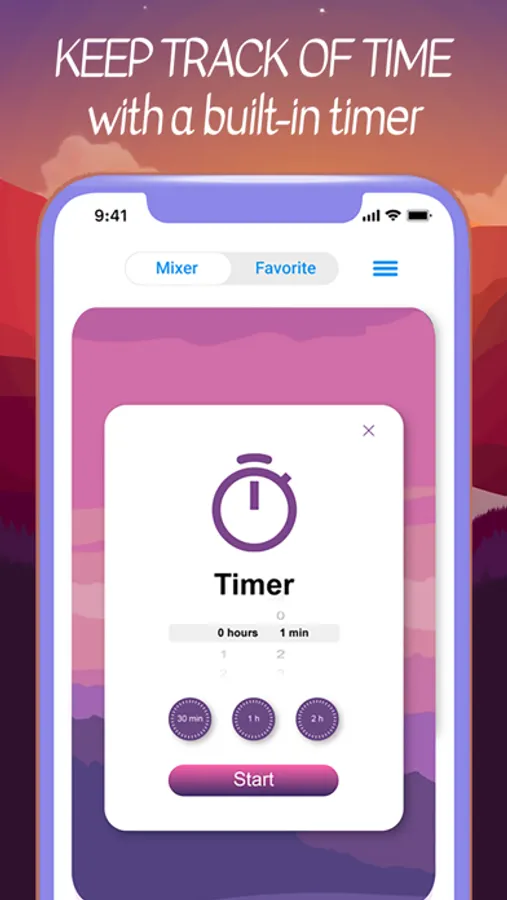
• Set a timer and let the auto-clicker handle phone routines
• Automatically scroll videos for audio background
BUILT-IN MINI-GAMES – train reaction and speed with:
► "Electronic Wooden Fish" - for relaxation and focus
► "Click Like Lightning" - speed test
► Brain gymnastics - attention exercises
► Concentration test - train perseverance
► And others.
Where is this useful?
Games – auto-battle, resource farming and automatic jumps without manual input.
Websites and social media – mass likes, auto-scrolling and form filling.
App testing – repeatable scenarios for functionality checks.
Work and study – automation of routine tasks in browsers and mobile office apps.
Stop wasting time on routine – trust it to AutoClicker!
Download now and get the most out of your device!
⁕⁕◆ Note: Auto functions are limited to the app environment and built-in activities. ◆⁕⁕
⁕⁕⁕ Automated Your Routine with a SINGLE TOUCH ⁕⁕⁕
With AutoClicker, you get a universal tool for automating any actions - from clicks and swipes to multi-step scenarios. Customize the number of taps, intervals (from 1 ms to hours) and precise tap zones.
KEY FEATURES:
▸ Smart Auto-Click — Set any intervals (from 1 ms) and tap locations
▸ Multi-Actions — Execute click sequences across different screen points in one cycle
▸ Auto-Scroll — Effortless content scrolling without manual input
▸ Advanced Scripts — Create and save multi-step action sequences
◆ ◆ ◆ Tinnitus Sound Masking ◆ ◆ ◆
• Select and tap personalized mixes of white noise and nature sounds
• Automatic adaptation to the environment
• Set a timer and let the auto-clicker handle phone routines
• Automatically scroll videos for audio background
BUILT-IN MINI-GAMES – train reaction and speed with:
► "Electronic Wooden Fish" - for relaxation and focus
► "Click Like Lightning" - speed test
► Brain gymnastics - attention exercises
► Concentration test - train perseverance
► And others.
Where is this useful?
Games – auto-battle, resource farming and automatic jumps without manual input.
Websites and social media – mass likes, auto-scrolling and form filling.
App testing – repeatable scenarios for functionality checks.
Work and study – automation of routine tasks in browsers and mobile office apps.
Stop wasting time on routine – trust it to AutoClicker!
Download now and get the most out of your device!
⁕⁕◆ Note: Auto functions are limited to the app environment and built-in activities. ◆⁕⁕
AutoClicker - Auto Scroll: OP Screenshots
Tap to Rate:
Reviews for AutoClicker - Auto Scroll: OP
Duthsu
Free? But it doesn’t work.
Sure the app is free, but it only works in the app. You can’t use the auto clicker on anything that requires you to open a different app, like the games you would want to use an auto clicker on.
elifbenil
Yes
Not bad