
About BookNotes | Save Highlights
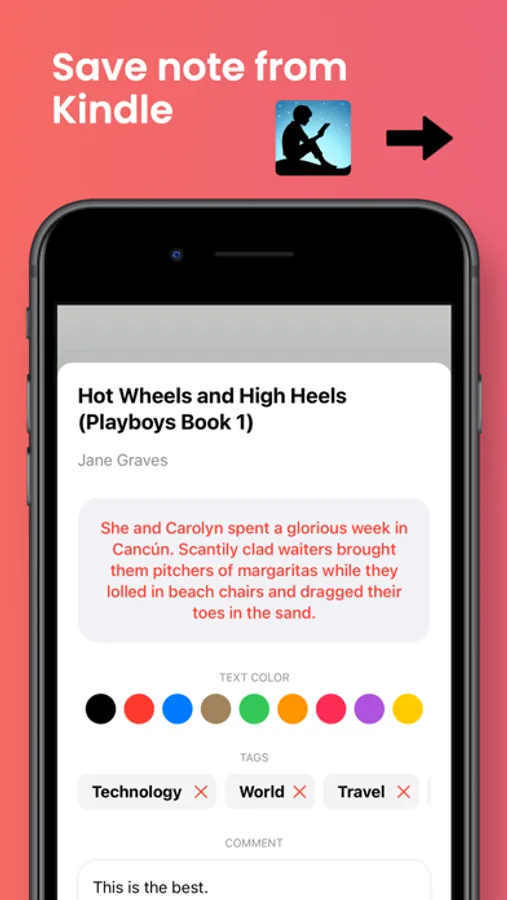
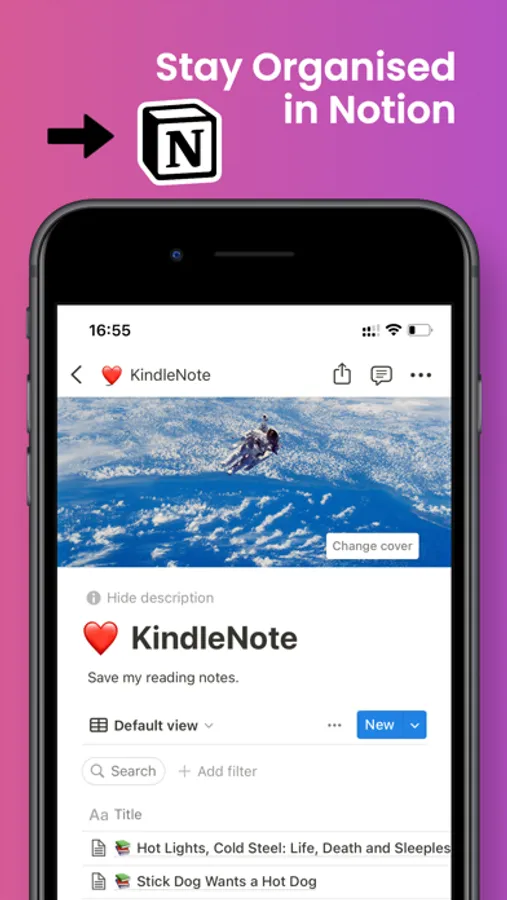
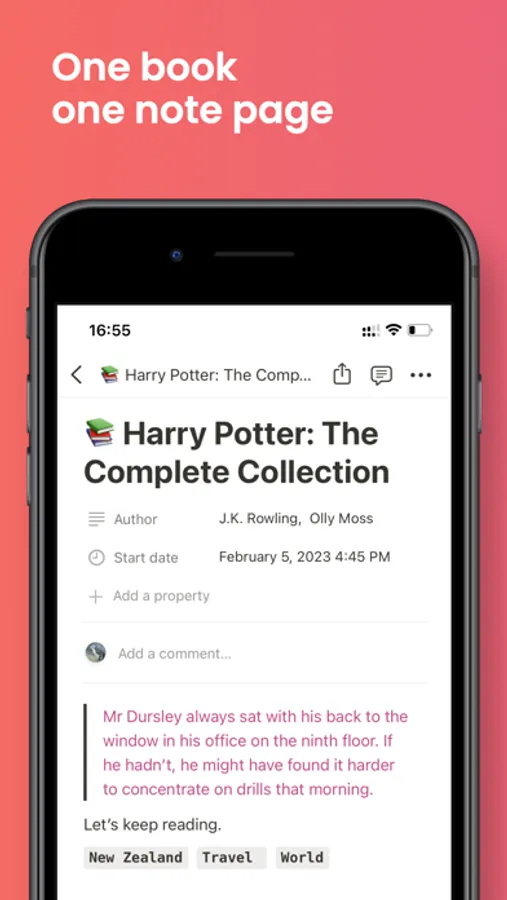
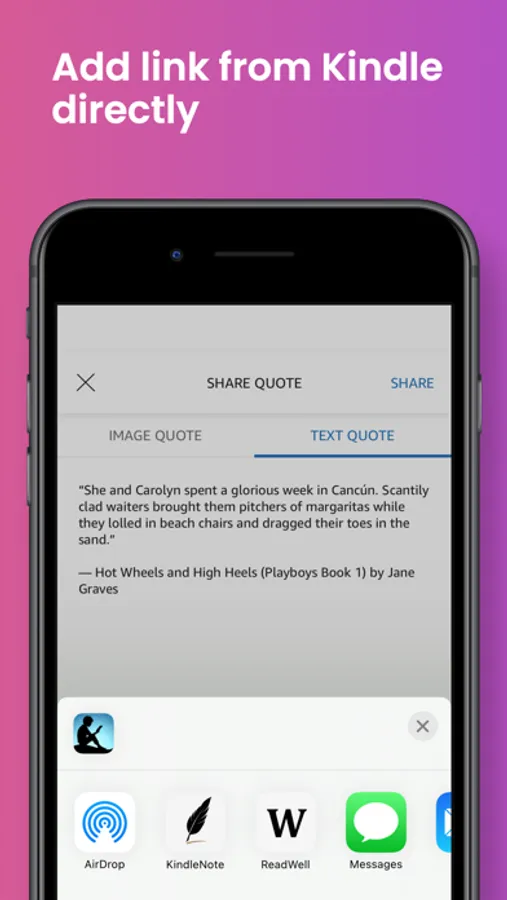
Save the highlights to Notion while reading on Apps like Kindle with only a couple of clicks. Easy and intuitive.
You can tag and comment on any of your notes from reading apps like Kindle directly, which will be well organized and displayed in Notion automatically.
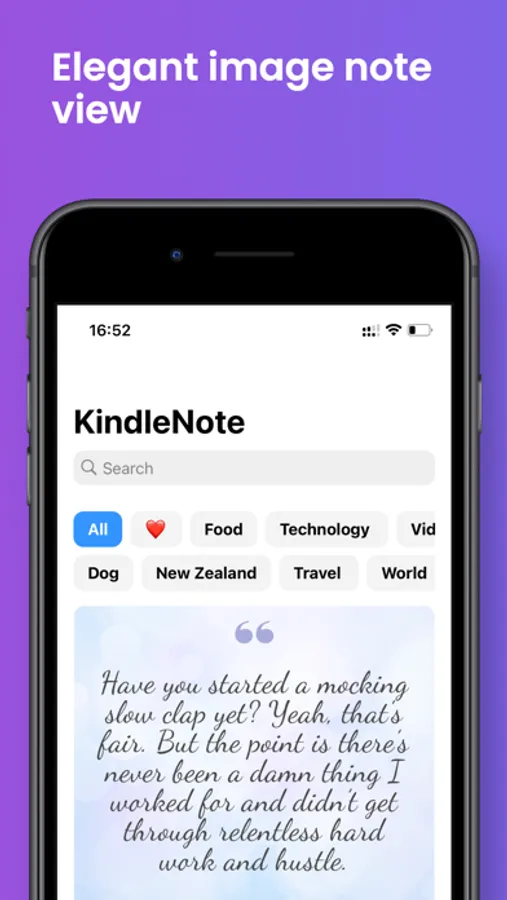
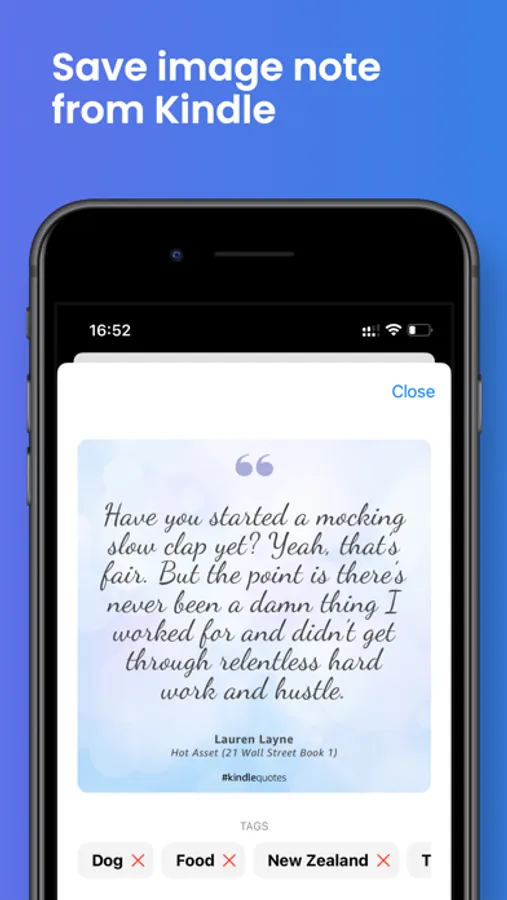
Notes can be transformed into Images and saved in BookNotes.
With the ability of iCloud, all notes will be shared across all your Apple devices.
# Main features
- Create notes from Apps like Kindle and save them to Notion in one place without copying/pasting and switching Apps.
- Notes can be tagged, commented on, and applied with different colors.
- Notes can be transformed into Images and saved to BookNotes.
- Notes will be stored and well organized in Notion automatically.
- With the ability of iCloud, all notes will be shared across all your Apple devices.
# Most importantly
- No ADs
- No subscription
- No Registration
You can tag and comment on any of your notes from reading apps like Kindle directly, which will be well organized and displayed in Notion automatically.
Notes can be transformed into Images and saved in BookNotes.
With the ability of iCloud, all notes will be shared across all your Apple devices.
# Main features
- Create notes from Apps like Kindle and save them to Notion in one place without copying/pasting and switching Apps.
- Notes can be tagged, commented on, and applied with different colors.
- Notes can be transformed into Images and saved to BookNotes.
- Notes will be stored and well organized in Notion automatically.
- With the ability of iCloud, all notes will be shared across all your Apple devices.
# Most importantly
- No ADs
- No subscription
- No Registration
BookNotes | Save Highlights Screenshots
Tap to Rate: