Share QR-QR&Barcode Scan
SPEEDING FLASH NETWORK TECHNOLOGY LIMITED
3.8 ★
24 ratings
Free
AppRecs review analysis
AppRecs rating 3.8. Trustworthiness 82 out of 100. Review manipulation risk 23 out of 100. Based on a review sample analyzed.
★★★☆☆
3.8
AppRecs Rating
Ratings breakdown
5 star
67%
4 star
0%
3 star
4%
2 star
8%
1 star
21%
What to know
✓
Low review manipulation risk
23% review manipulation risk
✓
Credible reviews
82% trustworthiness score from analyzed reviews
✓
Good user ratings
67% positive sampled reviews
About Share QR-QR&Barcode Scan
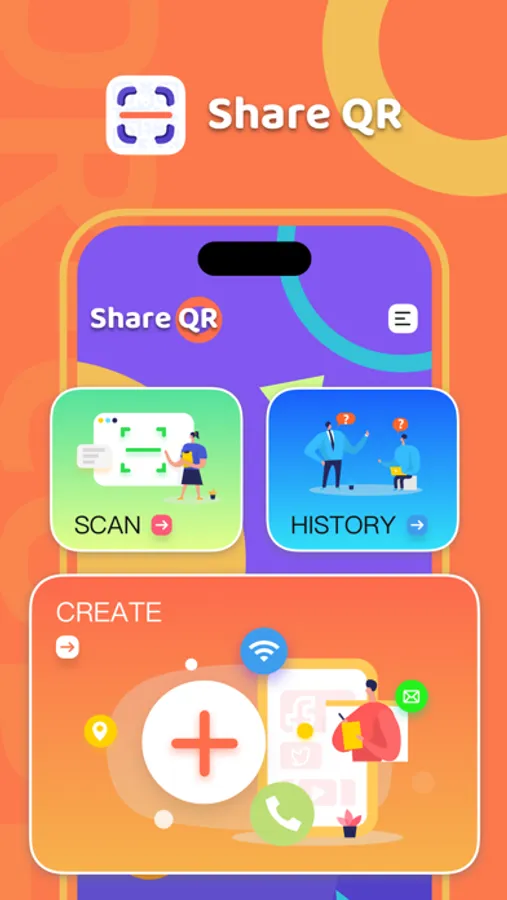
Share QR is a QR code generation and QR code scanning tool, which can generate QR codes for different types of content, and is a very practical application. Simple and easy to use, it can be recognized more easily than any other application.
Feature:
• Scan, read, generate QR codes and barcodes
• Browse products and compare prices
• scan with image
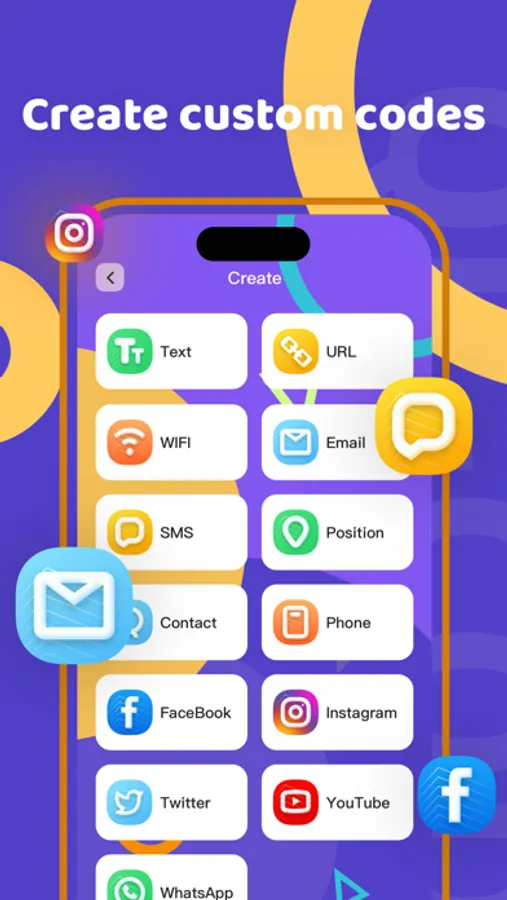
• QR code generation (by web link, contact, WiFi, text, email, SMS, call, location type)
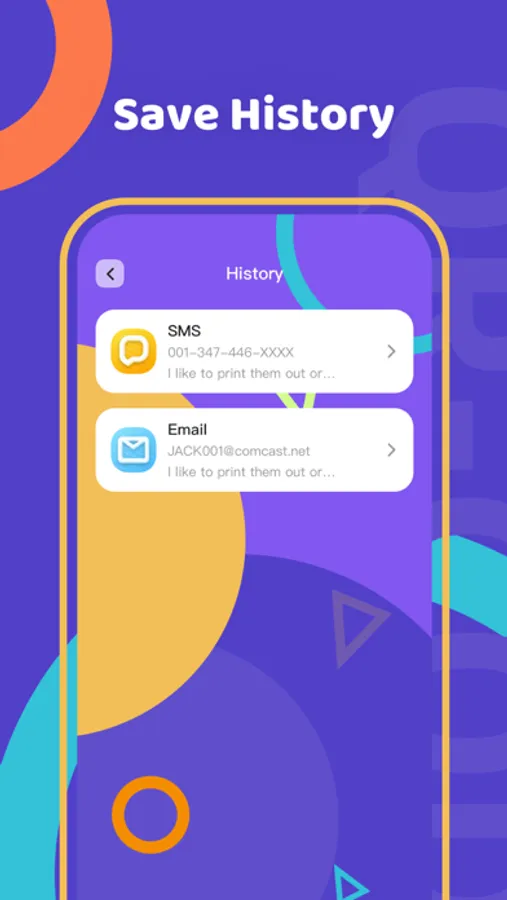
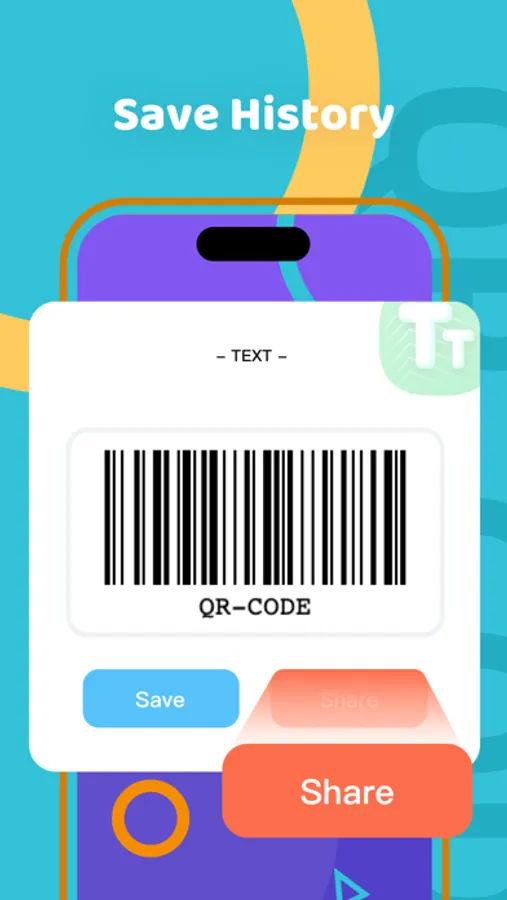
• Save, share and export scan records (CSV, TXT)
• QR code can be saved as URL, SMS, EMAIL, TEL, WiFi, Event, VCard, MeCard, TEXT type
• Protect all code in your history
• Share using email, iMessage, Facebook or Twitter
how to use?
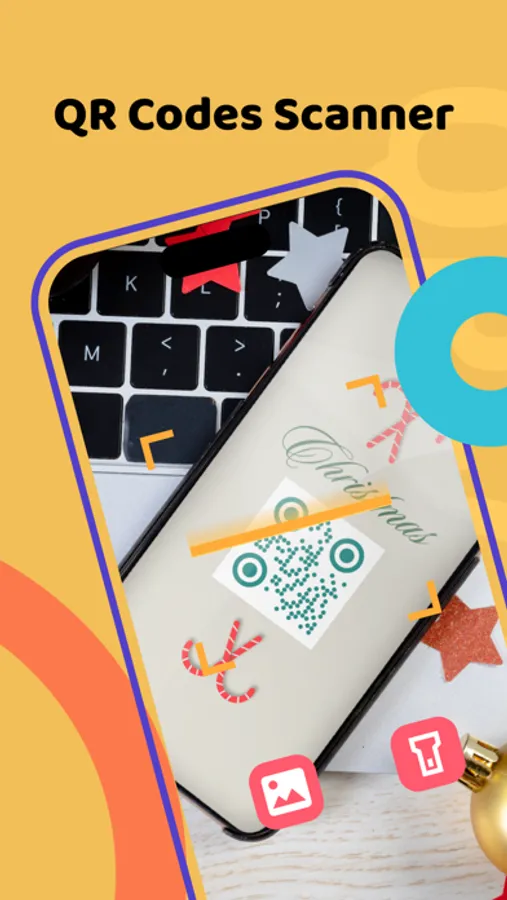
To scan a QR code, just open the app, point your camera at the QR code and voilà! No need to take pictures or press buttons. Share QR will automatically recognize any QR code you point your camera at.
Download it now and share it with others, turning your mobile device into a portable scanner!
Privacy Policy:https://app.share-qr.com/PrivacyPolicy.html
terms of use:https://app.share-qr.com/Help.html
Feature:
• Scan, read, generate QR codes and barcodes
• Browse products and compare prices
• scan with image
• QR code generation (by web link, contact, WiFi, text, email, SMS, call, location type)
• Save, share and export scan records (CSV, TXT)
• QR code can be saved as URL, SMS, EMAIL, TEL, WiFi, Event, VCard, MeCard, TEXT type
• Protect all code in your history
• Share using email, iMessage, Facebook or Twitter
how to use?
To scan a QR code, just open the app, point your camera at the QR code and voilà! No need to take pictures or press buttons. Share QR will automatically recognize any QR code you point your camera at.
Download it now and share it with others, turning your mobile device into a portable scanner!
Privacy Policy:https://app.share-qr.com/PrivacyPolicy.html
terms of use:https://app.share-qr.com/Help.html
Share QR-QR&Barcode Scan Screenshots
Tap to Rate:
Reviews for Share QR-QR&Barcode Scan
good Goddamn
good
The app is really rich in functions and supports very rich QR codes. And there are also beautiful wallpapers.
shahryar2002
Doesn’t work as advertised
Doesn’t identify the products using bar codes