AppRecs review analysis
AppRecs rating 4.0. Trustworthiness 80 out of 100. Review manipulation risk 25 out of 100. Based on a review sample analyzed.
★★★★☆
4.0
AppRecs Rating
Ratings breakdown
5 star
71%
4 star
0%
3 star
0%
2 star
14%
1 star
14%
What to know
✓
Low review manipulation risk
25% review manipulation risk
✓
Credible reviews
80% trustworthiness score from analyzed reviews
✓
High user satisfaction
71% of sampled ratings are 4+ stars (4.0★ average)
About Parallel Camera
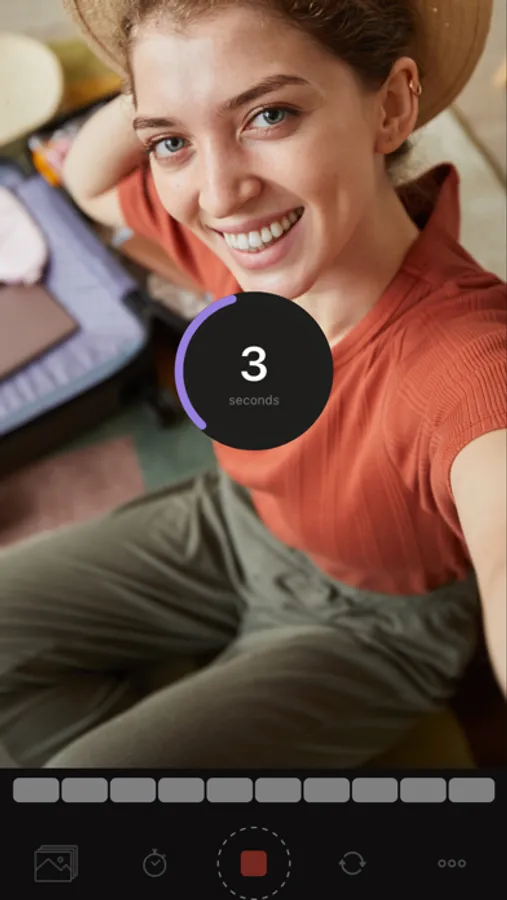
Parallel Camera allows you to take pictures and shoot videos with both front and rear cameras at the same time! Capture every perspective with a split-screen effect or a picture-in-picture view and gain full control over how you frame your shot.
Key Features Include:
- Dual Camera Recording: Capture moments using both cameras at the same time in photo or video mode. Use both cameras simultaneously in photo or video mode.
- Custom Layouts: For your secondary camera, choose a split-screen or floating window (square or circle). Change the border color and shape to make something unique.
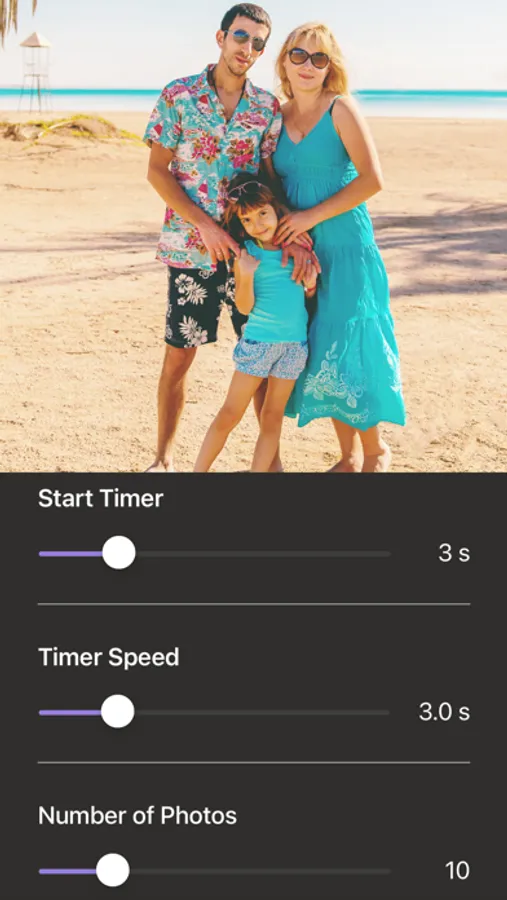
- Flexible Quality: Pick a suitable resolution - 720p, 1080p, or 4K. Adjust frame rates to 24, 30, or 60 fps to smoothen up your recording.
- Front Screen Flash: Use the on-screen frame light to brighten your selfies; adjust the color to ensure the perfect glow.
- Regular Flash Control: Use your flashlight to improve lighting conditions.
- Grid Overlay: Add a grid to your viewfinder for more accurate and professional shots.
Looking to make the most from every single shot? Let Parallel Camera lead the way! Experiment with your photos and videos like never before. Take charge of every shot; it’s that easy!
Parallel Camera Screenshots

Tap to Rate:
Reviews for Parallel Camera
John Constantin1
Was hopeful, not functional
The dual screen recording feature does not work 100%. While it does record the front facing camera and the rear camera using any number of the rectangle, circle or split screen templates. The position. Is not accurate. For example, if you want to see yourself in the bottom left-hand corner. You can place the front facing camera there however, once you see the recording, this is not the case from the corner. Often in the middle of the frame. The split screen feature is the same way. Shows up directly in the middle of the rear camera footage once you review. The footage. Restarted my phone, close the app. No luck Chuck. This is on the iPhone 16.
DdavidDE
Video Gibberish
I downloaded and tested this app, it appeared to be working… But the final result was just nothing but distorted video gibberish. (iPhone 14 Pro Max)