AppRecs review analysis
AppRecs rating 1.0. Trustworthiness 0 out of 100. Review manipulation risk 0 out of 100. Based on a review sample analyzed.
★☆☆☆☆
1.0
AppRecs Rating
Ratings breakdown
5 star
0%
4 star
0%
3 star
0%
2 star
0%
1 star
100%
What to know
⚠
Mixed user feedback
Average 1.0★ rating suggests room for improvement
About BSP PNG PaySecure
BSP provides its customers with secure means of transacting. Our BSP PNG PaySecure App generates an authentication code that enables transactions to be completed securely while using the BSP PNG App and BSP Internet Banking
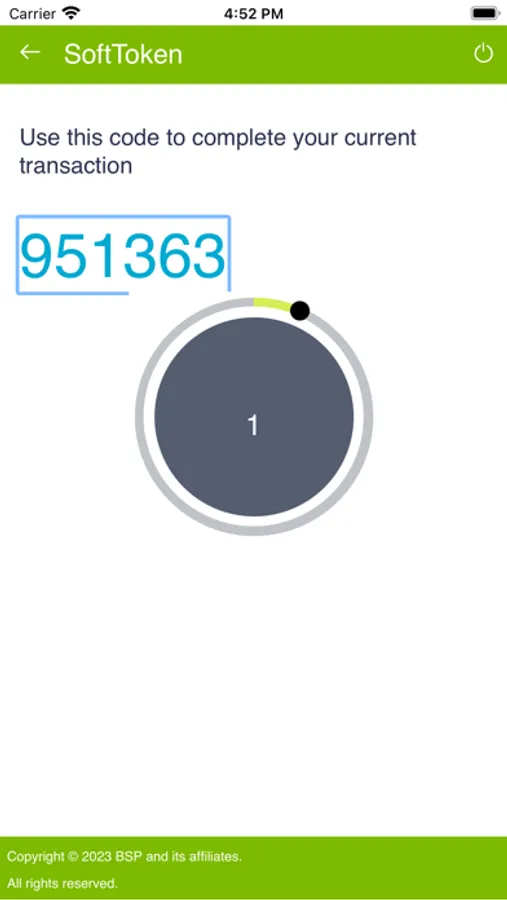
This App turns your mobile phone or tablet into a One Time Password (OTP) generator. Each time BSP PaySecure App is used, it generates a unique OTP, valid for 30 seconds. A new OTP will be generated once the time has lapsed.
BSP PaySecure is a safe and secure way of transacting.
How to log onto BSP PNG PaySecure App?
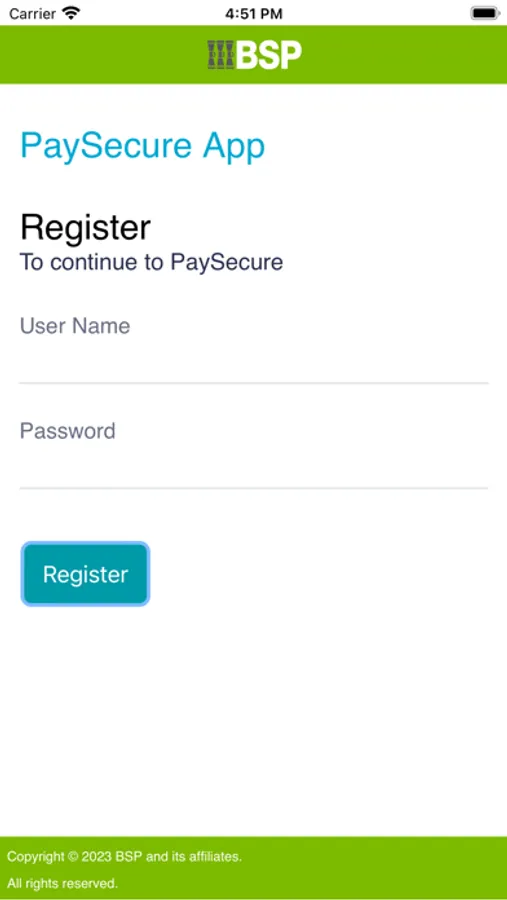
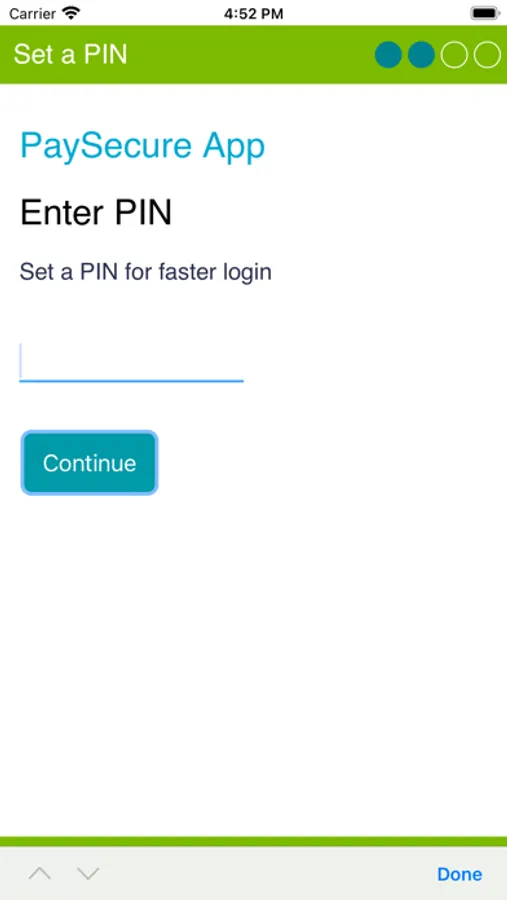
You must be an existing BSP customer and/or have been issued a username and password to register for BSP PNG PaySecure. Log in with these credentials. Upon login, you will need to create a 4-digit PIN that you will always use to access the app. This completes the registration process. After completion of transactions, always log out.
Contact our Customer Service Centre on 320 1212/7030 1212, email servicebsp@bsp.com.pg, visit our website www.bsp.com.pg or visit your nearest branch for more information.
Facebook: https://www.facebook.com/Bank.South.Pacific
Instagram: https://www.instagram.com/bspfinancialgrouplimited/
Twitter: https://twitter.com/BSPPacific
LinkedIn: https://pg.linkedin.com/company/bsp-financial-group-limited
This App turns your mobile phone or tablet into a One Time Password (OTP) generator. Each time BSP PaySecure App is used, it generates a unique OTP, valid for 30 seconds. A new OTP will be generated once the time has lapsed.
BSP PaySecure is a safe and secure way of transacting.
How to log onto BSP PNG PaySecure App?
You must be an existing BSP customer and/or have been issued a username and password to register for BSP PNG PaySecure. Log in with these credentials. Upon login, you will need to create a 4-digit PIN that you will always use to access the app. This completes the registration process. After completion of transactions, always log out.
Contact our Customer Service Centre on 320 1212/7030 1212, email servicebsp@bsp.com.pg, visit our website www.bsp.com.pg or visit your nearest branch for more information.
Facebook: https://www.facebook.com/Bank.South.Pacific
Instagram: https://www.instagram.com/bspfinancialgrouplimited/
Twitter: https://twitter.com/BSPPacific
LinkedIn: https://pg.linkedin.com/company/bsp-financial-group-limited
BSP PNG PaySecure Screenshots
Tap to Rate:
Reviews for BSP PNG PaySecure
av8r4christ
Rubbish System
The whole online banking system, since this new online update, has been absolute rubbish. I administrate 3 accounts, but PaySecure will only let me connect 2 accounts. Why not 3? I had 3 dongles. But now do I have to get an extra phone so I can connect the 3rd bank account? This is trash.