
AppRecs review analysis
AppRecs rating 1.0. Trustworthiness 65 out of 100. Review manipulation risk 31 out of 100. Based on a review sample analyzed.
★☆☆☆☆
1.0
AppRecs Rating
Ratings breakdown
5 star
0%
4 star
0%
3 star
0%
2 star
0%
1 star
100%
What to know
⚠
Mixed user feedback
Average 1.0★ rating suggests room for improvement
About Quvo (JEXtream)
Key Features:
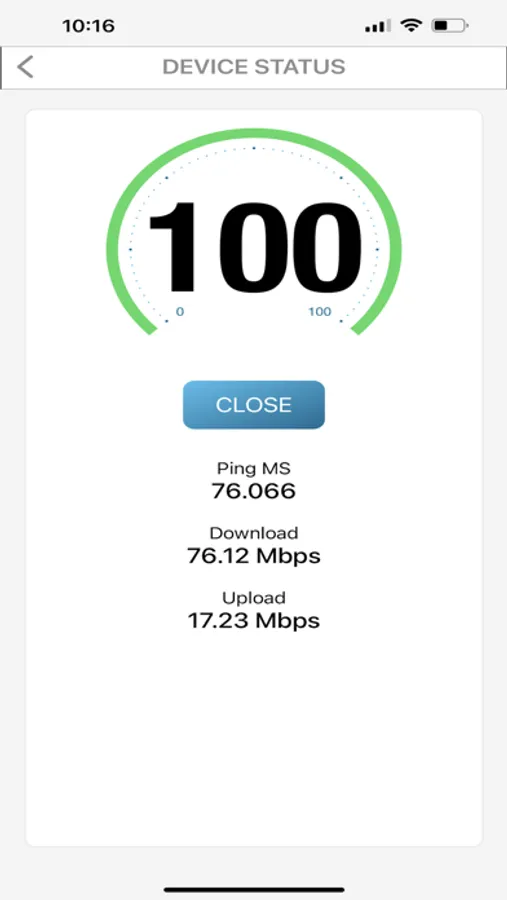
• See all connected devices at a glance.
• Intuitively manage what matters most on your network.
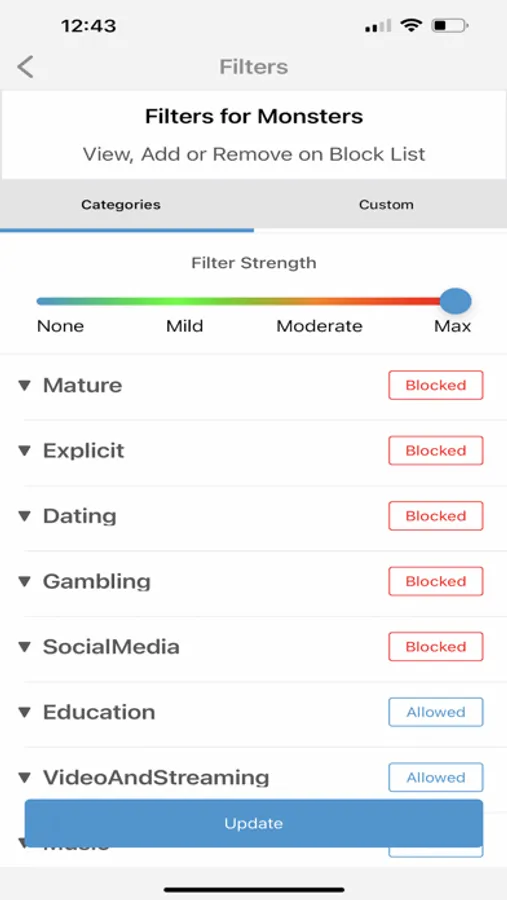
• Parental Control for Home Wi-Fi Routers:
o Instantly block harmful domains to ensure online safety.
o Track your child's arrival and departure with location monitoring.
o Gain peace of mind by monitoring device activity.
o Set app usage limits to encourage healthy digital habits. (Note: Some features may vary based on your Quvo-i companion app's platform.)
o Schedule internet access: Block Wi-Fi internet usage during specific times to ensure digital breaks.
• Mobile Hotspot Management Service (Hotspot MDM):
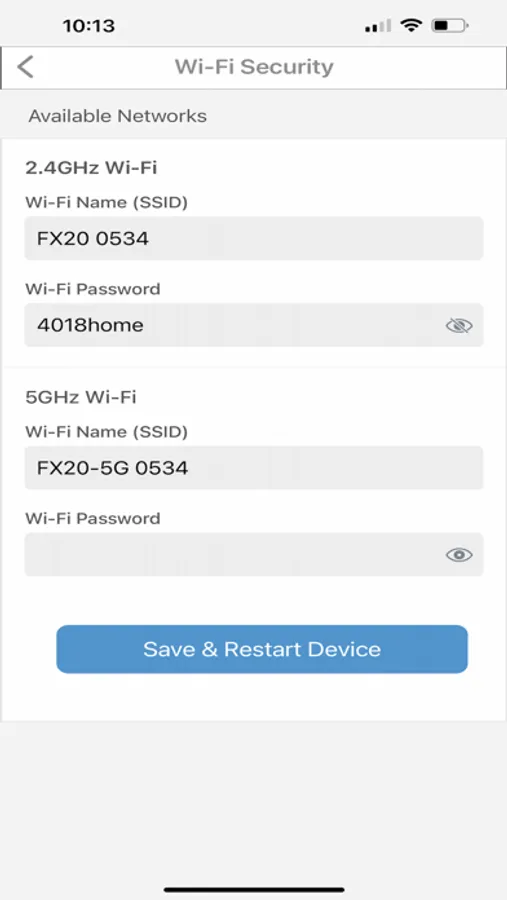
o Remotely configure and control your hotspot settings (RG/CG Series Users only).
• Instant Alerts & Notifications: Stay informed with real-time updates about device activity or hotspot performance.
Affordable Pricing:
Enjoy full access to all features free for the first free-trial months. Afterward, continue benefiting with an affordable annual subscription.
Why Choose Quvo?
Quvo is your all-in-one solution for managing your family's digital life and network settings. With powerful parental controls and comprehensive mobile hotspot management, Quvo ensures a seamless, secure, and hassle-free approach to digital management.
Getting Started with Quvo:
• For Parental Controls:
o Download the Quvo app for parents/guardians on your device and the Quvo-i companion app on your child’s device.
o Ensure you have a Quvo router and set it up on the Quvo platform to access parental control features.
• For Mobile Hotspot Management:
o Download the Quvo app and set up your hotspot on the Quvo platform for easy control and management of your network.
• Setup Assistance:
o Visit www.quvostore.com/setup for step-by-step installation instructions and guidance.
Once set up, you'll have full access to manage your family's online activity and mobile hotspot settings all in one place!
Quvo (JEXtream) Screenshots
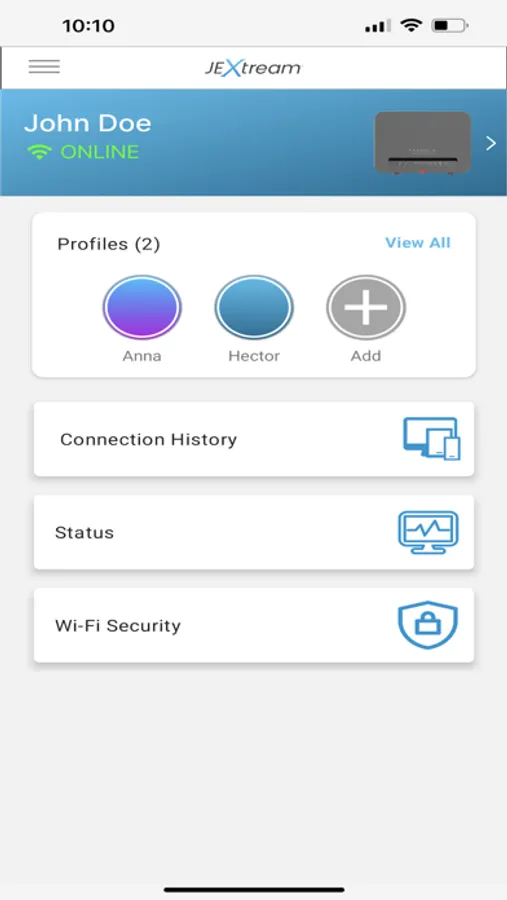
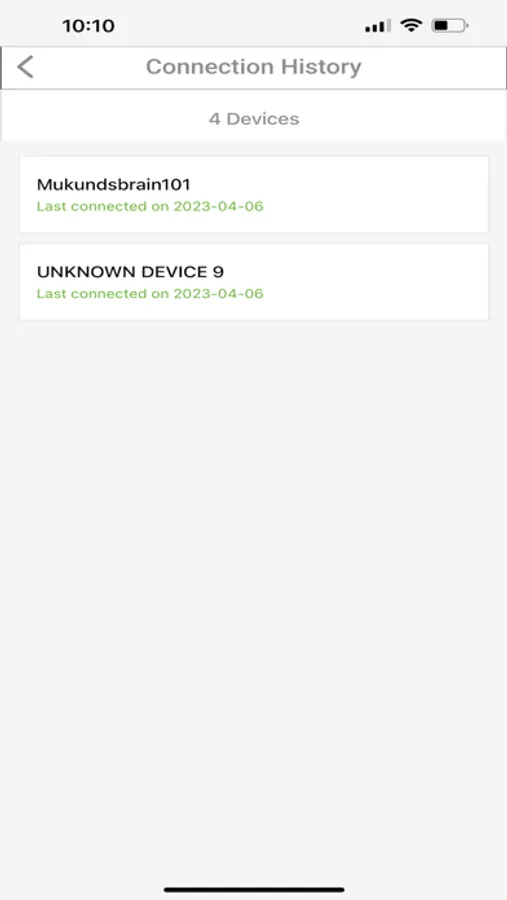
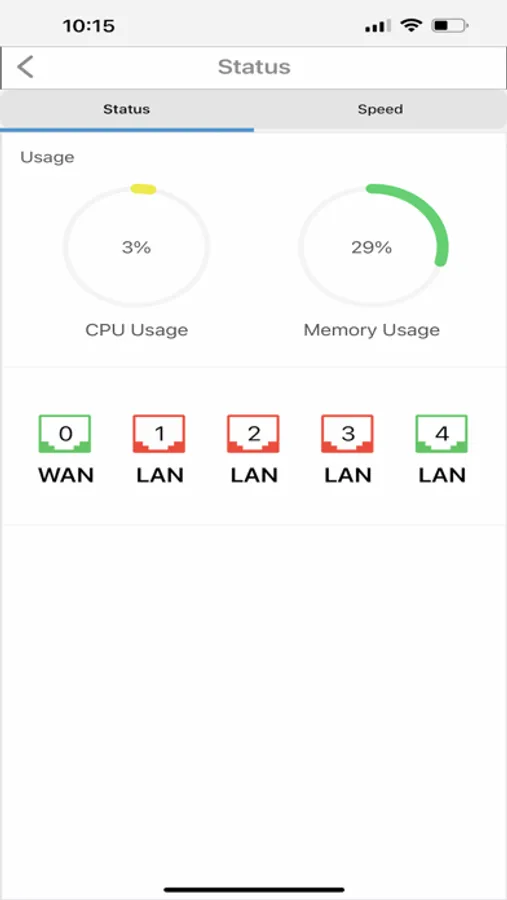
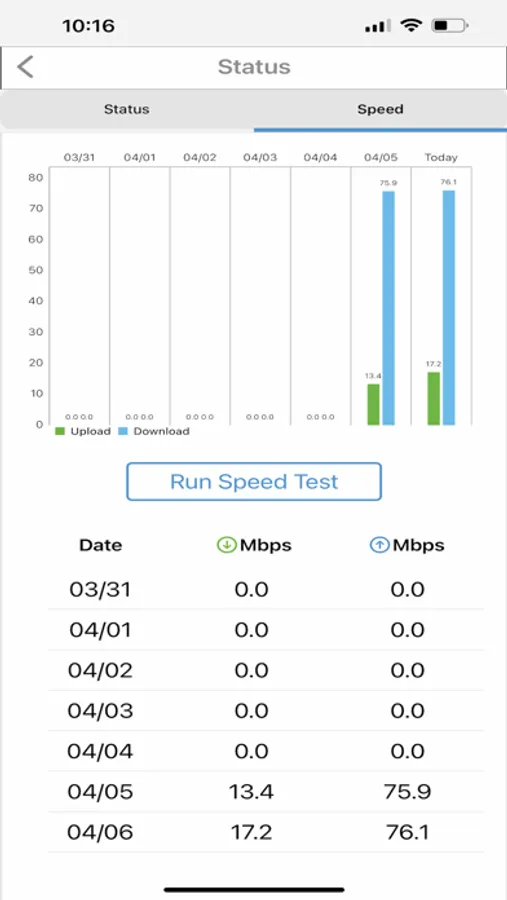
Tap to Rate:
Reviews for Quvo (JEXtream)
DryfterX
Don’t bother
I was looking for an app to connect to my Jextream Mobile hotspot just to be able to have access to the battery level so I could monitor it with my phone. No widgets, makes the app pointless. But I forged ahead. That was a mistake. See I had configured my hotspot using the web interface and had everything set the way I wanted it. Then I registered in the app and that’s where the problems started. It kind of factory reset the hotspot and I couldn’t log in to the web interface even changing the interface password in the app. I wasted 2 hours only to factory reset and just use the web app and look at the battery on the device. This app is a headache. On top of that, there’s no info on what I’ll be charged when my “free trial” ends. I’m out.