With this terminal emulator, you can connect to IBM iSeries servers and access AS/400 systems, use auto login, and customize display options. Includes SSL/TLS support, barcode scanner compatibility, and multiple screen size options.
AppRecs review analysis
AppRecs rating 2.8. Trustworthiness 78 out of 100. Review manipulation risk 21 out of 100. Based on a review sample analyzed.
★★☆☆☆
2.8
AppRecs Rating
Ratings breakdown
5 star
36%
4 star
7%
3 star
14%
2 star
7%
1 star
36%
What to know
✓
Low review manipulation risk
21% review manipulation risk
✓
Credible reviews
78% trustworthiness score from analyzed reviews
About TN5250
Wants to receive print jobs from an AS/400, try Mocha TN3812 for iPhone/iPad.
Before buying, please first try TN5250 Lite
FEATURES:
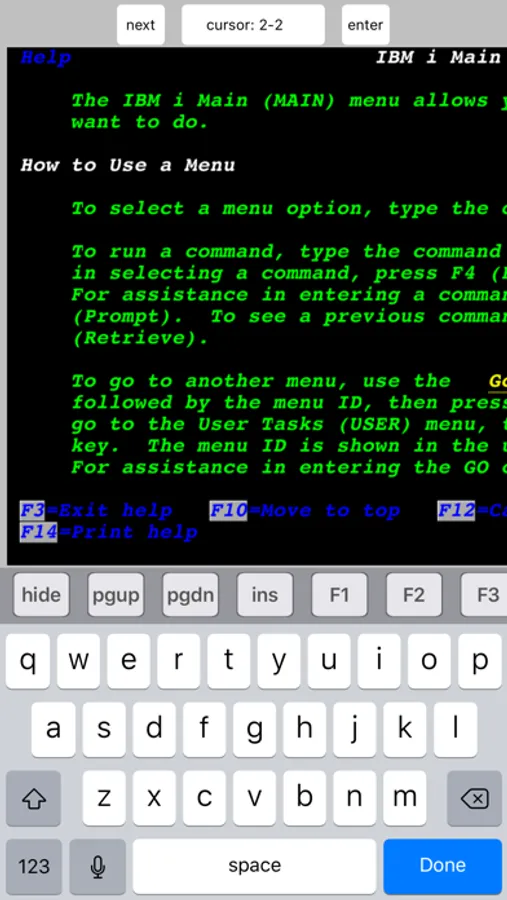
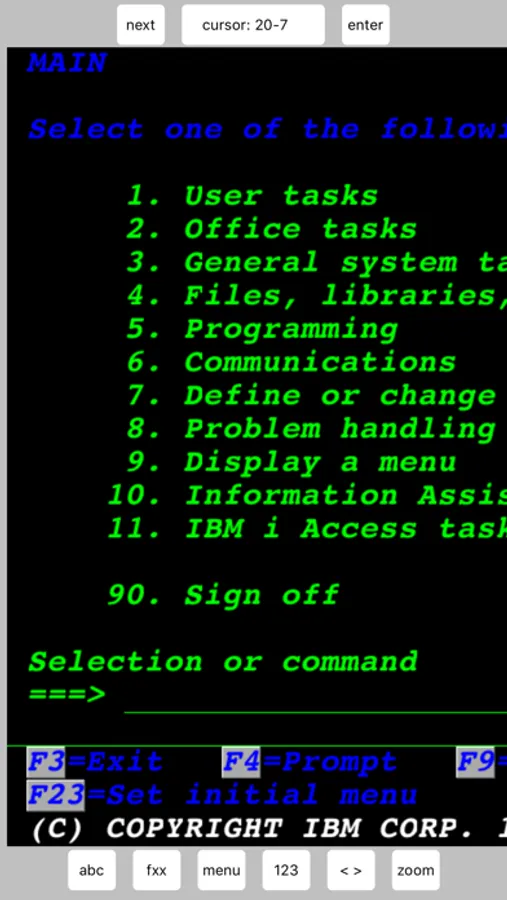
- Supports all standard 5250 emulation features.
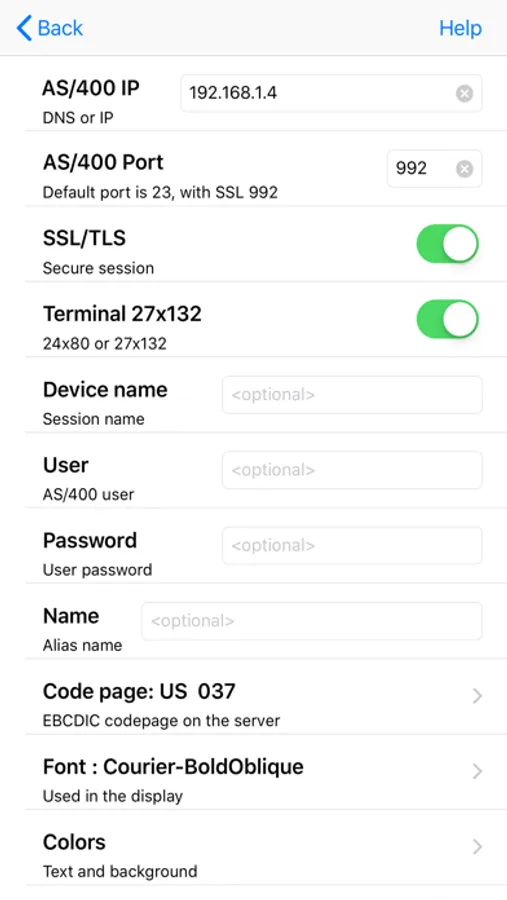
- Alternate screen size (24x80 or 27x132).
- SSL/TLS (Secure Socket Layer).
- Zoom and scroll as the Safari browser
- Auto login.
- Voice input.
- Hardware barcode scanners from SocketMobile and Linea.
- Support for Zebra RFD8500, CS4070 and LI3678 barcode scanner.
- Camera as barcode scanner.
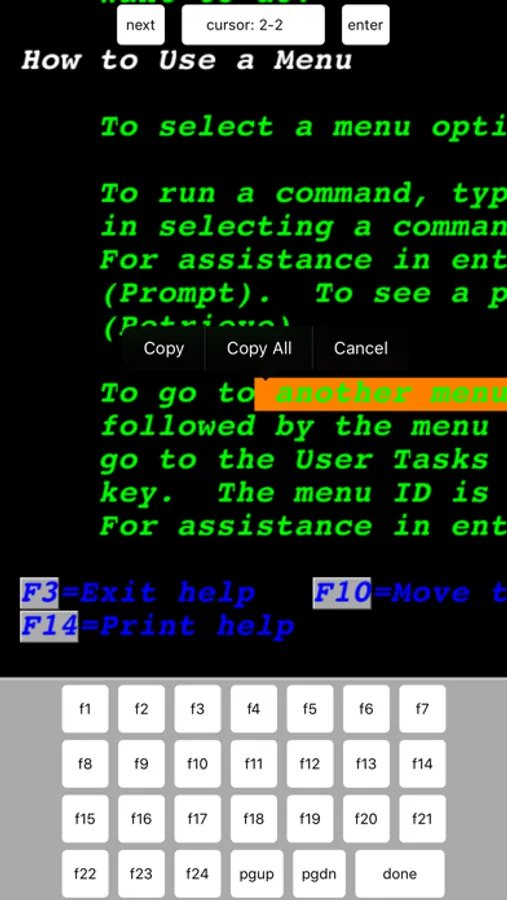
- Clipboard.
- Support for 10 different EBCDIC code pages.
- Colors can be customized.
- Device name support.
- Hotspots.
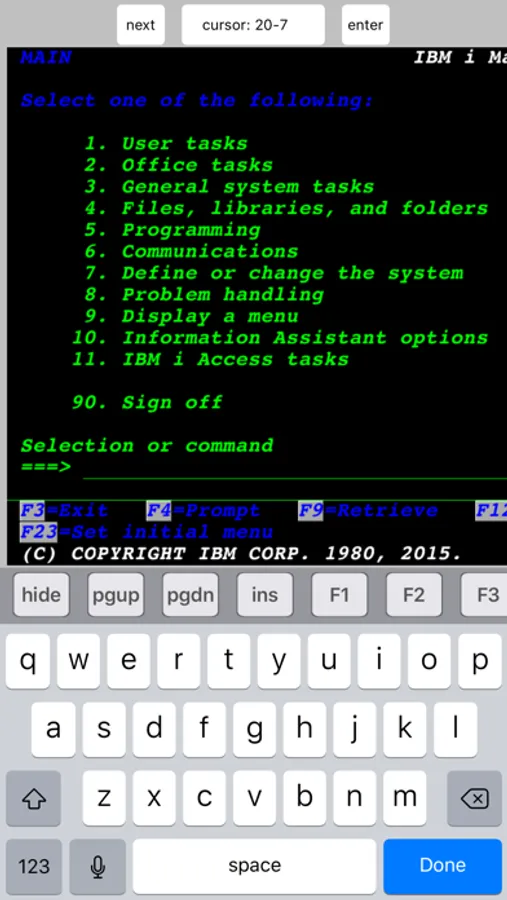
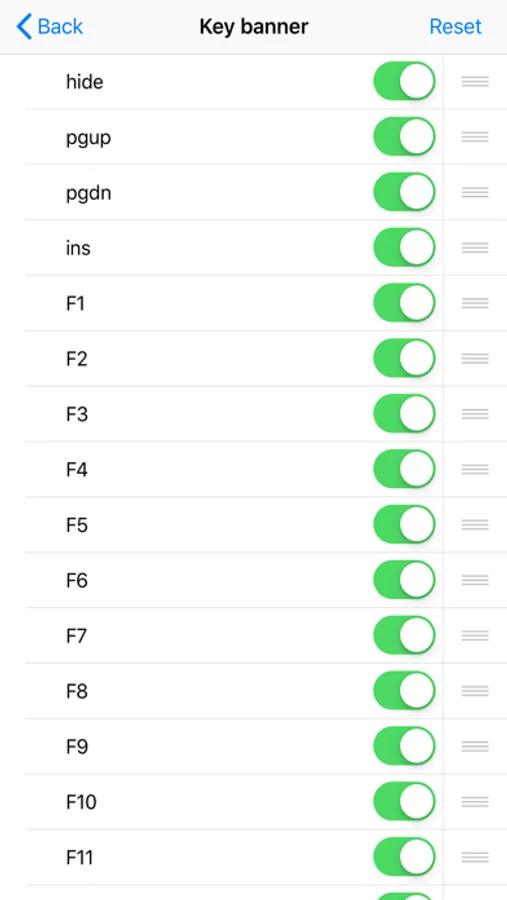
TN5250 Screenshots
Tap to Rate:
Reviews for TN5250
Casafear
Still doesn’t work with Apple Keyboards
It works as long as you don’t want to use any Apple keyboards like the Magic or Smart keyboards. It used to work like a year or so ago, you could hit the keyboard button, select wireless, and it worked. I have been all over setups and can’t find anything to help. I can’t be productive if I have to hold my iPad in my lap and use the iOS keyboard.
Tiyons
Nice, but doesn’t work with Apple Magic Keyboard
I have used this app on my iPhone before, but it does not respond to physical keyboard input.