AppRecs review analysis
AppRecs rating 4.4. Trustworthiness 0 out of 100. Review manipulation risk 0 out of 100. Based on a review sample analyzed.
★★★★☆
4.4
AppRecs Rating
Ratings breakdown
5 star
40%
4 star
60%
3 star
0%
2 star
0%
1 star
0%
What to know
✓
High user satisfaction
100% of sampled ratings are 4+ stars (4.4★ average)
About RPN Calc
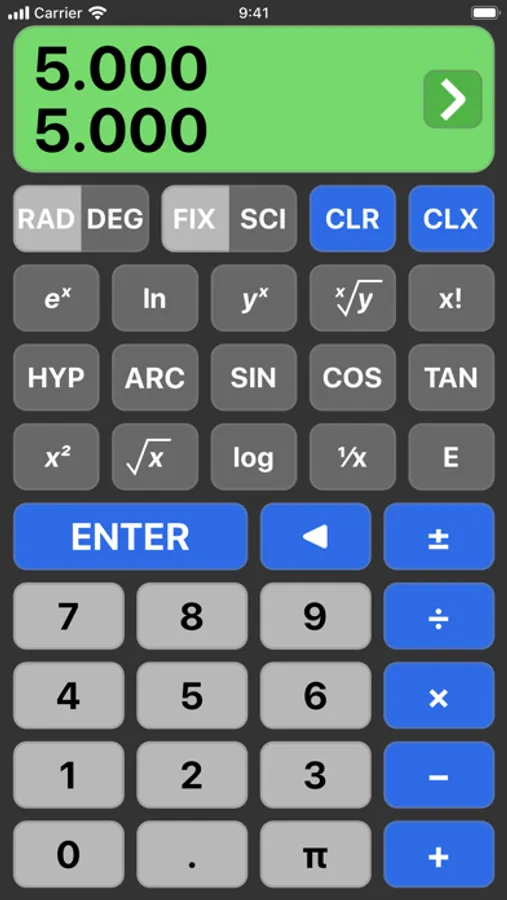
If you are familiar with HP RPN calculators, the operation of this calculator should seem very straightforward - albeit simplified. It can't be programmed, and it doesn't handle binary, or hexadecimal numbers.
But, it has a clean, simple interface with large, easy to press buttons. It has all of the functions required for quick calculations when your iPhone is handier than your computer or calculator.
And, remember those cool calculator watches from the 1980s? Unfortunately, none of them were RPN. RPN Calc brings a reverse polish notation watch calculator to the Apple Watch!
In addition to the standard RPN Calculator app that runs on iPhone, iPad, and Apple Watch, RPN Calc includes a handy micro RPN Calc Today Extension available for convenient access to quick calculations from the pull down Today screen.
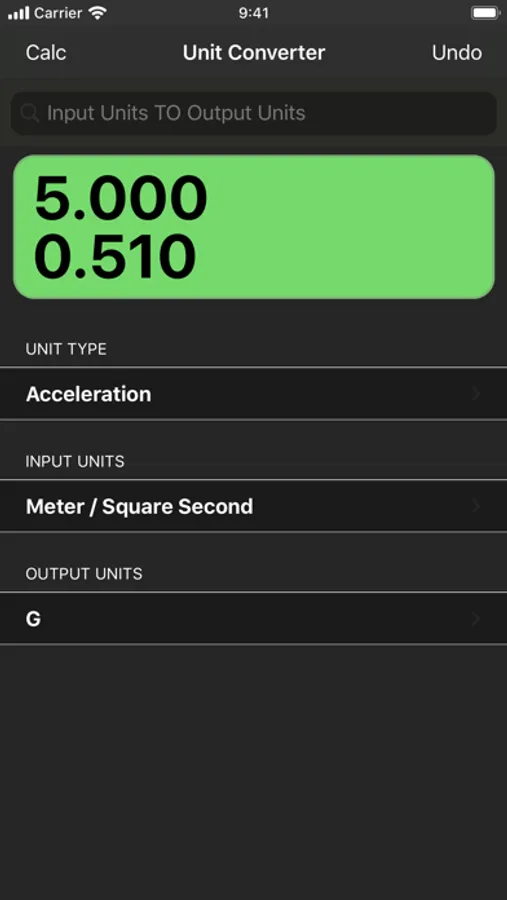
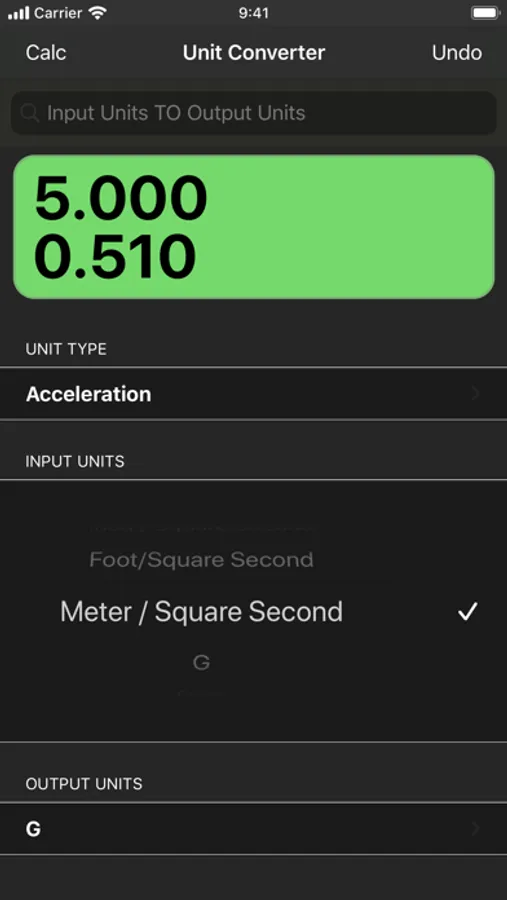
RPN Calc Screenshots
Tap to Rate:
Reviews for RPN Calc
JBC2009
Awesome App
Had unbelievably awesome support from the developer. The app is packed with features that are so convenient to have right on my wrist, not to mention iPhone and iPad. Thanks for this app and true support.
Gt12fyi3
Definitely worth considering.
I bought this app hoping to replace the rpn app Pcalc on my iPad dock - and it has done that successfully. The reason is that on my iPad I’m very often trying to use the calculator in a slide over or side by side with another app. This app does not hog the entire iPad screen when it’s the only app that’s open. So, with the iPad in landscape mode it does a really great job with split screen or slide over. Calculator widgets have functionality problems and this app doesn’t have a widget - no problem. The appearance is also very neat and clean, a very good looking design. I’ve had a bunch of different HP rpn calculators since the 1970’s, and now have no interest in apps that recreate those designs. The advanced functions of this app are quite good, sufficient for my needs and the conversion factor mode is really far beyond my need for a retired guy. There is only one major shortcoming - memory storage. I use that quite often with pCalc and any other calculator. I think that most people who are rpn addicts likely have that same need. Without memory storage it’s a bit troublesome. With it it would be a a five star app for its practicality.