AppRecs review analysis
AppRecs rating 3.0. Trustworthiness 0 out of 100. Review manipulation risk 0 out of 100. Based on a review sample analyzed.
★★★☆☆
3.0
AppRecs Rating
Ratings breakdown
5 star
56%
4 star
6%
3 star
0%
2 star
17%
1 star
22%
About SPL
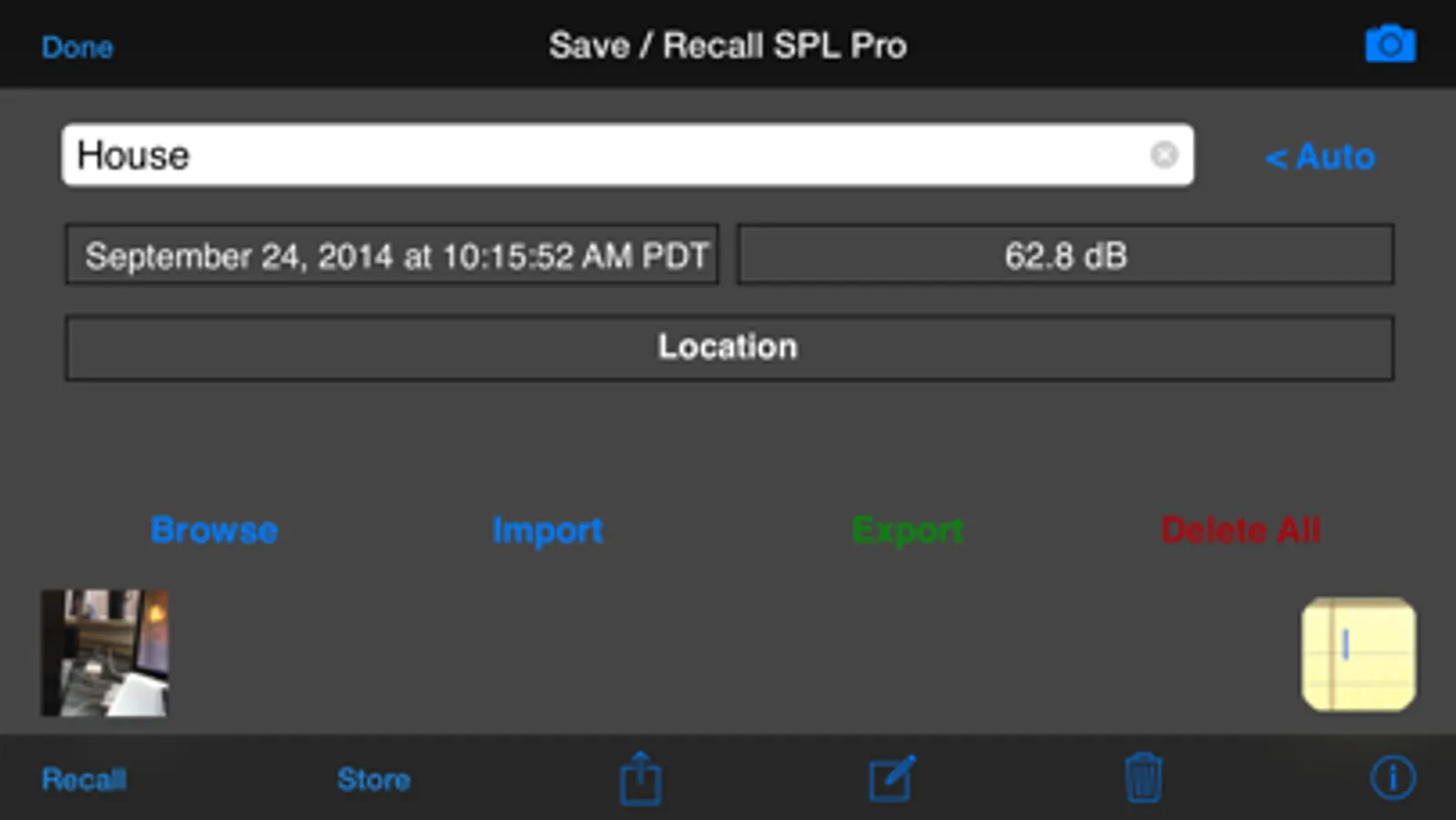
Store Results -- Uses the same powerful Save / Recall engine as our premier app, AudioTools. Allows storing GPS and time-stamped results, and exporting them to your computer.
You can also use SPL with our calibrated iPhone measurement mic, iTestMic, or iAudioInterface.
The screen flips if you turn the phone upside down, so that you can point the built-in iPhone mic directly at the sound source.
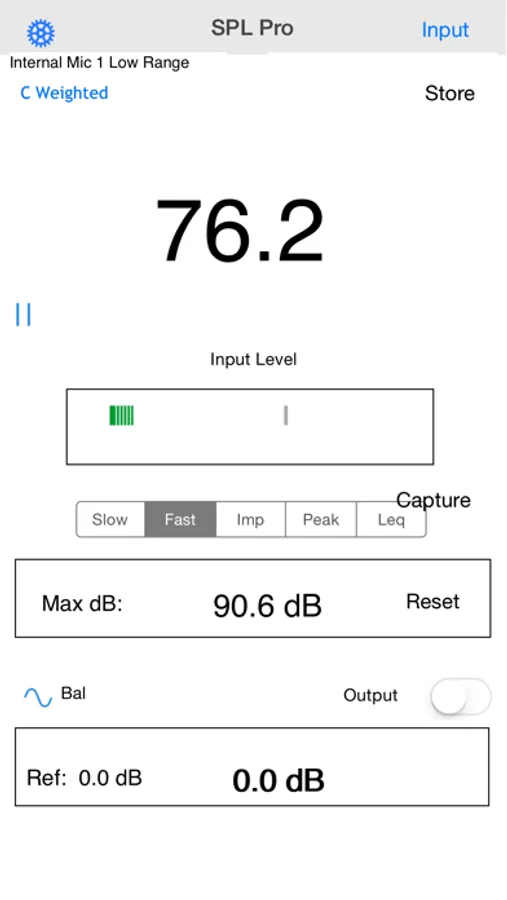
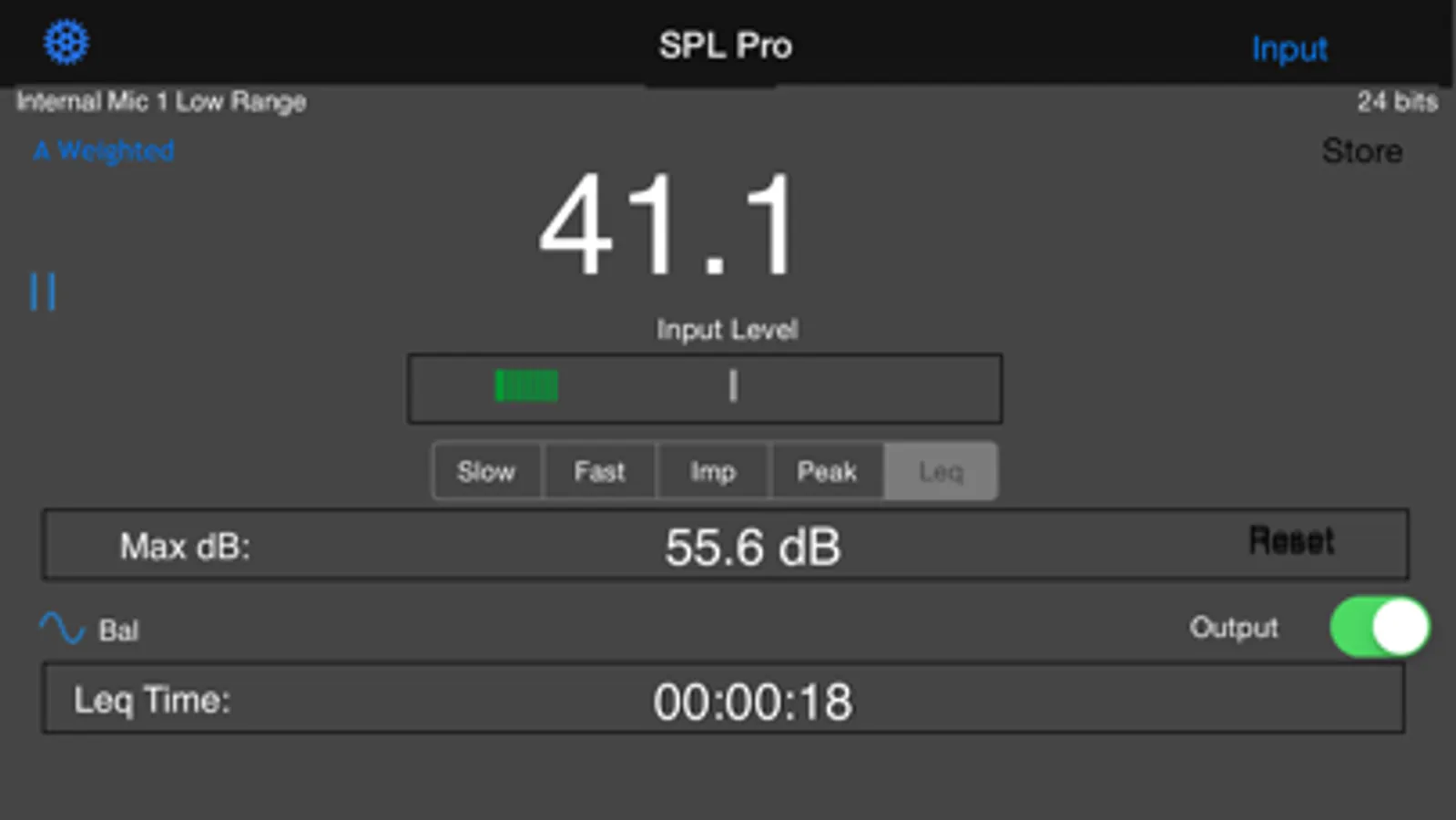
*** Modes: Slow, Fast, Impulse, Peak, and Leq.
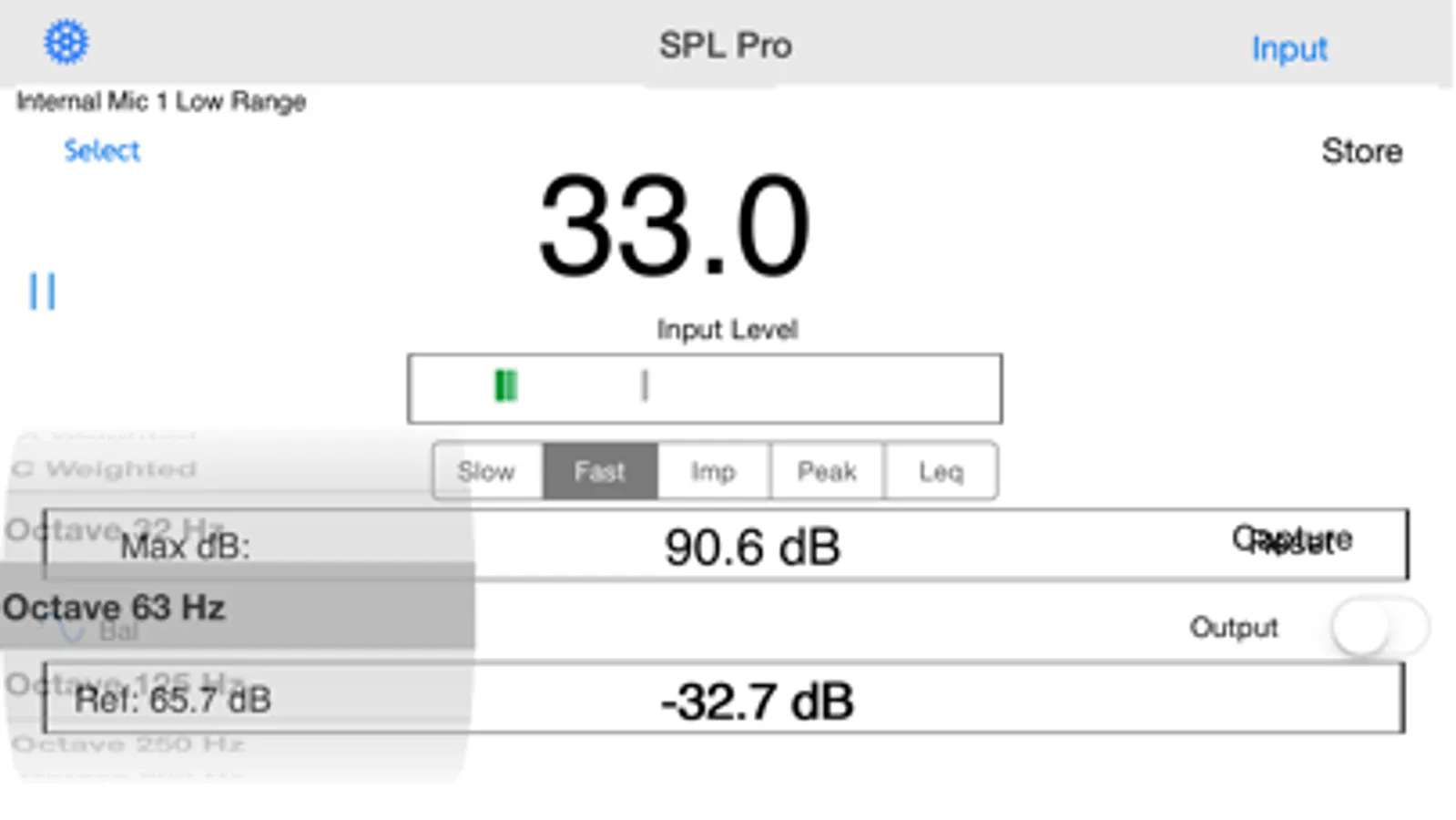
*** Filters: A and C weighting, and 10 octave band filters.
*** Includes a resettable Max field to track the highest reading.
*** Includes a reference field (except in Leq mode) so that you can set a reference level and do seat-to-seat comparisons.
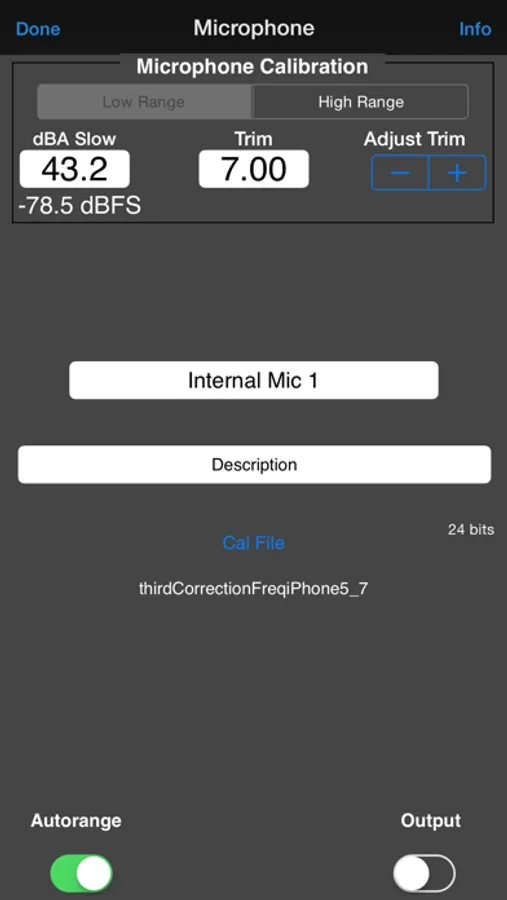
The SPL meter can be fully calibrated. It comes preset with the calibration for a typical iPad, iPhone, and iPod Touch. Most iOS devices will be within a few dB of this reading. If you have access, even temporarily, to a calibrated sound level meter, just use the calibration field on the settings scree to match the meter, and you will be accurately calibrated.
Also, see our other professional-grade audio apps: AudioTools, our premier suite of professional-caliber audio and acoustics test apps, Speaker Pop, to test speaker polarity, and RTA, a real-time analyzer for the iPhone.
And, we have a group of calibrated, accurate measurement microphones, including iTestMic,iTestMic2, and iAudioInterface2, that allows full professional results for Type 1 or Type 2 measurements.
This will allow measuring a range from approximately 30 dB SPL to 130 dB SPL. Each mic will include a calibration factor that you will enter into the SPL app for calibrated measurements. This mic will also work with Speaker Pop, our speaker polarity tester, FFT, RTA, ETC, and other acoustical measurement apps in our AudioTools app that is available now.
Also, see our iAudioInterface2 system, which supports any pro test and measurement mic.
Now includes an iPhone internal mic compensation filter, to cancel out the low-frequency roll-off present in the iPhone and other iOS devices.
See our other audio apps, including AudioTools.
SPL Screenshots
Tap to Rate:
Reviews for SPL
Quad5Ny
Apps color scheme is unreadable
The color scheme/UI is gray all over even after resetting all settings and relaunching the app. There is no control in settings to change this. The app does not look like the screenshots.
Gollnick
Amazing
Oh no! A disastrous update!!! They finally took the horrible, battery-draining background operation so-call "feature" out of RTA, but they put it into SPL. Now, when you exit this app in the conventional way, it keeps running and draining your battery!!! Why they think this is a good idea or should be the default operation is just beyond me. Please, please, make this behavior optional and default it to operate in the way that most iPhone apps do, to exit the app when you press the home button. ------ original review ------- I have recently had the opportunity to compare with a very calibrated instrument and was very favorably impressed. This thing works very well. I also checked my Radio Shack meter at the same time and it's good right around 1KHz which is where -- if you read its instructions -- it is calibrated. The Radio Shack SPL meter, by the way, while a bargain for the price and quite good for what it is, is not a good tool for tuning subwoofers at all. This iPhone ap, while better, still isn't the best for subs either with the built-in mic, but worked much better with an external. Also, this ap's A-weight filter is better than Radio Shack's. In conclusion, this ap is a bargain for the price and so handy to have with you. A+. My one suggested improvement: a logging mode which logs SPL at selectable intervals -- minutes and seconds -- and then can e-mail the log out in csv format with time and SPL reading.