In this app, you can read the Big Book, use the sobriety calculator, and save notes. Includes features like text highlighting, search, and contacts database.
AppRecs review analysis
AppRecs rating 4.6. Trustworthiness 76 out of 100. Review manipulation risk 21 out of 100. Based on a review sample analyzed.
★★★★☆
4.6
AppRecs Rating
Ratings breakdown
5 star
73%
4 star
14%
3 star
7%
2 star
1%
1 star
5%
What to know
✓
Low review manipulation risk
21% review manipulation risk
✓
Credible reviews
76% trustworthiness score from analyzed reviews
✓
High user satisfaction
86% of sampled ratings are 4+ stars (4.5★ average)
About 12 Steps Companion AA Big Book
Featuring a completely modernized Big Book reader with dark mode, home screen widgets, an enhanced sobriety calculator, notes, AA contacts database and more—the 12 Steps Companion experience is unmatched! Every member of AA will find this app useful, beautiful, and simple to use.
Also check out our 12 Steps Speakers app for AA, NA, CA, OA and Al-Anon.
KEY FEATURES:
UNIVERSAL APP
• Optimized for iPhone, iPad, and iPod Touch
• Beautiful cloud-themed design with gradient backgrounds
• Smooth, modern animations throughout
ANONYMOUS ICON
• Discrete app icon protects your anonymity
• No references to AA on your home screen
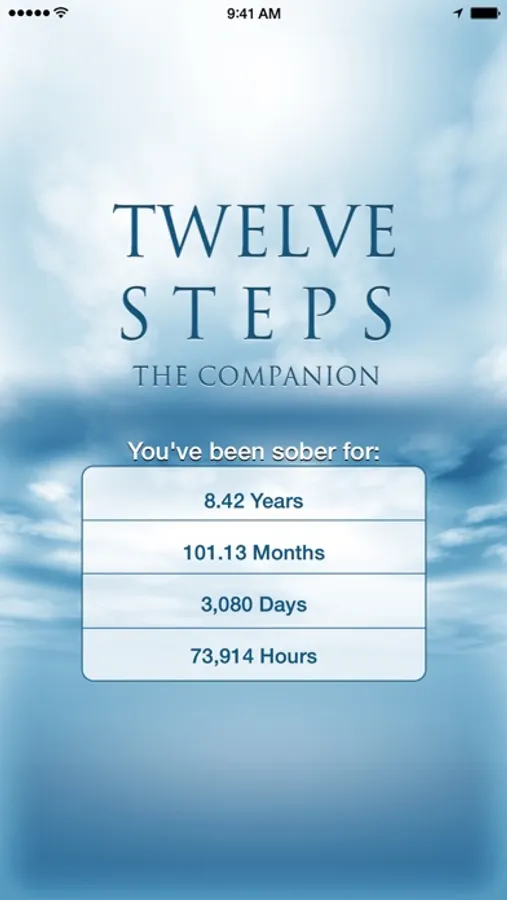
SOBRIETY CALCULATOR & WIDGETS
• View your sobriety length on the stunning launch screen
• Add home screen widgets to track your progress at a glance
• Live updates with precise years, months, days, and hours
THE BIG BOOK READER
• NEW: Dark Mode - Easy-on-the-eyes reading for any time of day
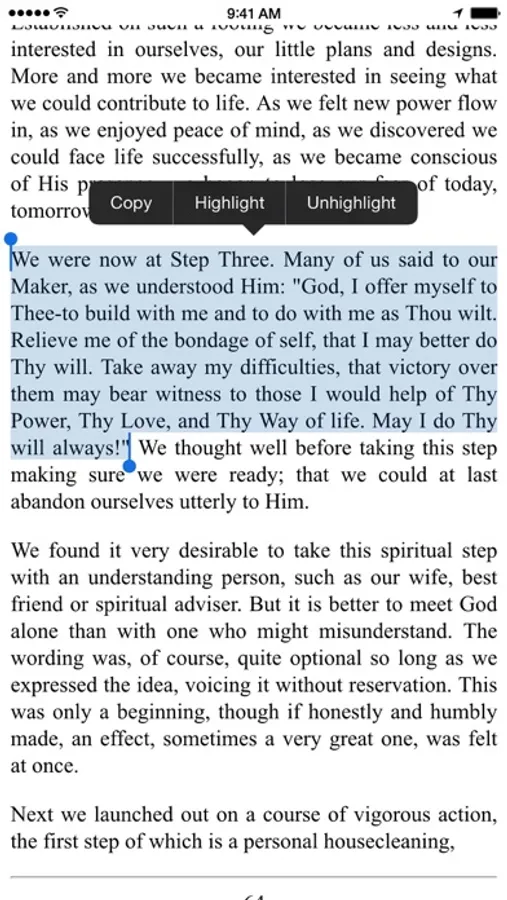
• Enhanced Highlighting - Highlight and unhighlight text with ease
• Adjustable Font Size - Customize for comfortable reading
• Full-screen reading mode in portrait or landscape
• Read the main 164 pages plus 60+ stories from 1st & 2nd editions
• Original forewords and appendices
• Page numbers for easy reference
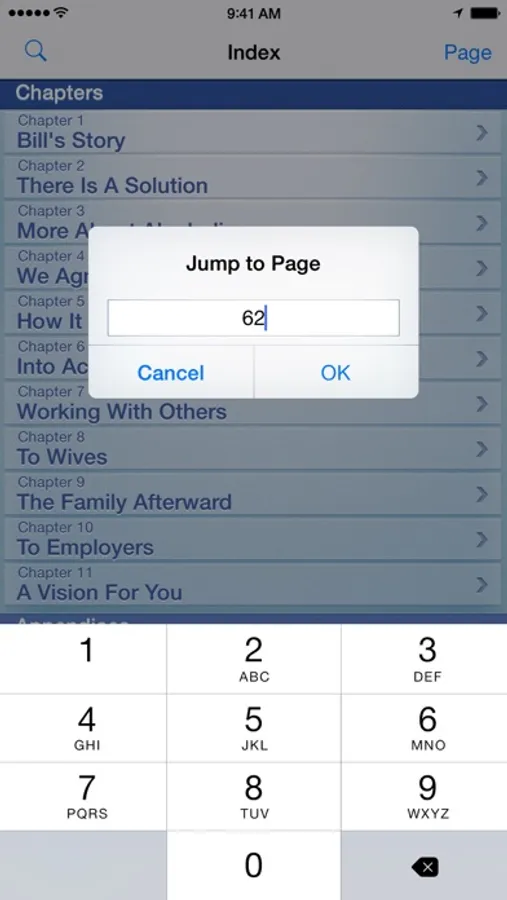
• Quick page jump navigation
• Built-in dictionary—tap any word to define
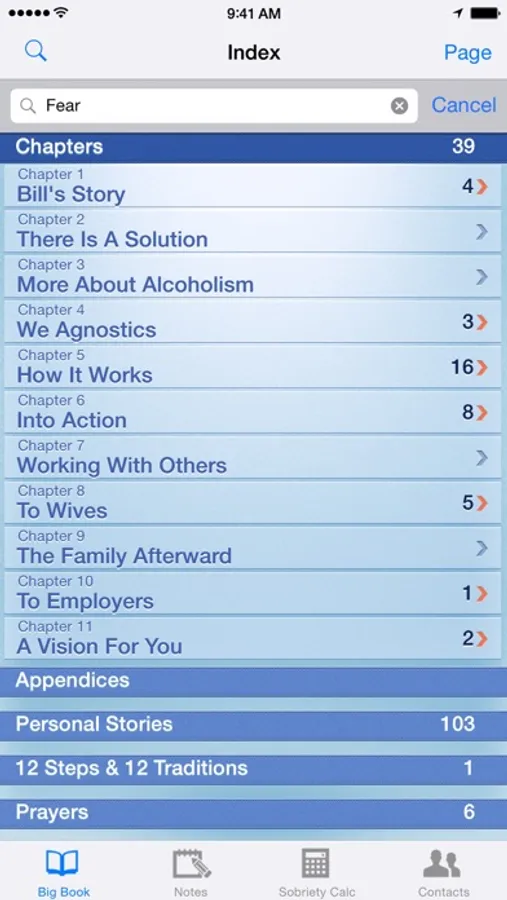
• Collapsible index with organized categories
• "Return to Bookmark" from any note
POWERFUL SEARCH
• Comprehensive concordance tool
• Instant highlighting of search results
• Find any passage quickly
PRAYERS & PROMISES
• Morning prayer for "on awakening"
• Night prayer for "when we retire at night"
• Prayers from all 12 steps
• Prayer of St. Francis
• The Big Book's suggestions on prayer
• Extensive collection of promises throughout the Big Book
• Promises from the steps and more
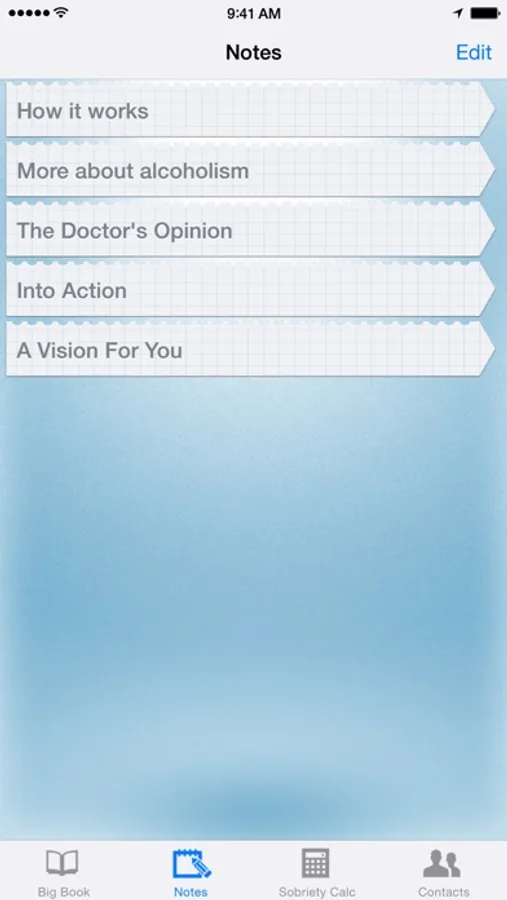
NOTES
• Enhanced sharing via Messages, email, Facebook, and Twitter
• Highlight text and tap the note button to auto-insert
• Perfect study and reflection tool
• Automatically includes app attribution when sharing
CONTACTS
• Access US central offices, areas, districts, and answering services
• Enhanced Actions - Tap to immediately call, email, or visit websites
• Integrated Maps - Built-in routing to find meetings and locations
• Add and edit your own recovery contacts
• Quick access to support
SUPPORT
Thank you for downloading this app! I'm grateful for your support and hope it serves as a valuable tool in your recovery.
Questions or feedback? Visit www.deanhuff.com
IMPORTANT NOTES:
Due to copyright restrictions:
• Only stories from the 1st and 2nd editions are included
• The 12 Steps Companion is only available to US customers
Big Book and Alcoholics Anonymous are registered trademarks of AA World Services, Inc.
Please always support AA by purchasing a printed copy from your local central office.
12 Steps Companion AA Big Book Screenshots
Tap to Rate:
Reviews for 12 Steps Companion AA Big Book
Dorothy F. Shaw
Almost perfect
I wish Dean would add the additional stories from the newer additions. The stories that are significant for me include acceptance prayer and the resentment prayer. I thought these used to be included but I guess not. An update to add these stories would be wonderful.
Mooney2369
Functionality
This is by far my most favorite AA app. I had somehow deleted a few word from a sentence and cannot figure out how to update/fix my error. Page 42. "I saw that will power and self-knowledge would not help in those strange" how I deleted this I do not know. I want to fix it but have some many things highlighted that I do not want do delete and reinstall as I do not want to loose my years of work. Can you help?