With this remote app, you can control and observe ProPresenter presentations, manage slides, notes, and timers. Includes Wi-Fi connectivity, stage layout adjustments, and announcement controls.
AppRecs review analysis
AppRecs rating 2.7. Trustworthiness 75 out of 100. Review manipulation risk 23 out of 100. Based on a review sample analyzed.
★★☆☆☆
2.7
AppRecs Rating
Ratings breakdown
5 star
23%
4 star
18%
3 star
11%
2 star
15%
1 star
34%
What to know
✓
Low review manipulation risk
23% review manipulation risk
⚠
Mixed user feedback
Average 2.8★ rating suggests room for improvement
⚠
High negative review ratio
48% of sampled ratings are 1–2 stars
About ProPresenter Remote Classic
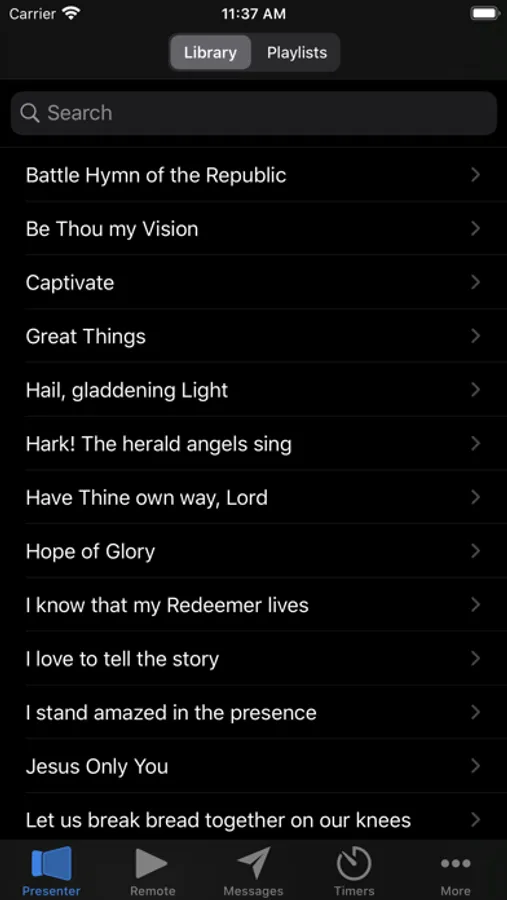
ProPresenter Remote is the perfect companion for Renewed Vision's award winning ProPresenter presentation software. Using ProPresenter Remote you'll be able to control or observe many key features of any ProPresenter application that's running on your Wi-Fi network.
Brief Highlights:
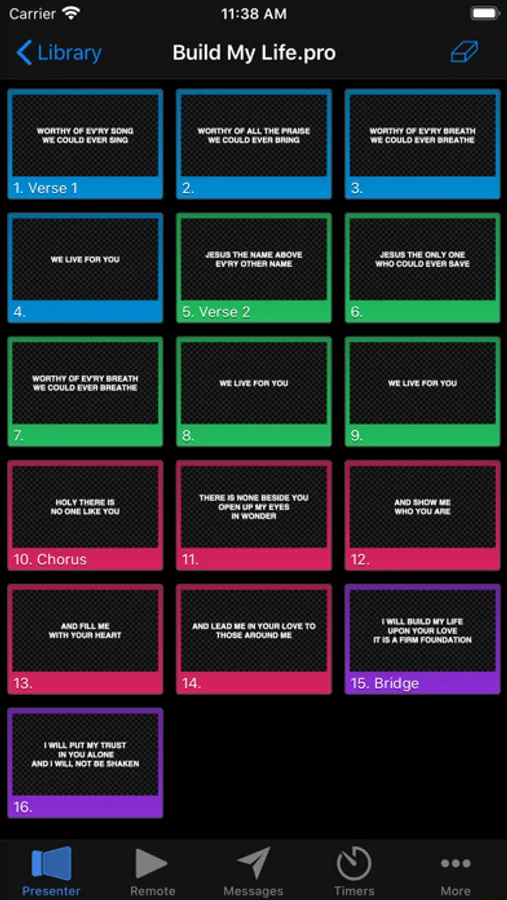
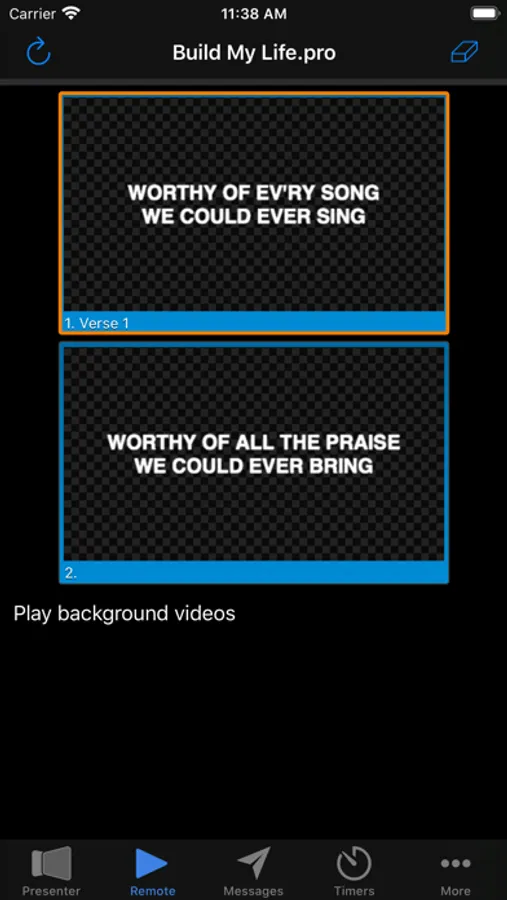
• Control presentations using the familiar grid layout that you're accustomed to from ProPresenter
• Simplified remote with slide notes to put the controls in the presenter's hands.
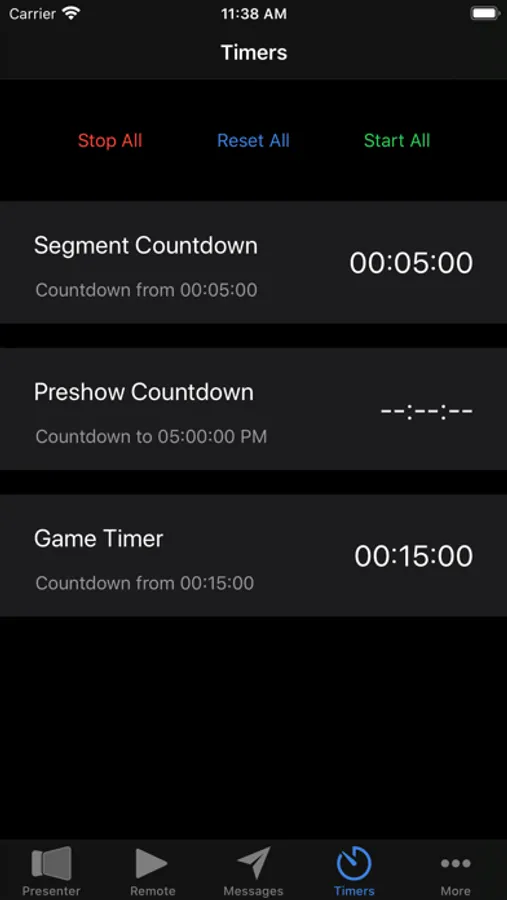
• Control and configure your clocks and timers.
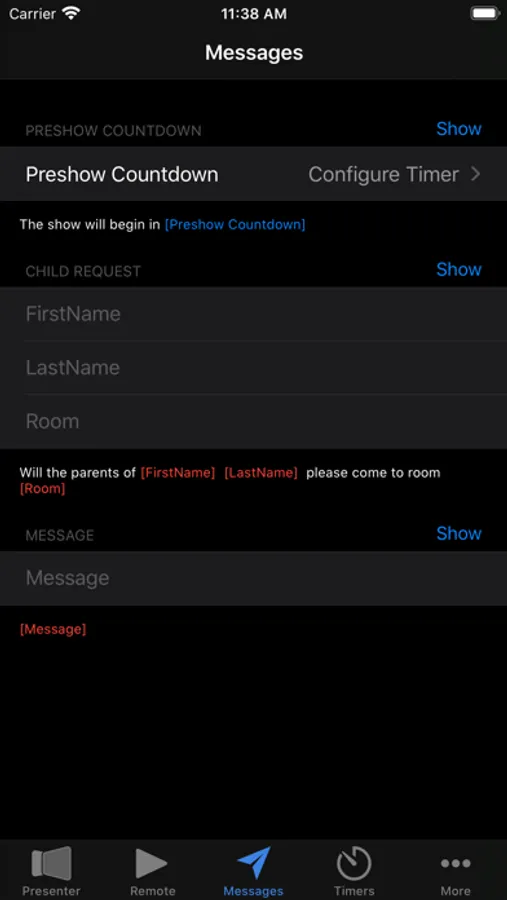
• Configure, show, and hide announcement messages
• Change the stage display layout
Requirements:
- A Wi-Fi connection to the ProPresenter machine.
Not all features in ProPresenter Remote are supported by all versions of ProPresenter. If you have a question about a feature/compatibility in ProPresenter Remote for your particular version of ProPresenter, please contact our sales team at sales@renewedvision.com
If you are having any issues with the app, please contact our support team at support@renewedvision.com so that we can assist.
Brief Highlights:
• Control presentations using the familiar grid layout that you're accustomed to from ProPresenter
• Simplified remote with slide notes to put the controls in the presenter's hands.
• Control and configure your clocks and timers.
• Configure, show, and hide announcement messages
• Change the stage display layout
Requirements:
- A Wi-Fi connection to the ProPresenter machine.
Not all features in ProPresenter Remote are supported by all versions of ProPresenter. If you have a question about a feature/compatibility in ProPresenter Remote for your particular version of ProPresenter, please contact our sales team at sales@renewedvision.com
If you are having any issues with the app, please contact our support team at support@renewedvision.com so that we can assist.
ProPresenter Remote Classic Screenshots
Tap to Rate:
Reviews for ProPresenter Remote Classic
joel.rai
Bible in app to control
Can you add bible controller through app as well?? It would help so much helpful and very much appreciated
angelitoAtv1
Bad
No working properly