Solve - Graphing Calculator
Pomegranate Apps LLC
4.7 ★
196 ratings
$1.99
In this graphing calculator app, users can plot 2D, 3D, polar, and time functions with a simple touch. Includes multiple calculators, answer memory, and color-coded tabs for different graph types.
AppRecs review analysis
AppRecs rating 4.8. Trustworthiness 72 out of 100. Review manipulation risk 25 out of 100. Based on a review sample analyzed.
★★★★☆
4.8
AppRecs Rating
Ratings breakdown
5 star
85%
4 star
9%
3 star
2%
2 star
1%
1 star
3%
What to know
✓
Low review manipulation risk
25% review manipulation risk
✓
Credible reviews
72% trustworthiness score from analyzed reviews
✓
High user satisfaction
85% of sampled ratings are 5 stars
About Solve - Graphing Calculator
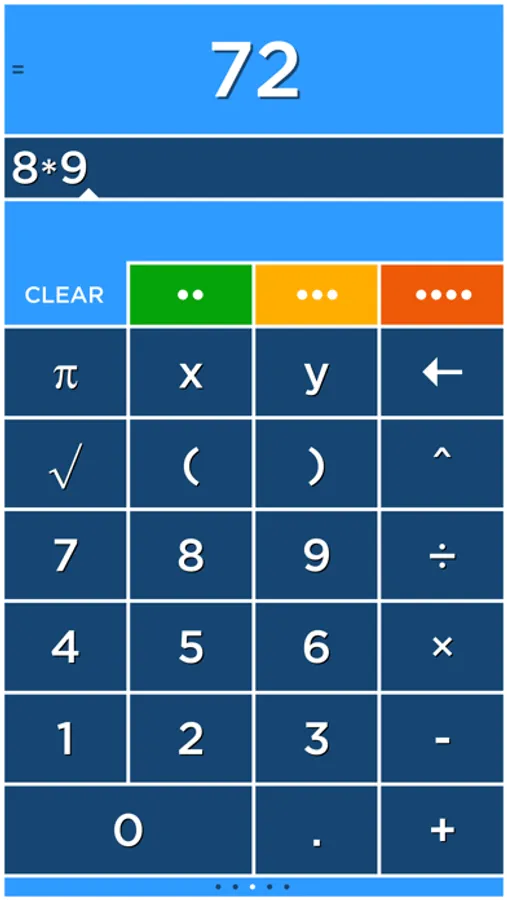
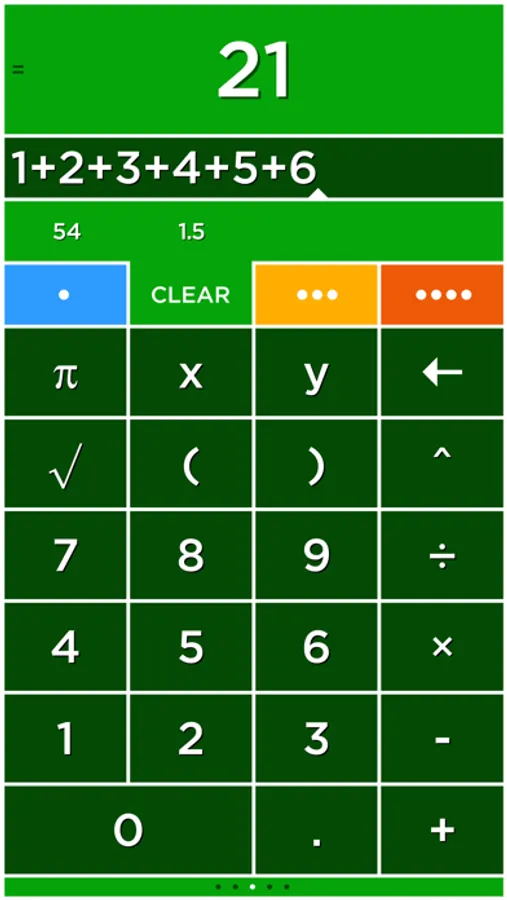
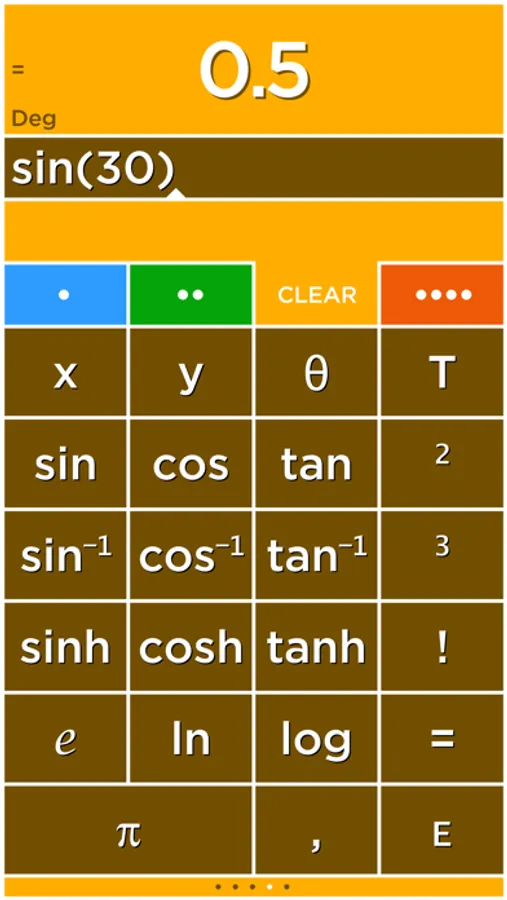
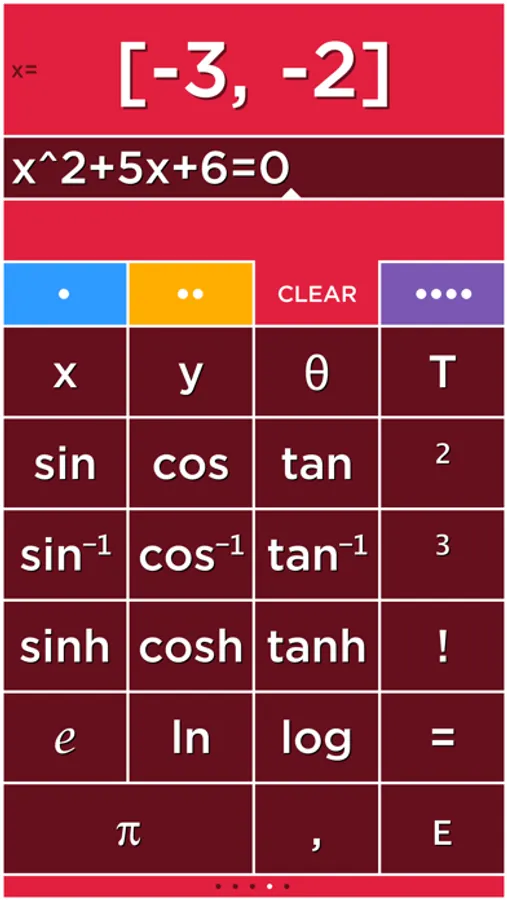
Solve has four tabs that select four different calculators each with its own color. Multiply numbers, calculate a tip and find a square root all without clearing your results!
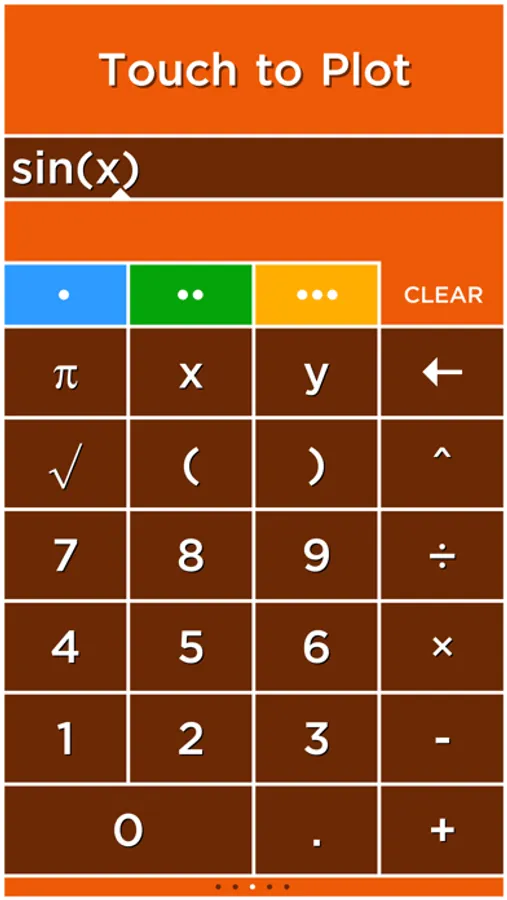
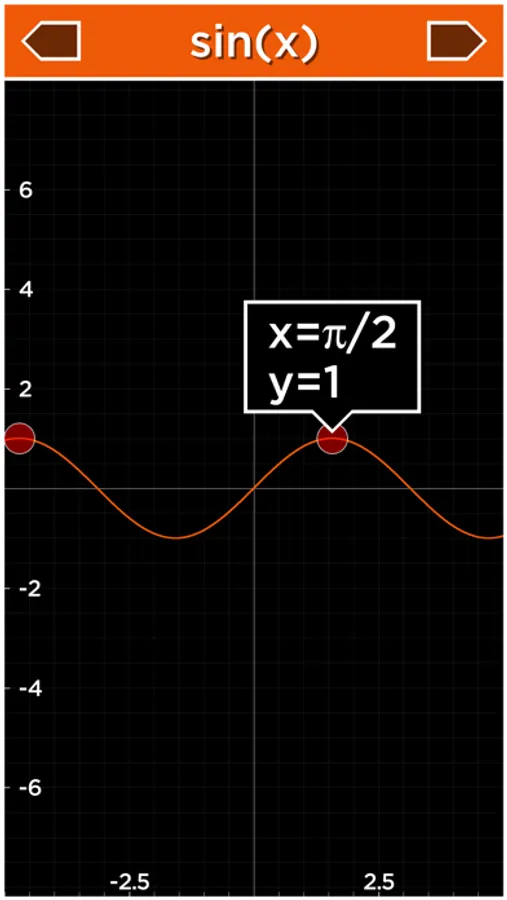
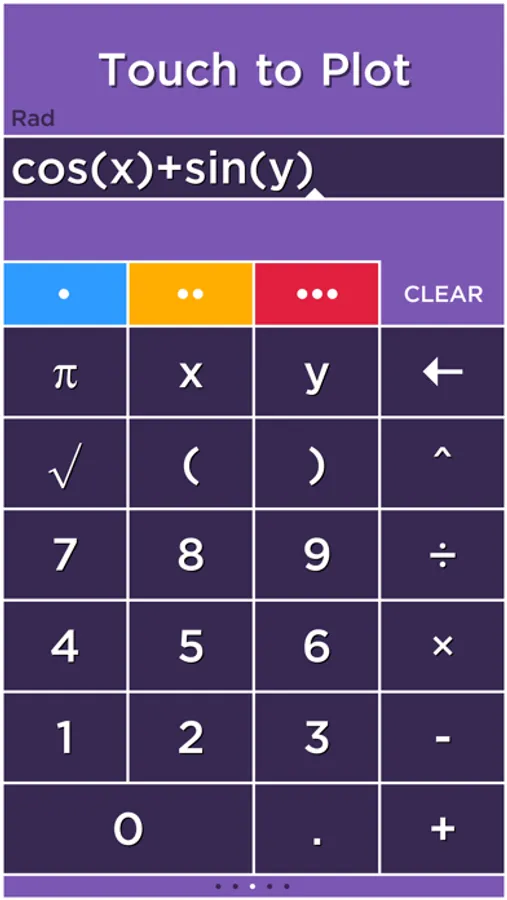
Plot graphs with a single touch! Solve plots 2D and 3D functions using the x, y and θ variables. When you use the x, y and θ variables in an equation the answer will say Touch to Plot. Touch this label to graph the equation.
GRAPHING
Plot functions using the x variable. For example, "y=sin(x)" is just entered as "sin(x)".
• cos(x)
• abs(x)
• x^2+2x+6
POLAR GRAPHING
Plot polar equations using the θ variable. For example, "r=2θ" is just entered as "2θ".
• 2θ
• sin(2θ)
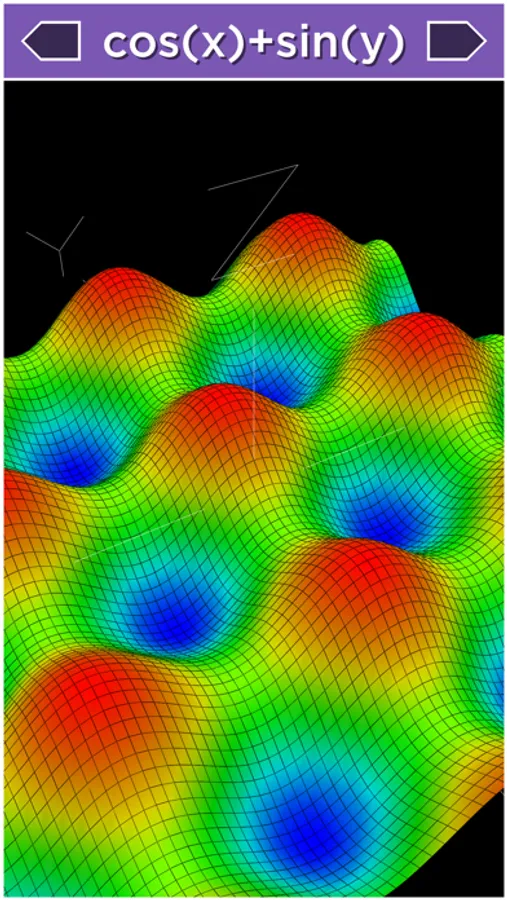
3D GRAPHING
Plot 3D functions by using the x and y variables. For example, "z=x+y" is just entered as "x+y".
• cos(x)+sin(y)
• x^2+y^2
PLOT MULTIPLE GRAPHS
Graph multiple functions by separating each equation with a comma.
• sin(x),cos(x)
• x,x^2,x^3
TIME GRAPHING
The T variable is used to create animated or time plots.
• cos(x+T)
• sin(x+T)*x
• cos(x+T)+sin(y+T)
USER REVIEWS
Really nice calculator by NeedHim
"Having multiple calculators that you can use your calculations in is really a cool function. Prevents you from having to have a pad and paper to figure out multiple calculations. Also the colors are just incredible."
Simply amazing. by oddgoingson
"I was blown away by this app. When I first tried it and the tutorial came up, my first instinct was to skip past it. Then I started... Blown away. This calculator has everything and more. It is so logical for those who always wondered why calculators are sometimes so archaic. Forget copy and paste. Then I got to the graphing.... A must have period!"
Perfect! by Michael
"I've always hated how calculators didn't save answers. It made working out equations very hard and time consuming. But this app does that, and it does it well! Finally, a calculator app that actually works."
Outstanding calculator -- full featured! by ofloveandhate
"I have been using Solve for a few years now. Prompt updates, excellent controls, and a ton of features make it the best calculator I have used. I love having four separate units which I can use in each other and the plotting is easy as pi."
Great app by biosci
"It does everything I need in a 'fun' way that's intuitive to how I think and operate. I'll take it!"
Great Calculator by Carl E. M.
"This is a great calculator, aesthetically and functionally. Having the answer appear as you enter numbers will be the future of all calculators."
I love this calculator by Alan63134
"I work on a shipping dock and it saves me a lot of time and headache. I can have 4 different calculator in one place. I can see the different weights or counts and know where I am if I have to do a lot of weighing or counting on different pallets. I use it every day. I also use it while shopping and can add the price of my shopping list and calculate what things cost. I love this calculator."
Awesome! by smart-music-fan
"This app is great. It easily graphs functions on the xy plane, and adding T as a variable to make the graph move is so fun. Its 3D graphing capability is great - quick, easy (it sets nice bounds on the z axis so you can see things clearly), and helpful for visualizing my Multivariable Calculus homework."
Fantastic by xTricksterz
"This app is beautiful, I use on my iPad and I'm first to answer most of the problems in class. This app shreds TI's calculator OS."
Awesome!!! by llikeadodachacha
"Does just about everything my TI-84 Plus but quicker and much easier to manipulate the graphs. It loads instantly and the 3D function is awesome for higher level math classes (I'm in Calc 3 now and it's already come in hand!)
Solve - Graphing Calculator Screenshots
Tap to Rate:
Reviews for Solve - Graphing Calculator
Zac K.
Annoying requires two swipes to exit
This is my preferred calculator for iOS because it’s very convenient to have have multiple calculator pages with values that you can store and use later. Unfortunately it has a very frustrating quirk where you have to swipe up from the bottom of the screen twice to exit the app or switch between apps. This makes the app unusable when I need to do some quick calculations while switching back and forth from another app. The only other apps I have seen this happen with are games where you might accidentally swipe up near the bottom of the screen by accident, but I don’t think that is an issue for a calculator, so I’m not sure why it happens here.
BigEZ in TX
No Ads - Side by Side Calcs
Simple, no nonsense calculation! Love it!