
AppRecs review analysis
AppRecs rating 3.0. Trustworthiness 80 out of 100. Review manipulation risk 23 out of 100. Based on a review sample analyzed.
★★★☆☆
3.0
AppRecs Rating
Ratings breakdown
5 star
56%
4 star
11%
3 star
0%
2 star
6%
1 star
28%
What to know
✓
Low review manipulation risk
23% review manipulation risk
✓
Credible reviews
80% trustworthiness score from analyzed reviews
About NoteNow
Just open the application and follow these simple instructions:
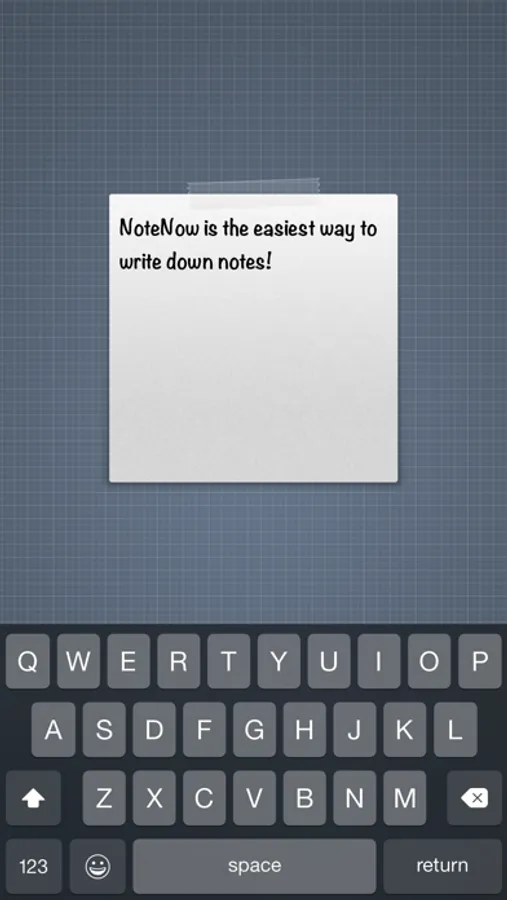
· Tap the note to bring out the keyboard.
· Write your note.
· Swipe the note down or tap on the top of the screen to hide the keyboard.
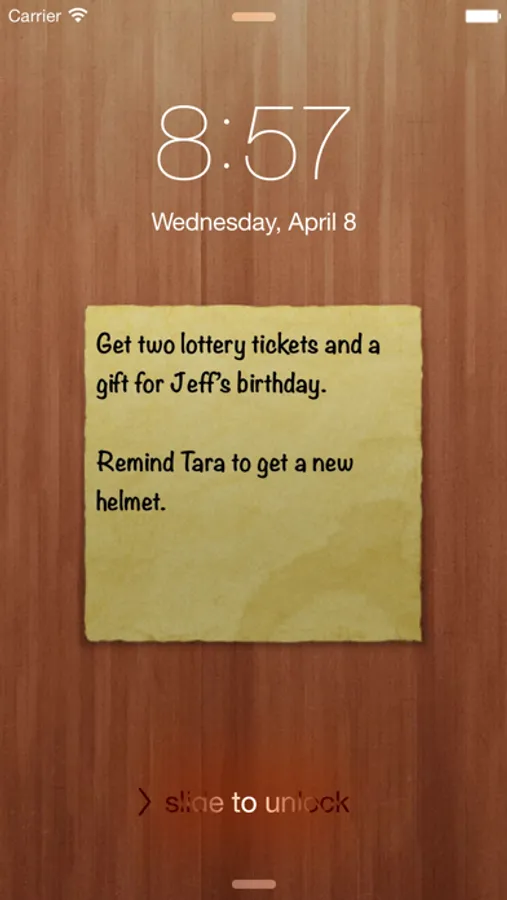
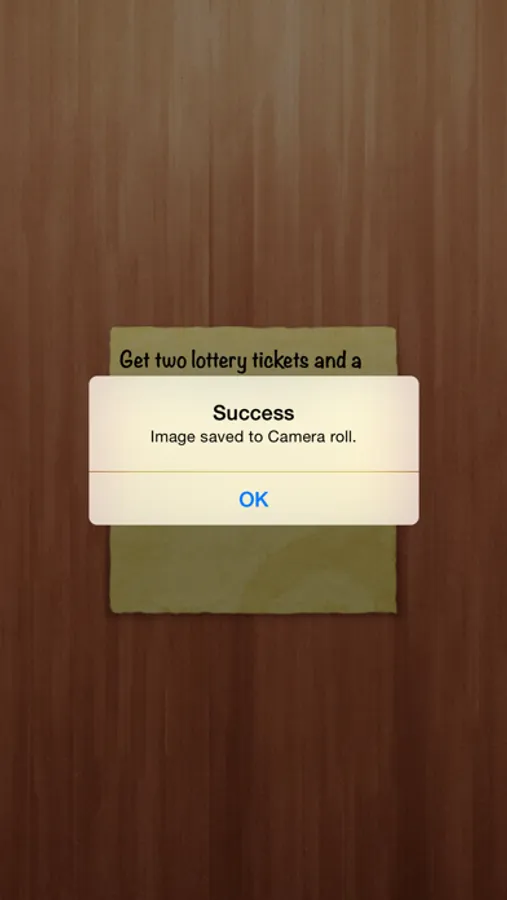
· And finally take a screenshot by tapping the bottom of the screen, or by pressing both the home button and the sleep/wake button at the same time, and set that image as wallpaper so that you don't forget anything!
What people are saying about NoteNow:
“…if you’ve been looking for an easy to use app to store all your other thoughts and activities with a different method, well — there you go.” - Federico Viticci, MacStories
If you want to make a new note, all you have to do is swipe left. Then to go back to previous notes you just have to swipe right.
Swipe the note down when the keyboard is hidden to bring out the settings, there you'll be able to change the app so that it looks however you like it best!
NoteNow Screenshots

Tap to Rate:
Reviews for NoteNow
Isaac Sabino
Porcaria
Uma porcaria. Joguei dinheiro fora.
TobyRyan
Convenient and Subtle Reminders!
With all the distractions on iPhone, NoteNow makes a convenient and subtle way to remind myself of important tasks by placing the reminder on what I see the most while bouncing in and out of apps: the lock screen and home screen. The swipe gesture on the keyboard makes for a nice visual peek at the finished reminder while typing and creating notes. It's now quicker and easier than ever to make notes on my lock screen.