In this spreadsheet app, you can create, edit, and format spreadsheets using formulas and cell styling. Includes support for multiple file formats, cloud storage integration, and offline access.
AppRecs review analysis
AppRecs rating 4.4. Trustworthiness 71 out of 100. Review manipulation risk 33 out of 100. Based on a review sample analyzed.
★★★★☆
4.4
AppRecs Rating
Ratings breakdown
5 star
76%
4 star
12%
3 star
5%
2 star
2%
1 star
6%
What to know
✓
Credible reviews
71% trustworthiness score from analyzed reviews
✓
High user satisfaction
87% of sampled ratings are 4+ stars (4.5★ average)
⚠
Ad complaints
Many low ratings mention excessive ads
About iSpreadsheet™ : Office Sheets
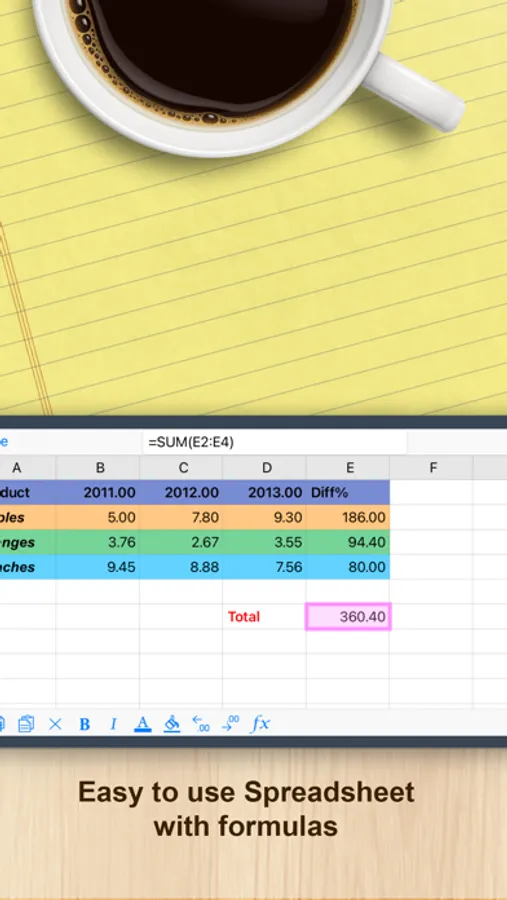
iSpreadsheet is a free, simple to use yet powerfull mobile spreadsheet Application for your iPhone & iPad. Quickly create beautiful spreadsheets that are compatible with major office solutions such as Excel and Numbers.
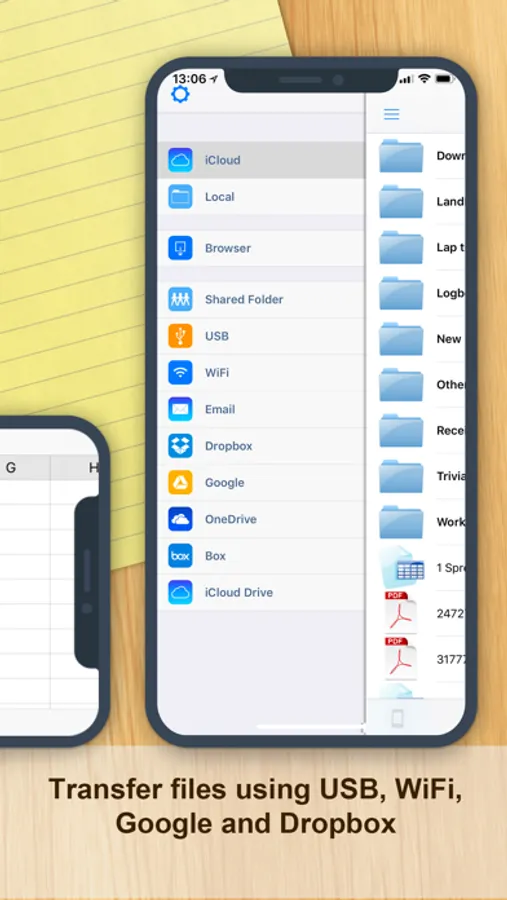
iSpreadsheet is built from the ground up for iPhone and iPad so it runs very fast even on older devices. And iSpreadsheet works seamlessly with a myriad of file transfer and storage options including: Windows SMB Network Share, Box, Dropbox, Google Drive, Docs, OneDrive, iCloud and more.
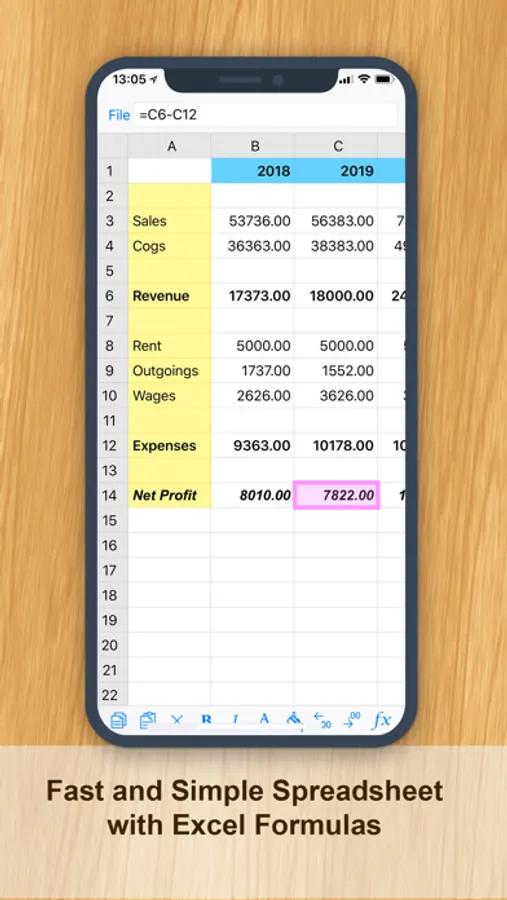
Supports Formatting and Formulas. Uses CSV comma separated file format for maximum compatibility. Can read numbers and excel xls xlsx files too!
FEATURES:
• Google Docs Integration
• iCloud & iCloud Drive Integration
• Manage both online and offline worksheets
• Portrait & Wide-screen Landscape view
• Load .XLS and .CSV files from Google Documents. (without formatting)
• Save in .CSV format (RFC 4180 compliant)
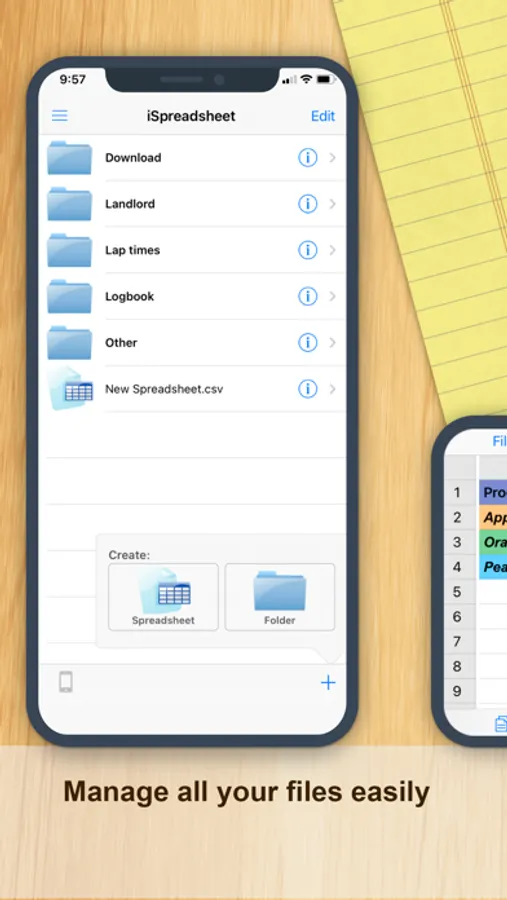
• Manage multiple Spreadsheets
• Execute complex arithmetic formulas
• Access a useful subset of Excel formulas
• Cell Formatting
• Column Resizing
• Clipboard Copy Paste
• Column Row Insert
• Progressive Loading
• Fluid Graphics
• Familiar Interface
• Online help
• Offline formula wizard
• Context Aware Toolbar
• Autosave & Recovery
• Free Updates
More Free iPhone Apps:
http://www.savysoda.com
iSpreadsheet is built from the ground up for iPhone and iPad so it runs very fast even on older devices. And iSpreadsheet works seamlessly with a myriad of file transfer and storage options including: Windows SMB Network Share, Box, Dropbox, Google Drive, Docs, OneDrive, iCloud and more.
Supports Formatting and Formulas. Uses CSV comma separated file format for maximum compatibility. Can read numbers and excel xls xlsx files too!
FEATURES:
• Google Docs Integration
• iCloud & iCloud Drive Integration
• Manage both online and offline worksheets
• Portrait & Wide-screen Landscape view
• Load .XLS and .CSV files from Google Documents. (without formatting)
• Save in .CSV format (RFC 4180 compliant)
• Manage multiple Spreadsheets
• Execute complex arithmetic formulas
• Access a useful subset of Excel formulas
• Cell Formatting
• Column Resizing
• Clipboard Copy Paste
• Column Row Insert
• Progressive Loading
• Fluid Graphics
• Familiar Interface
• Online help
• Offline formula wizard
• Context Aware Toolbar
• Autosave & Recovery
• Free Updates
More Free iPhone Apps:
http://www.savysoda.com
iSpreadsheet™ : Office Sheets Screenshots
Tap to Rate:
Reviews for iSpreadsheet™ : Office Sheets
Kenroko
Good alternative; easy
Serves the purpose for simple stuff. Better than having to open a laptop. Also cut and paste info from other apps. A little getting used to for exp Excel users.
Oldman91
Maybe a tutorial might help
Have a few questions about this project. I think I will be able to figure it out.