
AppRecs review analysis
AppRecs rating 4.5. Trustworthiness 70 out of 100. Review manipulation risk 27 out of 100. Based on a review sample analyzed.
★★★★☆
4.5
AppRecs Rating
Ratings breakdown
5 star
100%
4 star
0%
3 star
0%
2 star
0%
1 star
0%
What to know
✓
Low review manipulation risk
27% review manipulation risk
✓
Credible reviews
70% trustworthiness score from analyzed reviews
✓
High user satisfaction
100% of sampled ratings are 5 stars
About iLogger
NOTE: The free version is fully functional but it limits you to 15 entries. A single one-time in-app purchase will remove the restriction on the number of entries you can enter.
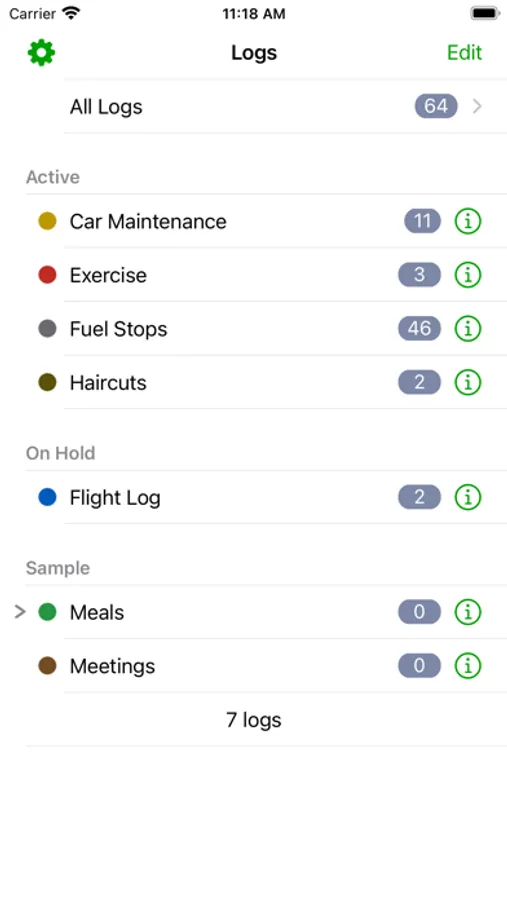
Here is a small list of things you can keep track of:
• Food / Diet / Calories
• Exercise / Fitness
• Running / Jogging / Biking / Hiking
• Car Maintenance
• Gas Mileage
• Consulting time / Work
• Project construction
• Trip Diary
• Flight Log
• Dive Log
• Swim Log
• Medical / Medication
• Sleep / Dreams
• Money
• Ham Radio
• Anything you want to keep track of
Quickly import your existing logs directly from your computer. You can also export your logs from iLogger directly to your own computer or via email. Built-in backup and restore to/from your own computer ensures you always have a copy of your data.
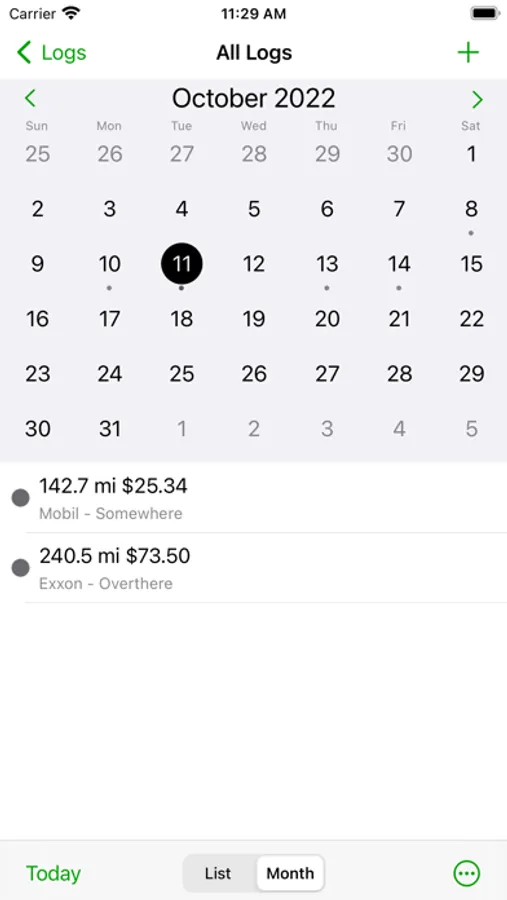
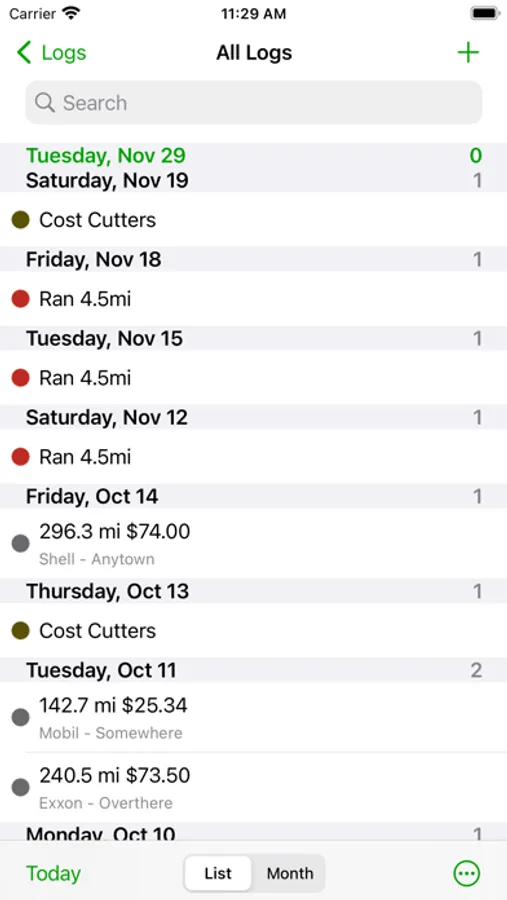
Quickly find your events using iLogger's powerful filtering, searching, and sorting capabilities.
Data entry is made easy with autofill and quick copy.
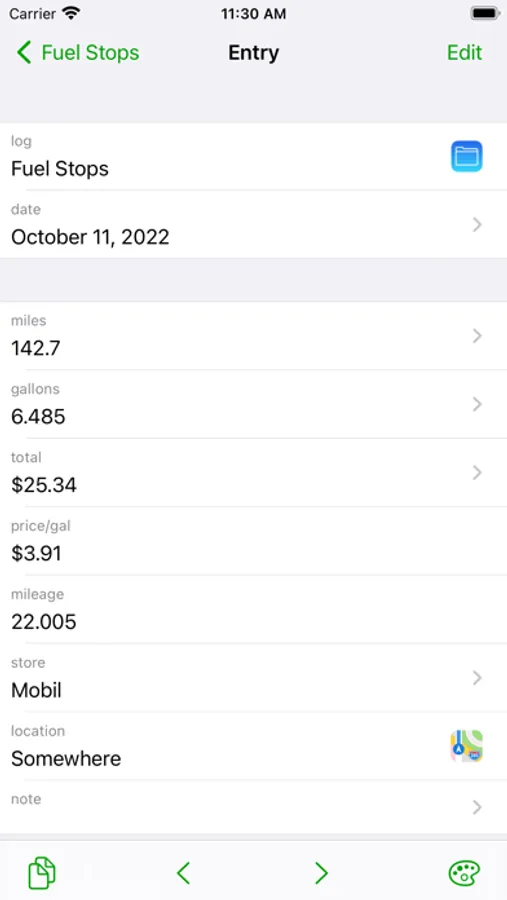
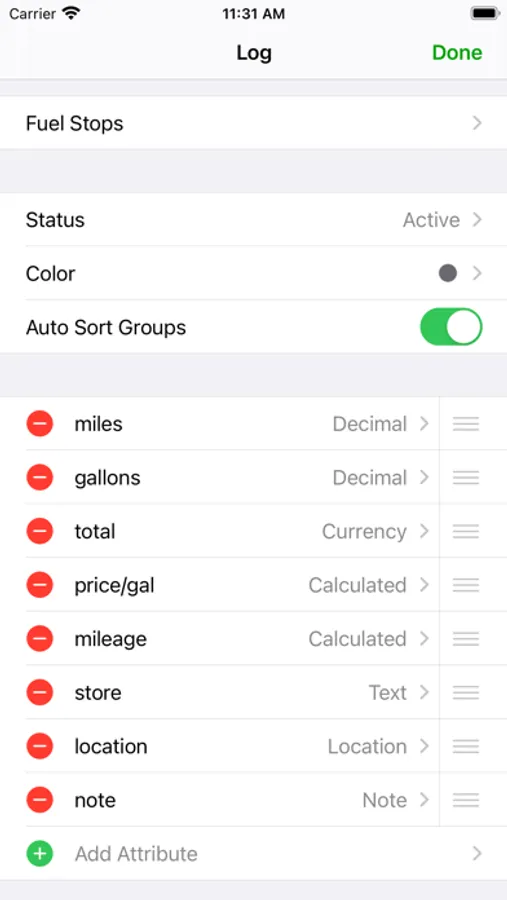
iLogger allows you to enter the following types of data:
• Text
• Note/Comment
• Date
• Time
• Duration
• Currency
• Count
• Numbers (Integer, Decimal)
• Yes/No
• Web Address
• Email Address
• Phone Number
• Location (GPS, address, city, etc.)
• Voice Memo
• Calculated (use basic math on other attributes and values)
• Lookup List (user defined list of values)
Store up to 20 photos for each of your entries. Use existing photos or take a photo with the built-in camera.
Share your data with others. Email logs to co-workers or friends and family. Other users of iLogger can import your shared logs directly simply by tapping a link in the email.
Customize entry lists to display exactly the data you want to see. Apply colors to logs or individual entries to make them stand out.
See a summary of the entry list you are viewing. Shows entry count and totals and averages of your data.
Generate a report of your logs viewable on your computer. Includes a print friendly version of your entries.
Protect access to your data with a passcode. Keep others out of your data. The passcode feature functions just like the version built into your iOS device.
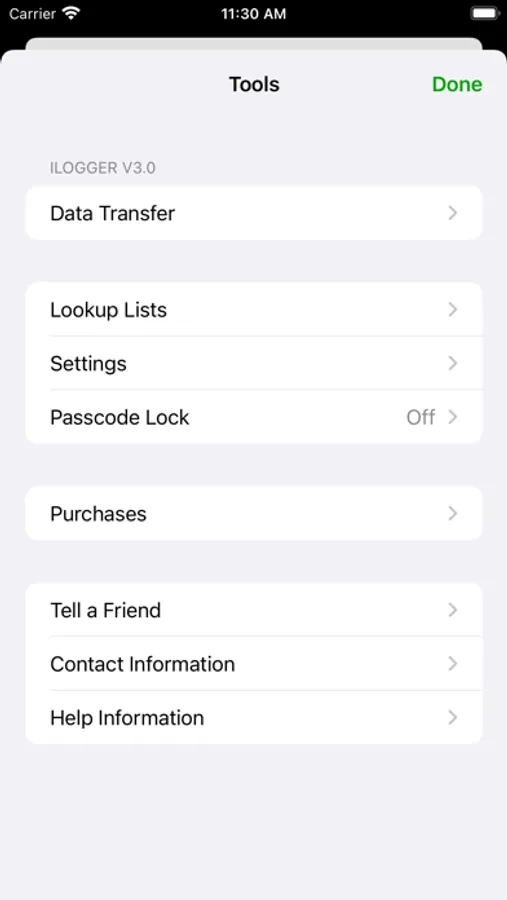
The Tools menu gives you access to:
• Data Transfer (Backup, Restore, Import, Export, Reports)
• Lookup List maintenance
• Settings (Display Options, Sorting Options)
• Passcode Lock
• Contact Information
• Help Information
Please visit https://www.maddysoft.com/ilogger for additional information and contact information for iLogger.
iLogger Screenshots
Tap to Rate:
Reviews for iLogger
Maxmaihao
All the functions, no ads or spying
Absolutely ideal app. So flexible, you can use it for everything. And best of all, it’s not spying on you and stealing your data, or locking you into some extortionate subscription. I use it every day and highly recommend it.
WB-Dallas
Great app, but need export all entries for a date range
Superb logging app, but need to be able to export ALL log entries for a select date range. This should be easy to implement and immensely helpful. JSON and .DBF formats would be helpful, along with ability to send to Apple Numbers, Google Sheets, and other spreadsheets (and databases). At least simple encryption using something like SHA256 (or user’s choice of hash) with XOR would be great. In my case, I can generate a hash with one of the iOS hash apps, but still need to XOR the data with it.