AppRecs review analysis
AppRecs rating 3.0. Trustworthiness 82 out of 100. Review manipulation risk 16 out of 100. Based on a review sample analyzed.
★★★☆☆
3.0
AppRecs Rating
Ratings breakdown
5 star
67%
4 star
0%
3 star
0%
2 star
0%
1 star
33%
What to know
✓
Low review manipulation risk
16% review manipulation risk
✓
Credible reviews
82% trustworthiness score from analyzed reviews
About Visolve for iPhone
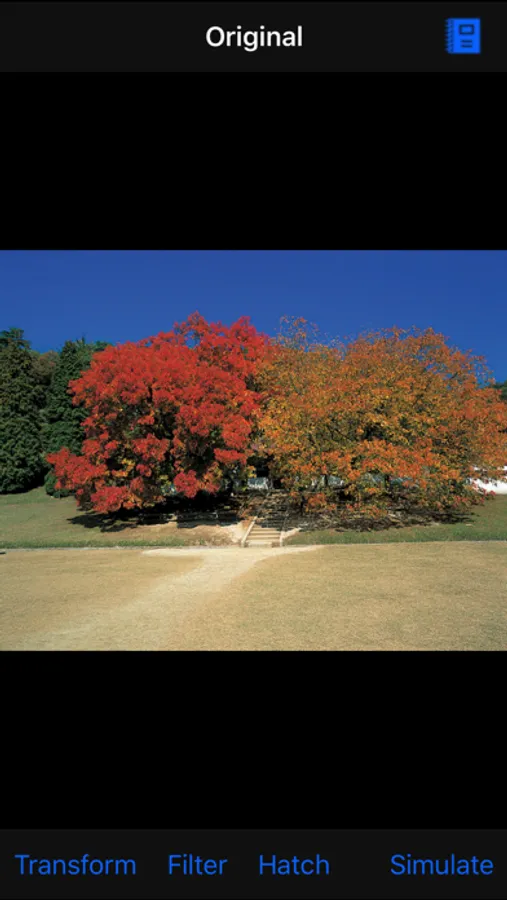
Visolve is the assistive software for people with color vision deficiency, commonly called color blindness. Its PC version has been used by many people around the world, and now this is its iPhone version.
Visolve for iPhone can apply the following transformations, which are same as PC version, to an image newly taken by Camera or being saved in Photo Albums, or a webpage being displayed:
1. Red-Green transform -- transforms redder colors to brighter, and greener colors to darker,
2. Blue-Yellow transform -- transforms bluer colors to brighter, and yellower colors to darker,
3. Saturation increase -- increases the saturation of all colors,
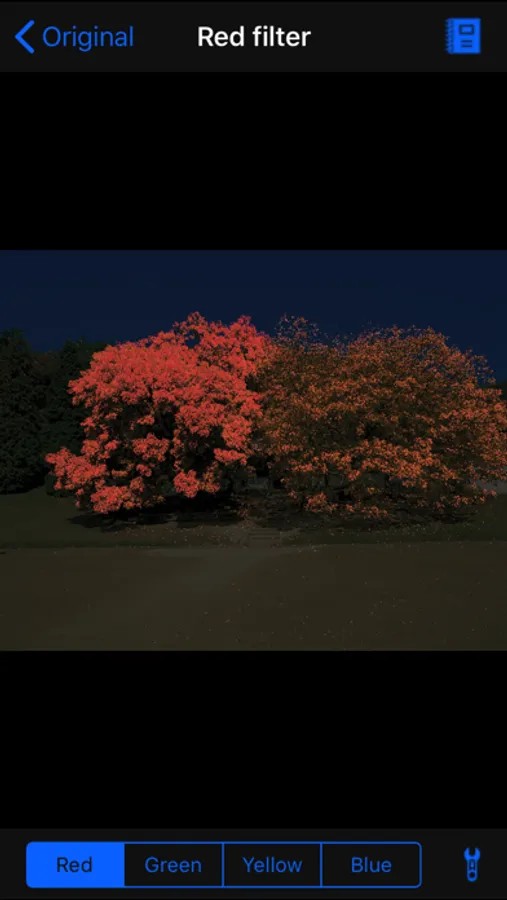
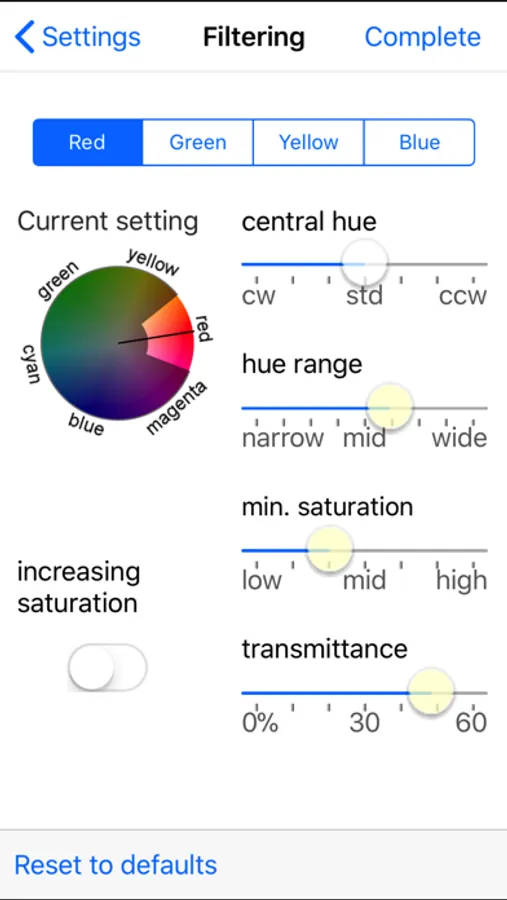
4. Filtering -- darkens all colors other than the specified color, and
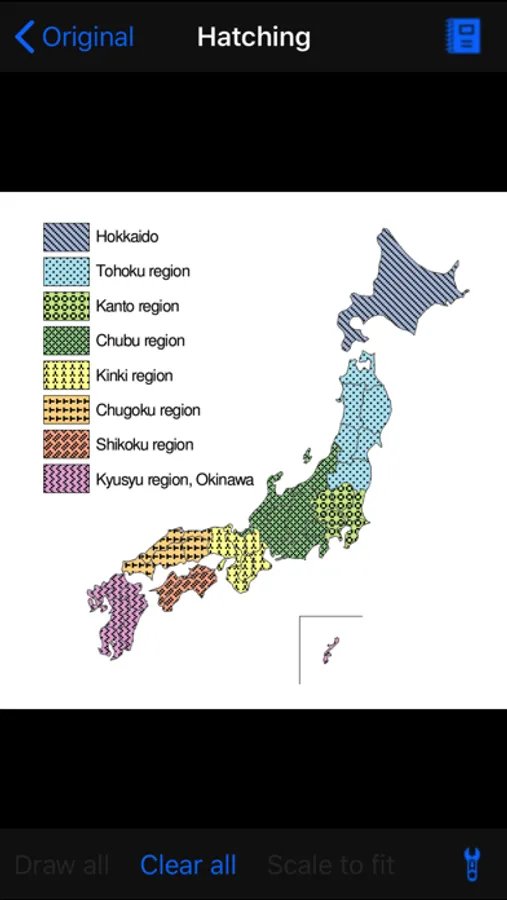
5. Hatching -- draws different hatch patterns according to color.
Those transformations help people to distinguish colors, to find a specific color, or to guess a normal color. By using Visolve for iPhone, you can take an image and transform its colors anywhere on the spot when you find a scene or a road sign, etc., which consist of indiscriminable colors.
Additionally, it can simulate the appearance of an image for people with color blindness. By using this feature, people with normal color vision can check how color-blind people see a scene or a caution sign, etc. Note that, however, it should be used only as a guide. We DO NOT guarantee the accuracy of the simulation image generated by Visolve.
Visolve for iPhone can apply the following transformations, which are same as PC version, to an image newly taken by Camera or being saved in Photo Albums, or a webpage being displayed:
1. Red-Green transform -- transforms redder colors to brighter, and greener colors to darker,
2. Blue-Yellow transform -- transforms bluer colors to brighter, and yellower colors to darker,
3. Saturation increase -- increases the saturation of all colors,
4. Filtering -- darkens all colors other than the specified color, and
5. Hatching -- draws different hatch patterns according to color.
Those transformations help people to distinguish colors, to find a specific color, or to guess a normal color. By using Visolve for iPhone, you can take an image and transform its colors anywhere on the spot when you find a scene or a road sign, etc., which consist of indiscriminable colors.
Additionally, it can simulate the appearance of an image for people with color blindness. By using this feature, people with normal color vision can check how color-blind people see a scene or a caution sign, etc. Note that, however, it should be used only as a guide. We DO NOT guarantee the accuracy of the simulation image generated by Visolve.
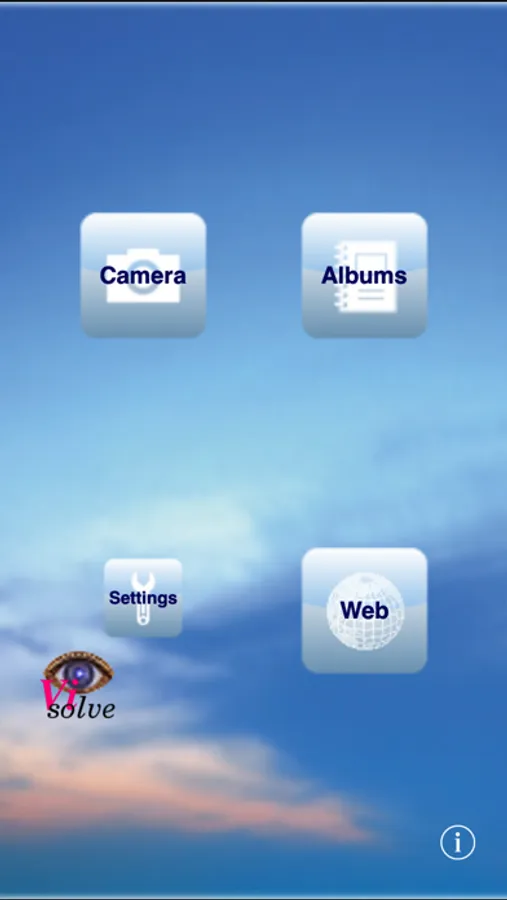
Visolve for iPhone Screenshots
Tap to Rate:
Reviews for Visolve for iPhone
mclimbaugh
No Update
App doesn’t work with iOS 11. Developer needs to update.
Dmkever
Life Changer
I know "life changer" may sound like an overstatement but I have lived 37 frustrating years not being able to tell when meat was done or whether I was buying green or brown pants. This app fixes all that and really works.