AppRecs review analysis
AppRecs rating 4.3. Trustworthiness 76 out of 100. Review manipulation risk 23 out of 100. Based on a review sample analyzed.
★★★★☆
4.3
AppRecs Rating
Ratings breakdown
5 star
86%
4 star
14%
3 star
0%
2 star
0%
1 star
0%
What to know
✓
Low review manipulation risk
23% review manipulation risk
✓
Credible reviews
76% trustworthiness score from analyzed reviews
✓
High user satisfaction
86% of sampled ratings are 5 stars
About Voxel
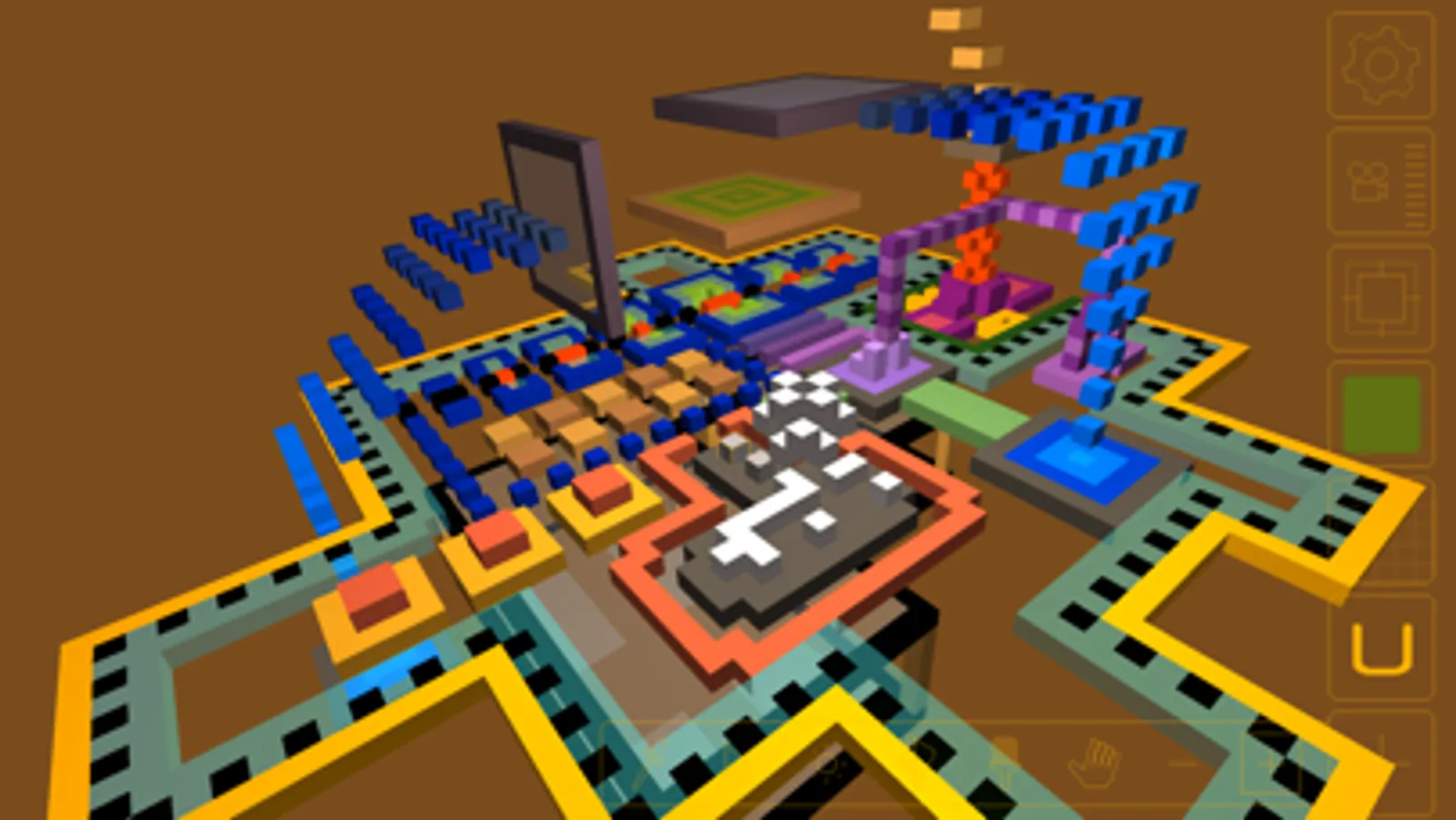
Voxel is easy enough for kids to enjoy, but it is also designed for creative adults. Advanced users will appreciate Voxel's layering and advanced keyframe animation tools. Upload your models to the online gallery!
Simply tap in empty space to create the first block. From there you can attach new blocks to it by tapping any face. Or, toggle the grid guide to put blocks exactly where you want them. A color palette lets you change colors. Drag your finger on the selected block to rotate your view. Use a two-finger-swipe to rotate the view as well. Use the familiar two-finger pinch motion to zoom in or out -- or just hold your finger in one spot.
Now make models for use with Minecraft -- Voxel now imports/exports .binvox format!
Check out the stop motion made by printing 8 frames of a voxel animation:
http://www.flatblackfilms.com/Voxel
Voxel Screenshots
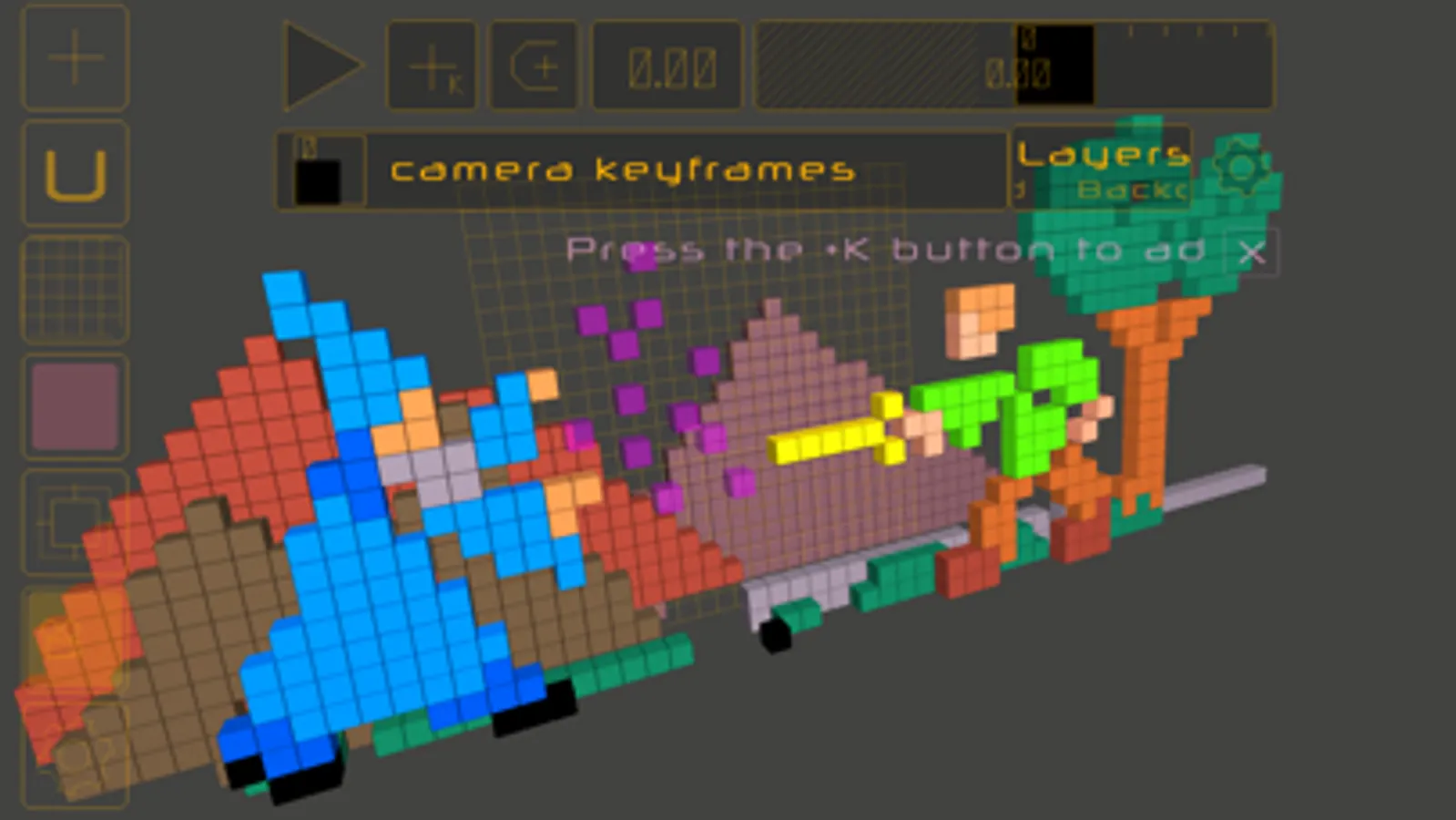
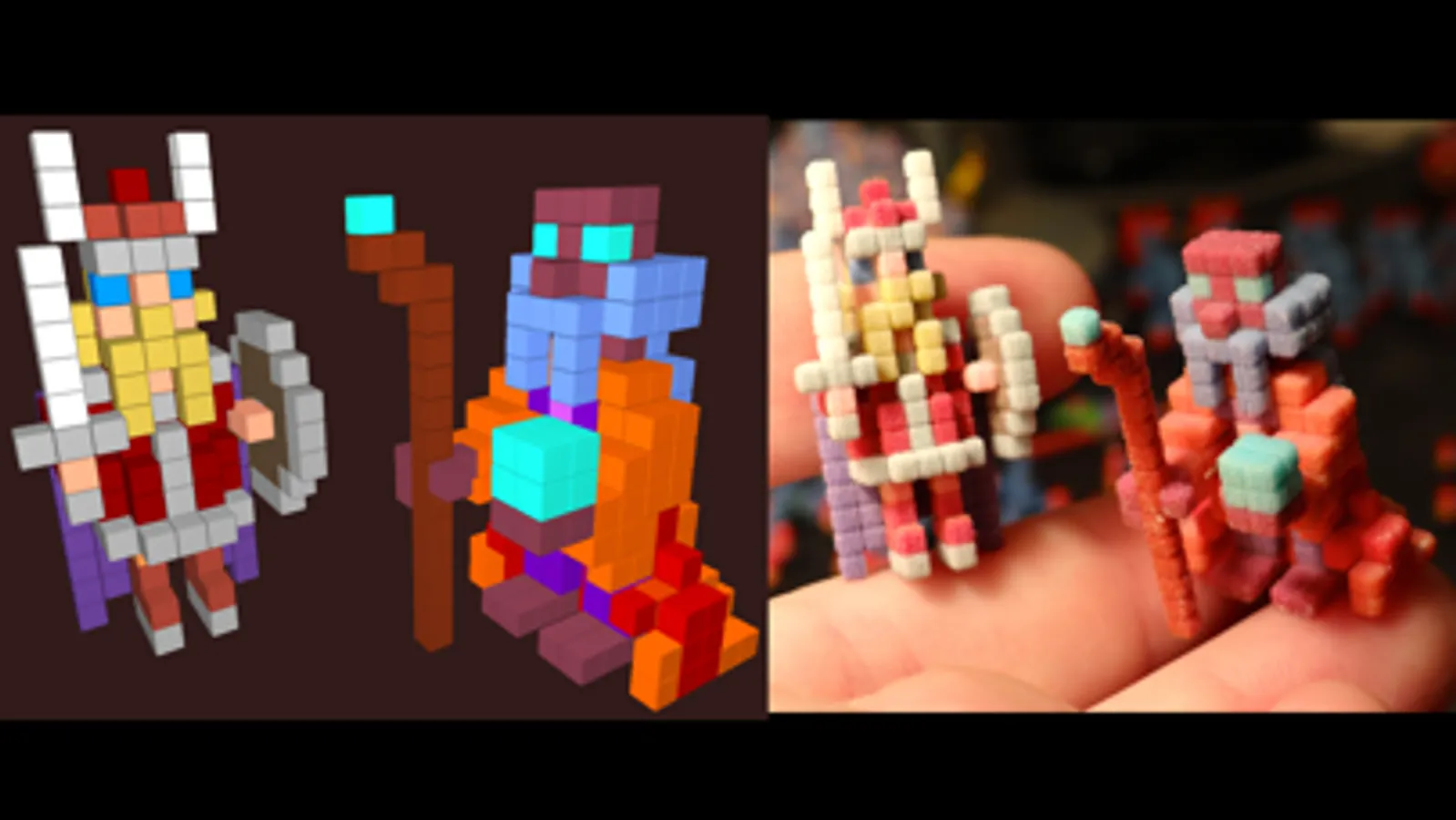
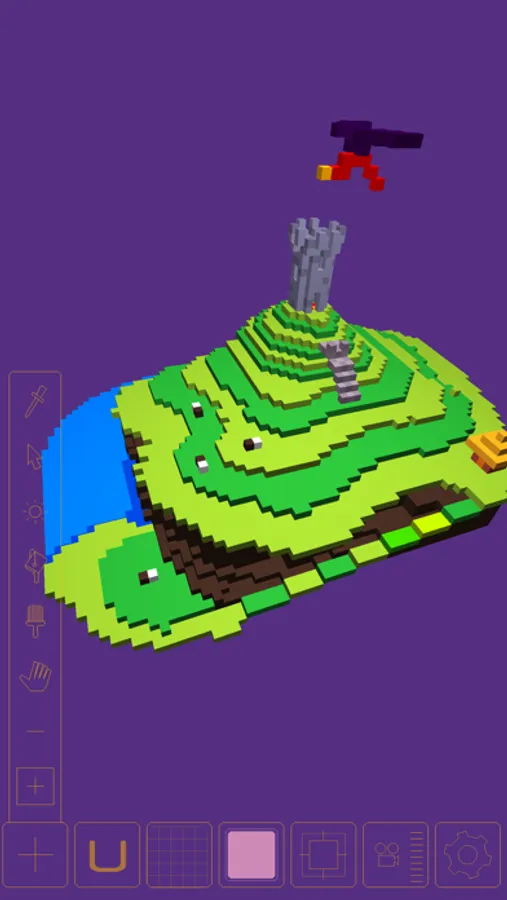
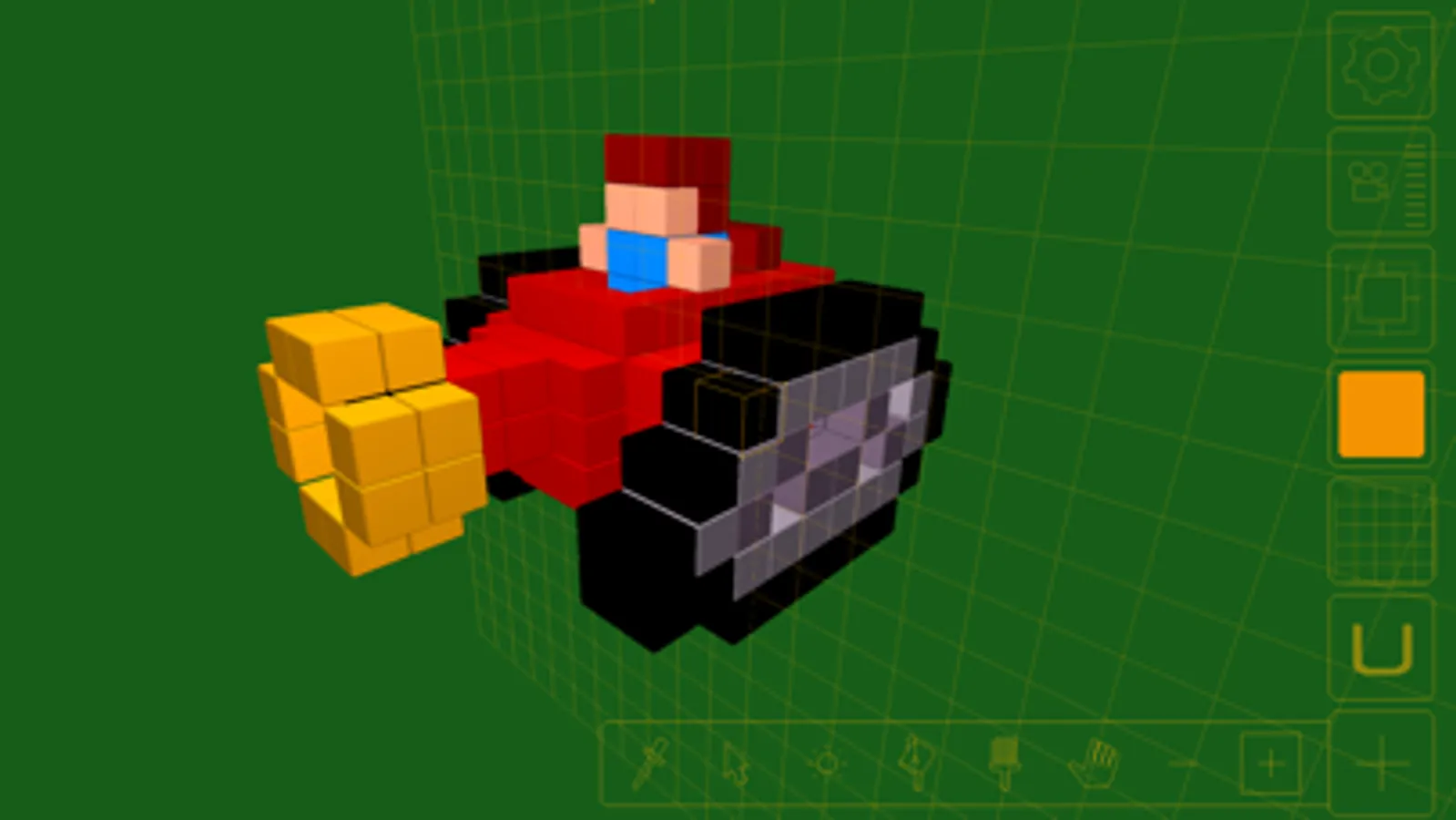
Tap to Rate:
Reviews for Voxel
asher.l 2016
I played Minecraft before when I was six
I played Minecraft when I was six in Minecraft it was really fun Plus make structure is not very good
VJ Franz K
Lots of fun! Thanks for updates
A classic editor for creating VoxelArt = three dimensional pixels Now it does include animation which is great. speaking of Animation, we still wish they would release a public version of “Roto shop”! The hand animation program from “Waking Life” etc.