
AppRecs review analysis
AppRecs rating 2.1. Trustworthiness 72 out of 100. Review manipulation risk 23 out of 100. Based on a review sample analyzed.
★★☆☆☆
2.1
AppRecs Rating
Ratings breakdown
5 star
47%
4 star
29%
3 star
9%
2 star
3%
1 star
12%
What to know
✓
Low review manipulation risk
23% review manipulation risk
✓
Credible reviews
72% trustworthiness score from analyzed reviews
⚠
Mixed user feedback
Average 2.0★ rating suggests room for improvement
About 蒙恬名片王Mobile
◆ Awards and Laurels ◆
- Named Best Mobile App OCR by 2010 MOBI Awards
- Winner of the CTIA 2010 E-Tech Award for Mobile Applications - Pro-sumer/Business Productivity
- Secured a spot among the Top 10 apps in the Business category in 194 countries
- Ranked #1 Business app in US App Store
- Ranked #1 Business Card Scanning application in Macworld.com
- Over 20 million users worldwide
◆ Testimonials ◆
- “For scanning business cards onto your iPhone, WorldCard Mobile stands out.” – Macworld
- “I’ve always been skeptical about contact capturing technologies…but I’m an overnight convert - [WorldCard Mobile] changed my outlook (pun intended).” - Bill French, iPhone CTO
- “WorldCard Mobile accurately read and sorted fax and mobile numbers, even when the cards labels used short-hand.” - Bob Tedeschi, New York Times
◆ App Description ◆
WorldCard Mobile, the leading business card scanning application for iPhone, uses OCR (Optical Character Recognition) technology to instantly transfer information from business cards to users' native contacts. With a simple click of the camera, you no longer have to manually input contact info from business cards or email signatures.
◆ Why WorldCard Mobile? ◆
● Capture business cards anytime & anywhere.
- Capture business card images with the iPhone’s camera.
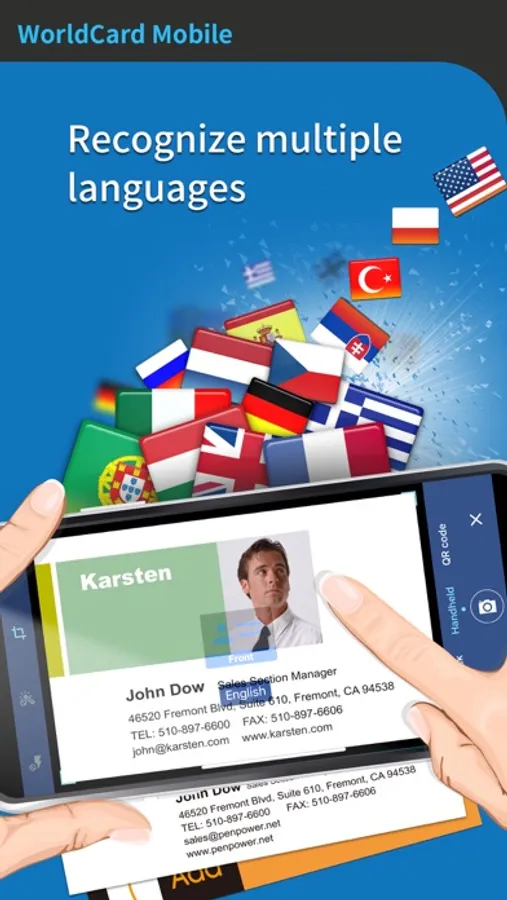
- Recognize business cards in 26 different languages: English, French, German, Italian, Dutch, Turkish, Polish, Hungarian, Russian, Swedish, Norwegian, Japanese, Korean, Finnish, Danish, Greek, Czech, Slovak, Traditional Chinese, Simplified Chinese, Spanish(Mexico & Spain), Portuguese(Portugal & Brazil), Arabic language.
- Sort recognized information by name, position, company, phone number, fax number, address or other fields.
● Manage contacts easily
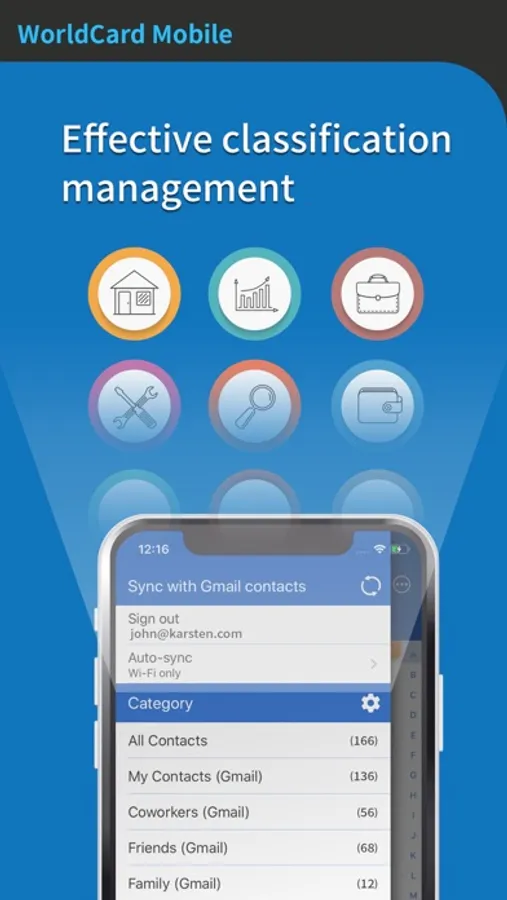
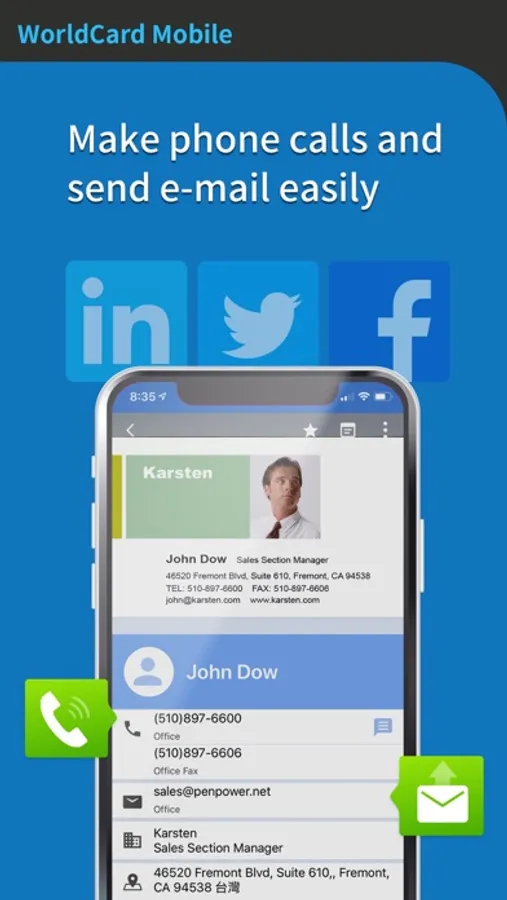
- View and manage contact info with Card holder function. Make a phone call, send SMS and email to your contacts directly.
- Select partially and recognize the specific area that contains the correct data.
- Find your contacts on Facebook, LinkedIn and Twitter. Expand your social and professional networks.
● Smart functions for your business
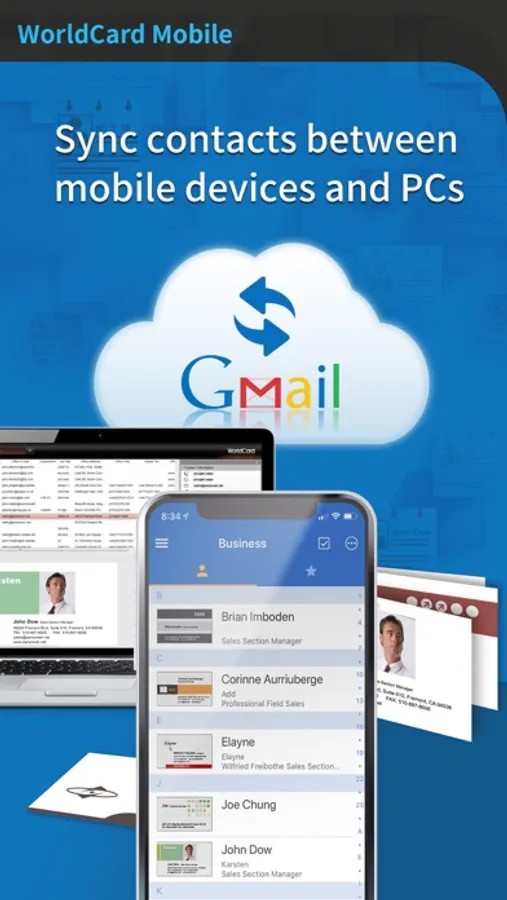
- Exchange contact data through Open In, Mail and iTunes File Sharing. Import/export or backup your data on Mac/Windows quickly and conveniently.
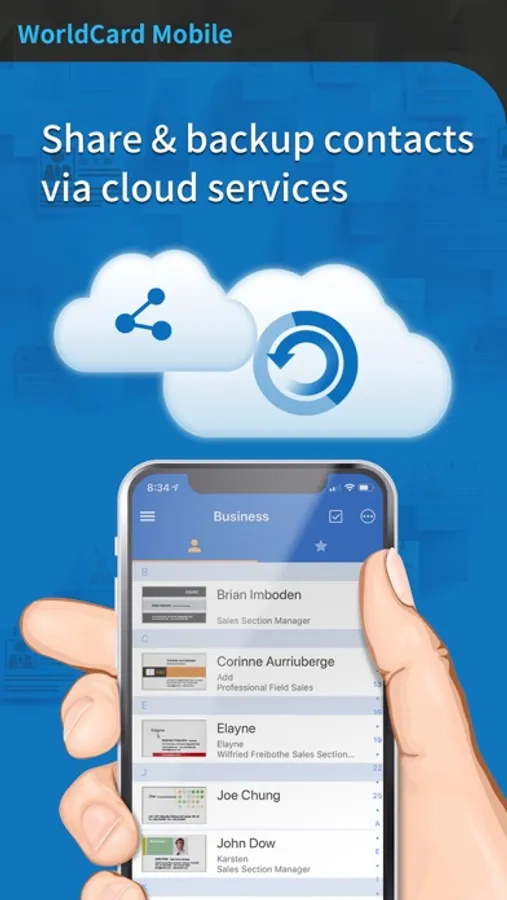
- Share or backup your contacts via cloud services (iCloud / Dropbox). Manage your contacts on all devices, such as Mac or Windows PC.
- Recognize QR code to get more information easily.
- Copy email signatures and add them to your contact lists.
- Support cover flow function in landscape mode
蒙恬名片王Mobile Screenshots
Tap to Rate:
Reviews for 蒙恬名片王Mobile
cheris168
備註功能不能儲存相片, 只能算是跛腳的設計...
備註功能不能儲存相片,大輸全能名片王, 所以一直使用名片全能王。 等待加入備註可以儲存相片的功能, 這是此類軟體的靈魂。 還有拍攝名片時沒有名片全能王的自動拍攝好用。
fuzzy__logic
Great app
Update: With the most recent update, every time I open a saved card image and close it, I'm told the image has been modified and am asked if I want to save or discard the changes. Even if I click save, the app will ask me the same next time and it's getting really annoying. Please fix this bug. Highly recommend to anyone who does business in China / HK / Taiwan etc. A few reasons why: - Automatic cropping - Very accurate character recognition - Seamless iCloud integration - Allows both sides of the card to be captured under the same entry - Has the option of not to save into iPhone contact list by default. This is important because I don't want to have EVERYONE I meet in the business context to cluster my phone book I'm still exploring but really impressed so far. Update: I'd like to make an important suggestion. Currently I have my cards ordered by Chinese Pinyin. As a result, all the companies with English names are lumped into the "#" category, which is very inconvenient. Can the developers PLEASE change it such that the English names will get slotted into the Chinese names according to their first letter? Should be a very easy fix but will be a huge improvement.