In this note-taking app, you can combine text, images, audio, and sketches on a single digital page. Includes tagging, password protection, and multiple export options.
AppRecs review analysis
AppRecs rating 4.3. Trustworthiness 79 out of 100. Review manipulation risk 19 out of 100. Based on a review sample analyzed.
★★★★☆
4.3
AppRecs Rating
Ratings breakdown
5 star
53%
4 star
20%
3 star
7%
2 star
13%
1 star
7%
What to know
✓
Low review manipulation risk
19% review manipulation risk
✓
Credible reviews
79% trustworthiness score from analyzed reviews
✓
High user satisfaction
73% of sampled ratings are 4+ stars (4.0★ average)
About Mental Note ๛
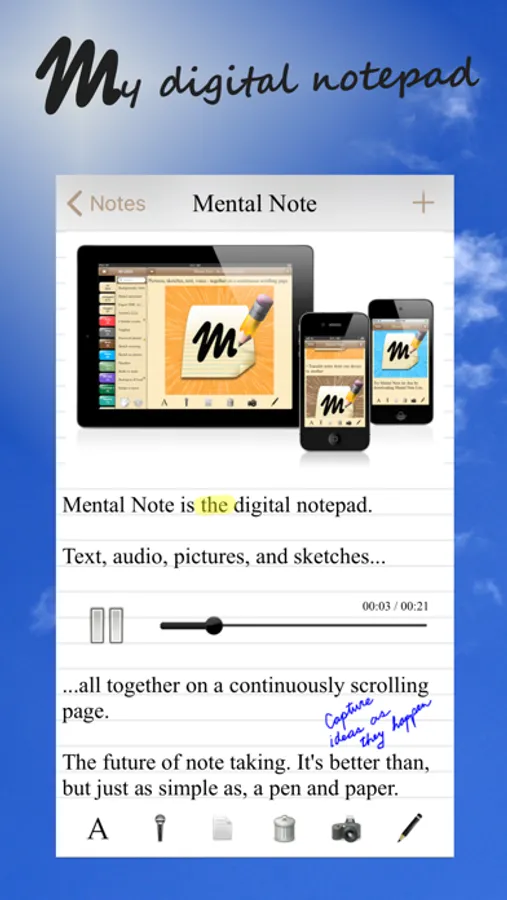
Users describe Mental Note as "the only notepad app... that's actually better than, and as simple as, a pen and paper." It's "the future of note taking", and "a big sketchpad... [to] free associate and put stuff down in any format".
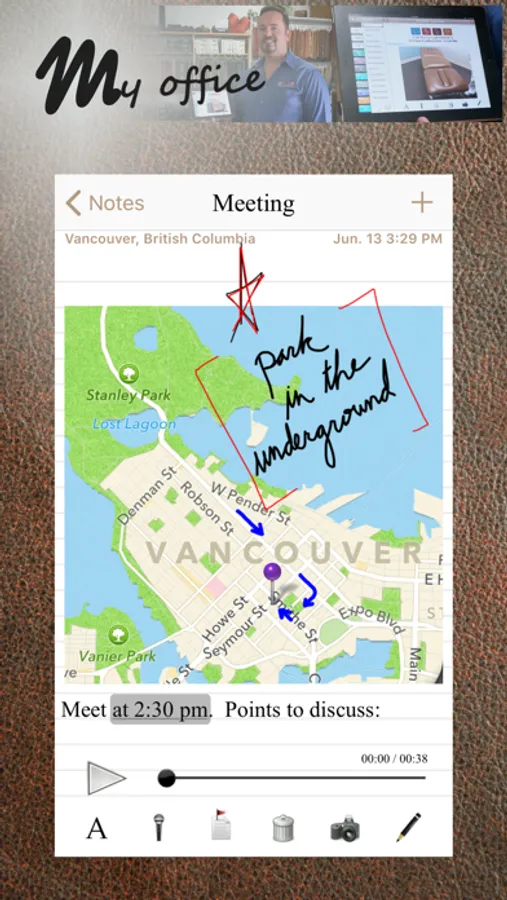
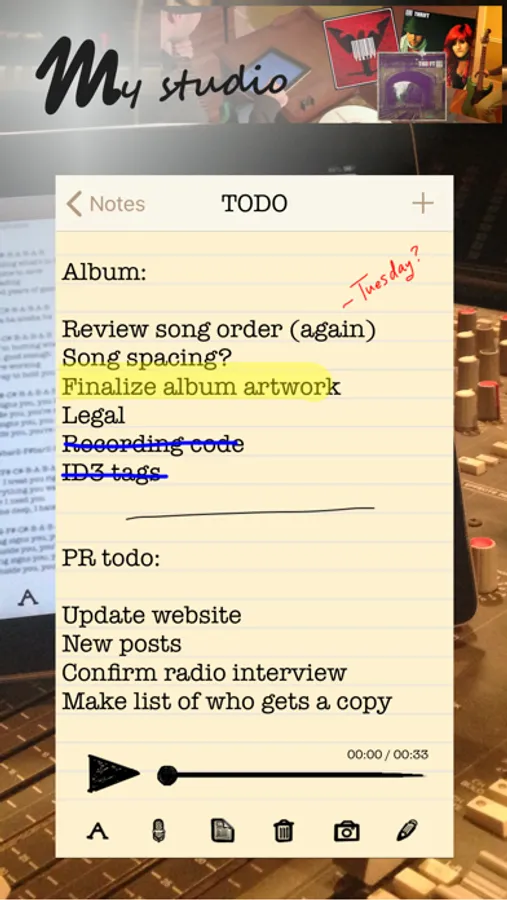
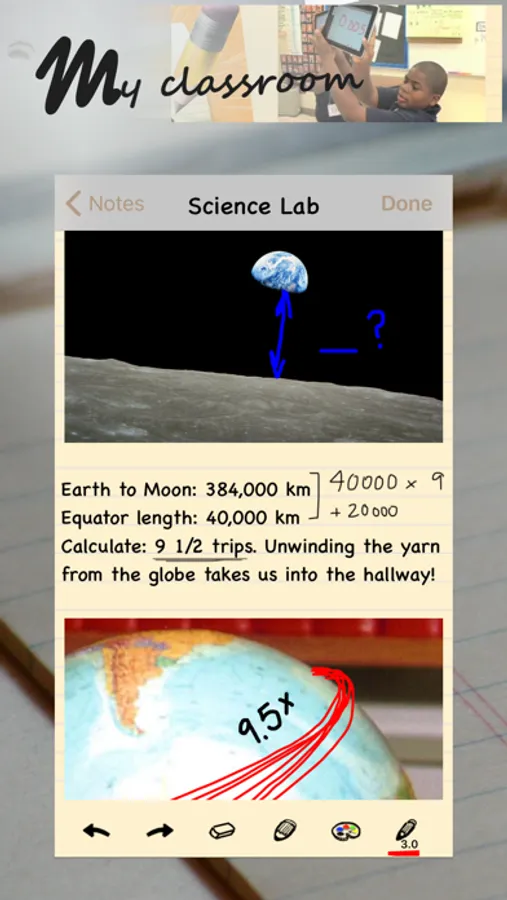
Turn your iPhone into a digital notepad. Combine photographs, voice recordings, drawings and text - all on the same page, in any order you choose.
An idea... a flash - a moment of genius. When a thought hits, and you have to remember it, why limit how you record it? The more context and sensory details you can capture, the clearer the idea can be put down. Use photographs, audio, sketching and text together on the same page... a digital page that can be shared with anyone.
Mental Note allows you to capture ideas as they happen: use photographs, dictate, add text, sketch on anything. Ideas clarified. Creativity captured.
FEATURES
- Draw with your finger using multiple colours and widths on top of photographs, text, or anywhere else on the page. Zoom in to sketch fine details.
- Take a photo or choose one from your album and add it to the page.
- Add audio to the page by recording with your microphone. Continue to edit your note while recording.
- Organize your notes using tags.
- Password protect your private notes and flag your important ones.
- Attach Calendar events to your notes.
- Undo, redo anything in the note by shaking the device.
- Delete note sections using the toolbar button or by swiping any note section.
- Move a note section by swiping and then dragging it to its new location.
- Length of a note is limited only by device memory.
- Export in a variety of formats including PDF, text, Mental Note format, and more. Send using email, iCloud, Dropbox, and more.
* Send a note in Mental Note format so the note may be imported into another person's Mental Note app.
* Using email, export a complete note directly from Mental Note as either a PDF document or a picture (each audio recording is attached to the email as a separate file). You can also email just the text from your note.
- Export your notes and backups to your iCloud and/or Dropbox account.
- Share a note with your friends using most installed apps.
- Map the location a note was created at (if location services are enabled).
- Change the size and font of the text in your notes.
- Change the color and background of your notes.
- Numerous other configuration options.
THIS VERSION IS OPTIMIZED FOR iPhone. FOR iPad, PLEASE SEE Mental Note for iPad.
Read more: www.zymbiotic.com
X @zymbiotic
facebook.com/zymbiotic
Mental Note ๛ Screenshots

Tap to Rate:
Reviews for Mental Note ๛
Kann386
Great App!
I’ve been using Mental Note for many years and I can say that there are no other note apps that compare to it. So many great features but the app is also not over-crowded or complicated at all. Very easy to use. In all the years I’ve had the app, I only ever ran into one small problem with an update, and support very quickly fixed the issue completely. In these times, when good customer service is very very rare, it was so refreshing and surprising when I had such a smooth and helpful experience with support. Genuinely shocked me. Get this app because it’s great, period. But also get it because the people at Zymbiotic Technologies are great. I couldn’t be more impressed with this app and the people who run it.
AlexSox
Great 4 Jotting
I’ve been using Mental Note for years ever since iPhone came to Verizon. I like the interface better than the Notes app that’s preinstalled. In Mental Note, you can jot down a note, give it a title, assign a tab to it (for organization grouping), password protect, put a image in the note or record a soundbite, backup and restore all your notes, and you can assign tab colors. You also have the option of changing typefaces and their size for readability. I don’t think it has sync functionality, so if you have multiple phones or devices the only way to make sure both have the same Mental Note info is to backup and restore — always use the same device to add notes and then backup, and then restore on the other devices that way you don’t accidentally overwrite the correct file. You have options on how to and where to store the backup file and I use iCloud and Dropbox. Of all the years I’ve been using Mental Note, I only had to restart my phone twice (different times) when the app wasn’t responsive otherwise I has worked like a charm. Love it!