AppRecs review analysis
AppRecs rating 1.1. Trustworthiness 80 out of 100. Review manipulation risk 19 out of 100. Based on a review sample analyzed.
★☆☆☆☆
1.1
AppRecs Rating
Ratings breakdown
5 star
9%
4 star
17%
3 star
13%
2 star
22%
1 star
39%
What to know
✓
Low review manipulation risk
19% review manipulation risk
✓
Credible reviews
80% trustworthiness score from analyzed reviews
⚠
Mixed user feedback
Average 1.0★ rating suggests room for improvement
About RockHound
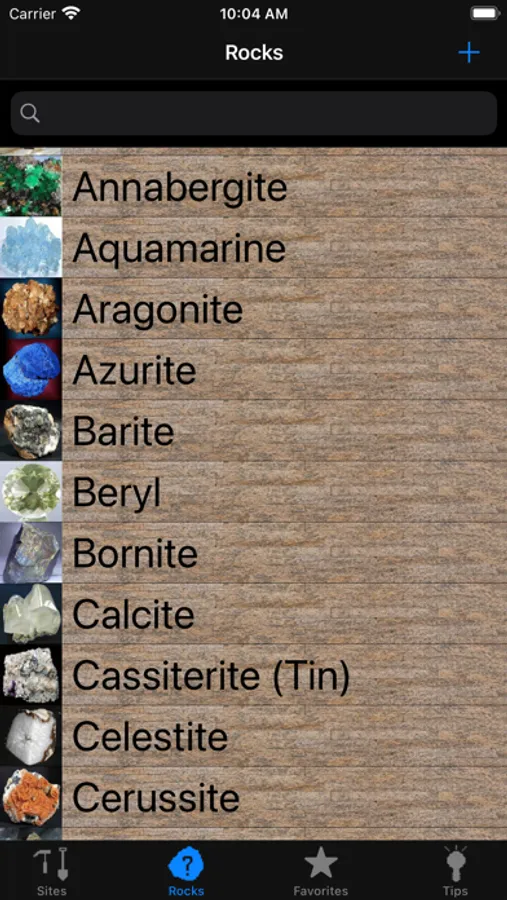
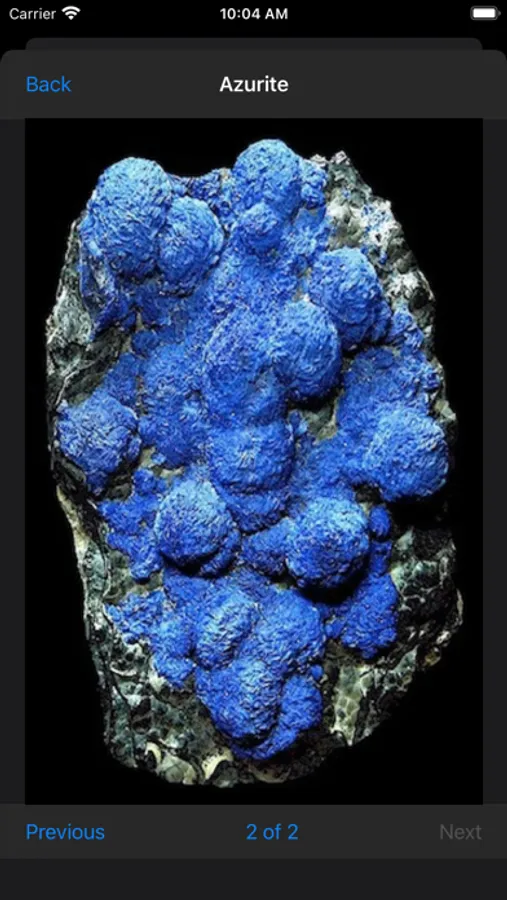
All your RockHounding needs in one App separated in 4 easy to use sections. Features a large database of over 160 sites and over 60 rocks and gems with full screen pictures. Add your own sites to personalize the App or include your own finds. No Ads or In-App Purchases!
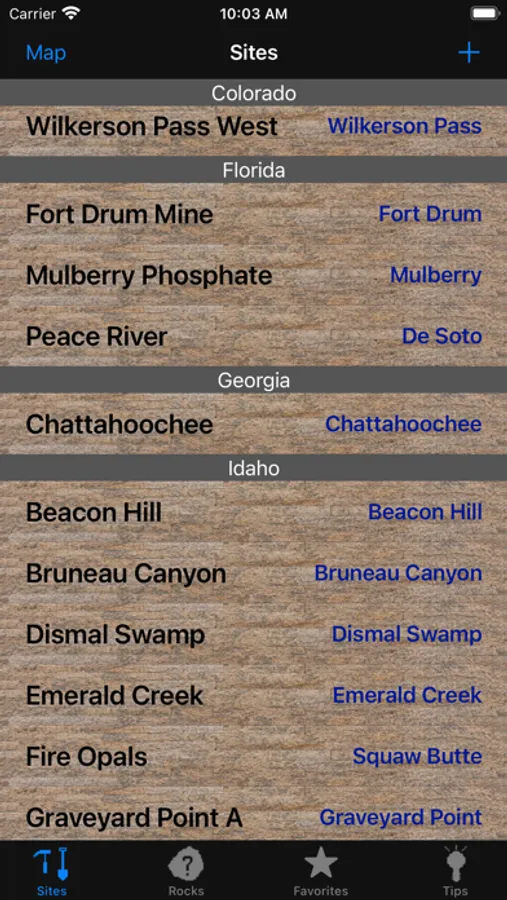
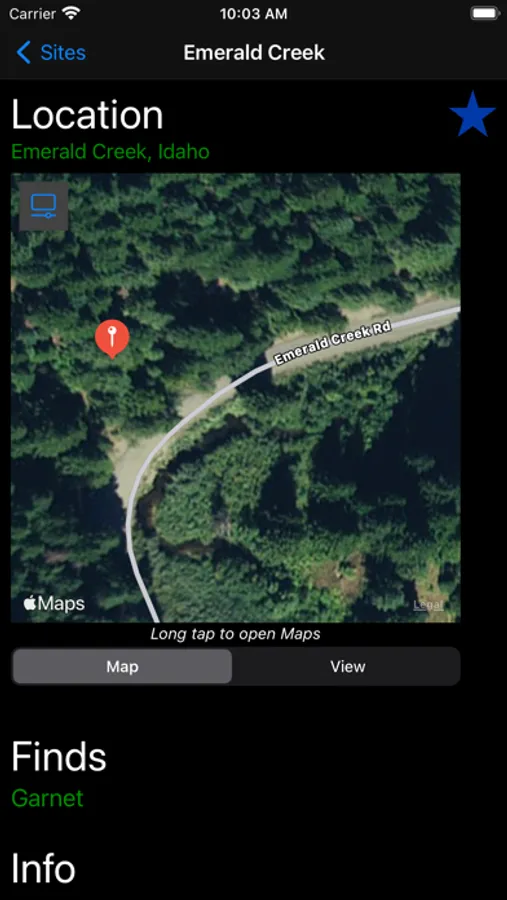
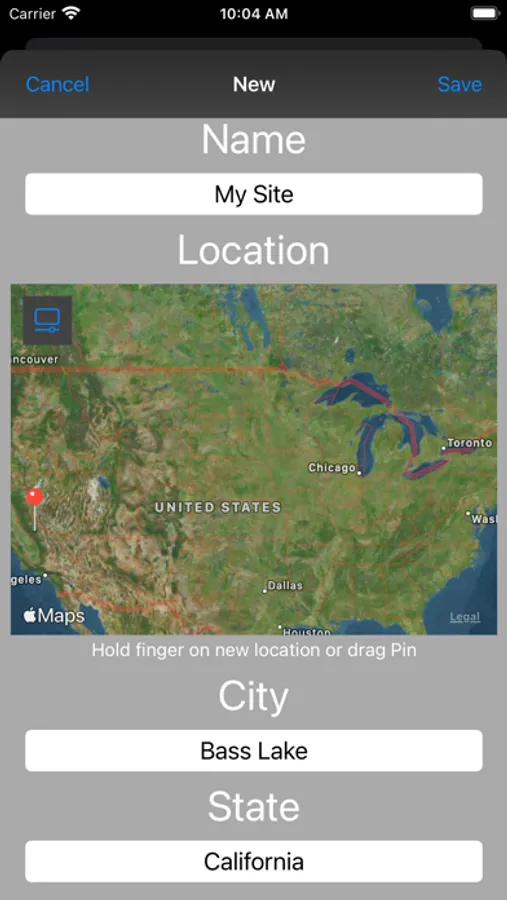
SITES - With over 160 sites, you can choose a site with the Map that also shows your location, or with the List which is separated by State. Each site has a description of the area and what you may find there. You can even add your own sites by plotting the GPS coordinates on the map. RockHound was not intended to be a complete guide to every site, they are mostly in the US. The power is in being able to add your own sites anywhere in the world.
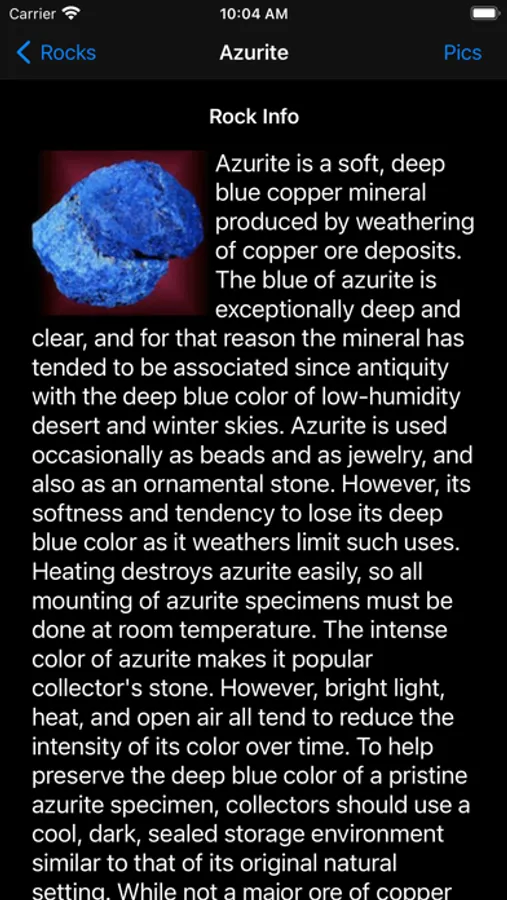
ROCKS - Over 60 different rocks, minerals and gems with descriptions and pictures of each. This is not meant to be a complete list of all rocks and gems, but more of a starting point for you to add the ones that you find and personalized descriptions and photos of them.
TIPS - General tips about RockHounding, Tools needed, Rock Tumblers. There are also program tips to get the most out of RockHound!
FAVORITES - You have the option to select sites as Favorite Sites. The Favorite Sites can have pictures attached to them that you import from your Photo Library or take with the Camera. That way you can keep track of what you find at each site. The power of Rockhound is in this section where you have complete control of the descriptions and pictures of any Site that you mark as a Favorite.
SITES - With over 160 sites, you can choose a site with the Map that also shows your location, or with the List which is separated by State. Each site has a description of the area and what you may find there. You can even add your own sites by plotting the GPS coordinates on the map. RockHound was not intended to be a complete guide to every site, they are mostly in the US. The power is in being able to add your own sites anywhere in the world.
ROCKS - Over 60 different rocks, minerals and gems with descriptions and pictures of each. This is not meant to be a complete list of all rocks and gems, but more of a starting point for you to add the ones that you find and personalized descriptions and photos of them.
TIPS - General tips about RockHounding, Tools needed, Rock Tumblers. There are also program tips to get the most out of RockHound!
FAVORITES - You have the option to select sites as Favorite Sites. The Favorite Sites can have pictures attached to them that you import from your Photo Library or take with the Camera. That way you can keep track of what you find at each site. The power of Rockhound is in this section where you have complete control of the descriptions and pictures of any Site that you mark as a Favorite.
RockHound Screenshots
Tap to Rate:
Reviews for RockHound
HeyitsmeAlyssa
Don’t do it
No information AT ALL
Parul.xyz
Very bad app.
Not worth $1.99.