
In this network scanner app, you can detect connected devices, view open ports, and analyze services on your network. Includes device customization, export options, and remote device control features.
AppRecs review analysis
AppRecs rating 4.3. Trustworthiness 81 out of 100. Review manipulation risk 24 out of 100. Based on a review sample analyzed.
★★★★☆
4.3
AppRecs Rating
Ratings breakdown
5 star
76%
4 star
13%
3 star
5%
2 star
2%
1 star
5%
What to know
✓
Low review manipulation risk
24% review manipulation risk
✓
Credible reviews
81% trustworthiness score from analyzed reviews
⚠
Pricing complaints
Many low ratings mention paywalls or pricing
About iNet - Network Scanner
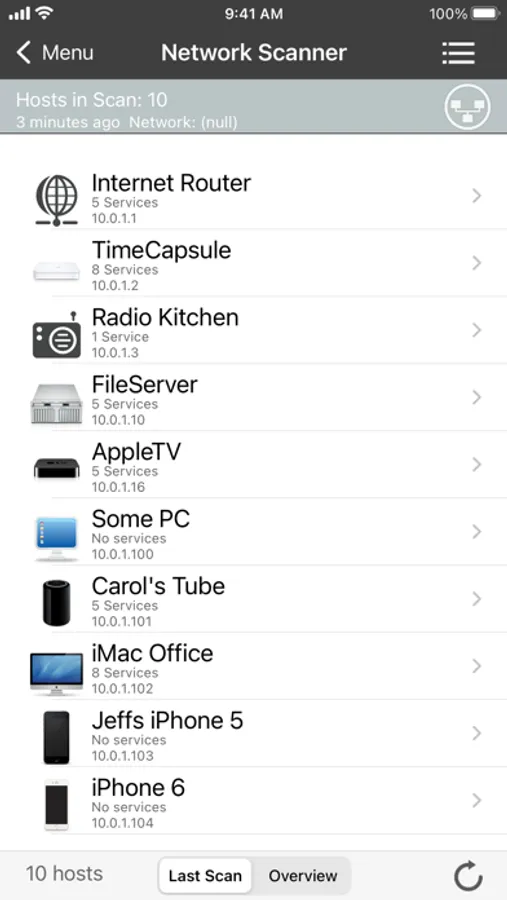
Who’s on your Wi-Fi? What services are running on your local network? iNet reveals it all.
Designed for both tech experts and everyday users, iNet helps you monitor, analyse, and manage your network with ease.
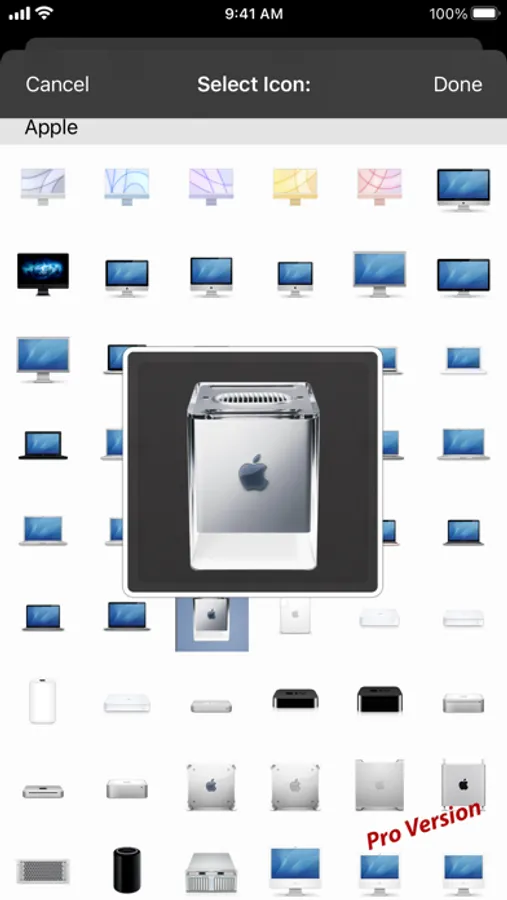
Find out which devices are connected, view open ports and services, wake up sleeping Macs or other devices remotely. Rename and customise devices with your own icons for easy recognition.
This free basic version of iNet includes just the network scanner but still provides plenty of information about your network. You can unlock extra features via in-app upgrades.
Network Scanner
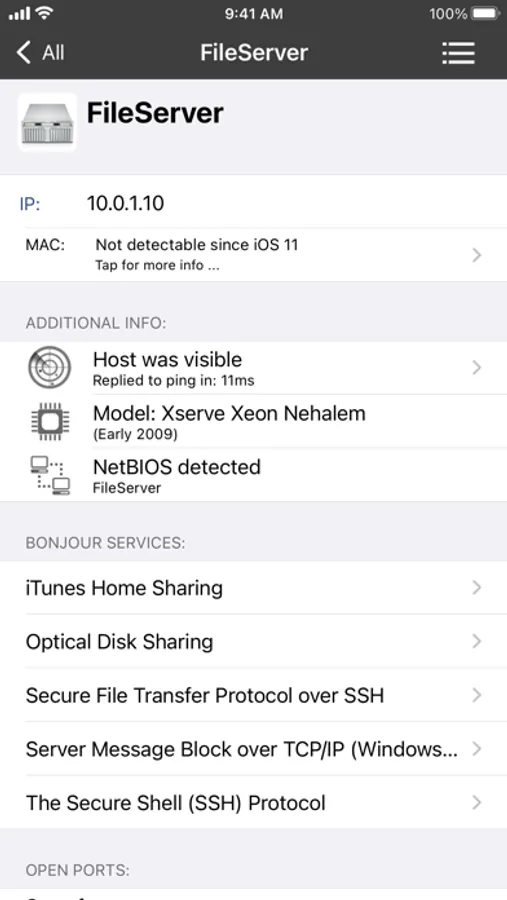
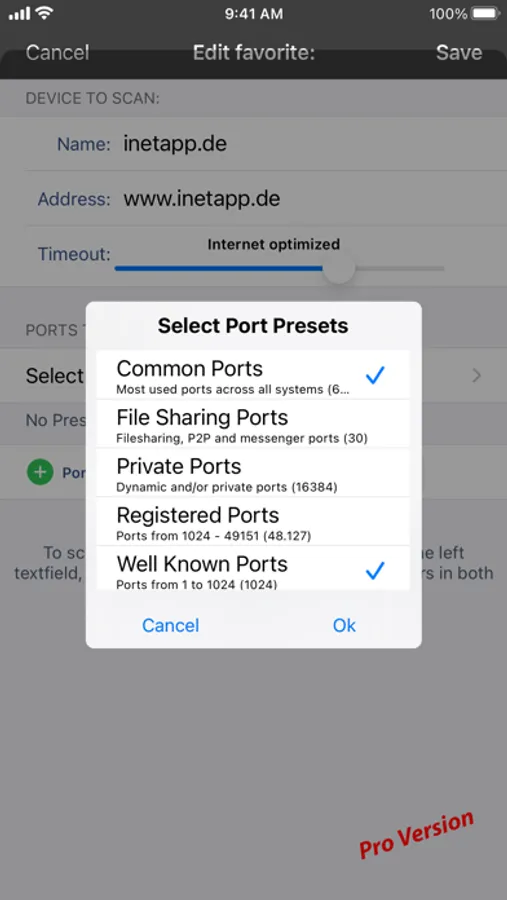
• See all devices connected to your network — including IP, MAC, and more
• Customise devices with names and icons for fast identification
• Set IP scan ranges and network interfaces
• Export scan results (CSV or PDF)
• Connect via SSH, VNC, HTTP and more
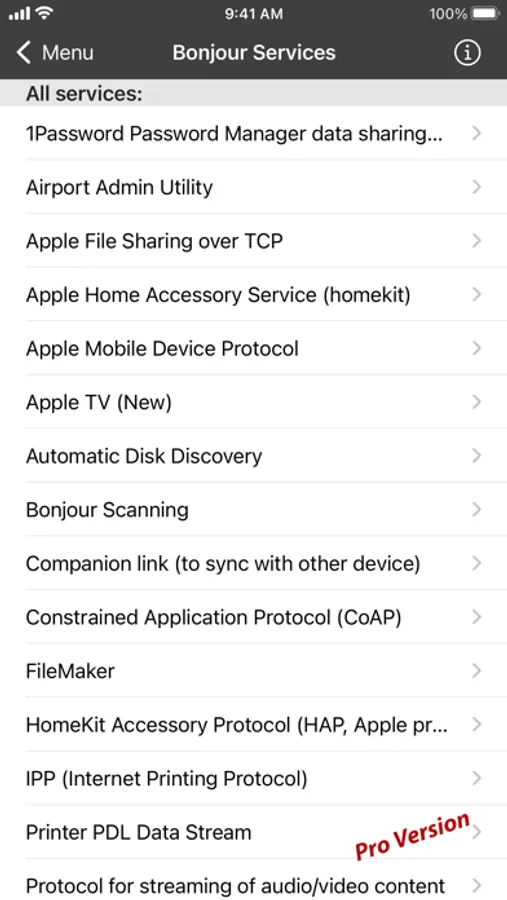
Bonjour Monitor
• Real-time view of all Bonjour services
• See which services are running on specific devices
• Get detailed info per service and per domain
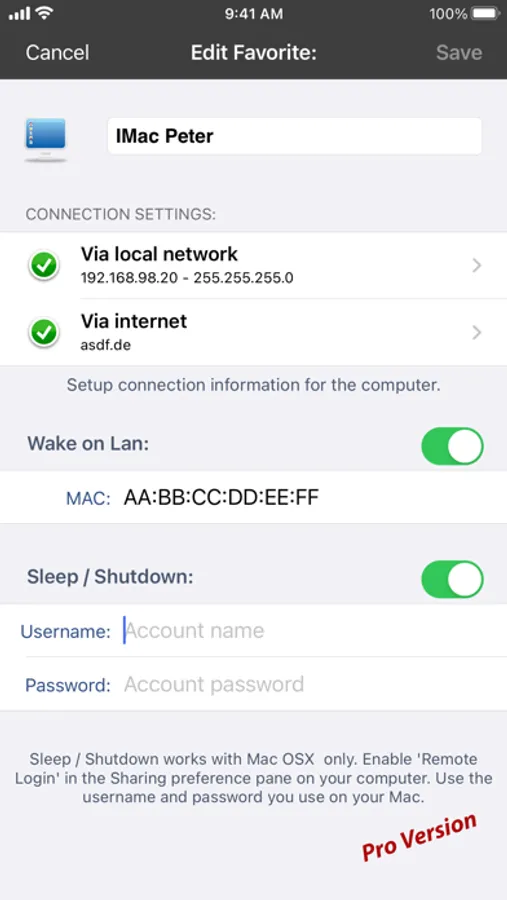
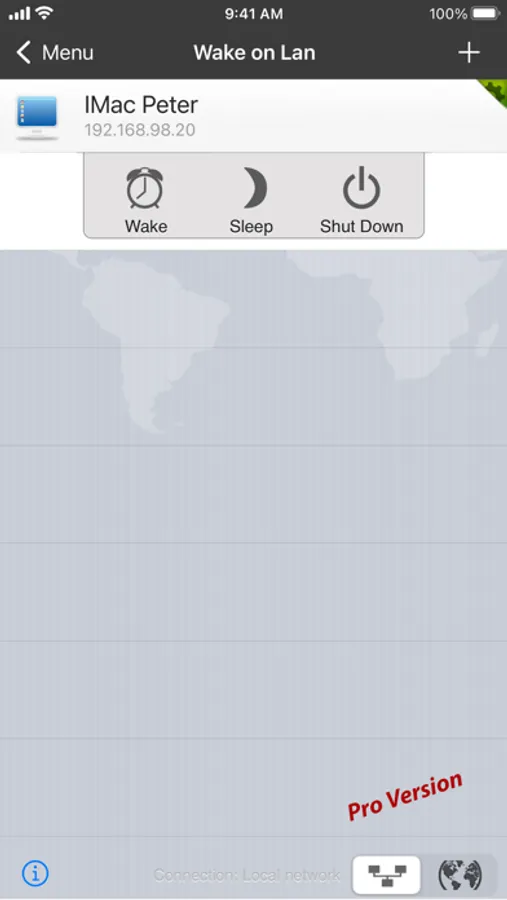
Wake on LAN
• Wake Macs and PCs over LAN or Internet
• Sleep, shut down, or restart Macs remotely
• Use SSH commands
• Build a favorites list for quick access
Airport Monitor
• Live status of Apple Airport base stations
• Real-time traffic and WLAN quality graphs
• Device-specific signal strength
• Full Airport base station details
Note: No support for the latest 802.11ac Airport models (due to Apple removing SNMP)
Help & Documentation
• Built-in help (English and German)
• Glossary of key terms
__________
Private by Design.
iNet collects no user data, never “phones home”, and has no subscriptions. Just a one-time payment — all future updates included.
Trusted by professionals and Mac users since 2010. One of the best network tools for iOS. Developed and maintained in Germany.
iNet is also available as a native Mac and iPad version.
iNet - Network Scanner Screenshots
Tap to Rate:
Reviews for iNet - Network Scanner
AmericalComm
Thanks Apple Give MAC address as a permission
Hands down this is a fantastic app. This is one of the best network scanners and network management tools on the fly that there is. Sadly, then came 11 and Apple saw fit to take away the access to Mac addresses in network access from the iOS platform. From a security perspective, I understand why Apple did this as some bad players could use apps to overreach within your network and identify all your devices and fingerprint your network and things like that for their own selfish gain, however. This should be an option that we can choose to allow back in certain apps and platforms and this is one of them. Such a simple concept, such a little thing that makes all the difference in the world for the end users, experience and flexibility. I truly wish Apple would reconsider this and add this as I said as a flexible, permission and apps within this kind of category and that would be a way to further limited and maintain it by limiting to apps in this type of category. That being said, we should never give up on apps like this and the developers. It is not their fault. I’m here to say I’m gonna stay in support and drive forward because if you curb intellectual minds, you curb growth and development in the future. That affect is felt by everybody. If this affects yourself as it does me, Apple know your opinion, maybe we change it with enough of people looking to maybe we change the world like once dead by the introduction of the iPhone.
JWILL1495
Awesome!
This app is awesome! I’m currently studying cyber security and this was the perfect app for finding and managing all my devices on my home network. 5 stars and will be upgrading to pro! Thanks!