In this app, you can capture 3D pictures using auto or pro modes with a simple gesture. Includes camera roll management, sharing options, and support for multiple 3D formats.
AppRecs review analysis
AppRecs rating 3.8. Trustworthiness 78 out of 100. Review manipulation risk 25 out of 100. Based on a review sample analyzed.
★★★☆☆
3.8
AppRecs Rating
Ratings breakdown
5 star
64%
4 star
10%
3 star
4%
2 star
2%
1 star
20%
What to know
✓
Low review manipulation risk
25% review manipulation risk
✓
Credible reviews
78% trustworthiness score from analyzed reviews
⚠
Pricing complaints
Many low ratings mention paywalls or pricing
About Camera 3D Pro
Just press, pull and release to take a 3D shot.
"Camera 3D Pro allows
iPhone users to take
a real 3D picture
in only few steps"
- Carl Zeiss
Take 3d Picture
- Full auto mode: take left and right shots with a single simple gesture: press, pull, release (Steshot© system)
- Pro mode: lock Aperture & Focus, set Zero parallax, set Inter-ocular distance, press, pull, release
- 3d shot in less than 3 seconds
- Motion sensor is used to best match left and right image.
- Front camera (3D selfie)
Watch 3d Picture
- Camera Roll for your 3D pictures
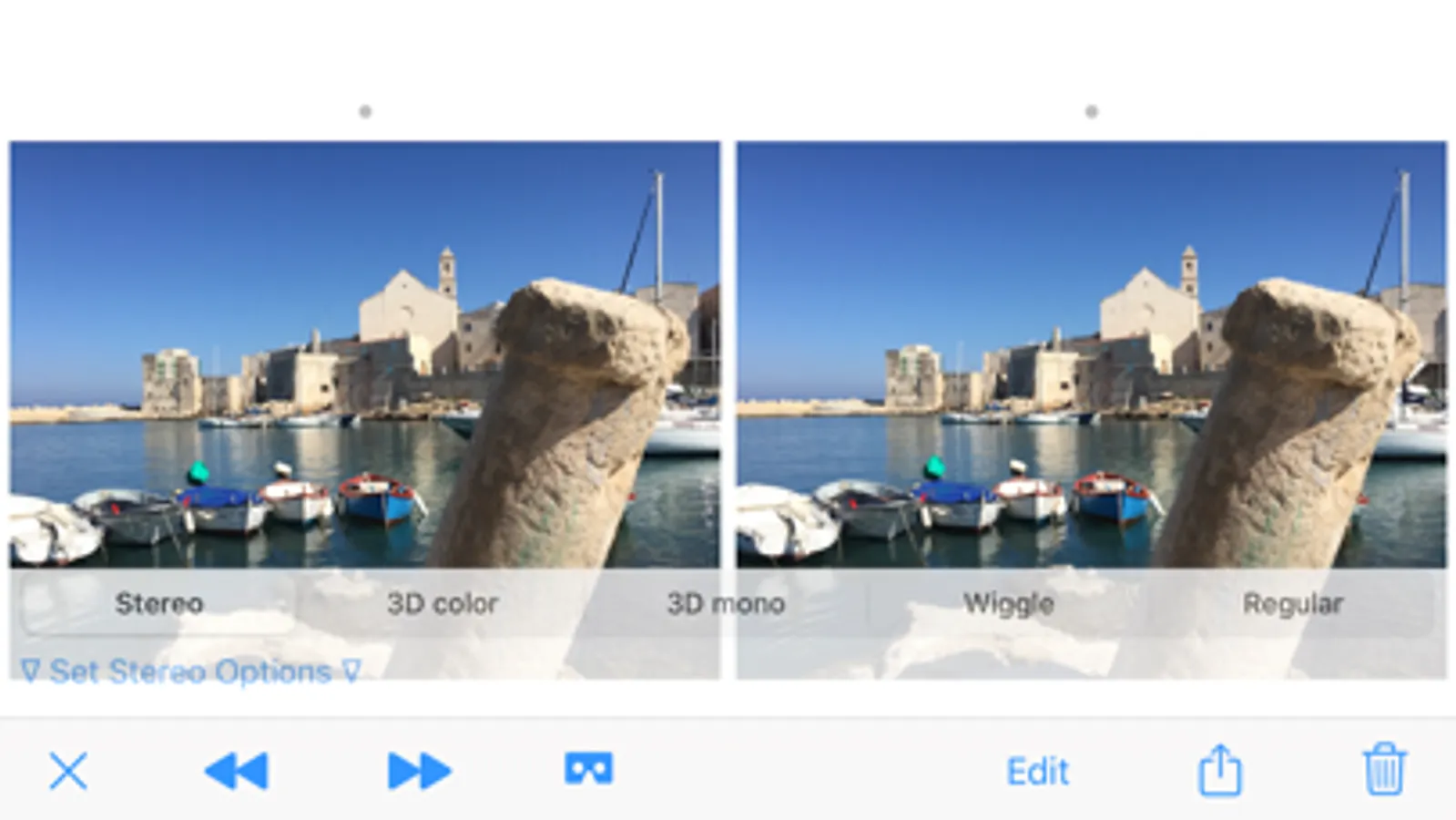
- Player for anaglyph, stereoscopic, simulated 3D, regular picture
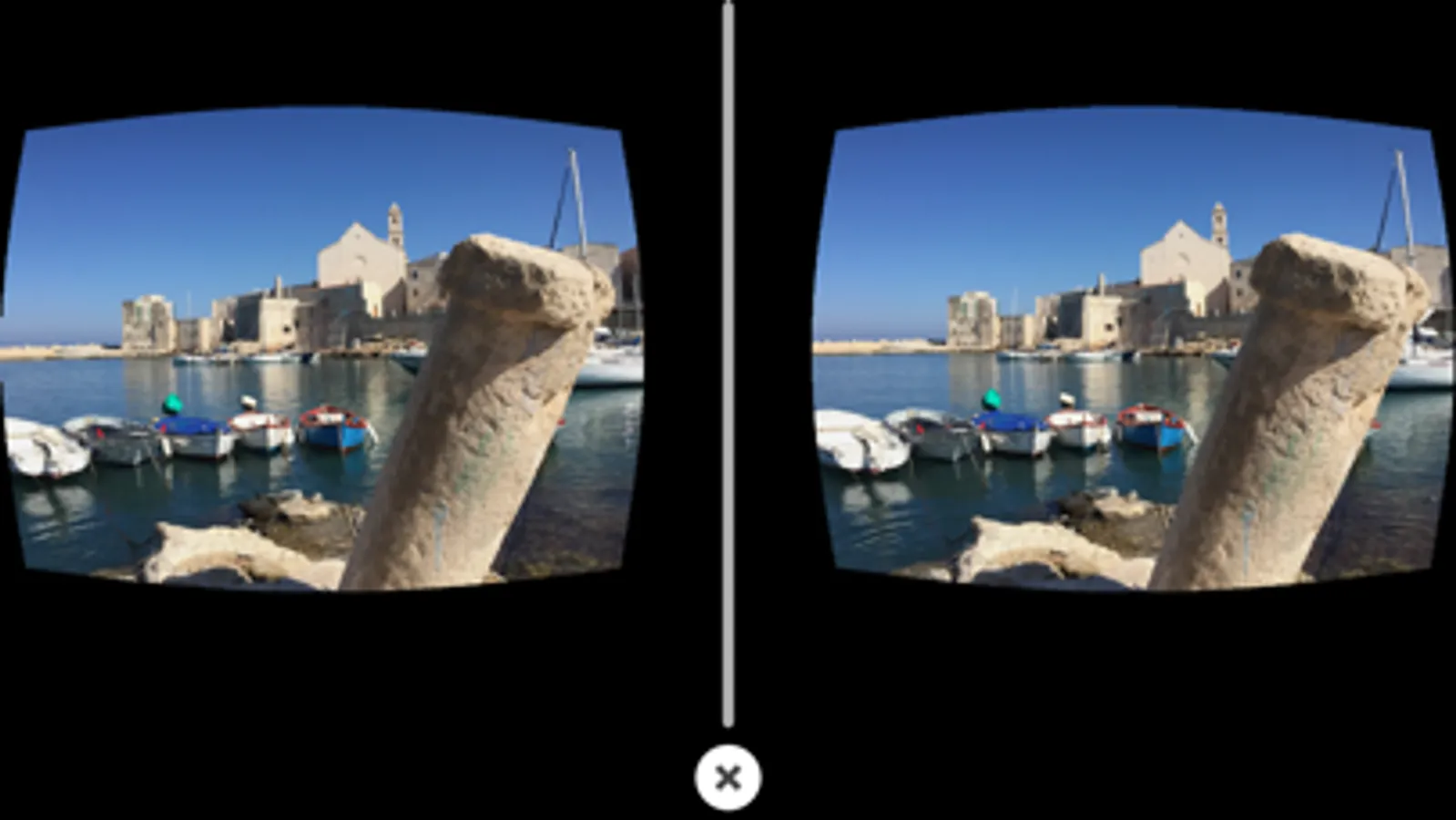
- Player for VR headset: Cardboard, Zeiss VR ONE, View Master, Gear VR
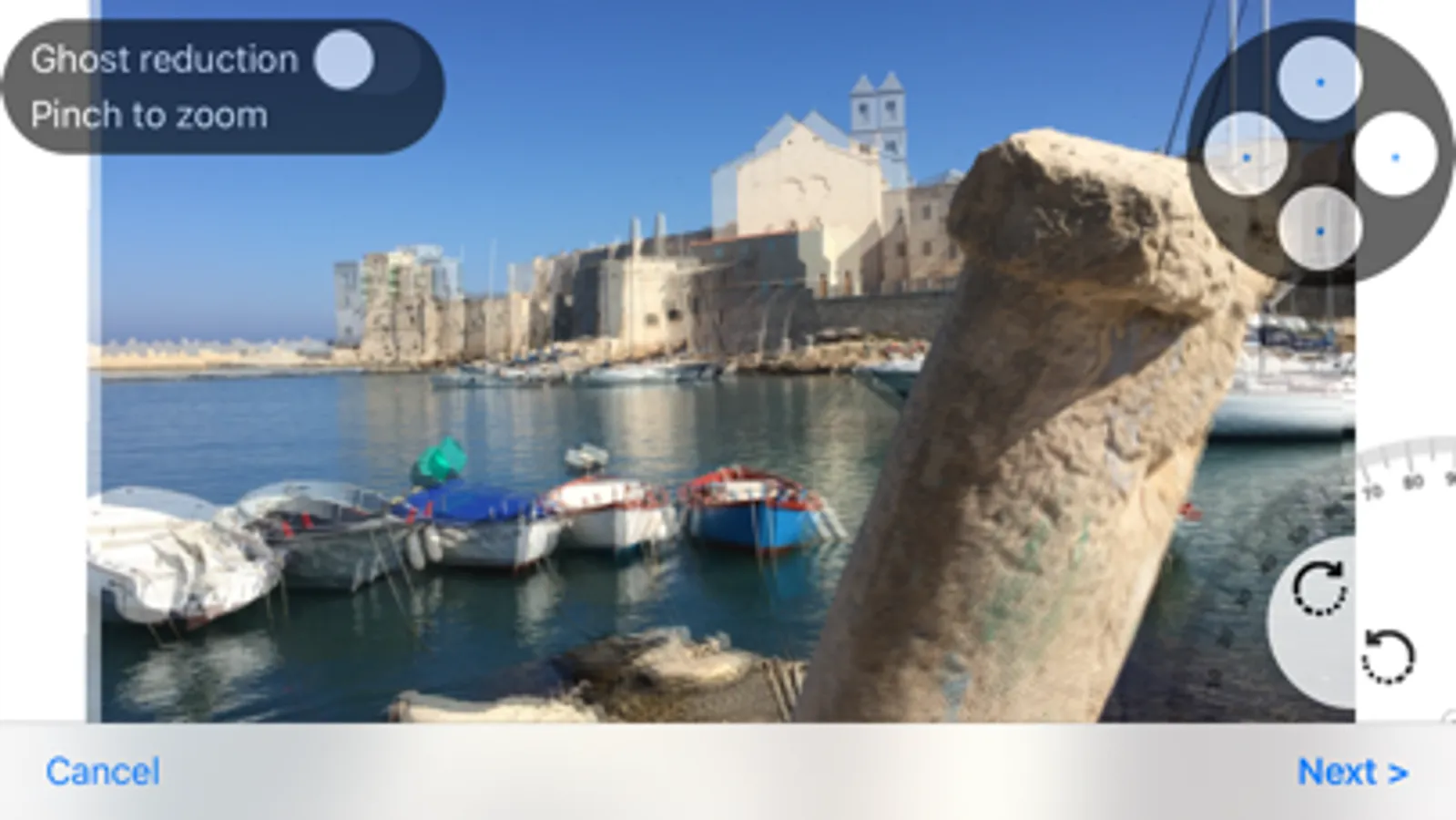
Stereo Editor
- if you don't like auto-generated 3d picture:
- Crop, Rotate, Change alignment, Apply ghost reduction
Import
- Import 3D pictures coming from other sources (other cameras, apps, downloaded) to exploit all the app's features.
Export & Share
- Full resolution saving pictures in your camera roll, Mac/Pc.
- Share your 3D pictures (AirPlay, Mail, Facebook, Twitter, G+ Flickr, Instagram, etc.)
- External viewer support: Zeiss Cinemizer, Nvidia 3d Vision® , 3DTV (shutter glasses, polarized glasses, auto stereoscopic), jps, 3D game console
- Left and Right views can be exported to create 3D picture with your preferred software directly on Mac/PC.
- EXIF metadata
3D format supported
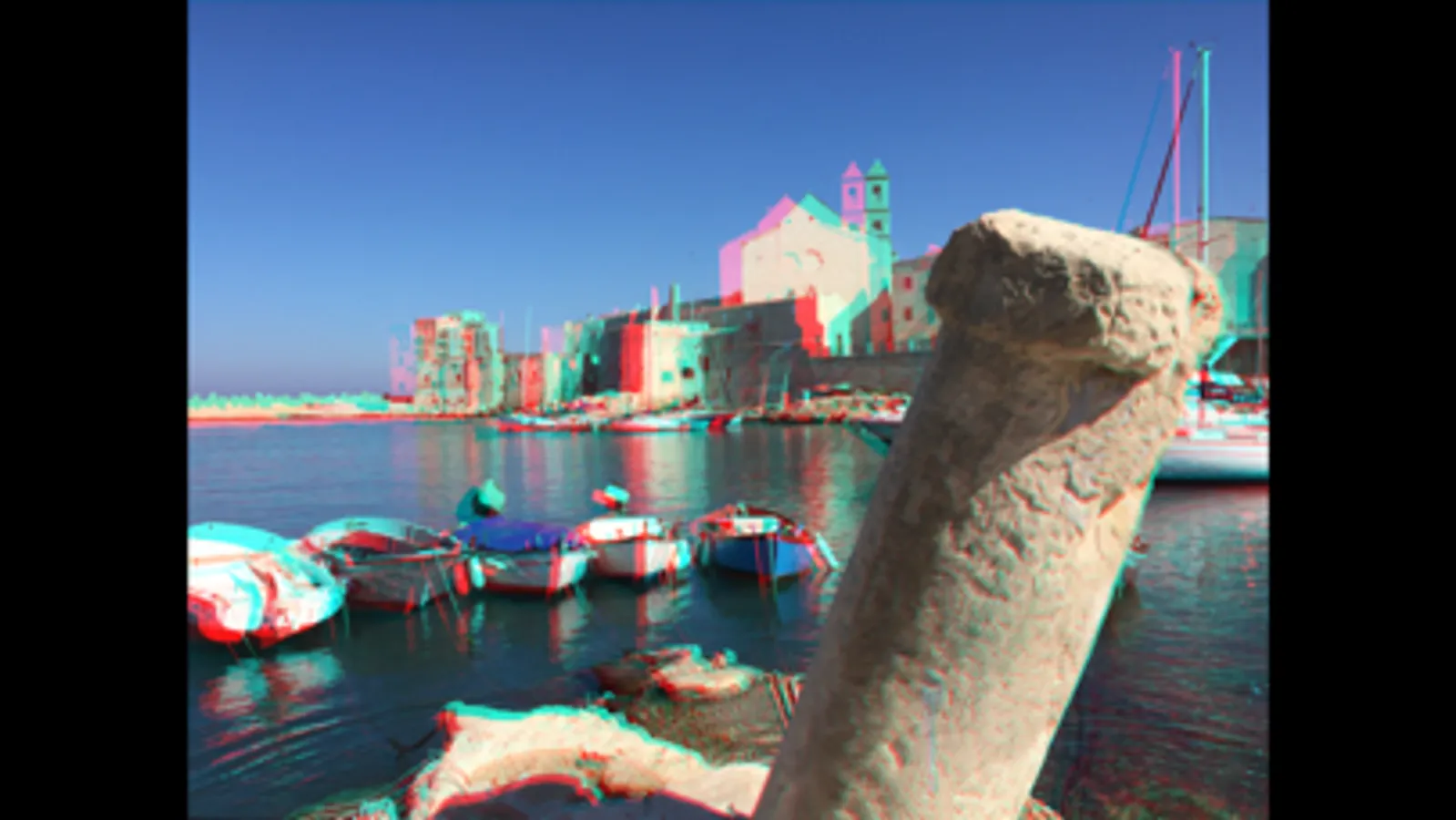
- Anaglyph (color, dubois, monocrome) for red-cyan and cyan-red 3D glasses
- Steroscopic (parallel, crossed-eye, mirror)
- Wigglegram (simulated 3D)
- Virtual headsets, Cardboard like
- Jps
With Expansion pack
- Unlimited 3D Camera Roll
- Stereo Editor
- Export & Share
- Import 3D pictures
- No Ad banner
Camera 3D Pro Screenshots


Tap to Rate:
Reviews for Camera 3D Pro
I'veBeanRoasting
Fantastic stereoscopic photos!
I bought the pro version, and think it was well worth the price. This does a fantastic job of taking two photos as the correct distance apart. After taking a picture you can choose between stereoscopic photo, or the blue/red in mono or color, use the wiggle effect, or view it as a standard single photo. I’m thrilled to have found this app!
PhysProf4Christ
Awesome
I have been using this app for about very long time - maybe a decade or longer. Always works excellently. 5+ stars and kudos to the developers and programmers. Superb.