AppRecs review analysis
AppRecs rating 4.0. Trustworthiness 81 out of 100. Review manipulation risk 21 out of 100. Based on a review sample analyzed.
★★★★☆
4.0
AppRecs Rating
Ratings breakdown
5 star
45%
4 star
9%
3 star
0%
2 star
9%
1 star
36%
What to know
✓
Low review manipulation risk
21% review manipulation risk
✓
Credible reviews
81% trustworthiness score from analyzed reviews
About Sooloos
NOTE: This app requires a Sooloos digital media system running version 2.368 or later, however 2.535 or later is recommended. To learn more about Sooloos products, visit the Meridian web site at http://www.meridian-audio.com/
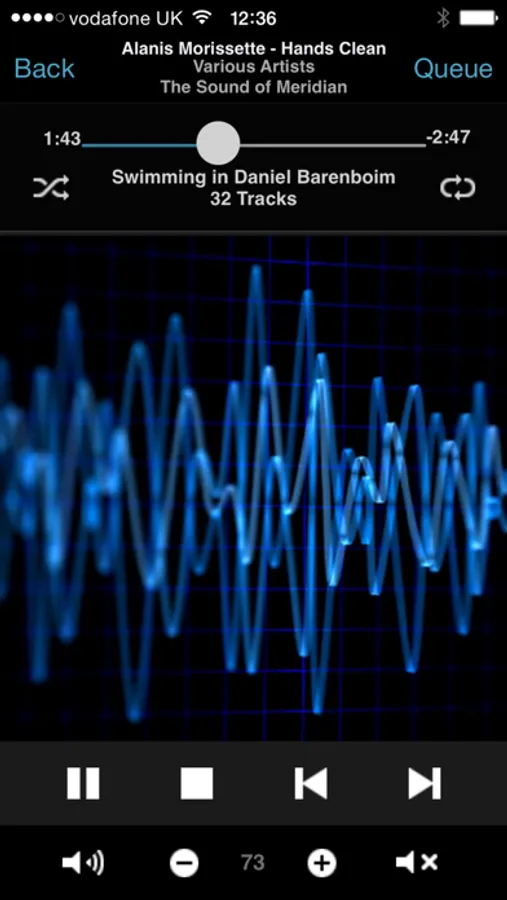
The Sooloos app from Meridian connects to your WiFi network, locates your Sooloos system and connects to it automatically... no configuration is necessary. Once connected, you can browse your music and control all aspects of playback in all your system's zones.
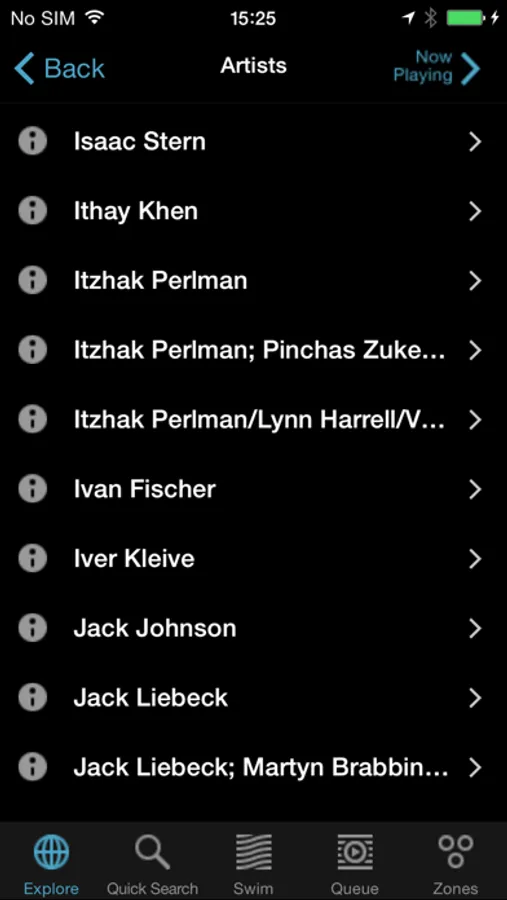
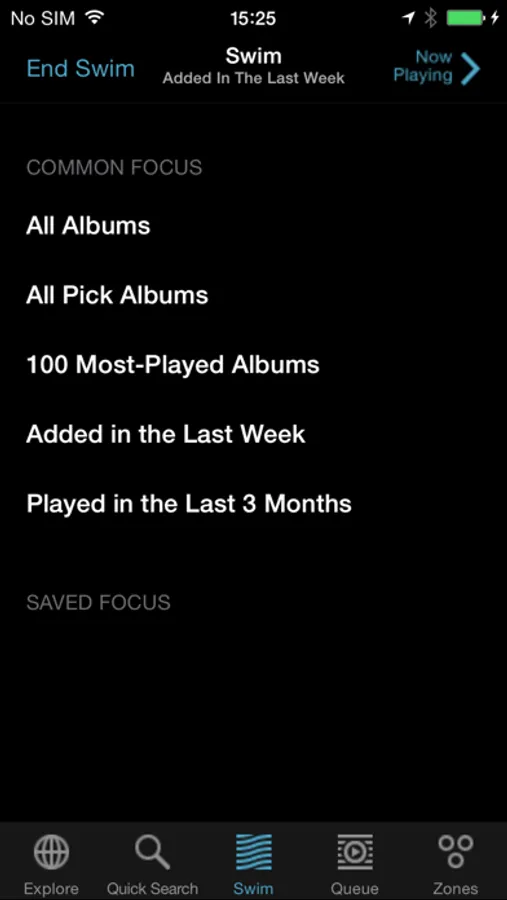
Sooloos offers you many ways to explore your music collection: browse by artist, genre, release date, import date, or using tags you create yourself. Control how you listen to your playlists using shuffle, loop, and the unique Swim mode, which uses your preferences to select music for you.
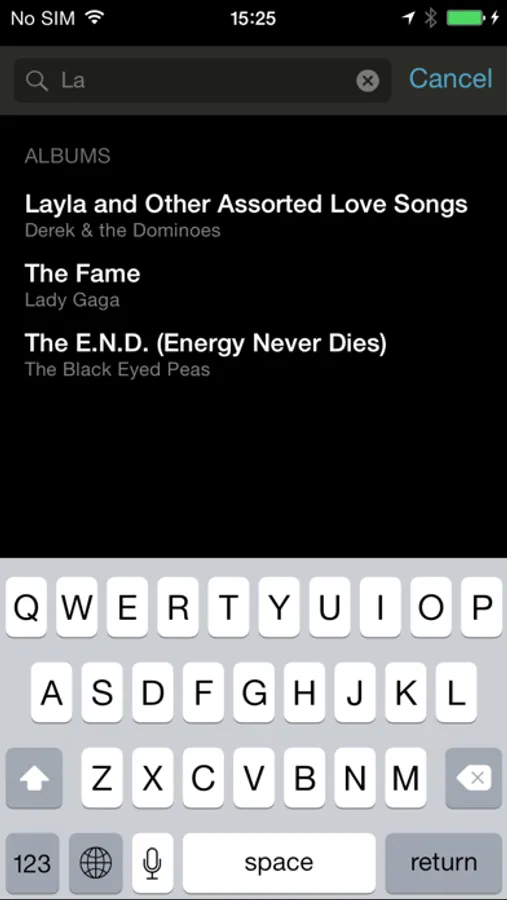
Quick search allows you to enter text using the on-screen keyboard, and displays album and track results as you type.
Play different music in each room of your home, or link zones to play the same music in multiple rooms. Use transport and seek to control playback in each of your zones independently. Control the volume of the outputs of your Sooloos system, or even your Meridian processor or DSP loudspeakers directly.
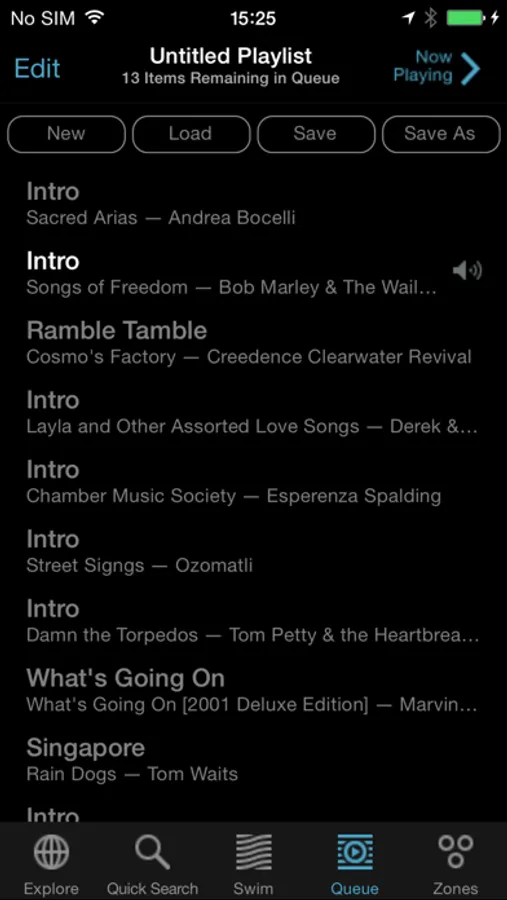
Create or load playlists, then edit and save them right from your iPhone™, iPad™ or iPod® Touch.
Using the built in Focus feature, you can create custom tailored music collections -- like "Hard Rock from the 1970's", "Top-rated Post-Bop Jazz", or "Most-played albums featuring Yo-Yo Ma" -- and recall them at a touch from the Sooloos app.
FEATURES on iPhone™ and iPod® Touch:
- WiFi auto-discovery
- Transport control
- Volume and mute controls
- View full-screen cover art for current track
- Control multiple zone playback
- Browse by artist, genre, release date, import date, tags
- Shuffle, Loop, and Seek
- Swim chooses music for you
- Quick Search using on-screen keyboard
- Create, Load, Edit, and Save playlists
- Browse Focuses created on your Sooloos system
- Switch sources in Meridian Integrated Zones, and power up/down the Zone.
ADDITIONAL FEATURES on iPad™:
- Graphical browser featuring album cover-art with the ability to focus on albums and view their metadata
- Select and Edit mode allowing editing of tags, genres and the creation of album sets
- Internet radio channel browser
- Transfer play queues between zones
- Manage streaming accounts
- Display notification messages from the Sooloos Core.
Sooloos Screenshots
Tap to Rate:
Reviews for Sooloos
johnswimer
Almost where the Control 15/Touch PC interface is
There is a difference in sorting by artist where the iPad app is top to bottom and the Control 15 is left to right. Other than that it is terrific!
SaintO
SWIM Focus & Play Time Tracker issues
The extremely poor quality control is very frustrating. The latest update fixed the latest iPad bugs but broke the iPhone version: New Bugs: 1. Under “Swim”/“Common Focus”: Current Focus & All Album tabs were removed (iPhone) 2. Album Cover Screen: The round dot for Play Time tracker is stuck, & cannot turn tracker on/off by touching the Album Cover (iPhone) 3. Under Tidal, My Library / My Playlist: Can only display first 20 tracks, “More” refresh not working (iPad and iPhone) Improvements Needed: 1. Under “Swim”: “Saved Focus” are not in alphabetical order (both iPad & iPhone) 2. Under “My Library”: “Saved Focus” are not listed in alphabetical order (iPhone) 3. Tidal: can only display 20 items, have to refresh constantly; & no alphabetical sub-groups 4. Track quality is not displayed for TunIn Radio 5. High resolution tracks are only shown as “High Res” without sampling & resolution info 6. No native 192/24 & higher PCM and DSD supports 7. No remote access to library on iOS Apps when traveling