AppRecs review analysis
AppRecs rating 4.3. Trustworthiness 71 out of 100. Review manipulation risk 19 out of 100. Based on a review sample analyzed.
★★★★☆
4.3
AppRecs Rating
Ratings breakdown
5 star
71%
4 star
14%
3 star
0%
2 star
0%
1 star
14%
What to know
✓
Low review manipulation risk
19% review manipulation risk
✓
Credible reviews
71% trustworthiness score from analyzed reviews
✓
High user satisfaction
86% of sampled ratings are 4+ stars (4.3★ average)
About iKanban
FREE TO USE.
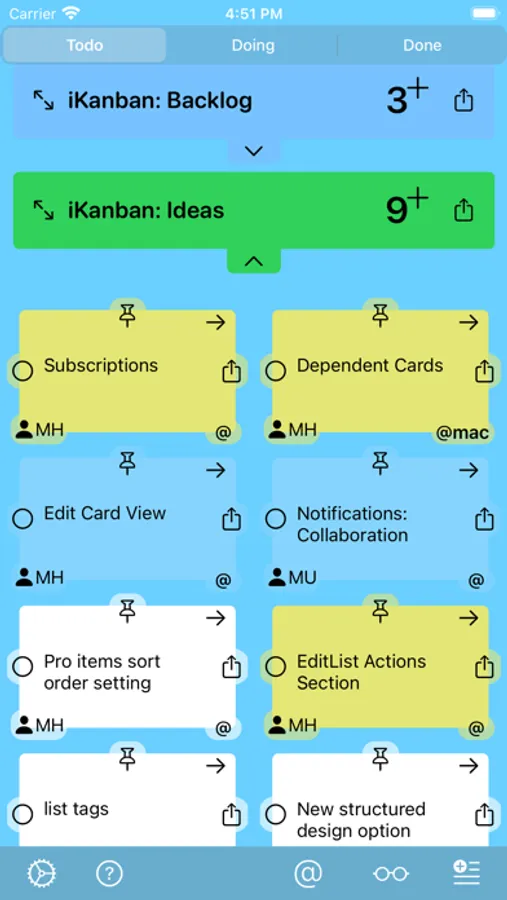
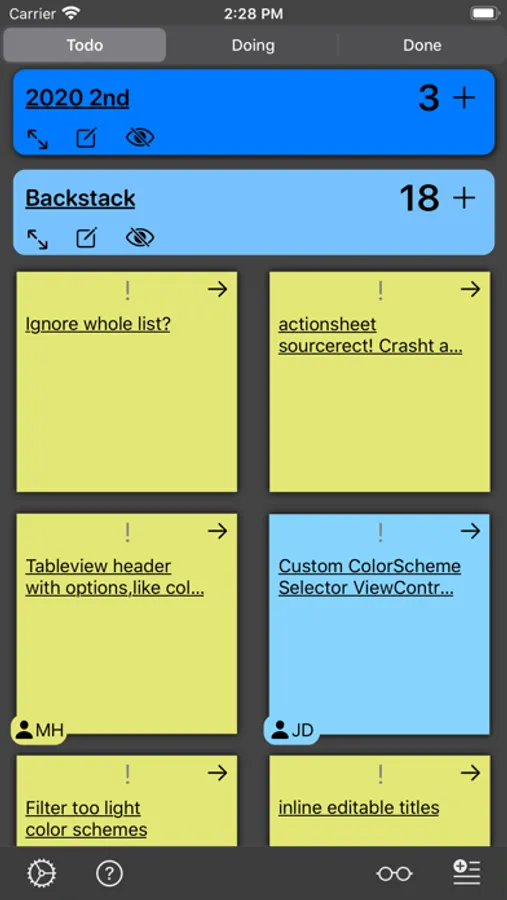
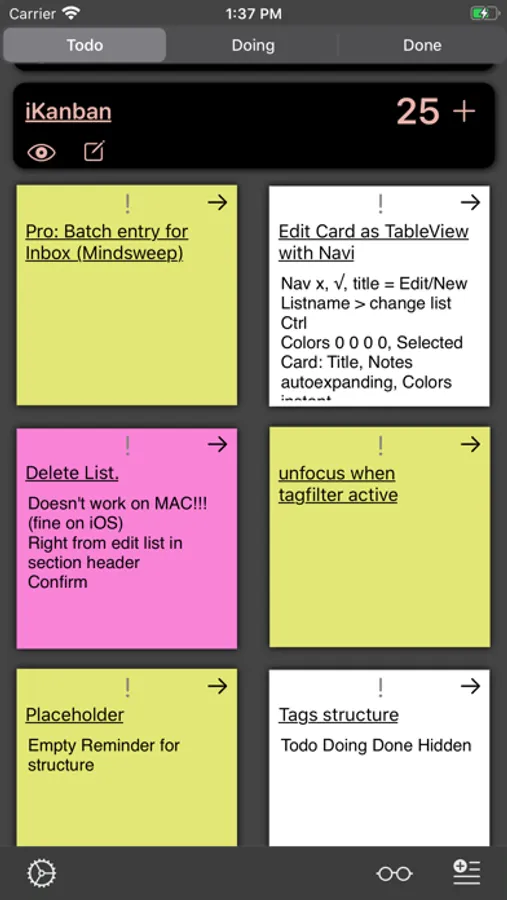
iKanban tells you what you were working on at each project and gives you a complete visual representation of your lists progresses on a single board.
Problems, Issues, Requests, Ideas, Questions:
Send me a mail: ikanban@hey.com
IMPORTANT: OPEN YOUR REMINDERS APP AT LEAST ONCE, IF YOU HAVE NEVER USED IT BEFORE.
Tasks, like reminders, traditionally have two states: Open and Done.
The lists that contain such tasks can't tell you what you were working on.
But what if you get interrupted?
Or you have to jump between projects?
Or pick up work on a list that you left weeks before?
You can help yourself by sorting or flagging the current tasks.
But there isn't always a natural order and flagging a task doesn't please everyone, at least not myself, as it looks more like prioritizing.
If that sounds familiar, have a look at iKanban.
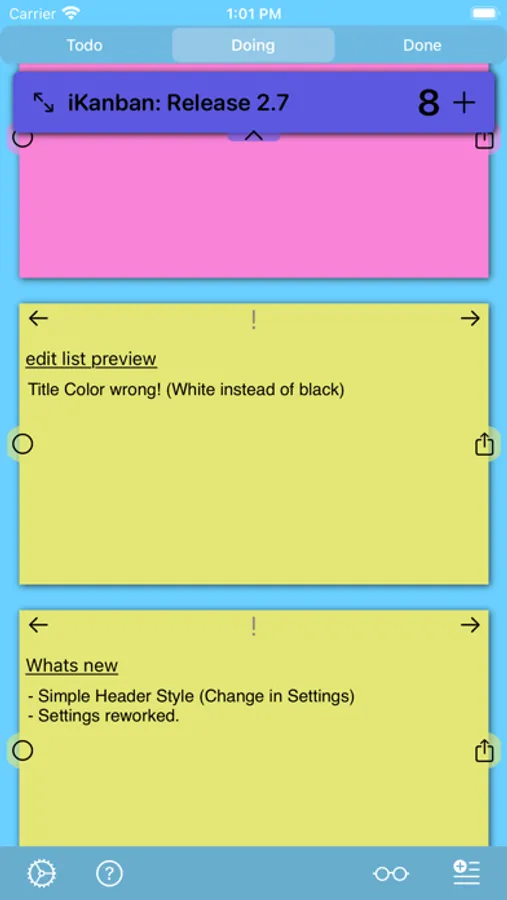
It adds a third state: "DOING".
While this is a simplification of the kanban principles, it is a "one little thing" that adds enormous value to the process. Its value is twofold:
ONE: It answers the "What was i supposed to do right now, on this thing?"-question.
TWO: It gives you a visual overview of all stuff you are working on.
Features:
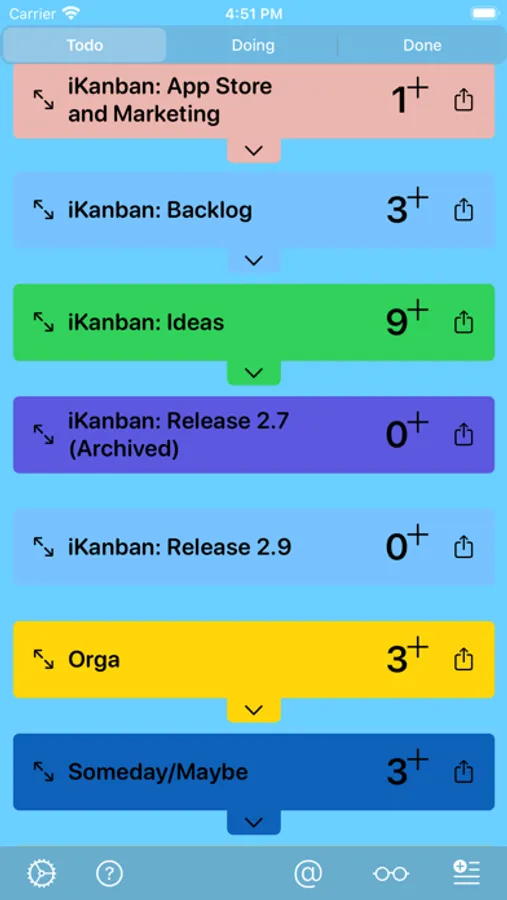
- Single Board for all lists
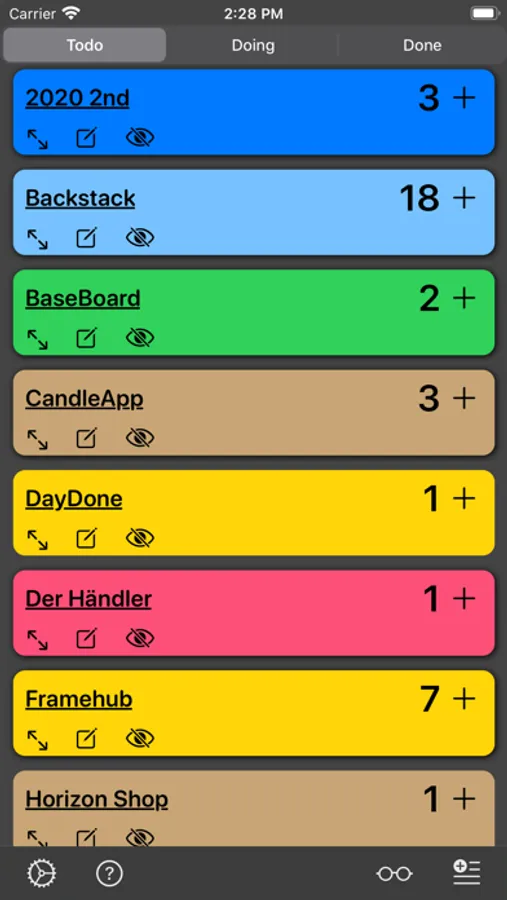
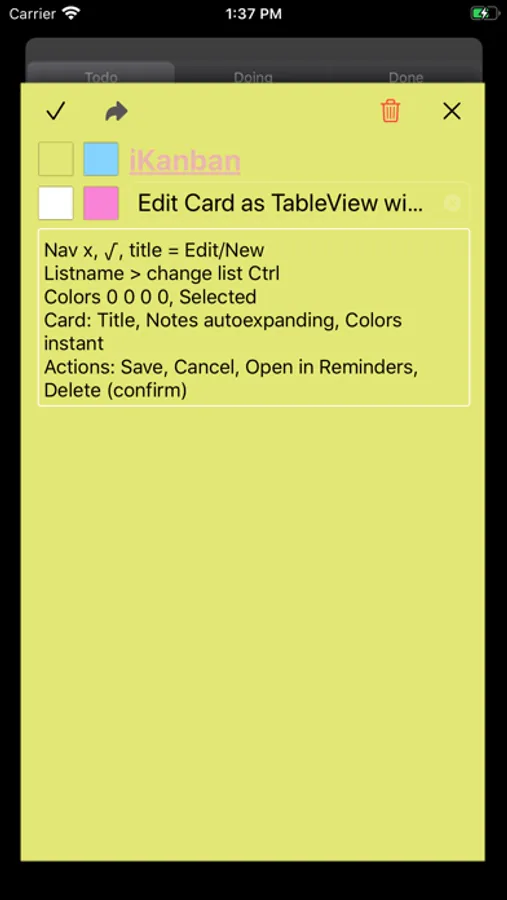
- Create and edit lists
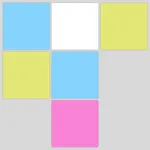
- Give reminders a color: yellow, blue, magenta, white
- Open reminder in Reminders App
- Powerfull keyboard shortcuts (Mac, iPad)
- Control list visibility: Show and hide lists
- Archive showing all reminders and attachments. Incl completed.
Constraints:
- Only one priority level
- Lists can't be deleted
Privacy Information: https://ikanbanapp.com/books/2/pages/15
EULA: https://www.apple.com/legal/internet-services/itunes/dev/stdeula/
iKanban Screenshots
Tap to Rate:
Reviews for iKanban
Bronsont
iKanban Rocks!
I love this iPad app for my Personal Kanban. It has allowed me to visualize my Tax Practice work flow and make improvements in the way I do business. If I had the ability to influence upgrades it would be to ask for the ability to scale sticky note size to see more on my screen, and the ability to add another column to park jobs awaiting info from the client (who'd think a client would come in unprepared!). But I love the program as is!
lafreakshow
Exceptional start
Nice to see iteration! The app is a fantastic start and I believe it has a great future, especially as people learn about Kanban (whether for software or personal productivity).