In this photography app, you can capture slow shutter effects to create motion blur, light trails, and low-light images. Includes multiple exposure options and manual controls for ISO and shutter speed.
AppRecs review analysis
AppRecs rating 4.6. Trustworthiness 78 out of 100. Review manipulation risk 23 out of 100. Based on a review sample analyzed.
★★★★☆
4.6
AppRecs Rating
Ratings breakdown
5 star
80%
4 star
11%
3 star
3%
2 star
1%
1 star
4%
What to know
✓
Low review manipulation risk
23% review manipulation risk
✓
Credible reviews
78% trustworthiness score from analyzed reviews
✓
High user satisfaction
80% of sampled ratings are 5 stars
About Slow Shutter Cam
-----------------------
• Featured numerous times by Apple:
- App Store Essentials: Camera & Photography
- Photography for Professionals - Total Control
- Extraordinary Photo Apps
- Best New App
-----------------------
"It’s one of those rare photography apps that creates effects that few others are capable of, and it does it easily and with better results."
— Marty Yawnick, Life In LoFi
-----------------------
How many times have you tried to capture artful images with your iPhone camera but were left wishing you had more features to work with? Slow Shutter Cam puts an end to mere snapshots and gives you some of the most powerful features of a DSLR camera. All this, in a package that fits in your pocket.
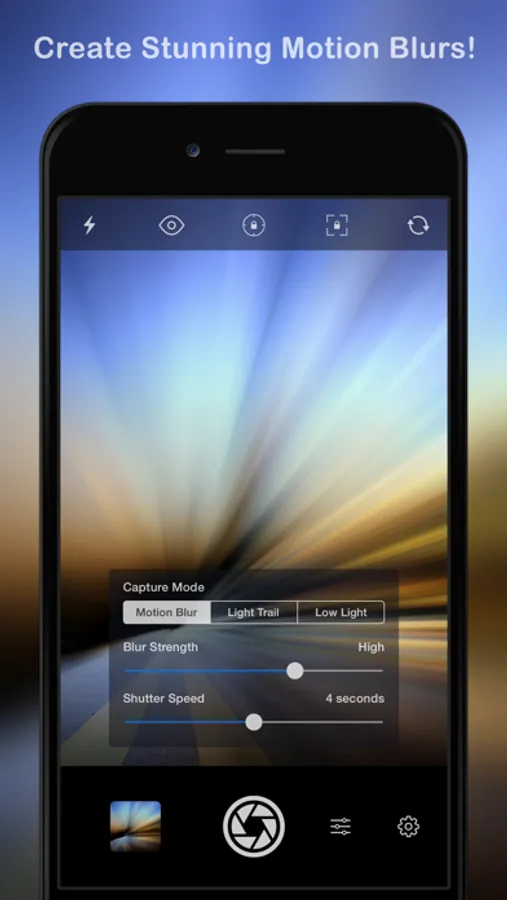
Slow Shutter Cam offers three capture modes to capture unique images:
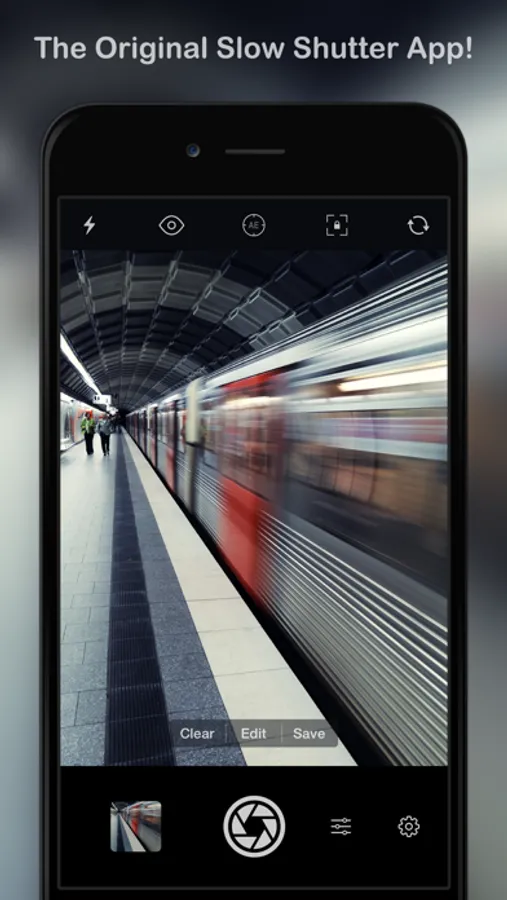
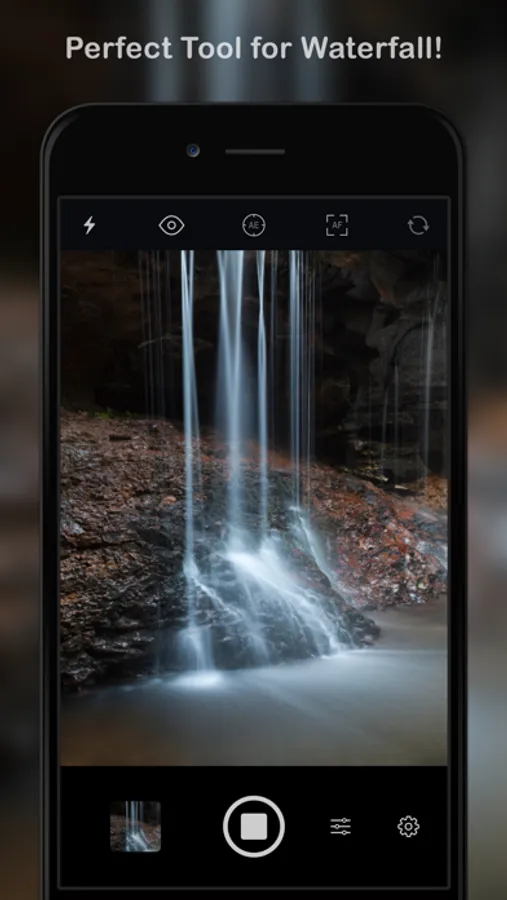
MOTION BLUR: Equivalent to the shutter priority mode on a DSLR, the Motion Blur mode is perfect for creating ghost images, waterfall effects or suggesting movement in your photographs by adding a blur.
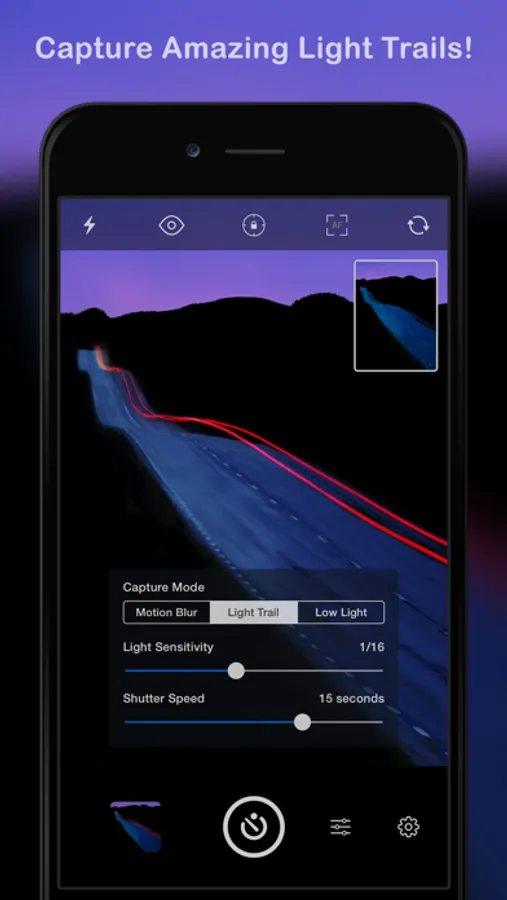
LIGHT TRAIL: The Light Trail mode allows you to 'paint' with light, show car light trails and fireworks or capture any other moving light in a unique way. Unlike shooting with a DSLR and being tied to specific rigid settings to obtain good results, the Light Trail mode takes care of the essentials, letting your creativity soar!
LOW LIGHT: In low light conditions, this capture mode allows the camera to accumulate every photon of light hitting the sensor. The longer the shutter speed, the more light it will accumulate. You can even fine-tune the result using the exposure compensation slider to achieve the exact effect you want!
Highlights:
• Unlimited Shutter Speed and manual ISO
• Option to resume capture and create multiple exposure photos
• Real time live preview - See the result in real time
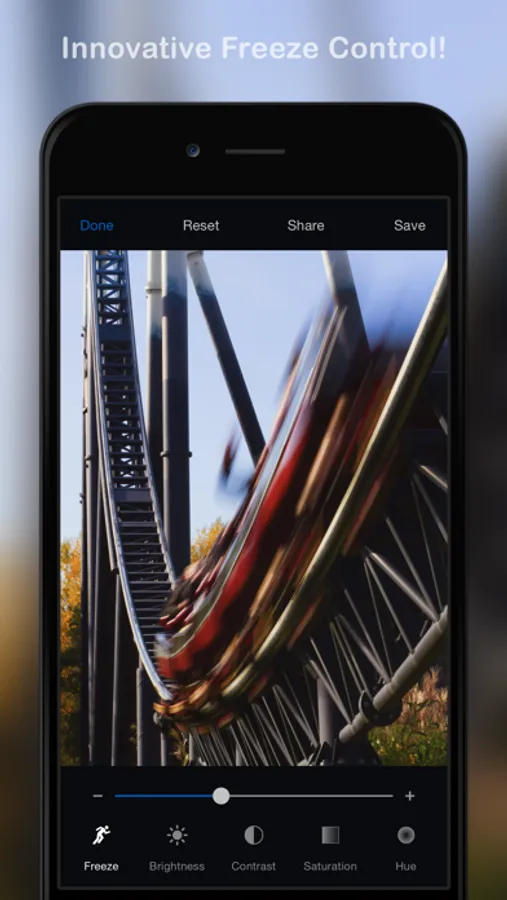
• Innovative 'Freeze' and ‘Blur Strength’ controls
• Tap to adjust focus/exposure
• Time-lapse Intervalometer
• Apple Watch support and handy Self-Timer
• Full resolution support on every devices
• Camera Control support (iPhone 16)
With Slow Shutter Cam on your iPhone you get the features of a DSLR camera with the convenience of a device that you can drop in your pocket and take with you wherever you go. Download it now and put an end to mere snapshots!
Search #slowshuttercam on Instagram or visit the "Slow Shutter Cam - iPhone" group on flickr for amazing samples!
Slow Shutter Cam Screenshots
Tap to Rate:
Reviews for Slow Shutter Cam
SlayBells
doesn’t work
usedthis app a month ago and worked great! tried it last night and nothing shows up on camera, only black. also deleted app and reinstalled, still doesn’t work, restarted phone and it works, doesn’t work for light painting that well however
SwirvinIt
Not ideal for night sky photography
I adjusted everything, set up my tripod and dialed it for 30 second exposure. I currently have an iPhone 15 pro max. The standard iphone camera app is far superior at 3 SECONDS than this app and 30 full seconds on a tripod. I adjusted pictures quality and messed around with the editing software and still couldn’t get it anywhere near what the one shot I was able to get without touching the photo in post. Needs some major updates before they start charging. Hopefully they see this and I get a refund.