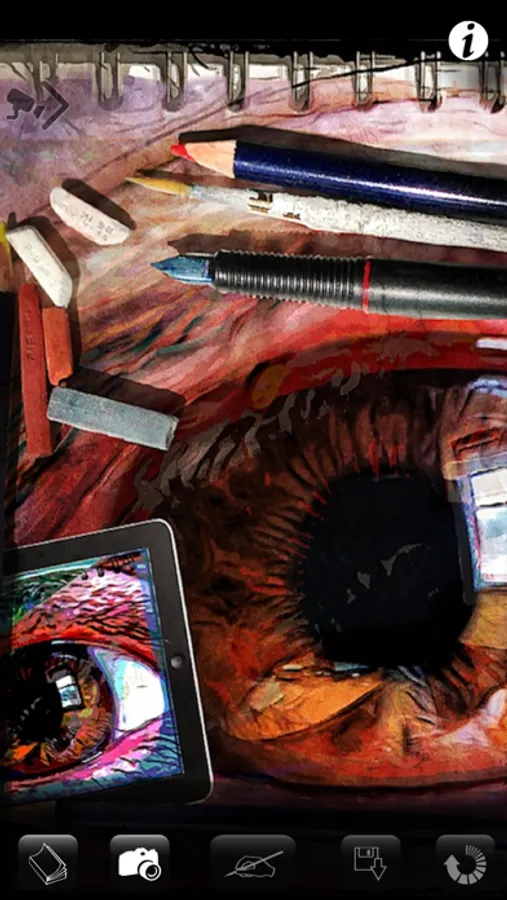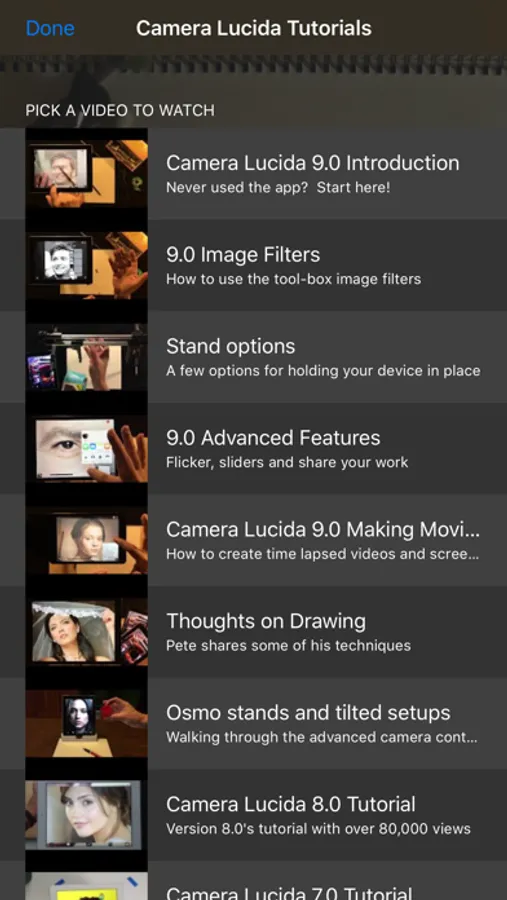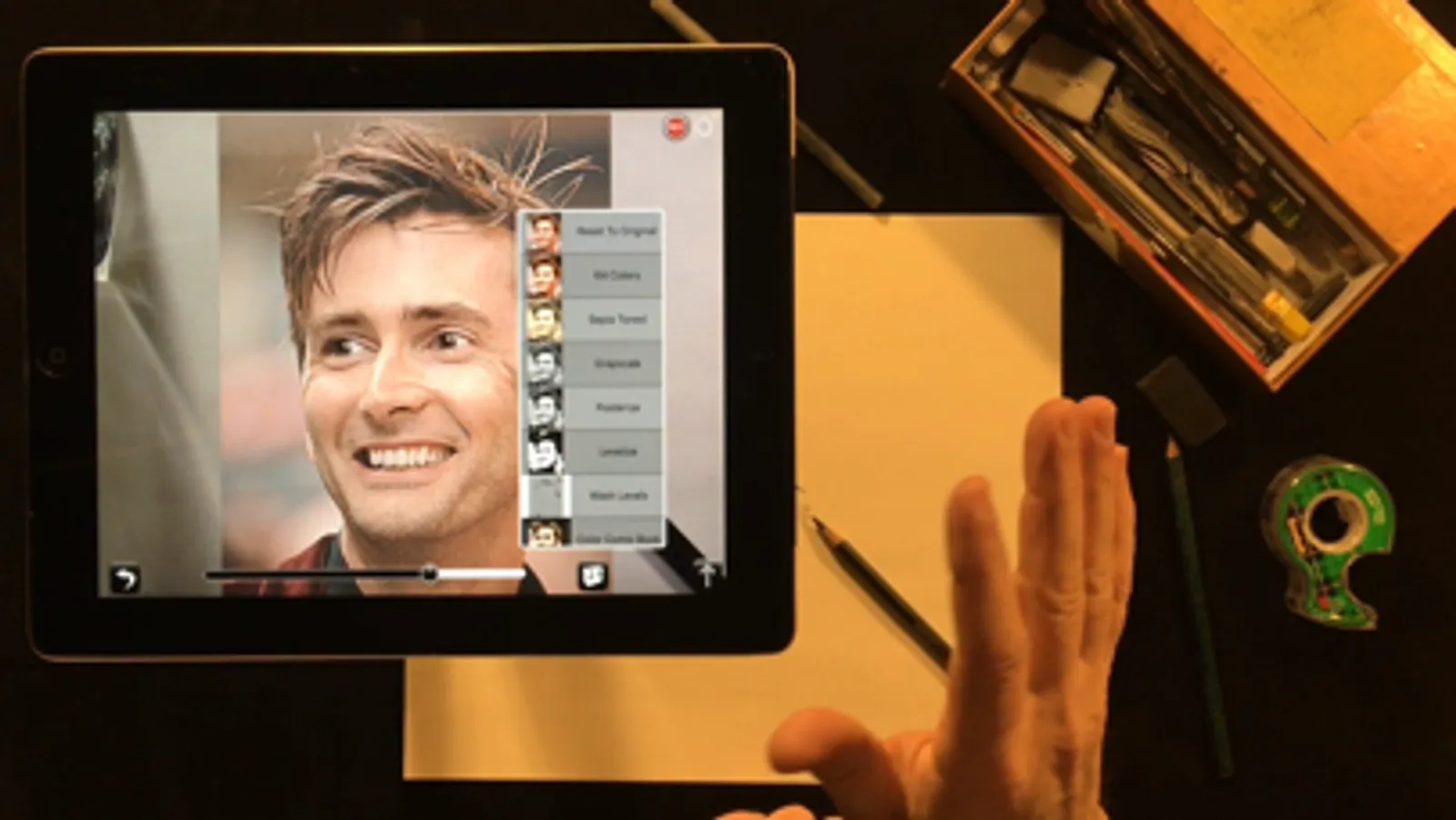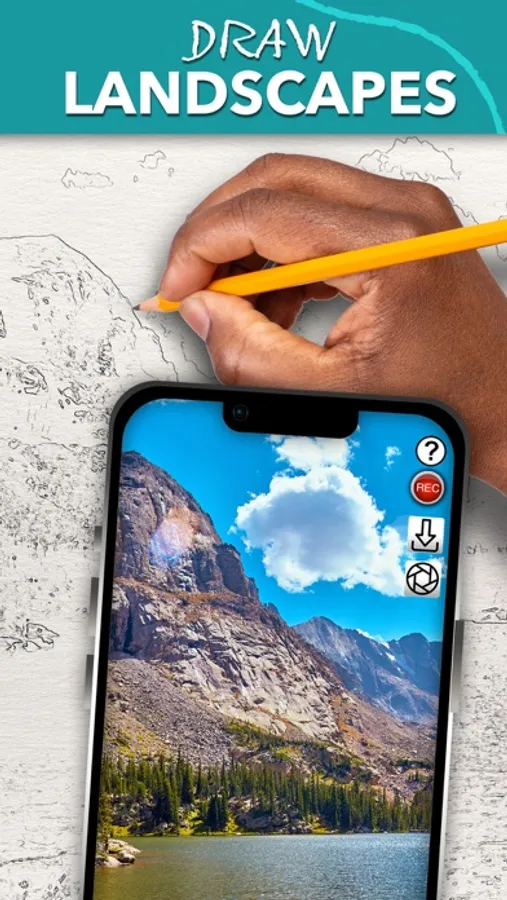
With this AR drawing app, you can superimpose reference images over your surface to assist in creating artwork and utilize advanced image filters and zoom features. Includes image editing tools, session save and restore, and tutorial access for guided use.
AppRecs review analysis
AppRecs rating 4.8. Trustworthiness 71 out of 100. Review manipulation risk 28 out of 100. Based on a review sample analyzed.
★★★★☆
4.8
AppRecs Rating
Ratings breakdown
5 star
91%
4 star
6%
3 star
1%
2 star
1%
1 star
2%
What to know
✓
Low review manipulation risk
28% review manipulation risk
✓
Credible reviews
71% trustworthiness score from analyzed reviews
✓
High user satisfaction
91% of sampled ratings are 5 stars
About Camera Lucida™: AR Drawing
Draw Like a Pro with Camera Lucida™: AR Drawing
One-Time Purchase: No subscriptions! Buy it once and use on your devices.
Enhance Your Art Skills: Whether you're sketching with a pencil or painting with a brush, Camera Lucida™ helps you become a better artist.
Unmatched Functionality: With 12+ years of development, Camera Lucida™ offers features that no competitor can match. Create stunning physical art using your iPhone or iPad's camera. Simply point your device at your drawing surface, and watch the screen to see your reference image superimposed over your work. It's more versatile than a light table, better than a projector, and easier to use than a traditional Camera Lucida™.
How It Works: Place your iPhone or iPad between your eyes and your drawing surface. The app shows a virtual image on your screen, guiding your hand as you draw. This clever method makes it easy and fun to create detailed art.
Top Features:
• Buy it once for lifetime use.
• Advanced Image Filters: See with an artist's eye.
• Zoom in Lock: For ultra detailed drawing.
• Session Save & Restore: Automatically realign your camera, sketch, and reference image.
• Full Color Palette Control: Use your own paints, markers, and more.
• Camera Adjustments: Use your device camera and adjust for different setups manually or with an in-app purchase to auto-adjust.
• Time-Lapsed Recordings: Share your drawing process on social media.
• Advanced Tools: Vertical split screen sliders, timed image fading, and more.
• Video Tutorials: Watch tutorials within the app or on YouTube.
• Comprehensive User Manual: Accessible from within the app.
• Reliable Customer Support: Plus, an active user community for inspiration.
• External USB Camera Support: For USB-C equipped iPads running iOS 17.
Easy Setup: Secure your iPhone or iPad above your drawing surface using common household items like a stack of books or a vase. Tutorials are included to help you get started.
Contact: For any questions or support, email cameralucida@bigidesign.com.
One-Time Purchase: No subscriptions! Buy it once and use on your devices.
Enhance Your Art Skills: Whether you're sketching with a pencil or painting with a brush, Camera Lucida™ helps you become a better artist.
Unmatched Functionality: With 12+ years of development, Camera Lucida™ offers features that no competitor can match. Create stunning physical art using your iPhone or iPad's camera. Simply point your device at your drawing surface, and watch the screen to see your reference image superimposed over your work. It's more versatile than a light table, better than a projector, and easier to use than a traditional Camera Lucida™.
How It Works: Place your iPhone or iPad between your eyes and your drawing surface. The app shows a virtual image on your screen, guiding your hand as you draw. This clever method makes it easy and fun to create detailed art.
Top Features:
• Buy it once for lifetime use.
• Advanced Image Filters: See with an artist's eye.
• Zoom in Lock: For ultra detailed drawing.
• Session Save & Restore: Automatically realign your camera, sketch, and reference image.
• Full Color Palette Control: Use your own paints, markers, and more.
• Camera Adjustments: Use your device camera and adjust for different setups manually or with an in-app purchase to auto-adjust.
• Time-Lapsed Recordings: Share your drawing process on social media.
• Advanced Tools: Vertical split screen sliders, timed image fading, and more.
• Video Tutorials: Watch tutorials within the app or on YouTube.
• Comprehensive User Manual: Accessible from within the app.
• Reliable Customer Support: Plus, an active user community for inspiration.
• External USB Camera Support: For USB-C equipped iPads running iOS 17.
Easy Setup: Secure your iPhone or iPad above your drawing surface using common household items like a stack of books or a vase. Tutorials are included to help you get started.
Contact: For any questions or support, email cameralucida@bigidesign.com.