AppRecs review analysis
AppRecs rating 3.7. Trustworthiness 0 out of 100. Review manipulation risk 0 out of 100. Based on a review sample analyzed.
★★★☆☆
3.7
AppRecs Rating
Ratings breakdown
5 star
38%
4 star
25%
3 star
13%
2 star
13%
1 star
13%
What to know
✓
Good user ratings
63% positive sampled reviews
About Fractions Calculator
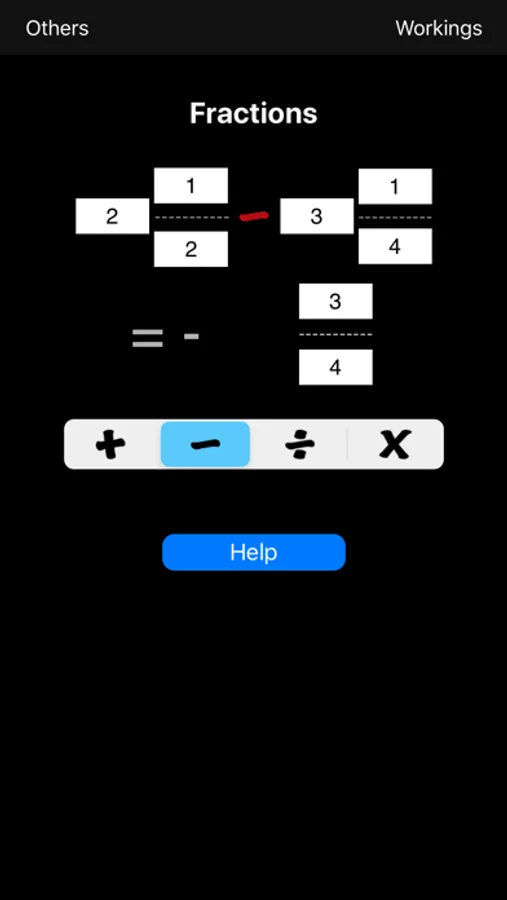
New Version: Added negative numbers. Fractions can be negative by specifying the whole part as negative. If the whole part is zero just put a minus sign.
How to use.
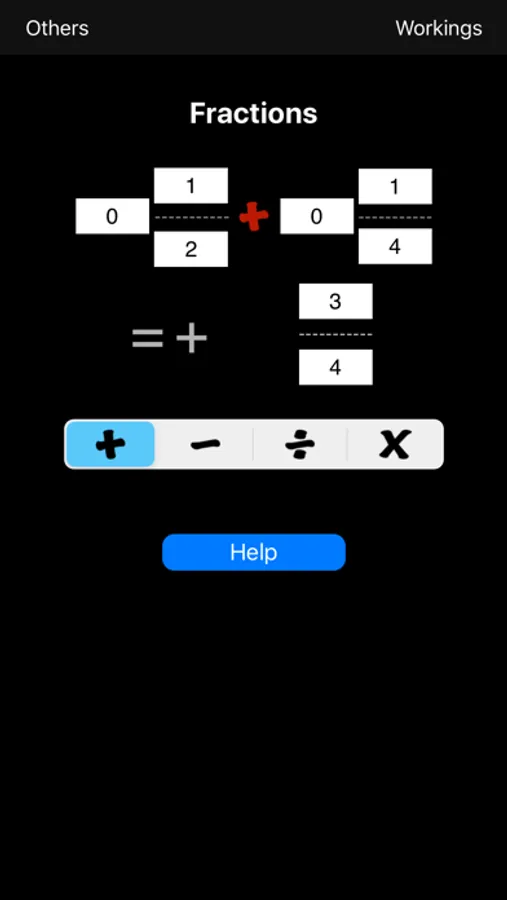
Just type in the fractions you want using the keypad. Select any of the editable fields and the keypad appears. The field being editing is shown with a yellow background. You can change more than one number at a time by selecting each field and typing the number. When you have set the fractions as you want then select 'OK'. The keypad is dismissed and the answer is shown.
Use the four calculation buttons (add, subtract, divide and multiply) to select the type of action.
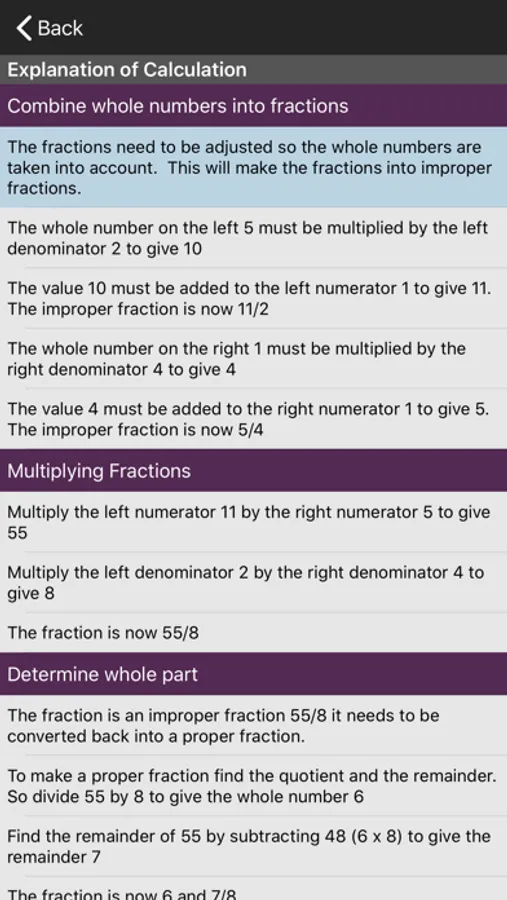
Select the 'Workings' button to see how the result was calculated. This page has sections that explain how the whole number parts are handled, finding the lowest common denomitor, the greatest common factor, how adding, subtracting, dividing and multiplying work and how fractions are simplified.
Fractions Calculator Screenshots
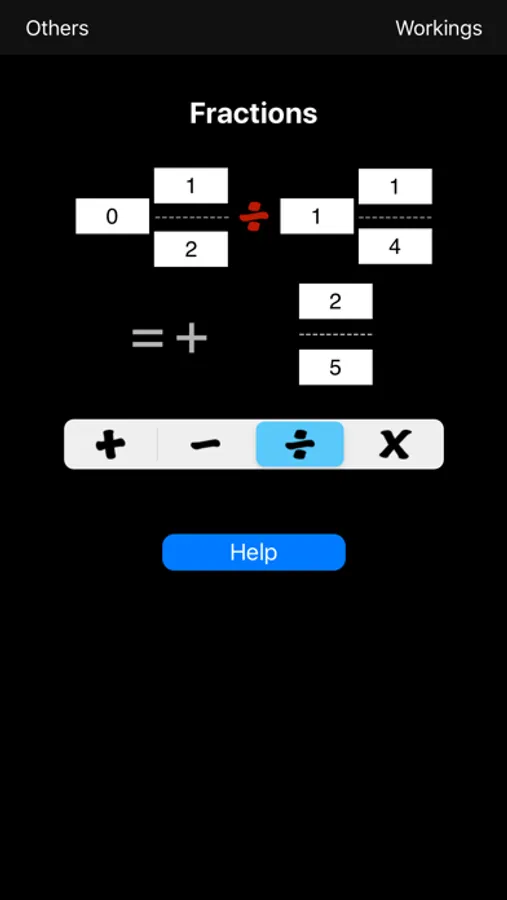
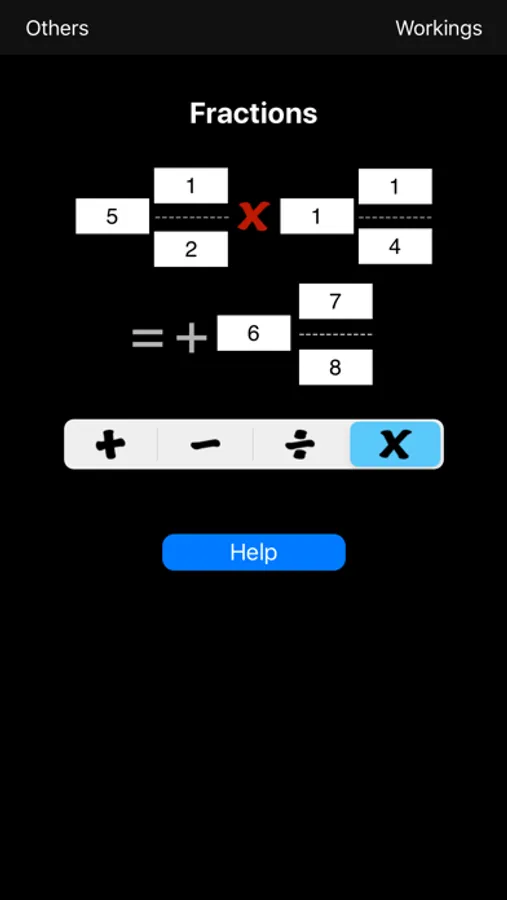
Tap to Rate:
Reviews for Fractions Calculator
Landochin
The complete fraction helper!
This was the only time I've felt compelled to write a review. If you don't know your fractions or have forgotten how to do them and you need some help now, this is the app. Not only does it give you the answers but it provides the step by step on how to get the answers on your own. Perfect for checking your kids homework!
kidchrist123
Amazing app!
This app is great you should buy it because this guy could really use the money, help a bother out! And buy the app