In this printing app, you can send photos, web pages, and contacts to compatible printers via Wi-Fi, Bluetooth, or Cloud Print. Includes support for printing documents from various apps, remote printing, and multiple connection options.
AppRecs review analysis
AppRecs rating 4.4. Trustworthiness 72 out of 100. Review manipulation risk 25 out of 100. Based on a review sample analyzed.
★★★★☆
4.4
AppRecs Rating
Ratings breakdown
5 star
74%
4 star
10%
3 star
1%
2 star
4%
1 star
11%
What to know
✓
Low review manipulation risk
25% review manipulation risk
✓
Credible reviews
72% trustworthiness score from analyzed reviews
✓
High user satisfaction
84% of sampled ratings are 4+ stars (4.3★ average)
About PrinterShare Premium
FEATURES
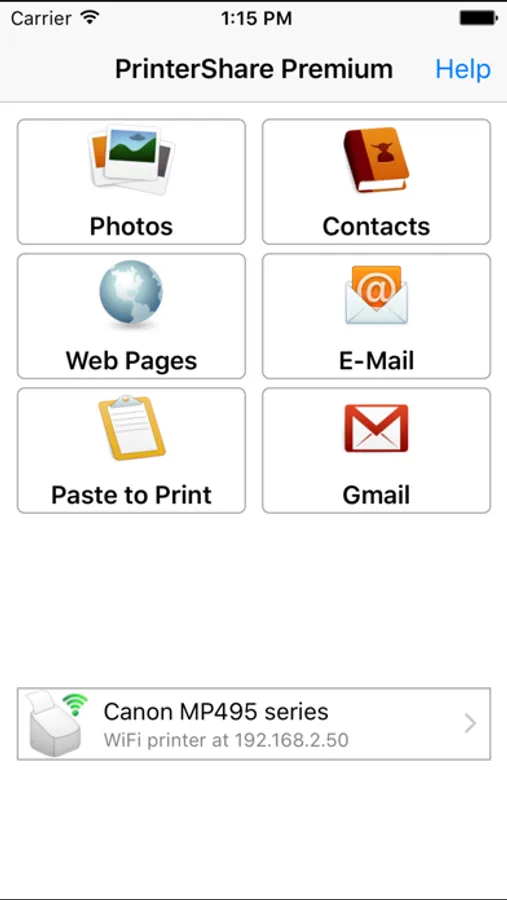
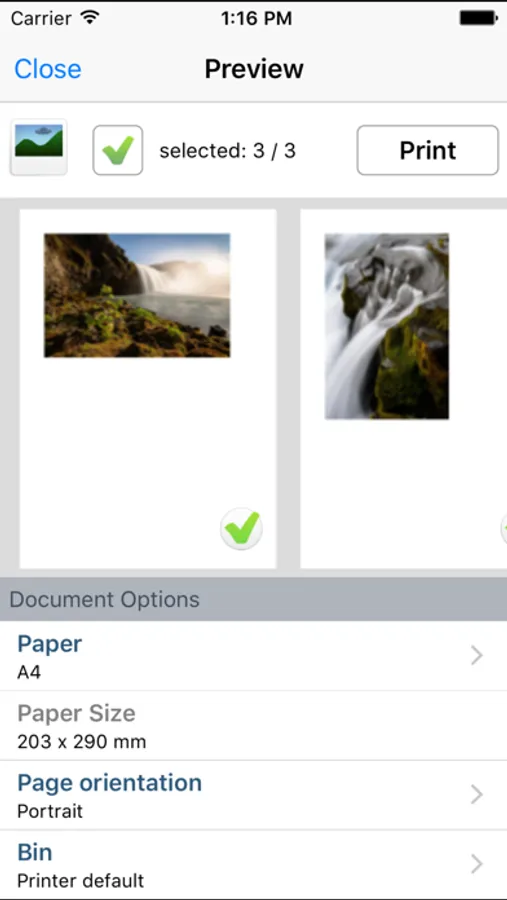
Using paid PrinterShare app you can print the following content:
- Photos and images;
- Web pages, emails and attachments;
- Contacts;
- Content copied to clipboard (using Paste to Print);
- Content shared from other apps using the Action button.
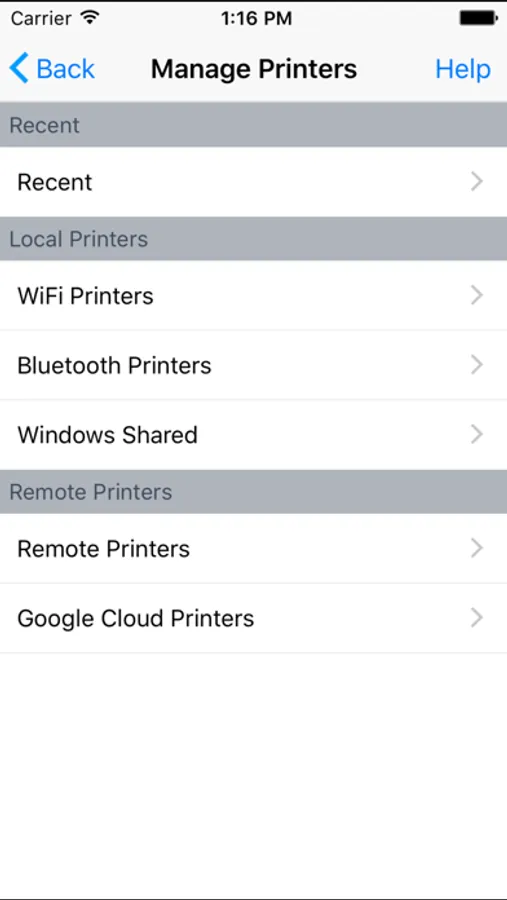
You can print via:
- Wi-Fi (using a Wi-Fi Direct printer or using a Wi-Fi router as a middleman);
- Bluetooth (only on supported Apple MFi certified printers);
- PC or Mac (if your printer is shared using PrinterShare Console desktop client or standard tools of your computer's OS);
- Google Cloud Print;
USING PRINTERS
Printing on Nearby wireless printers
Most of the Wi-Fi printers are detected automatically. PrinterShare can print on such printers directly in case they are supported by the app.
Here is the list of printers supported by PrinterShare app:
http://www.printershare.com/help-mobile-supported.sdf
If your printer is not among supported, you can print as well using the PrinterShare Console desktop app. As long as your printer available from a Windows or Mac computer, you can print via the Console. To use it, download the PrinterShare Console software on that computer from www.printershare.com .
PrinterShare app installed on your mobile device will find printers shared via the Console automatically. However, please note that your printer should be connected to the same Wi-Fi network to which your mobile device is connected.
Remote printing via the Internet
Also, you can print on printers located anywhere in the world via the Internet. This will require the same Console software installed on the computer at the receiving end, and a PrinterShare Console account registered. Complimentary 100 pages for Remote Printing under the same account.
MORE INFO
Please visit www. printershare.com for more information on printing with PrinterShare app
PrinterShare Premium Screenshots
Tap to Rate:
Reviews for PrinterShare Premium
Needle rape
iPad compatibility
Love this app on android phone…. Make it compatible with iPad and procreate
guest-9
Not loading and unable to access app help
I’ve used this premium version of the app for many years and just recently in the last month or so I have not been able to print anything. Loading the app gets me no icon operators to make choices within the app. I’ve deleted and reinstalled the app without any success. When I tried to send a ticket I receive a 404 error message. Please advise and help me continue to enjoy this app. Thank you.