Use this file manager app to transfer, view, and organize documents on your iPhone or iPad, with features like built-in document viewer and file editing. Includes support for cloud storage services, file sharing via USB, and multiple file formats.
AppRecs review analysis
AppRecs rating 4.2. Trustworthiness 77 out of 100. Review manipulation risk 21 out of 100. Based on a review sample analyzed.
★★★★☆
4.2
AppRecs Rating
Ratings breakdown
5 star
75%
4 star
10%
3 star
4%
2 star
2%
1 star
9%
What to know
✓
Low review manipulation risk
21% review manipulation risk
✓
Credible reviews
77% trustworthiness score from analyzed reviews
⚠
Pricing complaints
Many low ratings mention paywalls or pricing
About USB Disk SE, File Manager
TUAW - "USB Disk is [...] a nicely designed one."
Lifehacker - "The Best. USB Disk for iOS gives you a fast and easy way to transfer documents and images to your device."
Apple - "New and Noteworthy"
TOP REASONS TO BUY
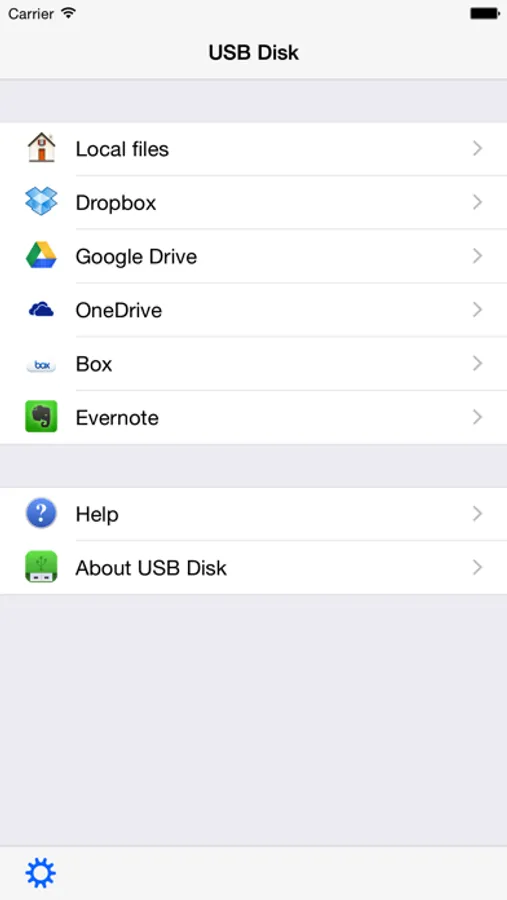
• Access Dropbox, Google Drive, OneDrive and Box.
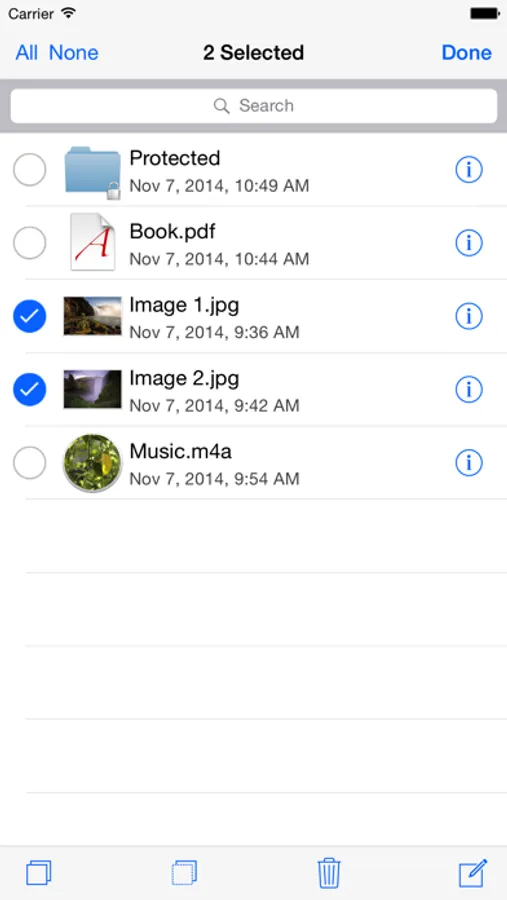
• Store and view files on your iPhone / iPod.
• Navigate using swipes (like Photos / iBooks app).
• Thumbnails let you preview your files.
• Copy, paste, cut, delete and create files.
MORE FEATURES
• View and download email attachments.
• Full screen file viewer.
• USB file transfers.
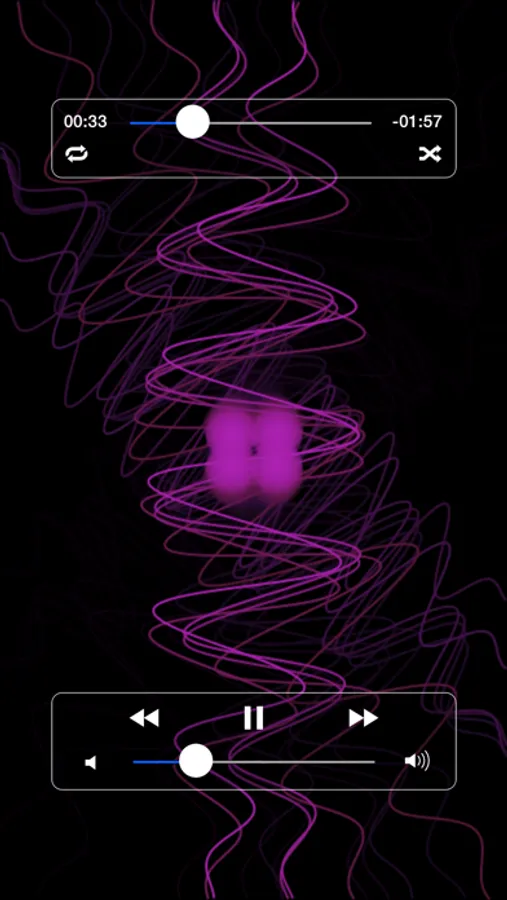
• Background audio.
• Slideshow with adjustable delay.
• Fast scrolling, page up/down functionalities.
• Email your documents.
SUPPORTED FILE TYPES
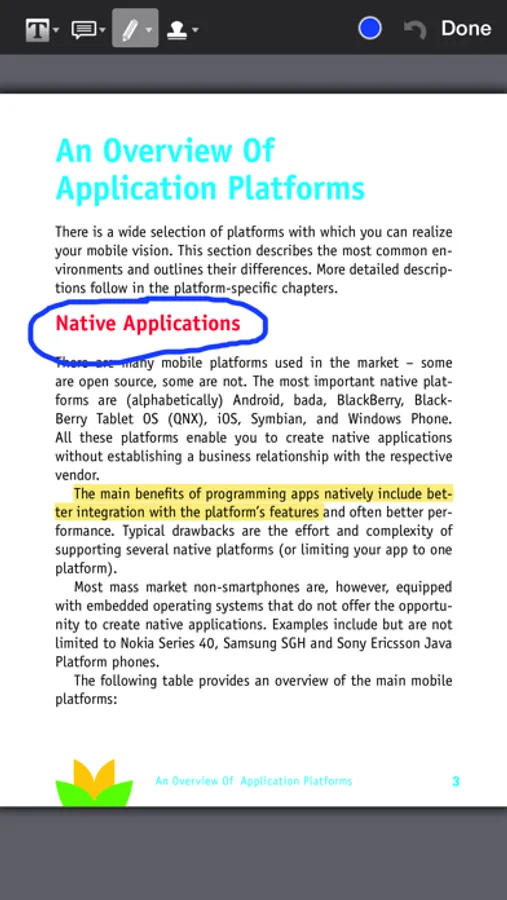
• PDF files.
• MS Office documents.
• iWork documents.
• Pictures (jpg, png, gif, ...).
• eBooks (pdf, ePub, html, txt, ...).
• Comics (cbr, cbz, pdf, ...).
• Audio files (mp3, m4a, wav,...).
• Video files (m4v, mov, avi, mkv, ...).
UPDATES
Buy now and get free updates.
SUBSCRIPTION
All features listed above can be used without an in app purchase. Some advanced features require an active subscription. These include:
• Open and create zip files.
• Adjust the audio mixer, use shuffle and repeat.
• Access the device's photos library.
• Protect the access to the app or specific files and folders with lock codes.
• Access WebDAV and FTP servers. You can also configure SharePoint connections.
• Edit simple text files. Also annotate PDF files.
• Present files on external screens.
Duration and price of each subscription are displayed in our storefront. All subscription costs will be charged to your Apple ID account, starting at the confirmation of purchase. Subscription automatically renews unless it is canceled at least 24 hours before the end of the subscription period. Your account will be charged for renewal within 24 hours prior to the end of the subscription period. It is not possible to cancel a subscription period once you have been charged for it. Any unused portion of a free trial period is forfeited as soon as a subscription is purchased. You can manage subscriptions and disable auto renewal by going to your account settings on the App Store after purchase.
Terms of Service: https://imesart.com/legal/terms-of-service.php
USB Disk SE, File Manager Screenshots

Tap to Rate:
Reviews for USB Disk SE, File Manager
Fnufuji
So good
Thanks for making this app and making transferring files to Apple Watch easy. They should’ve built this app in their native Apple Watch app, but they’re so cheap I guess. Anyway, huge thanks! It’s a great app!
casperSkeletor
23feb23 ohaio project turkey sec comision and turkey server echelon agent track
%30 pay track thieff google windows Arin nasdaq