In this app, you can connect to MATLAB via mobile, evaluate commands, edit files, and visualize data. Includes cloud storage, sensor data acquisition, and file editing features.
AppRecs review analysis
AppRecs rating 3.0. Trustworthiness 80 out of 100. Review manipulation risk 19 out of 100. Based on a review sample analyzed.
★★★☆☆
3.0
AppRecs Rating
Ratings breakdown
5 star
41%
4 star
10%
3 star
9%
2 star
12%
1 star
29%
What to know
✓
Low review manipulation risk
19% review manipulation risk
✓
Credible reviews
80% trustworthiness score from analyzed reviews
⚠
High negative review ratio
41% of sampled ratings are 1–2 stars
About MATLAB Mobile
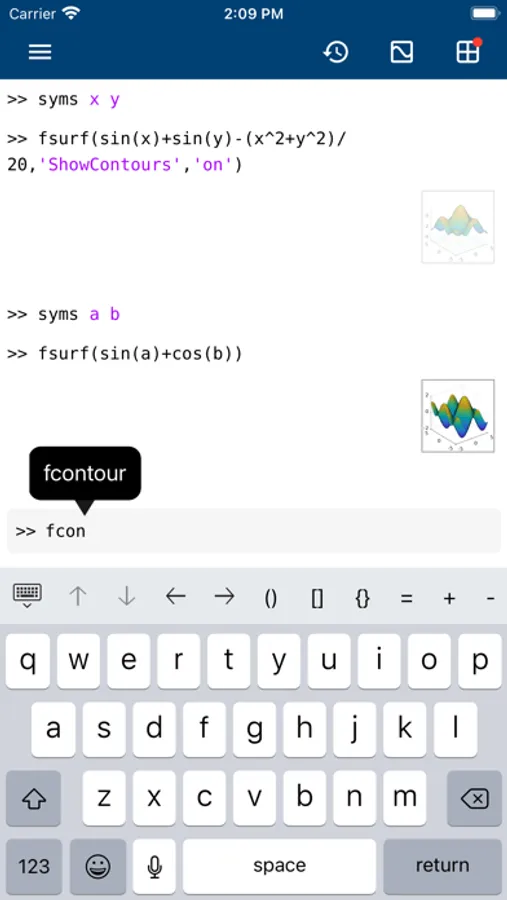
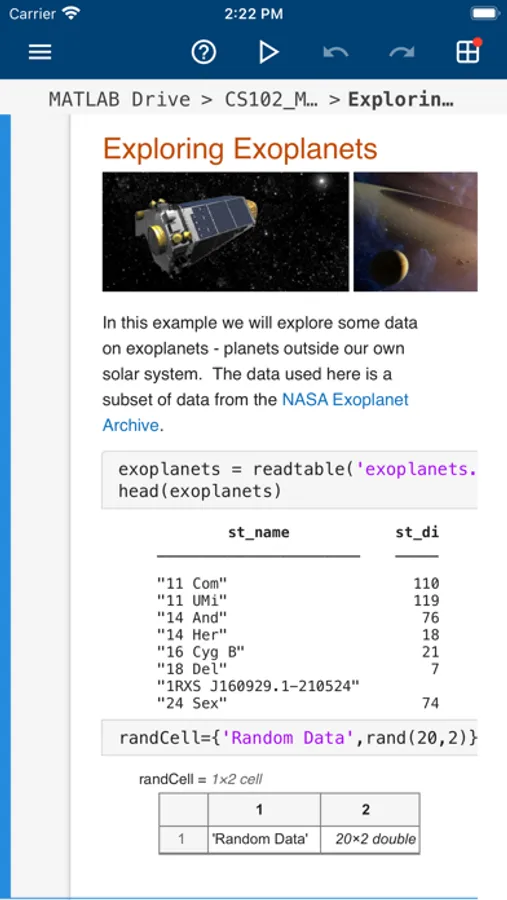
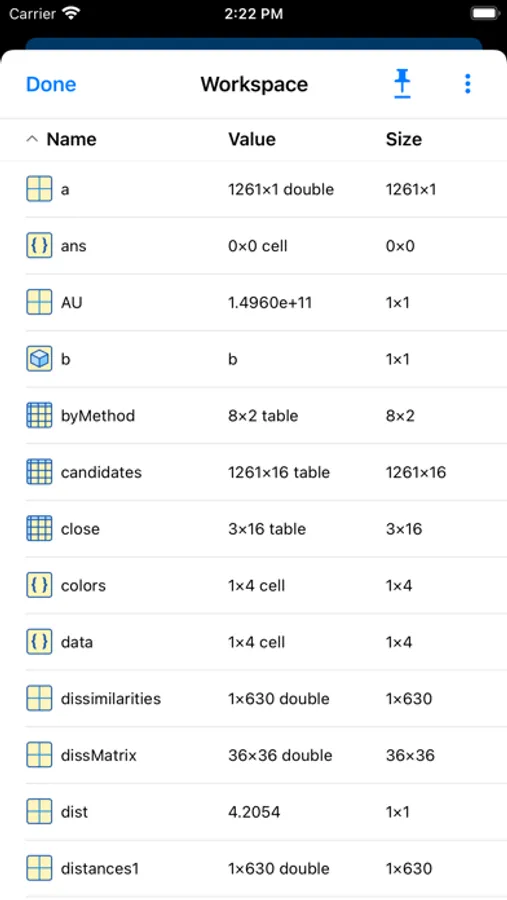
Evaluate MATLAB commands, create and edit files, view results, acquire data from sensors, and visualize data – from the convenience of your mobile device.
CONNECT TO THE CLOUD
Use your MathWorks Account to connect to MathWorks Cloud from MATLAB Mobile™. Linking a license that is current on MathWorks Software Maintenance Service to your MathWorks Account increases your storage quota and unlocks access to other add-on products on the license.
With your MathWorks Account, you can:
• Access MATLAB from the command-line
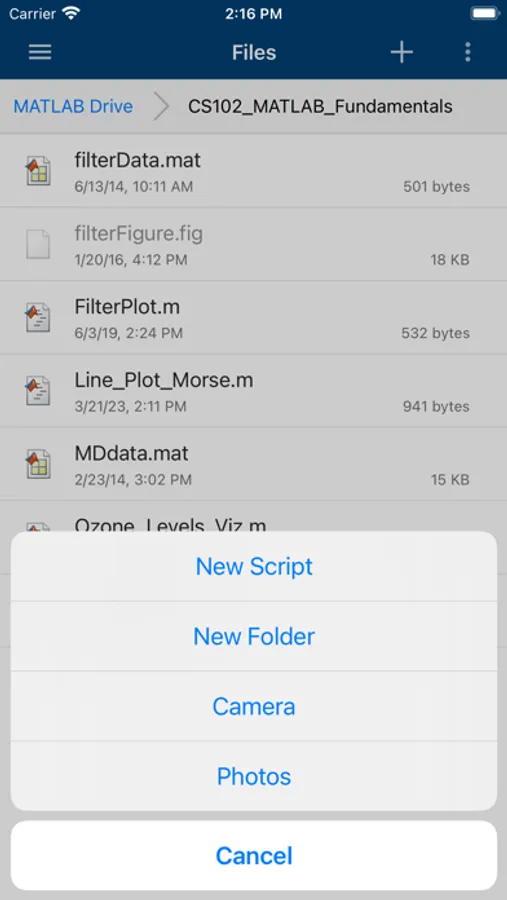
• View, run, edit and create files from the Editor
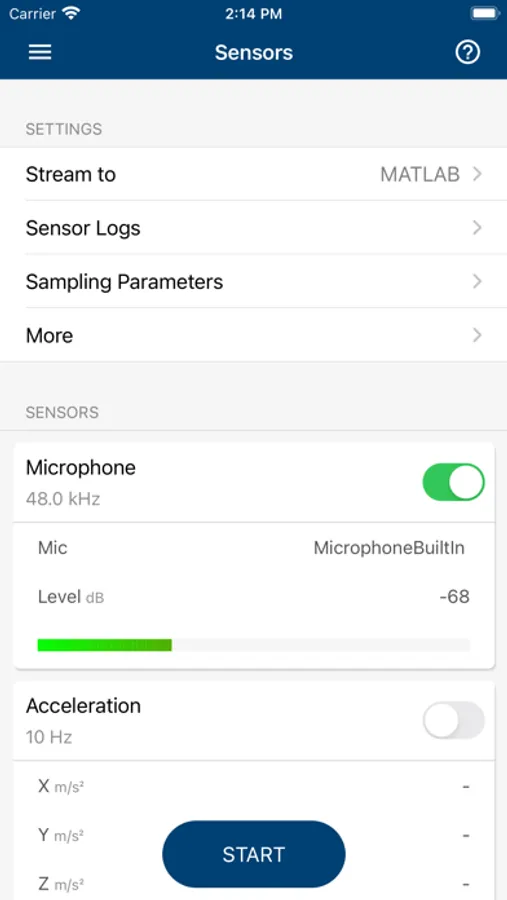
• Acquire data from device sensors
• Store your files and data on MATLAB Drive (you receive 5 GB of cloud storage)
Link a license that is current on MathWorks Software Maintenance Service to your MathWorks Account to unlock the following features:
• Access to other add-on products on your license
• 20 GB of cloud storage on MATLAB Drive
FEATURES
• Command-line access to MATLAB and add-on products
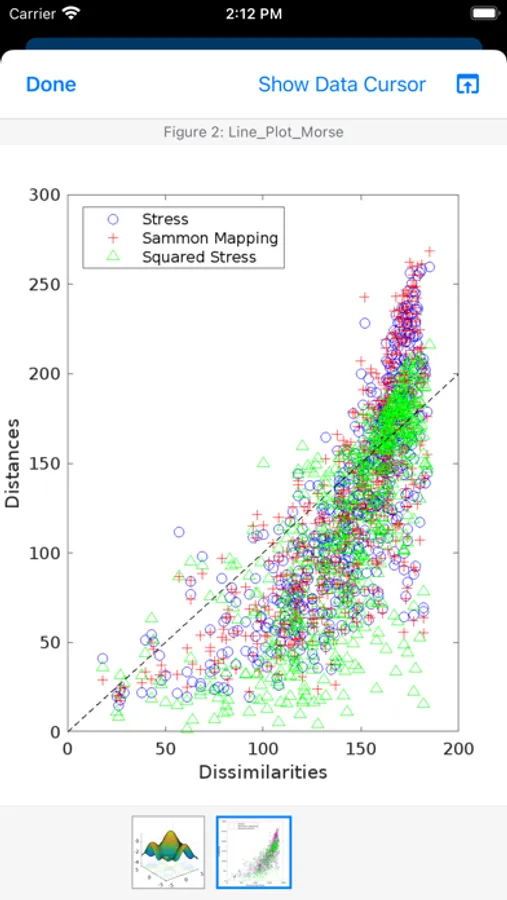
• 2D and 3D plots to visualize data
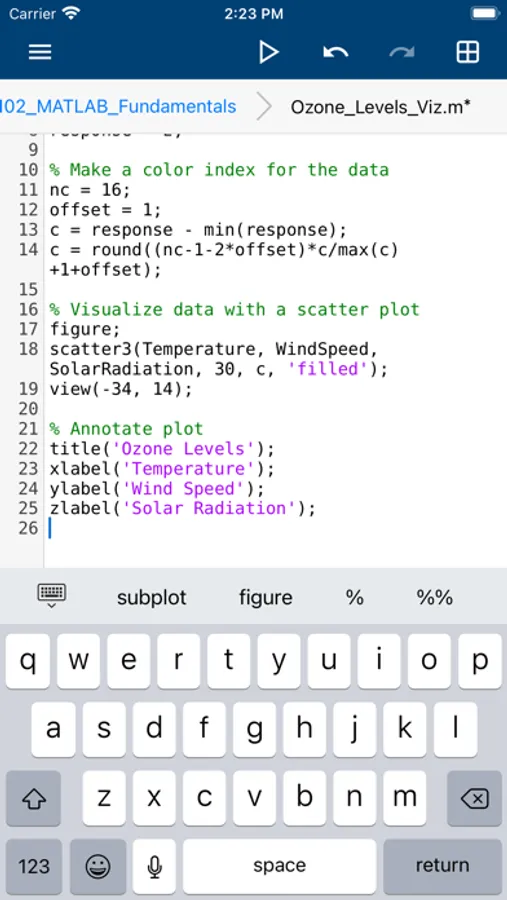
• Editor to view, run, edit and create MATLAB files
• Data acquisition from device sensors
• Image and video acquisition from the camera
• Cloud storage and synchronization with MATLAB Drive
• Custom keyboard to enter typical MATLAB syntax
LIMITATIONS
The following features are not supported:
• Using MATLAB Apps, such as Curve Fitting
• Creating apps with App Designer
• Interacting with 3D figures
• Opening or creating models using the Simulink graphical environment
Note: Continued use of GPS running in the background can dramatically decrease battery life.
ABOUT MATLAB
MATLAB is the leading technical computing software for algorithm development, data visualization, data analysis, and numeric computation. MATLAB is used in a wide range of applications, including signal and image processing, communications, control design, test and measurement, financial modeling and analysis, and computational biology.
MATLAB Mobile Screenshots
Tap to Rate:
Reviews for MATLAB Mobile
Lactose Intolerant Person
Recent update bugs
(iPad Air M2, 26.2) As of the recent update, plots do not scale to fit the window when opened unless the window is transformed while the plot is open. Since the plot cannot be saved if the window is transformed while it’s open, saving a plot as an image now requires generating the plot, opening the plot, resizing the window to properly scale the plot, closing the plot, reopening the plot, then using the save button.
oogilyboogily420xX
Taking time out of my day to review this terrible app
Now you know