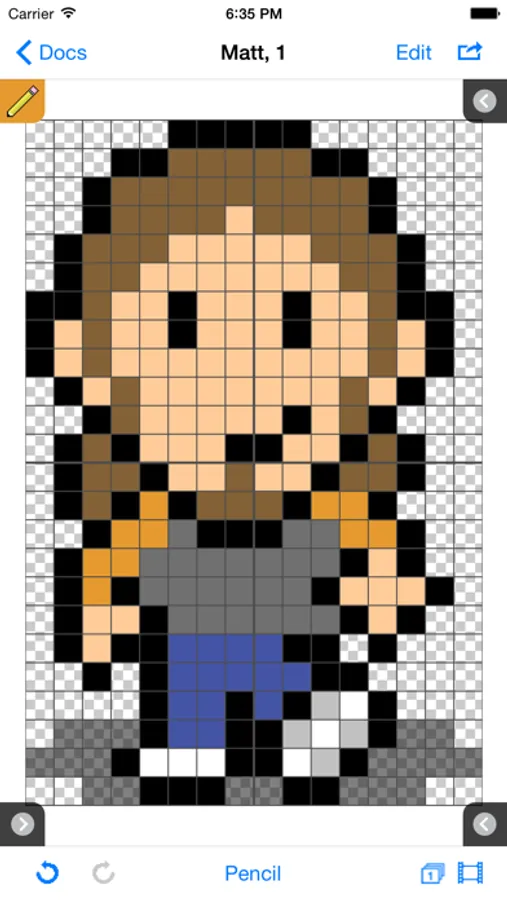
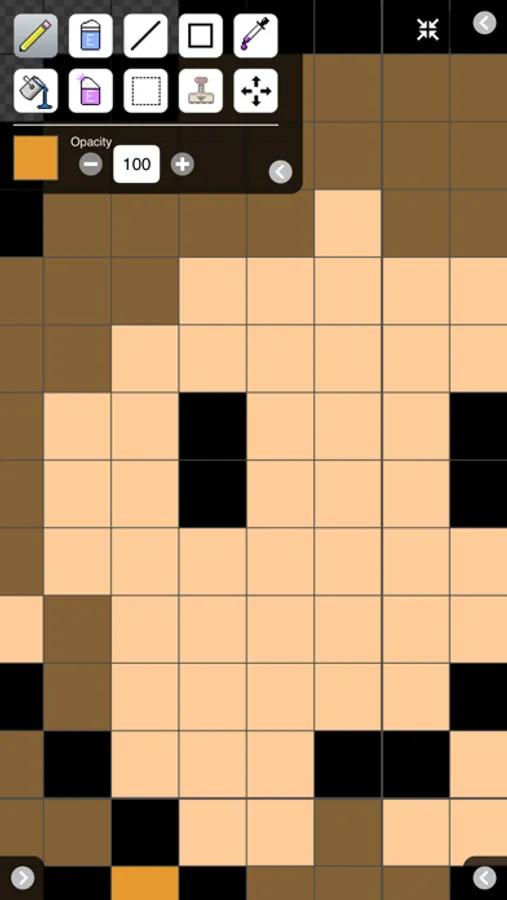
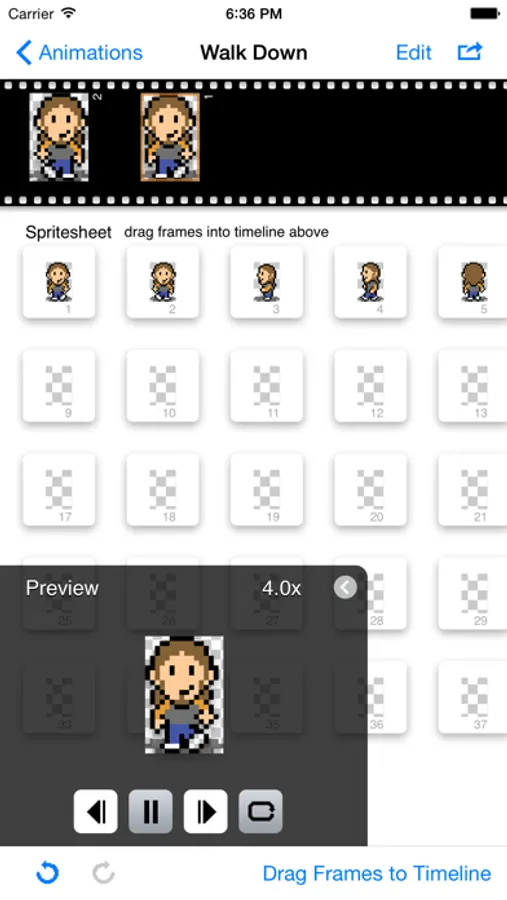
In this app, you can create pixel art sprites, animate frames, and design tilemaps for games. Includes multi-layer editing, frame management, and file export options.
AppRecs review analysis
AppRecs rating 2.6. Trustworthiness 79 out of 100. Review manipulation risk 24 out of 100. Based on a review sample analyzed.
★★☆☆☆
2.6
AppRecs Rating
Ratings breakdown
5 star
30%
4 star
15%
3 star
9%
2 star
4%
1 star
43%
What to know
✓
Low review manipulation risk
24% review manipulation risk
⚠
Mixed user feedback
Average 2.9★ rating suggests room for improvement
⚠
High negative review ratio
46% of sampled ratings are 1–2 stars
About Sprite Something
For documentation, visit http://terriblegames.com/spriteSomething to download the Sprite Something Manual.
Sprite Something is also now available on the Mac App Store.
Features
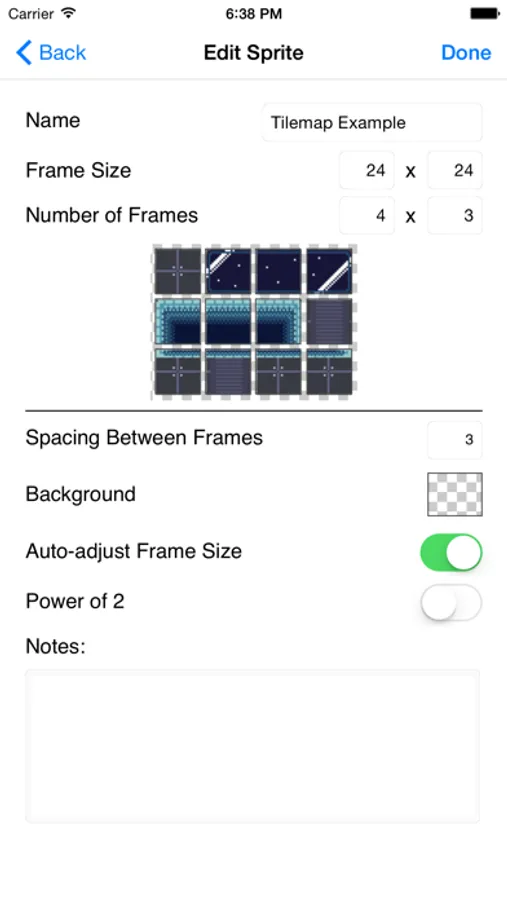
- create spritesheets / tiles for use in games
- edit frames individually and conveniently
- multiple layers for drawing (spritesheets only)
- animation: drag and drop animation frames
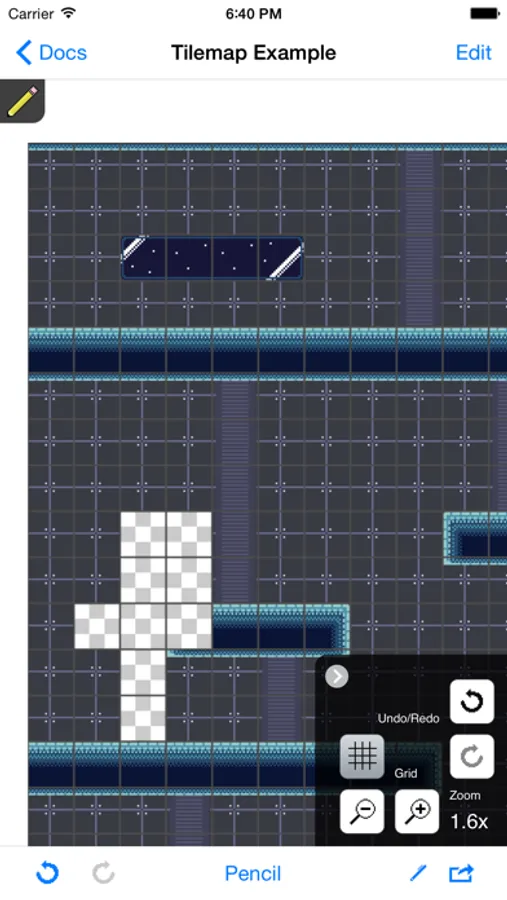
- tilemaps: draw using frames to create large maps
- iCloud: sync spritesheets, tilemaps, palettes across all your devices
- Photo Library: Import/Export spritesheets to/from your Photo Library
- GIF export: save and email gif previews of your animation
- Autosave
- HSB/RGB color select
- Recent colors list
- scalable preview to see your pixel work at multiple sizes
- onion skinning for easy tracing or cloning frames
- place photos from your library behind editing area
- add custom GIMP color palettes, or create palettes from your drawings
- assignable three and four finger swipe gestures (changeable in Settings)
- add new or save out your drawings through iTunes
- export via email
- export individual frame images
Tips
- touch and hold to select color when using pencil, line or fill
- touch the onion skin button once for relative frame difference, twice for locked onion skin frame
- when exporting individual frames, limit exported frames by creating a list of comma separated numbers or number ranges (i.e. 1,3,5-8,12)
Videos
Learn tools and tips about Sprite Something: http://www.youtube.com/playlist?list=PLE9903D1642039E69
Drawing supports PNG files up to 1024x1024, tilemaps up to 200x200.
Follow @mattfox12 on Twitter for latest news. Sprite Something is also available on the Mac App Store.
Sprite Something Screenshots
Tap to Rate:
Reviews for Sprite Something
PixelRico
No Updates in 7 years…
Is this app no longer supported or running on current iOS? Was a cool app…
Neomedia74
Keeps freezing and crashing since last iOS update
On any given day, I would rate Sprite Something 5-stars. It’s truly the BEST program to draw and animate 2D sprites for game development. Unfortunately, since the most recent iOS update - Sprite Something now has random freezes/crashes that completely wipe the progress you’ve made on a sprite. When these freezes/crashes don’t occur, it’s a fantastic program worth the asking price. I have been using Sprite Something for quite some time on my iPhone 11 Pro Max, and I don’t want to switch to another sprite creation app. Please, please — fix the issues plaguing this release! By the next major iOS upgrade (if no fixes ever materialize to address the aforementioned issues), I fear Sprite Something will end becoming another broken app that was once considered great, but could have been so much more.