AppRecs review analysis
AppRecs rating 1.6. Trustworthiness 0 out of 100. Review manipulation risk 0 out of 100. Based on a review sample analyzed.
★☆☆☆☆
1.6
AppRecs Rating
Ratings breakdown
5 star
0%
4 star
20%
3 star
0%
2 star
0%
1 star
80%
What to know
⚠
Mixed user feedback
Average 1.6★ rating suggests room for improvement
About Sonance - Visual Music Player
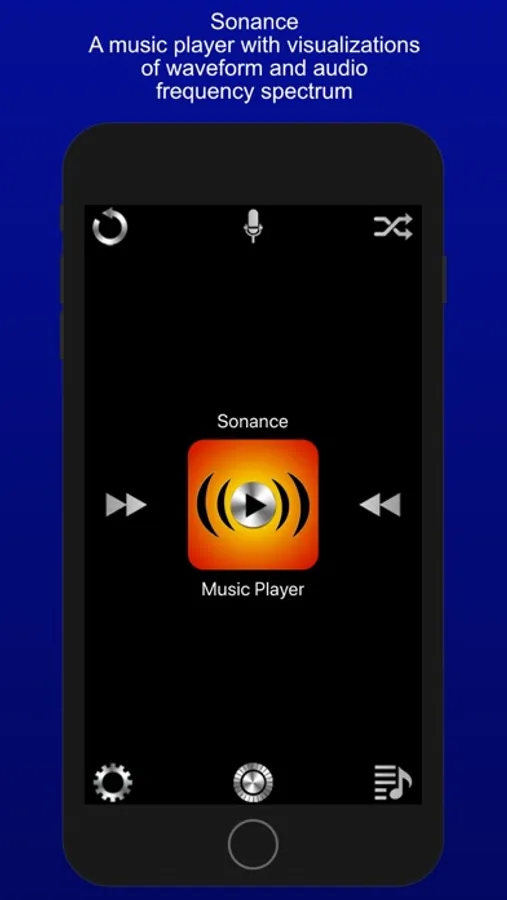
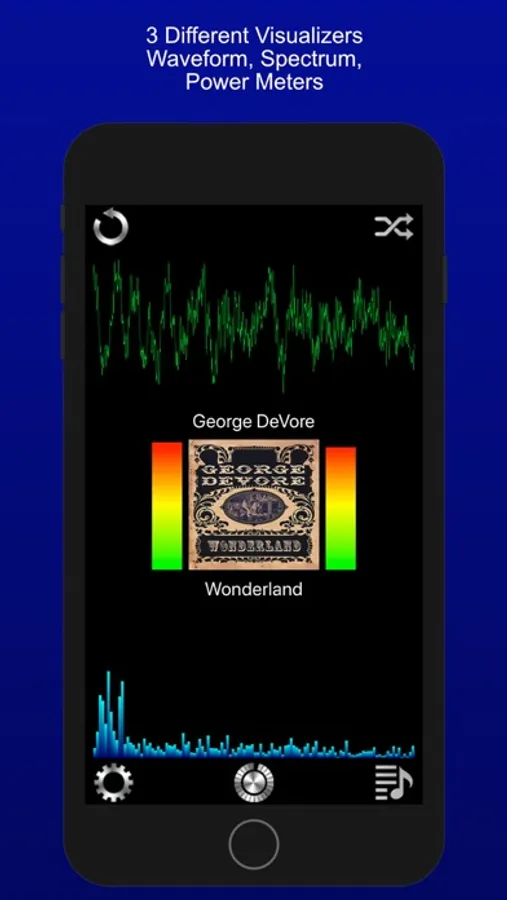
Sonance plays music that is on your device, and displays waveform and audio spectrum visualizations, plus power level meters. You can see the beat !
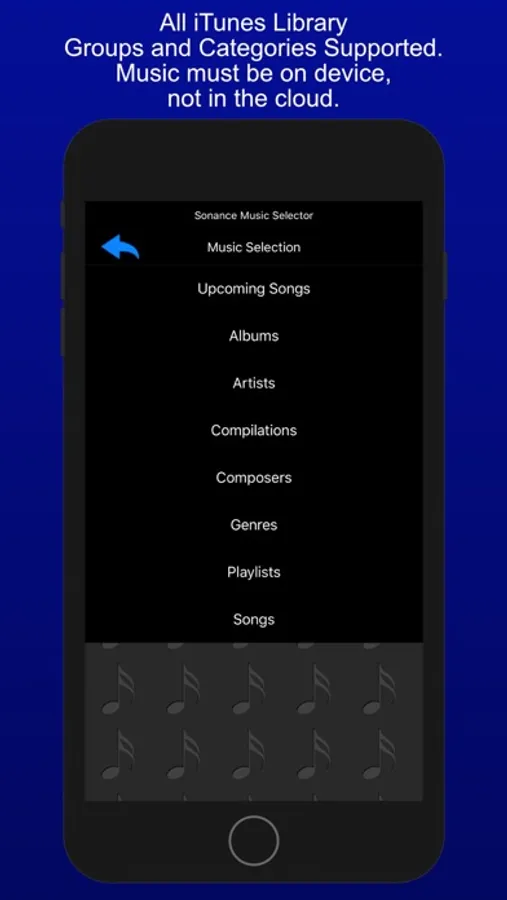
Sonance has an in-car user interface, with large buttons, and swipe gestures to move between songs. It's good to use while driving, since you don't have to focus much on it to make a desired change, yet it also has entertaining visualizations to enhance the musical experience, when you can focus on it.
Sonance has an easy to use shuffle mode, as well as the ability to repeat one, or a queue of chosen songs.
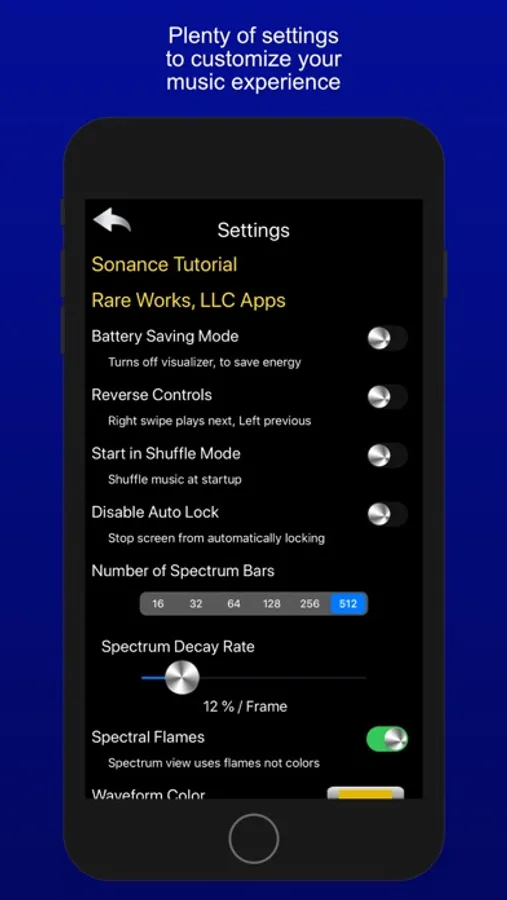
It has a variety of settings allowing personal customization of startup, user interface, and visualizer settings.
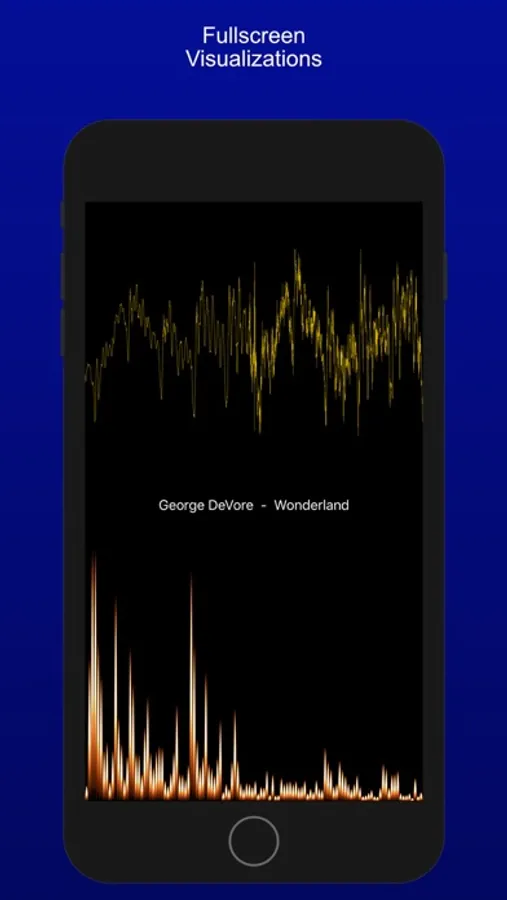
The visualizer has a full screen mode, that allows for all manner of customization, via pinch and swipe gestures.
Sonance also works well with AirPlay, and the visualizers look great when Mirroring your device.
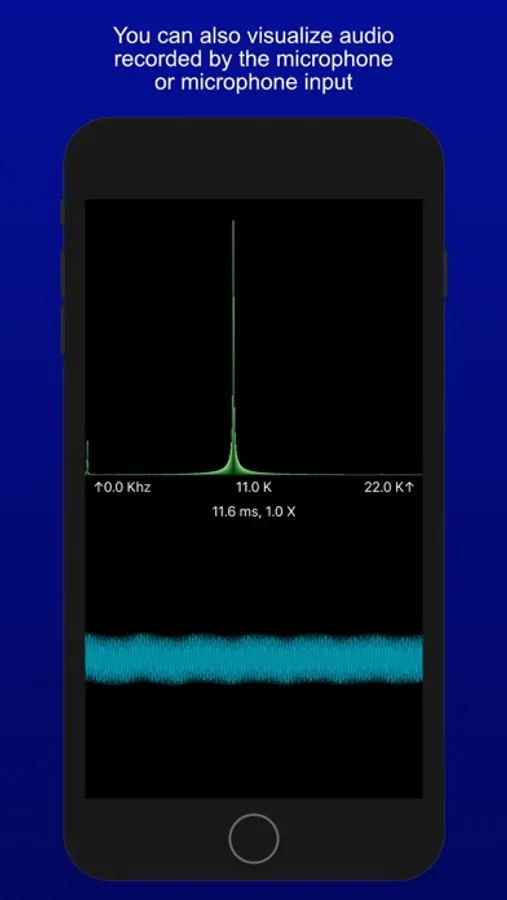
Sonance also has the ability to visualize input from the microphone. This allows you to have fun with sound ! It analyzes sound from the built in microphone, or from an attached external microphone, and displays both the audio input signal, and the "frequency bars", which are the results of the spectrum analysis.
The audio input signal is displayed in the lower view as a waveform and the spectrum is displayed in the upper view as bars indicating the strength of that frequency within the audio input signal.
Frequencies range from 0 hertz to 24000 Hertz or 24K, this is the range of the iPhone and iPad microphone, and also the general range of human hearing.
The decibel meter shows audio levels in two metrics. Recorded audio levels are shown as dB FS ( Full Scale ), -120 db to 0 db. Where 0 db is the highest possible level. For audio levels from the microphone or line-in device, the levels are shown as dB SPL ( Sound Pressure Level ), 0 db to 100 db. 120 db can cause pain, 140 db can cause damage.
You can use a horizontal and vertical pinches on either display to zoom in/out of the visualization. On the Spectrum display you can also use a slide gesture, to move the display left and right, allowing you to see specific frequencies in detail.
Pinches are cumulative, so keep pinching. The settings panel allows you to reset the app to default settings, so have fun exploring sound !
Sonance - Visual Music Player Screenshots
Tap to Rate:
Reviews for Sonance - Visual Music Player
MaShoty
Garbage
It kept quitting on me, the only function that worked was the microphone after trying 3 the times, deleted after 2 minutes I want a refund
michael_martz
Not worth the dollar
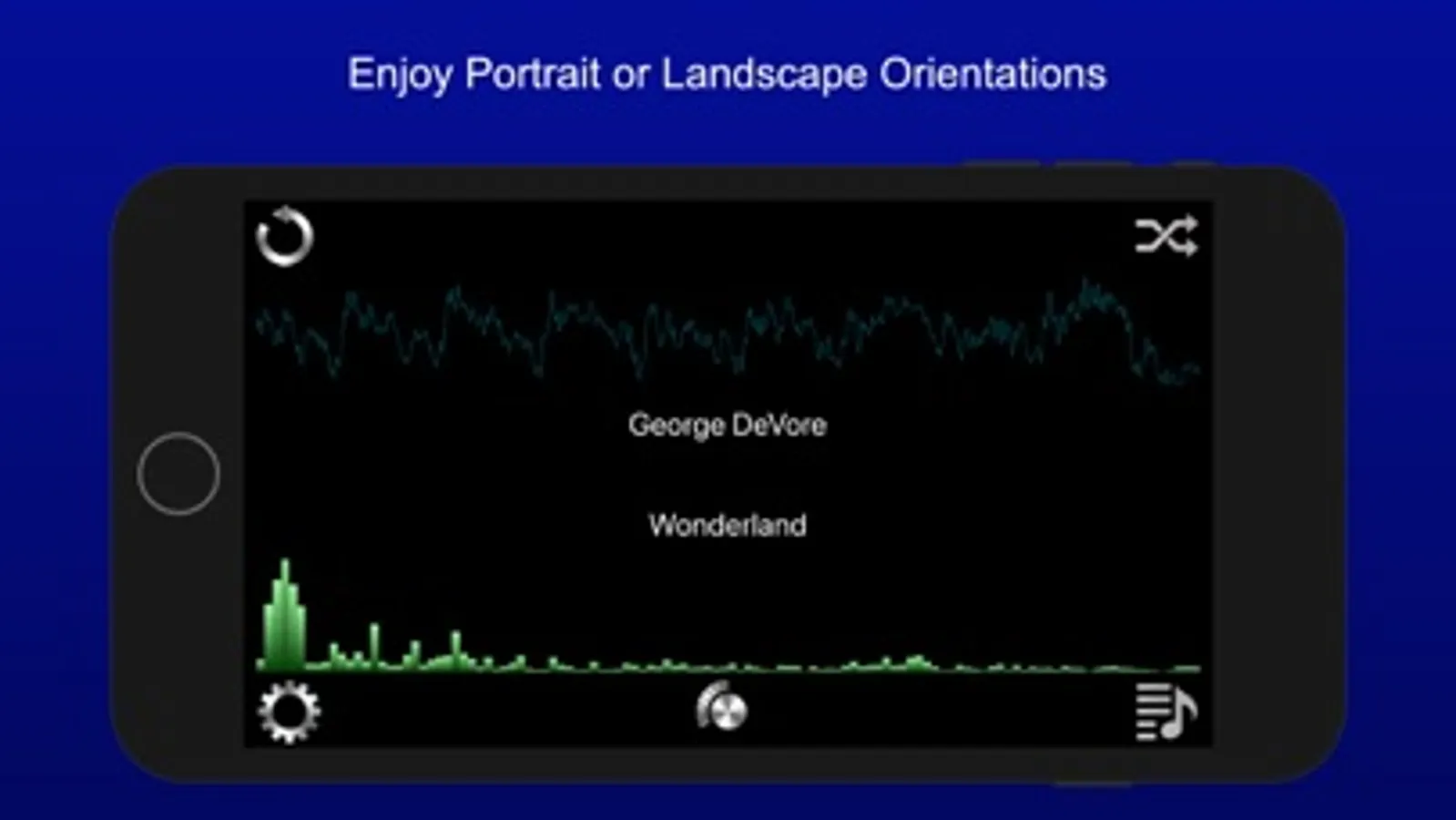
The free application Hz is better than this. The pinch-zooming and panning are extremely sensitive. To the point that the app looses functionality and becomes frustrating to use. One would think that landscape mode would help a little bit, but the app just clips the display so you cannot identify the dominant frequency. This looks like a HS or college project that lacks polish and refinement and thus limits the apps usefulness.