
AppRecs review analysis
AppRecs rating 3.8. Trustworthiness 84 out of 100. Review manipulation risk 25 out of 100. Based on a review sample analyzed.
★★★☆☆
3.8
AppRecs Rating
Ratings breakdown
5 star
70%
4 star
0%
3 star
0%
2 star
10%
1 star
20%
What to know
✓
Low review manipulation risk
25% review manipulation risk
✓
Credible reviews
84% trustworthiness score from analyzed reviews
✓
Good user ratings
70% positive sampled reviews
About Families
Families is designed to operate in conjunction with Legacy Family Tree, the leading Windows-based genealogy software from Millennia Corp. Your Legacy family files can be easily transferred to your iPhone, iPod Touch, or iPad, enabling them to be viewed and edited wherever you are. Families supports the following functionality:
- Multiple family files
- Supports GEDCOM as well as Legacy files
- New family files can be created from scratch
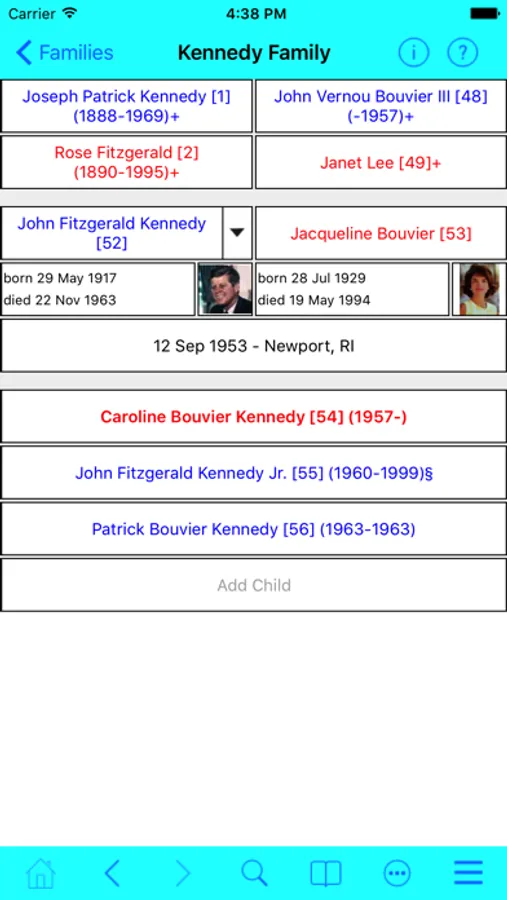
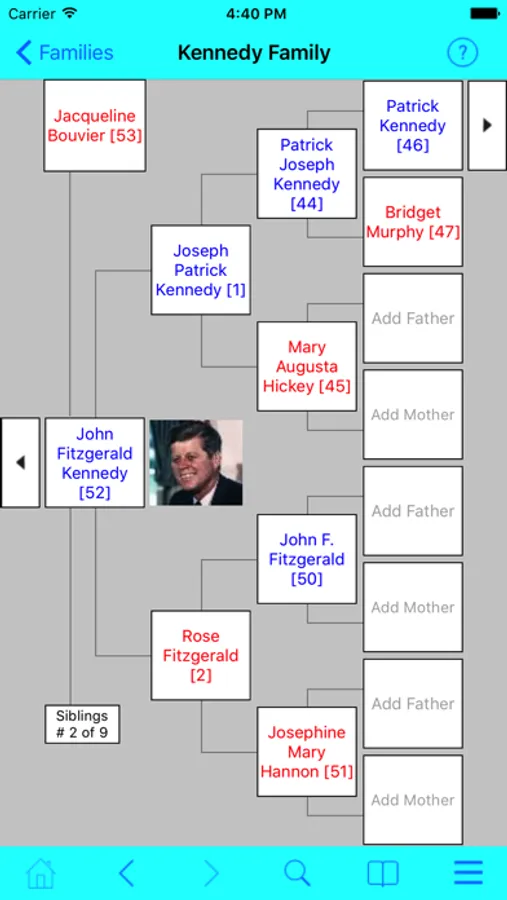
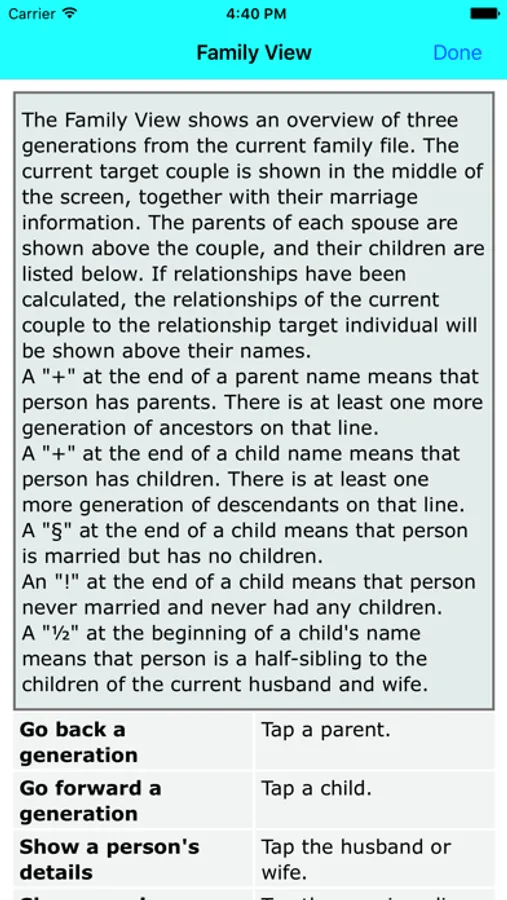
- Family View, Pedigree View, Descendant View and Timeline
- Relationships
- Events
- To Do Lists
- Master and Detail Sources
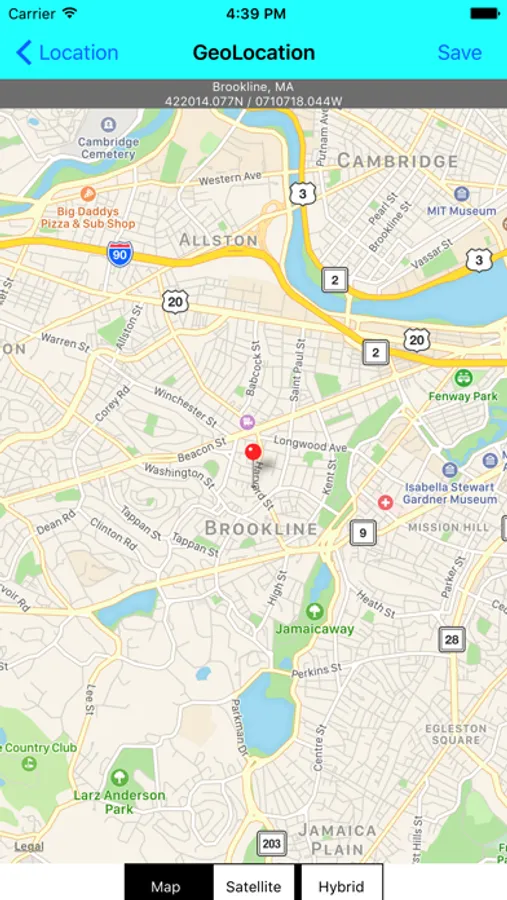
- Locations and Addresses, with mapping display
- Alternate Names
- Master Lists
- Pictures, including the ability to add pictures from camera or photo album
- Documents, audio and video files
- Bookmarks
- Powerful search options
- Portrait and Landscape mode on all views
- Supports Legacy 6, 7, 8 and 9
- Support for Legacy 9 features, including same sex relationships, hashtags and stories
Families uses a highly efficient database implementation, allowing very large family files to be supported. Users have successfully displayed and edited files containing over 300,000 individuals on an iPhone.
Families requires access to a Wi-Fi network or use of a USB connection in order to transfer family files between your device and your PC.
Families requires a companion program running on the PC to transfer family files to and from the iPhone, iPod Touch or iPad. This program, Families Sync, can be downloaded free of charge from www.telgen.co.uk/families/sync.
A sample family file is included.
Support is available via support@telgen.co.uk.
- Multiple family files
- Supports GEDCOM as well as Legacy files
- New family files can be created from scratch
- Family View, Pedigree View, Descendant View and Timeline
- Relationships
- Events
- To Do Lists
- Master and Detail Sources
- Locations and Addresses, with mapping display
- Alternate Names
- Master Lists
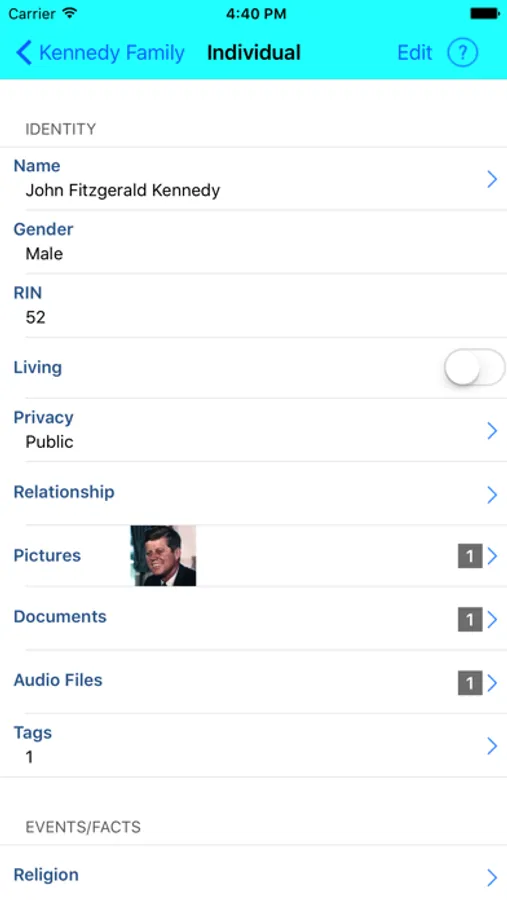
- Pictures, including the ability to add pictures from camera or photo album
- Documents, audio and video files
- Bookmarks
- Powerful search options
- Portrait and Landscape mode on all views
- Supports Legacy 6, 7, 8 and 9
- Support for Legacy 9 features, including same sex relationships, hashtags and stories
Families uses a highly efficient database implementation, allowing very large family files to be supported. Users have successfully displayed and edited files containing over 300,000 individuals on an iPhone.
Families requires access to a Wi-Fi network or use of a USB connection in order to transfer family files between your device and your PC.
Families requires a companion program running on the PC to transfer family files to and from the iPhone, iPod Touch or iPad. This program, Families Sync, can be downloaded free of charge from www.telgen.co.uk/families/sync.
A sample family file is included.
Support is available via support@telgen.co.uk.
Families Screenshots
Tap to Rate:
Reviews for Families
Techtool
How to import from Legacy?
I am confused as to how to import my GED and/or Legacy file. Your instructions are incomplete and confusing!
Ckmccloud
Crashing upon launch
With the last update, app won't open, but crashes immediately. I have iOS 9.5.3, but that still should work.