AppRecs review analysis
AppRecs rating 3.0. Trustworthiness 82 out of 100. Review manipulation risk 21 out of 100. Based on a review sample analyzed.
★★★☆☆
3.0
AppRecs Rating
Ratings breakdown
5 star
20%
4 star
20%
3 star
20%
2 star
0%
1 star
40%
What to know
✓
Low review manipulation risk
21% review manipulation risk
✓
Credible reviews
82% trustworthiness score from analyzed reviews
⚠
Mixed user feedback
Average 2.8★ rating suggests room for improvement
About Kello
How Kello works:
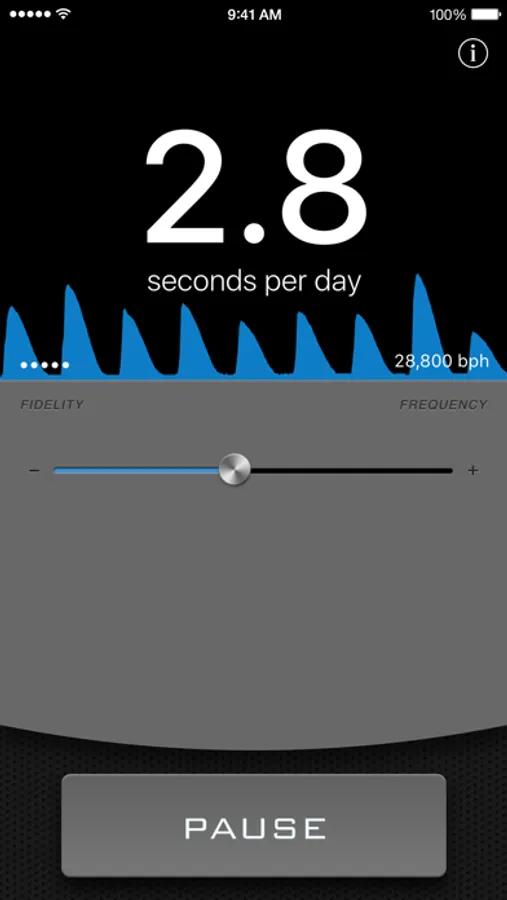
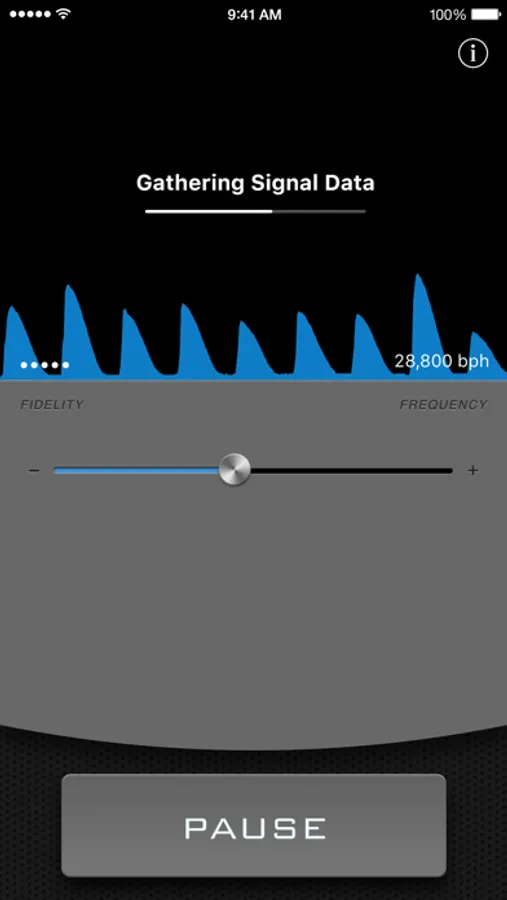
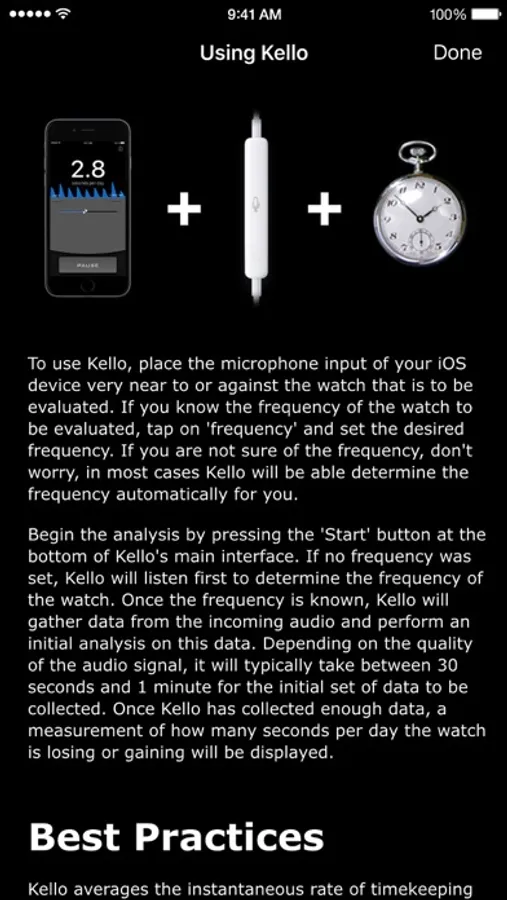
All mechanically regulated watches are designed to start and stop 1000s of times every hour. A portion of the energy used during this starting and stopping motion is released as acoustic energy, resulting in an audible "tick-tock" sound. The regularity of this sound can be measured against the more precise, internal time-signal of iOS devices, such as the iPhone, and the resulting difference in timekeeping is displayed by Kello.
Supported Watch Frequencies:
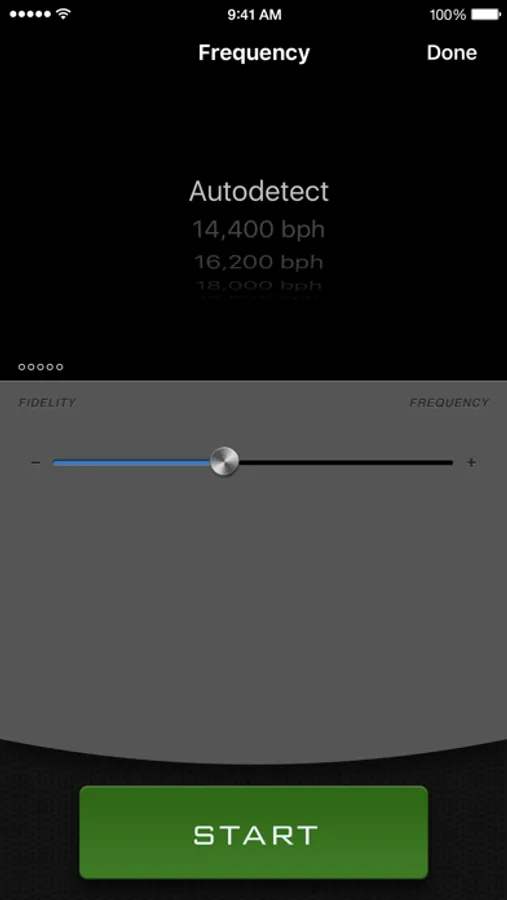
Kello can automatically determine the frequency of the watch being measured based on eight of the most common frequencies used in mechanical watches. These frequencies are standard among low-, middle- and high-grade mechanical timepieces and will accommodate the vast majority of mechanical watches produced in the past 100 years. The following frequencies are supported:
* 14,400 bph
* 16,200 bph
* 18,000 bph
* 19,800 bph
* 21,600 bph
* 25,200 bph
* 28,800 bph
* 36,000 bph
Recommended hardware:
Kello works best with an external microphone that has an excellent frequency response between 10,000 and 20,000 Hz.
How to know if your watch is mechanically regulated:
There are four simple ways to determine if your watch is mechanical and can be used with Kello.
1. Look at the text on your timepiece. If the word "quartz" is featured anywhere on the watch, your watch is not mechanical. If the words "automatic" or "shock-proof" are written anywhere on the watch, there is a very high chance that your watch is mechanical and its precision can be measured by Kello.
2. If your watch has a hand that indicates the seconds, observe how frequently it moves. If the hand moves only once every second, it is very likely that your watch is not mechanical. If this hand moves several times per second or appears to sweep along in a smooth, continuous motion, your watch is most likely mechanical and its precision can be measured by Kello.
3. Turn the crown, that is used to set the hands of the watch, while it is pressed fully in. If the crown turns smoothly, your watch is not mechanical. If you can hear a ratcheting sound as you turn the crown, your watch is most likely mechanical and its precision can be measured by Kello.
4. Place the watch close to your ear and listen. If you hear a noise approximately once every second, it is unlikely that your watch is mechanical. If you hear a constant ticking noise, your watch is very likely a mechanical watch and its precision can be measured by Kello.
Kello Screenshots
Tap to Rate:
Reviews for Kello
Chemitso
Worked for me
I have an Oris Titan that I received as a gift around 2005. The watch has been slow (about 6-7 min a month slow) for years. I have sent it for servicing around 2007 (stripped crown) and then complete overhaul in late 2019. I mentioned it being slow each time but continued to be slow after service. I finally decided to open the back and see about adjusting it myself. The first adjustment wasn’t enough, so I adjusted it a second time this weekend Saturday morning, and for the first time ever it’s looking like it might be slightly fast. I have been just comparing it to my phone time daily, but thought it would be nice to check it with this app after reading about it. The watch back was already installed when I got this app later that night. At first it wouldn’t register, so I put the watch with half the case resting on the bottom of the phone with the watch back directly over the phone mic. I also had to put a clear glass mixing bowl over the phone and watch. Once I did that it read and analyzed the watch…+3.6 and then +4 on a second check. This seems to be what I am seeing after a day. Time will tell, but so far it looks like it works well. I have another watch running too fast. If I make any future adjustments to any watch I’ll check it with the app while adjusting.
2a4fn7
Cheaper than a Timegrapher
I have successfully used this app to adjust the rate of several Seiko and Orient automatic watches. The tricks are as follows: - place the watch crown down on top of the iPhone microphone on your iPhone earphones/microphone. I usually place a rubber band around the watch once the back is off to insure the microphone is tight against the crown. The microphone must touch the glass crown to conduct sound. - be in a very quiet area - record the rate over a long period of time such as 15 to 20 minutes because the rate will vary over time. - it's hard to adjust to 0 so I settle for anything slightly positive such as 0 to +6 seconds fast per day. At this slightly fast crown down rate the watch when worn on my wrist gains a few seconds per day. When the watch is more than 5 seconds ahead of real time I leave it stem up on my dresser for the night. Leaving it stem up, slows down the movement so it loses about 5 seconds over night. By choosing how many nights I leave the watch stem up versus crown up I can keep the watch within a few seconds of real time. Note a Timegrapher is a much better tool but runs $150.00 and up.