In this app, you can store, organize, and annotate your favorite locations using notes and images. Includes folder organization, exporting options, and multiple viewing modes.
AppRecs review analysis
AppRecs rating 4.7. Trustworthiness 72 out of 100. Review manipulation risk 24 out of 100. Based on a review sample analyzed.
★★★★☆
4.7
AppRecs Rating
Ratings breakdown
5 star
81%
4 star
11%
3 star
5%
2 star
1%
1 star
1%
What to know
✓
Low review manipulation risk
24% review manipulation risk
✓
Credible reviews
72% trustworthiness score from analyzed reviews
✓
High user satisfaction
81% of sampled ratings are 5 stars
About MyPlaces!
Did you ever need to remember a special place where you have been or have to plan an itinerary for one of your trips? MyPlaces is an application for iPhone and iPad that allows you to store, annotate, organize and share your favorite places in a simple and intuitive way.
Found an interesting place?
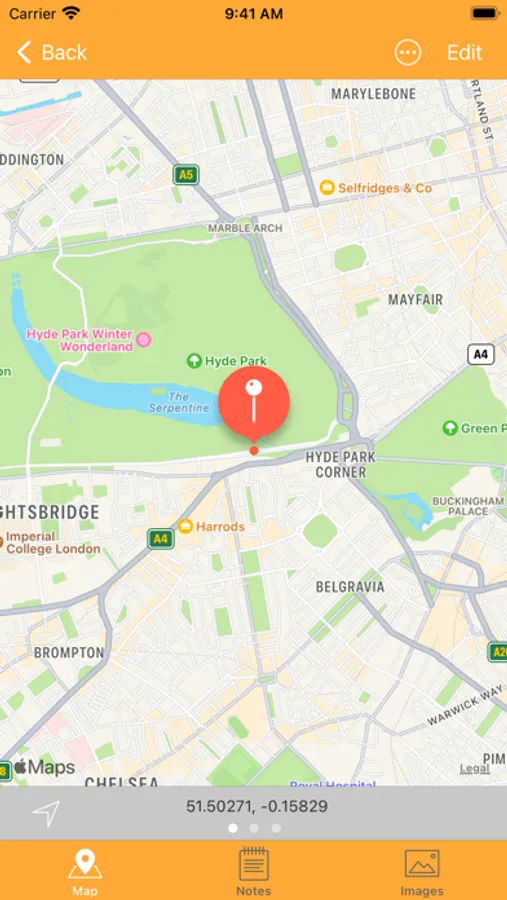
Save your current position with the auto location feature or use the search tool to find places far away from you searching by name or by GPS coordinates.
Attach notes and pictures
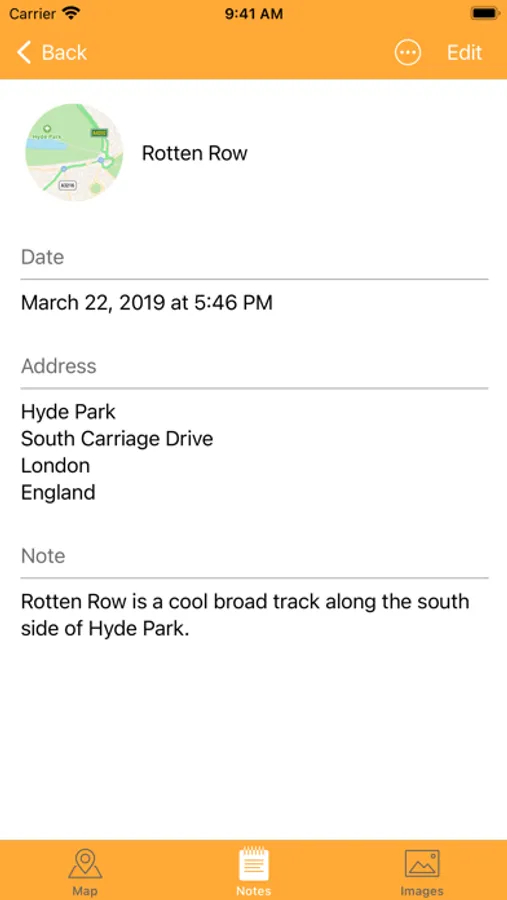
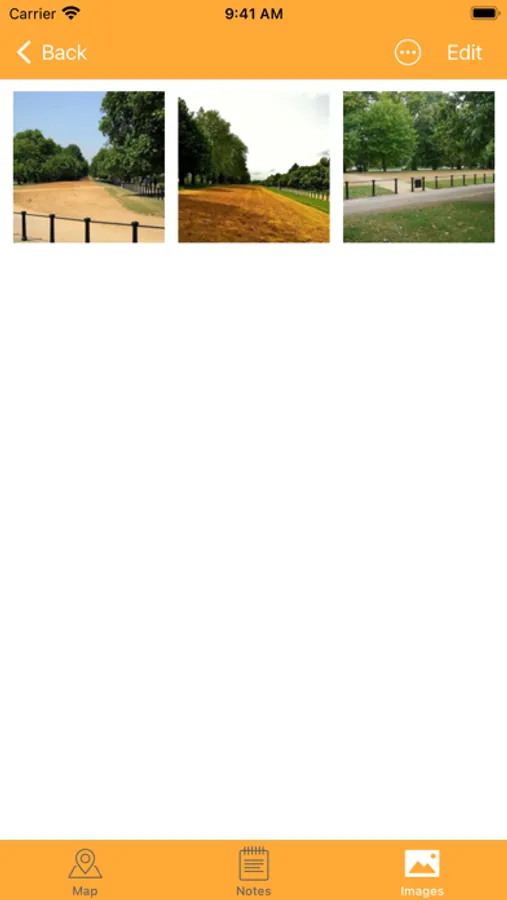
Assign a title to your places, include text notes and images that you can choose from your camera roll or take directly with the device camera.
Every place in the right folder
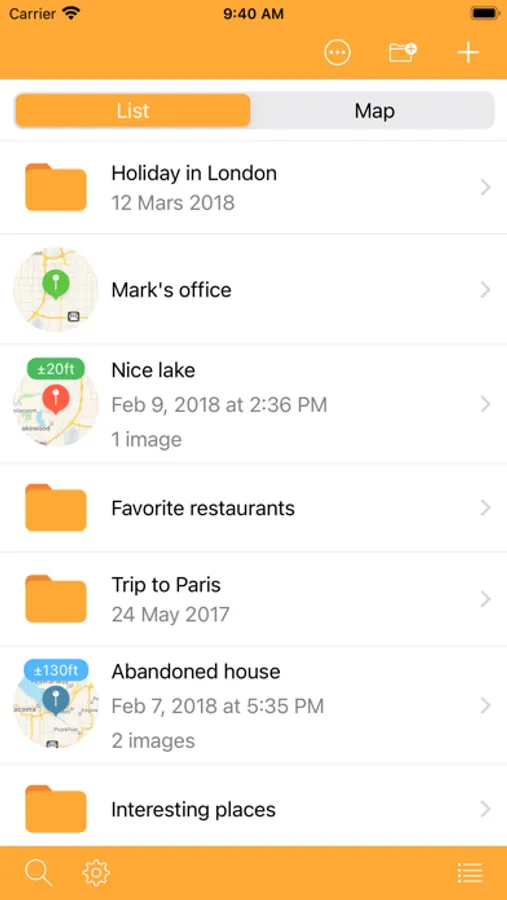
Keep all your places in order by organizing them into folders. For example, you are spending your holidays in London and you want to remember the most beautiful places you visited? Create a folder named "Holiday in London" and add the places in which you have been, perhaps attaching some nice pictures.
See your places the way you like
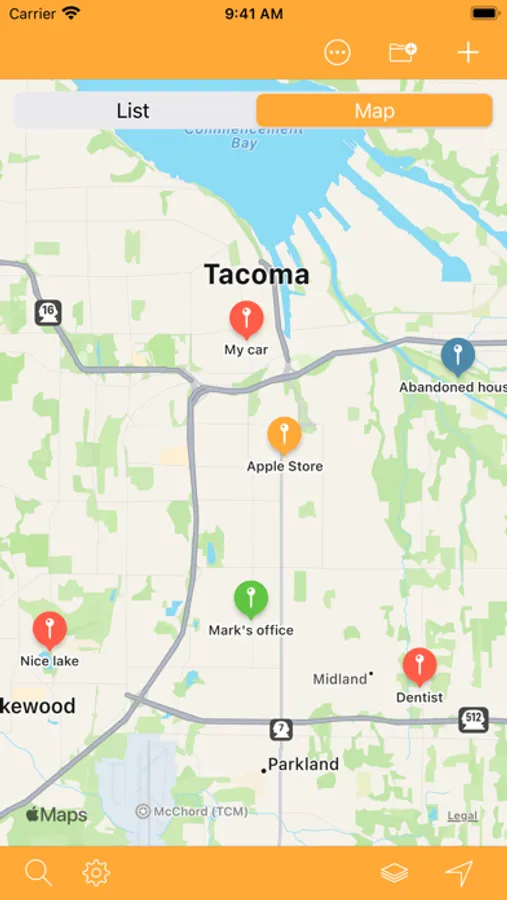
Choose whether to show your places on a map or a list. The list is customizable and allows you to choose which information to display. The map instead allows you to compare the places with your current position.
Export and share your places
Thanks to the export features of MyPlaces you can export or share your places in many formats.
Found an interesting place?
Save your current position with the auto location feature or use the search tool to find places far away from you searching by name or by GPS coordinates.
Attach notes and pictures
Assign a title to your places, include text notes and images that you can choose from your camera roll or take directly with the device camera.
Every place in the right folder
Keep all your places in order by organizing them into folders. For example, you are spending your holidays in London and you want to remember the most beautiful places you visited? Create a folder named "Holiday in London" and add the places in which you have been, perhaps attaching some nice pictures.
See your places the way you like
Choose whether to show your places on a map or a list. The list is customizable and allows you to choose which information to display. The map instead allows you to compare the places with your current position.
Export and share your places
Thanks to the export features of MyPlaces you can export or share your places in many formats.
MyPlaces! Screenshots
Tap to Rate:
Reviews for MyPlaces!
Jabalula222222
Needs more pin colors
This app would be great if it had more colors for pins so you can add more than five people.
Ninja_333
A great app
very easy to use,no nonsense.