AppRecs review analysis
AppRecs rating 3.5. Trustworthiness 80 out of 100. Review manipulation risk 21 out of 100. Based on a review sample analyzed.
★★★☆☆
3.5
AppRecs Rating
Ratings breakdown
5 star
33%
4 star
17%
3 star
33%
2 star
0%
1 star
17%
What to know
✓
Low review manipulation risk
21% review manipulation risk
✓
Credible reviews
80% trustworthiness score from analyzed reviews
About iText Pad
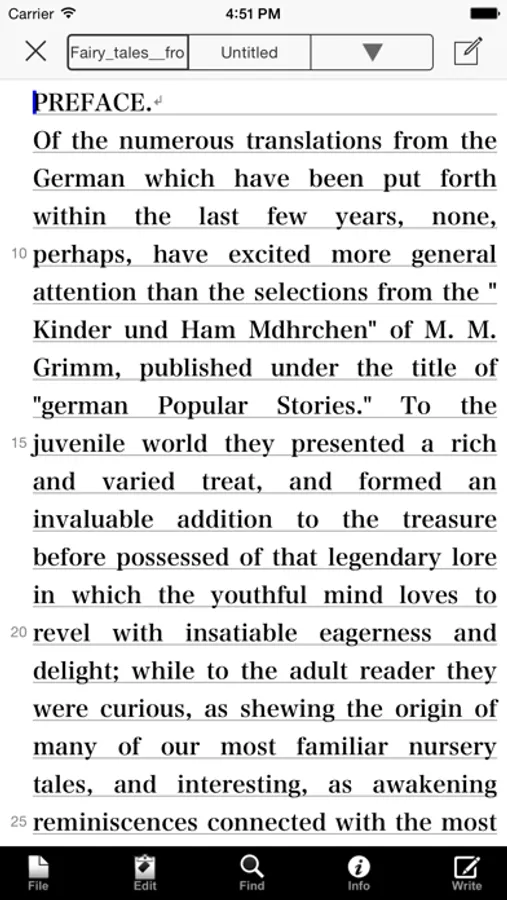
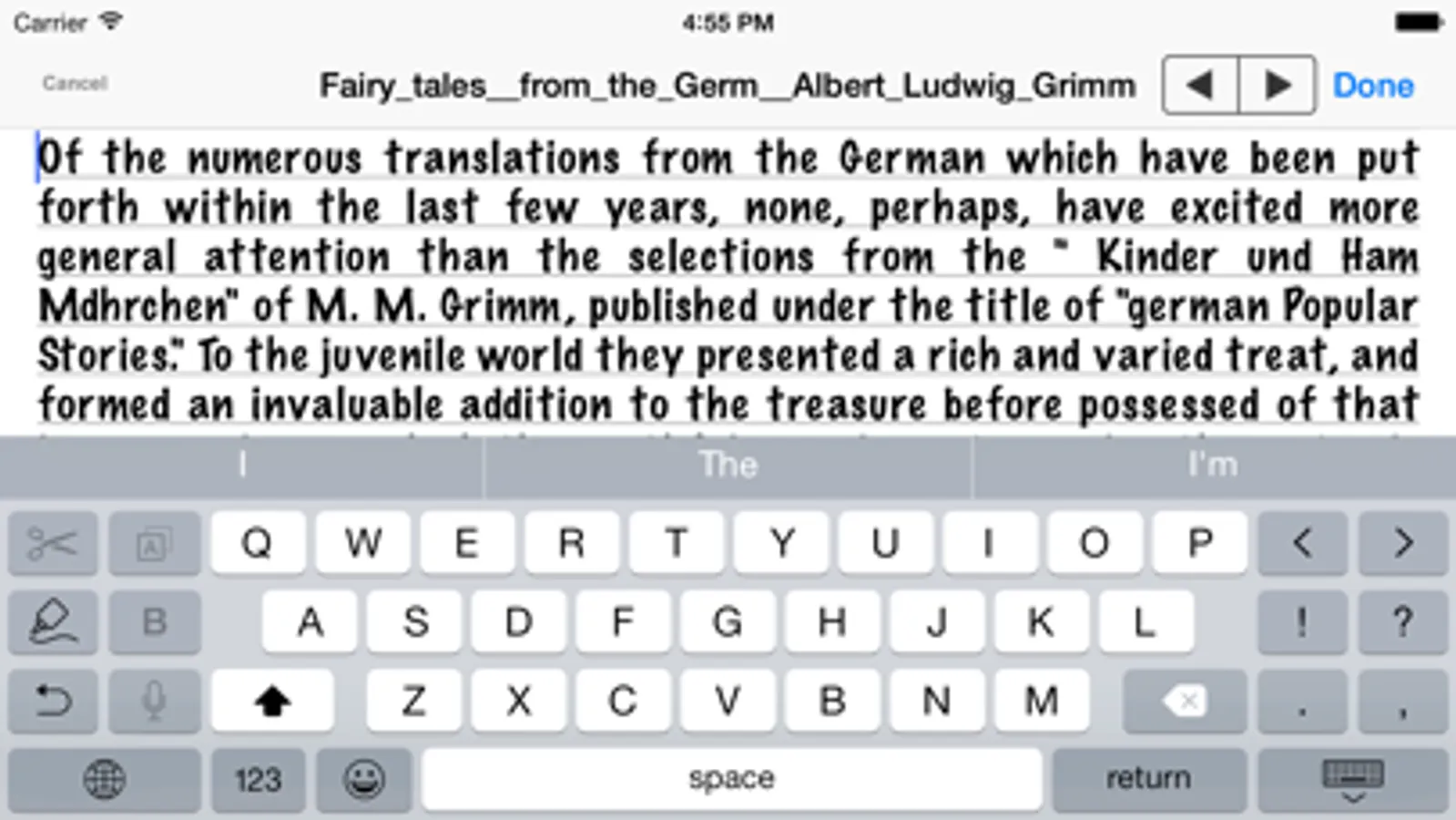
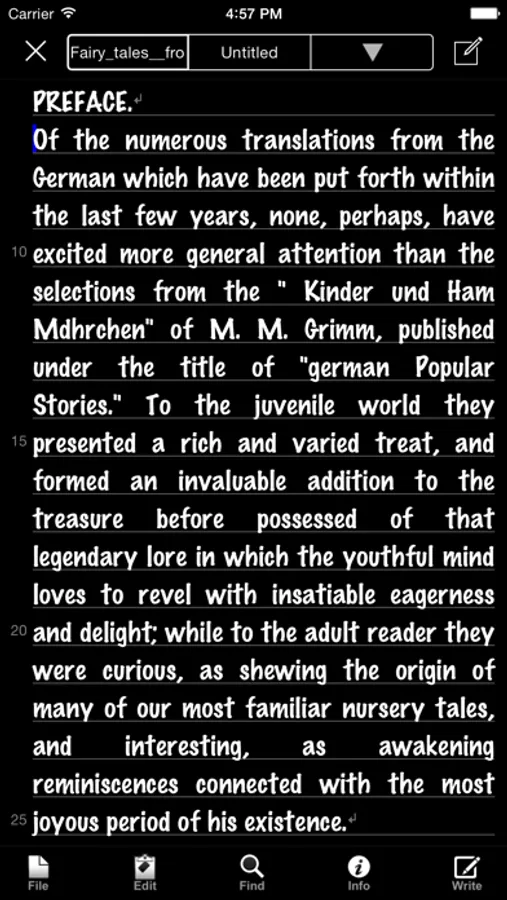
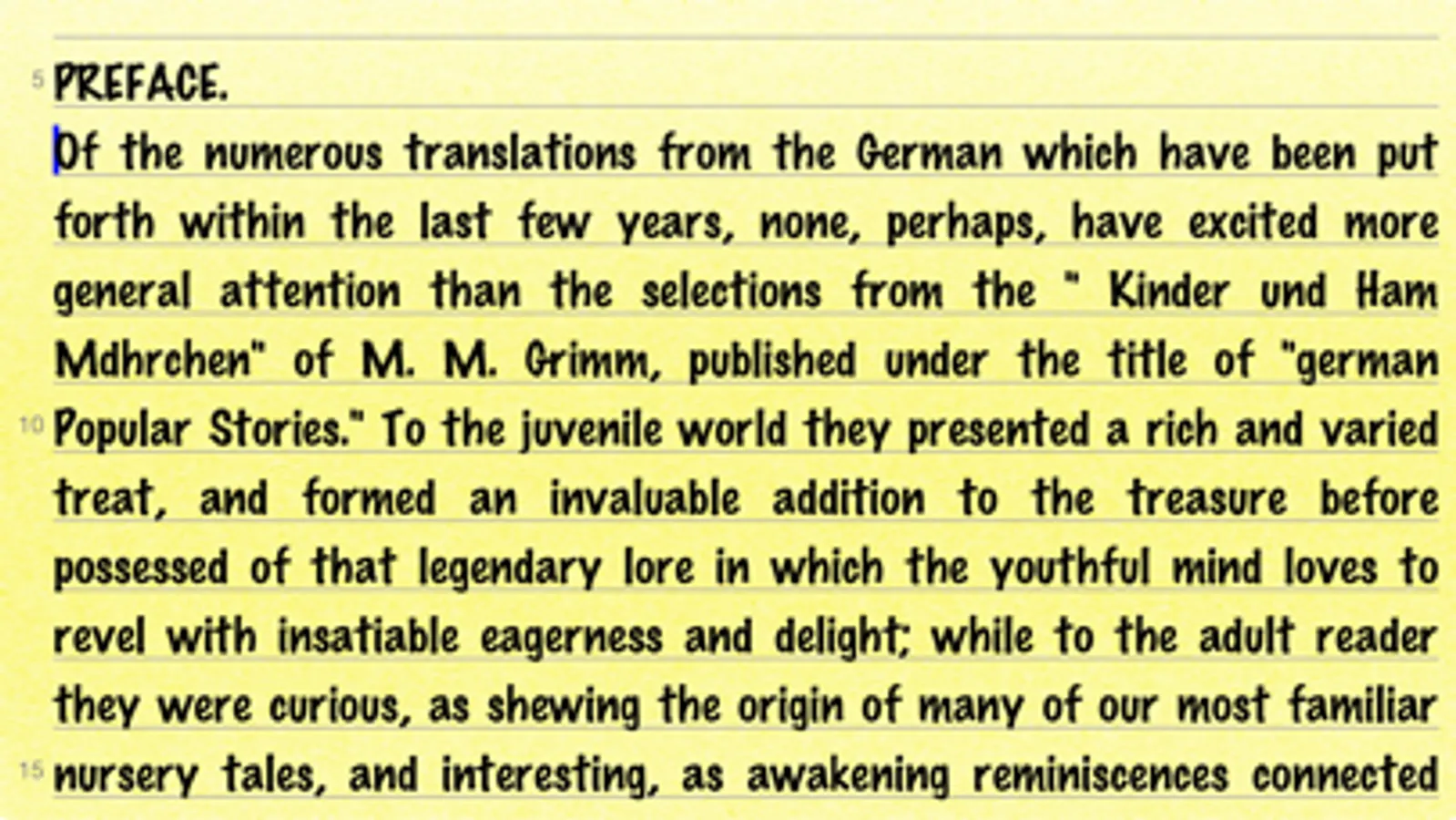
iText Pad is a powerful and versatile Text Editor having lots of nice features, available for iPhone, iPod touch, and iPad. iText Pad combines practicality with portability - that is what a Writer's Workshop should be.
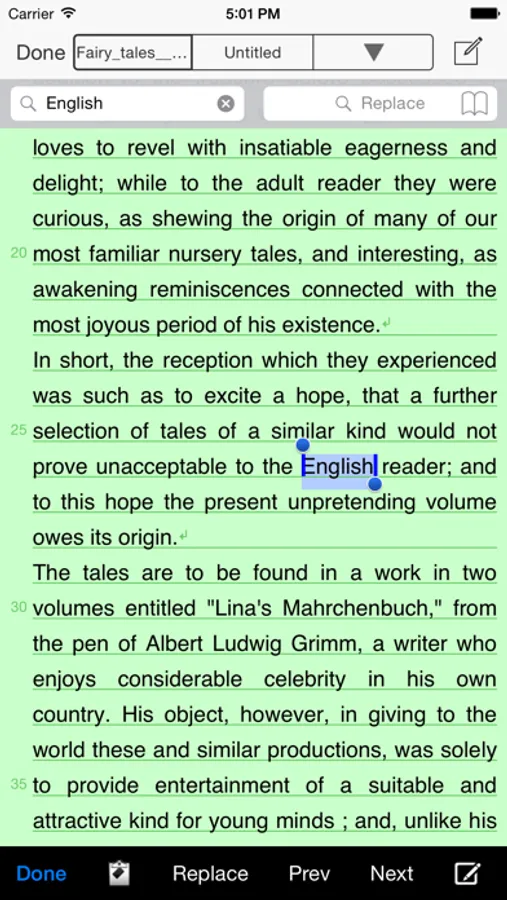
With iText Pad, you have all the power you expect from a full-featured multipurpose text editing program - writing and editing several text documents at a time, saving each file hierarchically in your memory, exchanging them between iPhone devices and a Mac, PC. You can email an editing text instantly, and preview webpages, ebooks, and downloaded files directly in iText Pad to utilize their texts. iText Pad also allows you to use the iCloud Drive, the Dropbox or the Evernote directly online, and supports TextExpander touch snippet expansion.
We sincerely hope iText Pad will serve you well, being a good friend for your iPhone, iPod touch, and iPad. With iText Pad, enjoy writing flexibly anytime, anywhere!
iText Pad Screenshots
Tap to Rate:
Reviews for iText Pad
MeinSchild
Text & Graphic Editor
I currently use LightWay's - iText Express on my macOS, and love the app. The ease of use, speed and considerable set of tools are most helpful. Even though many others do similar things, it's the nuances that matter. (They offer a PRO app, but it’s macOS only and a bit overkill) Unfortunately, using their padOS app on my iPad, (non Apple silicon) doesn’t allow graphics to be imported into the document like the macOS app does. If you like the nuances of LightWay's products, and want to use it on your iPad, you might consider Evernote instead.
Appcritic 123
Great
This is so good. Better than the built in notes app. Apple should make a agreement with LIGHT WAY and make it the native writing app