With this app, you can virtually test wall colors by applying them to photos of your space and compare different shades easily. Includes photo editing tools, color picker, and multiple color options for accurate visualization.
AppRecs review analysis
AppRecs rating 3.0. Trustworthiness 76 out of 100. Review manipulation risk 24 out of 100. Based on a review sample analyzed.
★★☆☆☆
3.0
AppRecs Rating
Ratings breakdown
5 star
29%
4 star
33%
3 star
8%
2 star
0%
1 star
29%
What to know
✓
Low review manipulation risk
24% review manipulation risk
✓
Credible reviews
76% trustworthiness score from analyzed reviews
⚠
Pricing complaints
Many low ratings mention paywalls or pricing
About Paint Tester Pro
See how new colors would look on your walls before you paint!
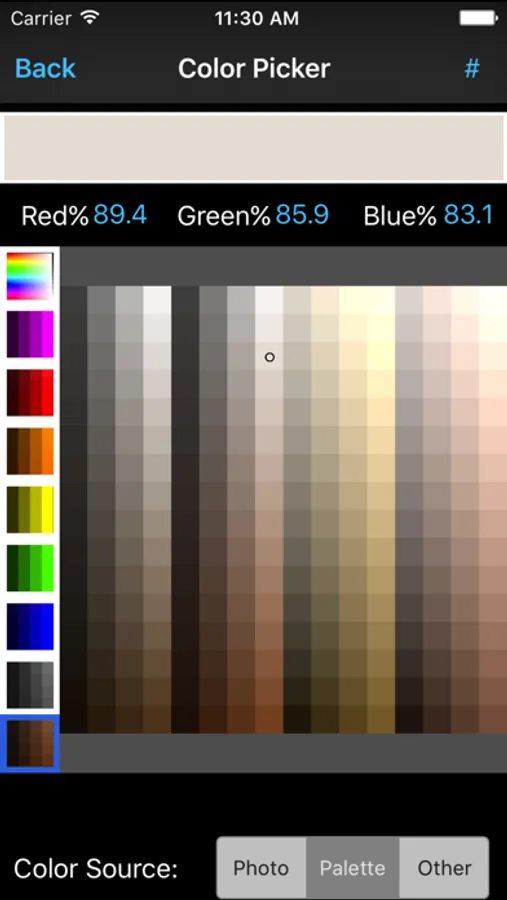
Finding the right color for a room can be a challenge, but Paint Tester shows you the results without all the pain of painting and repainting! Easily try out colors from the palette or take a photo of a color you'd like to try, and apply it to pictures of your own home! Know what you're getting in to before the first drop of paint touches the walls.
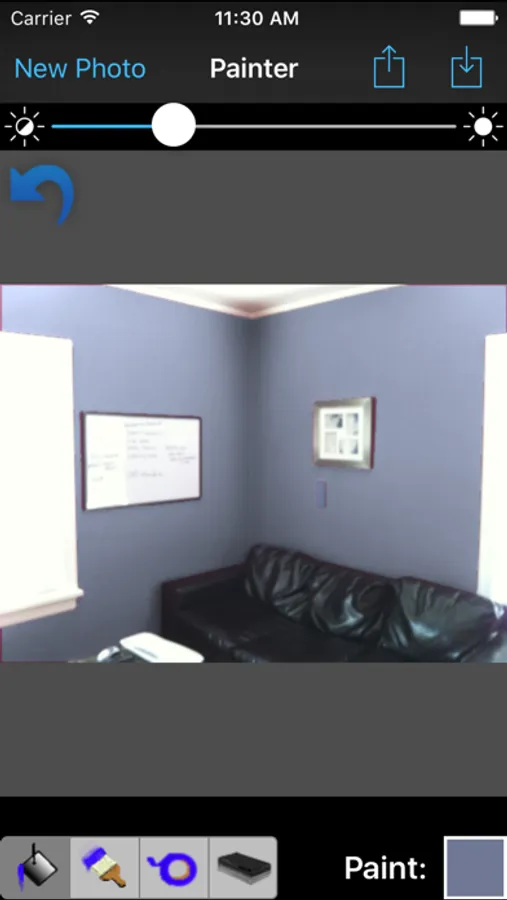
Paint Tester's variety of tools and smart paint bucket make it easy to change the wall color in a picture in a matter of seconds!
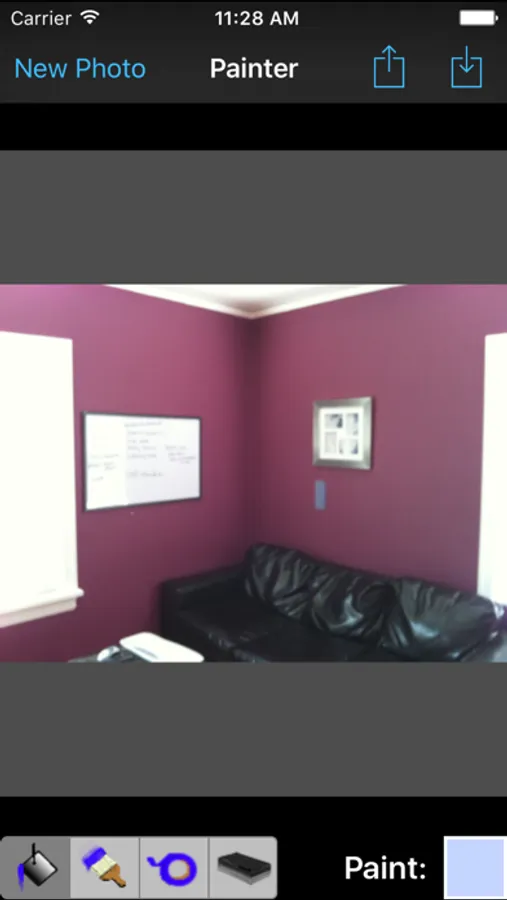
Start by taking a picture of the room you'd like to paint, then use the paint bucket to apply colors to the walls. In a well lit photo, the smart paint bucket will color the wall without bleeding on to neighboring walls or the ceiling. This gives you the control to get a clean picture of how the color would look, and you can even use multiple colors at the same time to try an accent wall!
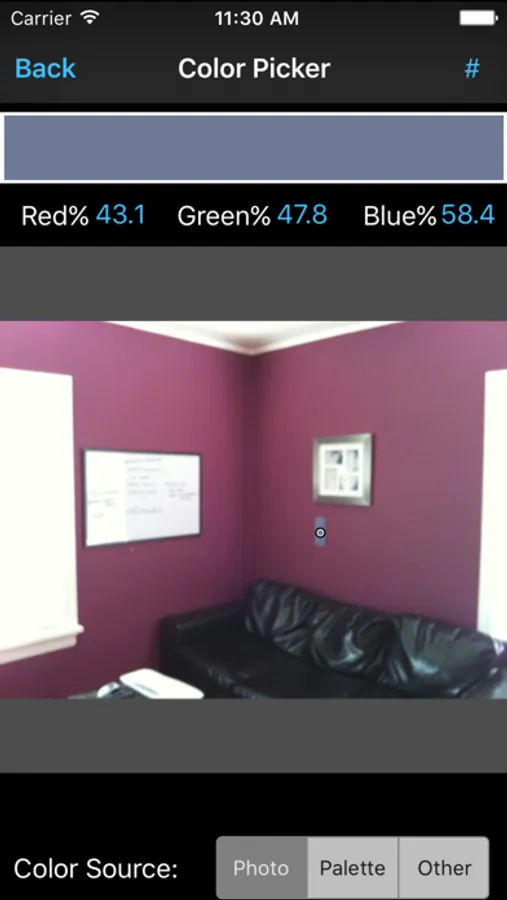
If you didn't like how the first color looks, use the color picker to choose another, and just tap with the paint bucket to replace it!
For great results try taping a color sample to the wall and take a photo of it. Use the color picker to select the sample, then use the paint bucket to start applying the color right next to the sample. Because the sample and the wall will be lit the same, this can take a lot of the guesswork out of how the color will look in the lighting of the room.
Finding the right color for a room can be a challenge, but Paint Tester shows you the results without all the pain of painting and repainting! Easily try out colors from the palette or take a photo of a color you'd like to try, and apply it to pictures of your own home! Know what you're getting in to before the first drop of paint touches the walls.
Paint Tester's variety of tools and smart paint bucket make it easy to change the wall color in a picture in a matter of seconds!
Start by taking a picture of the room you'd like to paint, then use the paint bucket to apply colors to the walls. In a well lit photo, the smart paint bucket will color the wall without bleeding on to neighboring walls or the ceiling. This gives you the control to get a clean picture of how the color would look, and you can even use multiple colors at the same time to try an accent wall!
If you didn't like how the first color looks, use the color picker to choose another, and just tap with the paint bucket to replace it!
For great results try taping a color sample to the wall and take a photo of it. Use the color picker to select the sample, then use the paint bucket to start applying the color right next to the sample. Because the sample and the wall will be lit the same, this can take a lot of the guesswork out of how the color will look in the lighting of the room.