
AppRecs review analysis
AppRecs rating 2.3. Trustworthiness 77 out of 100. Review manipulation risk 24 out of 100. Based on a review sample analyzed.
★★☆☆☆
2.3
AppRecs Rating
Ratings breakdown
5 star
20%
4 star
20%
3 star
0%
2 star
0%
1 star
60%
What to know
✓
Low review manipulation risk
24% review manipulation risk
✓
Credible reviews
77% trustworthiness score from analyzed reviews
⚠
Mixed user feedback
Average 2.4★ rating suggests room for improvement
About Air Projector
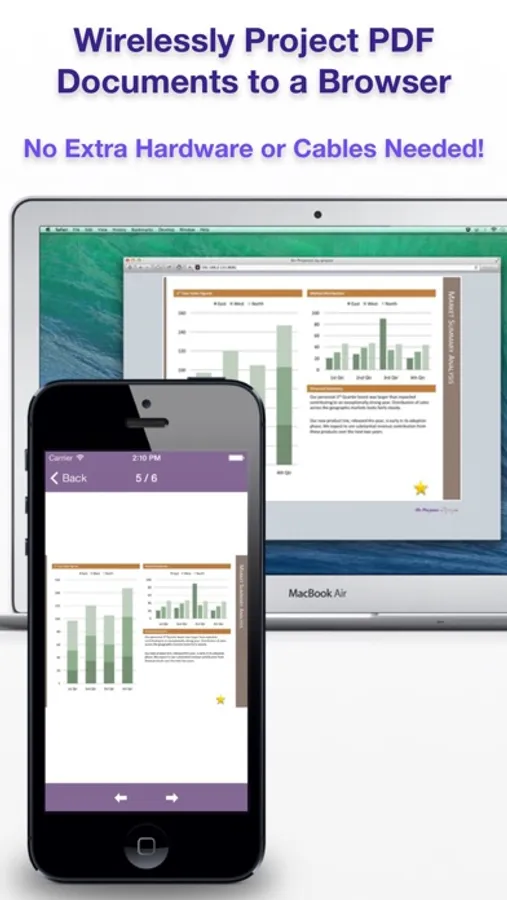
Give a presentation wirelessly from your iPhone or iPod Touch in 3 steps:
STEP 1: Launch Air Projector.
STEP 2: Open the displayed URL in the web browser.
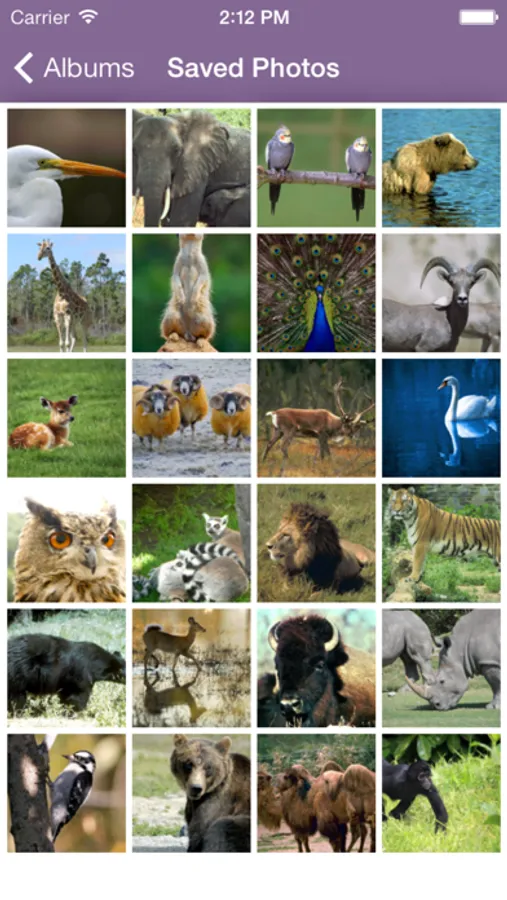
STEP 3: Pick a photo or PDF page and it appears remotely.
WIRELESS PRESENTATIONS, FROM YOUR PHONE
Air Projector projects PDF slide decks, documents, and photos wirelessly from your iPhone or iPod Touch to one or more web browsers connected on the same local network.
No additional client software or special hardware is required.
You don't even need a projector for small meetings: Have your colleagues open the URL on their own phones or computers.
Always be ready with your key presentations in your pocket. Air Projector is perfect for:
* Classrooms
* Boardrooms
* On-the-go presentations
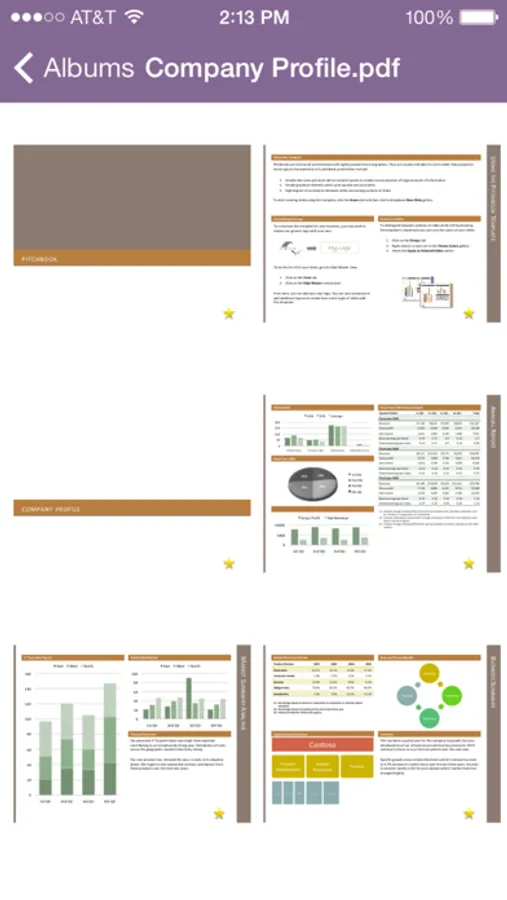
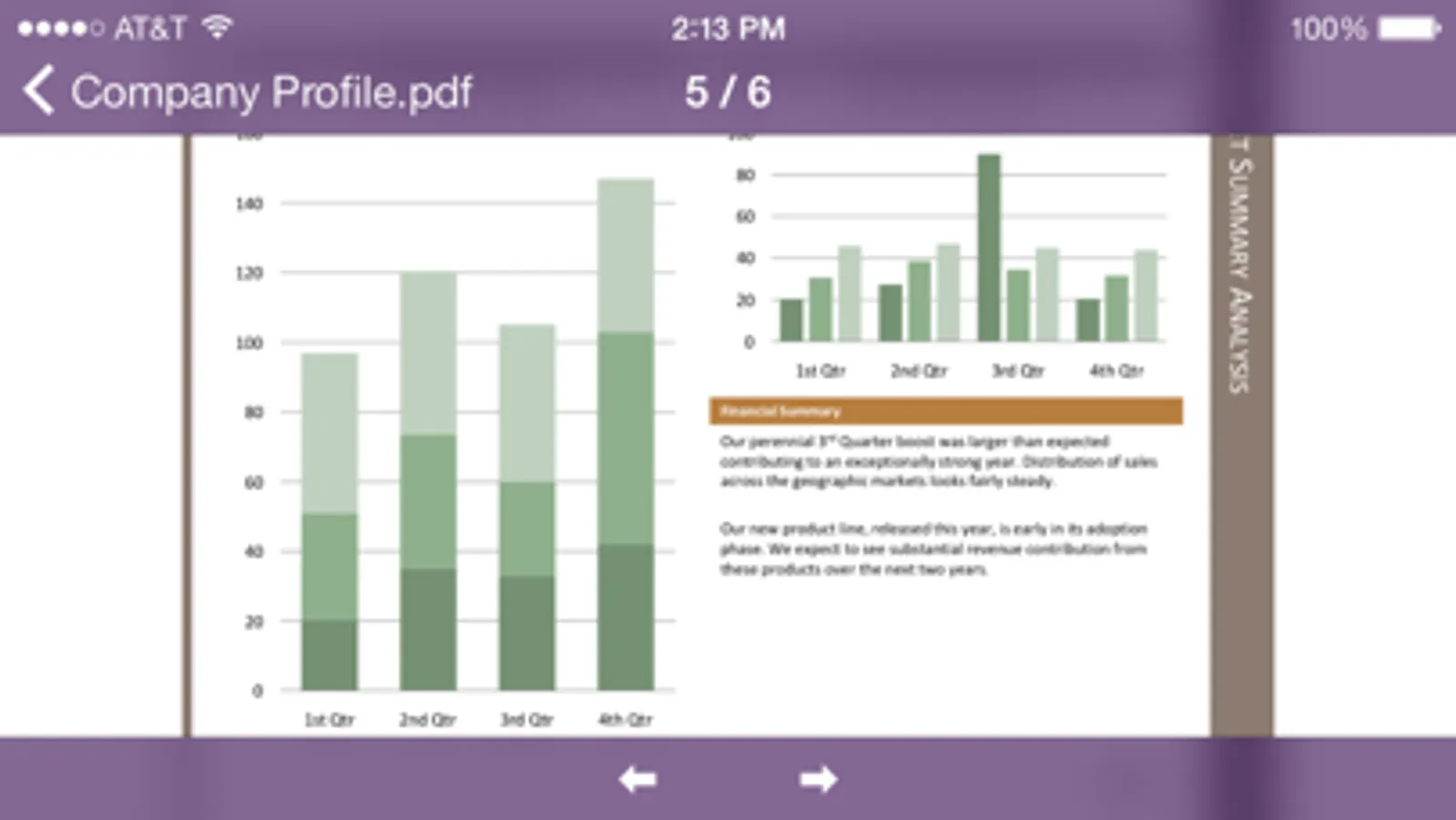
PROJECT PDF FILES
This works great with exported PDFs from PowerPoint or Keynote. Note that animations and transitions aren't saved in PDF files.
Tap and hold to show a laser pointer on the remote screen.
HAVE AN iPad?
If you like Air Projector, also check out Air Sketch for the iPad.
Follow us on Twitter to be the first to hear about upcoming releases.
Thank you for downloading Air Projector!
STEP 1: Launch Air Projector.
STEP 2: Open the displayed URL in the web browser.
STEP 3: Pick a photo or PDF page and it appears remotely.
WIRELESS PRESENTATIONS, FROM YOUR PHONE
Air Projector projects PDF slide decks, documents, and photos wirelessly from your iPhone or iPod Touch to one or more web browsers connected on the same local network.
No additional client software or special hardware is required.
You don't even need a projector for small meetings: Have your colleagues open the URL on their own phones or computers.
Always be ready with your key presentations in your pocket. Air Projector is perfect for:
* Classrooms
* Boardrooms
* On-the-go presentations
PROJECT PDF FILES
This works great with exported PDFs from PowerPoint or Keynote. Note that animations and transitions aren't saved in PDF files.
Tap and hold to show a laser pointer on the remote screen.
HAVE AN iPad?
If you like Air Projector, also check out Air Sketch for the iPad.
Follow us on Twitter to be the first to hear about upcoming releases.
Thank you for downloading Air Projector!
Air Projector Screenshots

Tap to Rate:
Reviews for Air Projector
mkluckynowork
Don’t waste your money
Don’t waste your money
shanajayes
$5 Wasted
It is not projecting pics from my camera roll at all, and doesn’t even give guidance within the app. It’s bizarre.