AppRecs review analysis
AppRecs rating 4.4. Trustworthiness 71 out of 100. Review manipulation risk 22 out of 100. Based on a review sample analyzed.
★★★★☆
4.4
AppRecs Rating
Ratings breakdown
5 star
74%
4 star
11%
3 star
6%
2 star
2%
1 star
6%
What to know
✓
Low review manipulation risk
22% review manipulation risk
✓
Credible reviews
71% trustworthiness score from analyzed reviews
✓
High user satisfaction
85% of sampled ratings are 4+ stars (4.4★ average)
About Hand BASIC - CBM Flavor
Hand BASIC - CBM Flavor is a compatible version of Commodore's version of Microsoft BASIC 6502 as found on the Commodore 64.
Released for Educational purposes.
BASIC (Beginner's All-purpose Symbolic Instruction Code) is a computer language designed so that it can be learned very easily.
Hand BASIC users could be students, scientists, or any productivity workers.
Type HELP to get started!
*** Credits for CBMBASIC go to Michael Steil and James Abbatiello ***
Features
+ Compatible with Commodore 64 BASIC V2
+ It is not emulated, it runs with your device full speed
+ The ability to LOAD/SAVE files (case sensitive file names)
+ File I/O Support (Read/Write data files)
+ Full featured iPhone Text Editor to build your programs
+ The ability to make directories ** NEW **
+ Provided with helpful Direct Mode Commands (nonstandard, see support webpage)
+ Renumber your program, plus other helpful file keeping functionality
+ Alert Sounds
+ In App Help (type HELP)
+ Portrait/Landscape Views
+ Supplied with Sample code (type FILES to see list).
Now available through In-App Purchase:
Graphics Extension: Empowers you to create complex graphics from simple graphic objects
Features
+ Draw simple graphic objects: lines, rectangles, circles, text, ...
+ Draw at the super speed of your device
+ Make animations
+ Use Graphics Macro Language (GML) to draw objects
+ Define your colors with alpha channel (32bit color with transparency)
+ Select your drawn text font face and size
+ Interact with user taps
+ Assistant for typing Graphic Commands
+ Enables you to run included Graphic Sample Programs(10 samples)
To find more details type HELP then select Graphics Extension Reference
To open Graphics Extension Purchase Screen:
- Type: PURCHASE
- Type: ACTION then select Purchase
- Or, run a program that uses Graphics
Make sure to check out App Blog Page:
cbmhandbasic.blogspot.com
Please Note:
- This is not Commodore 64 emulator. It is “Standalone” BASIC of Commodore 64.
- Basic knowledge of Commodore 64 BASIC V2 is needed to use this App or just Read FAQ's.
- While BASIC requires all commands to be capitalized (Lock Caps by double taping), commands will be automatically capitalized
- Since this is not Commodore emulator, PEEK/POKE does not work. See New Commands for alternatives
- Only ASCII characters are supported
- iPad has different Graphics Extension than ordinary one (sold separately)
Visit "Hawwash-Soft" page on iTunes for more Free App's
Have Fun!
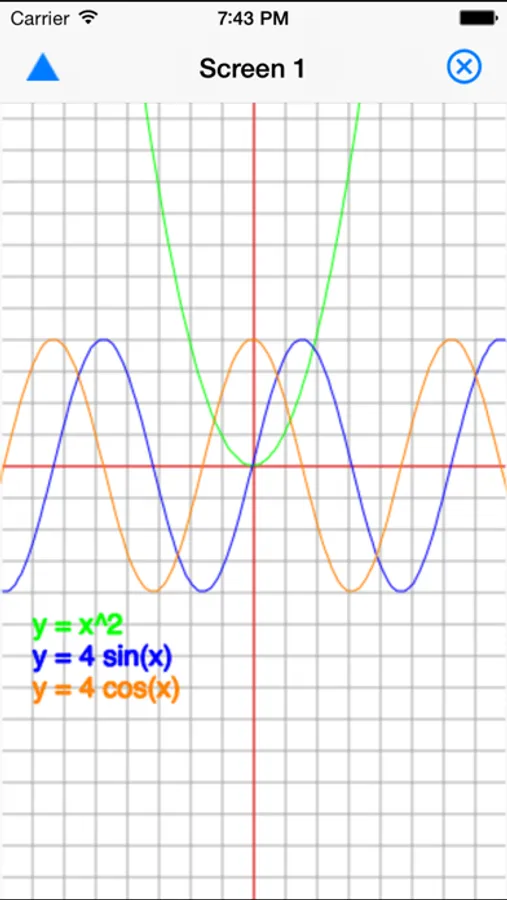
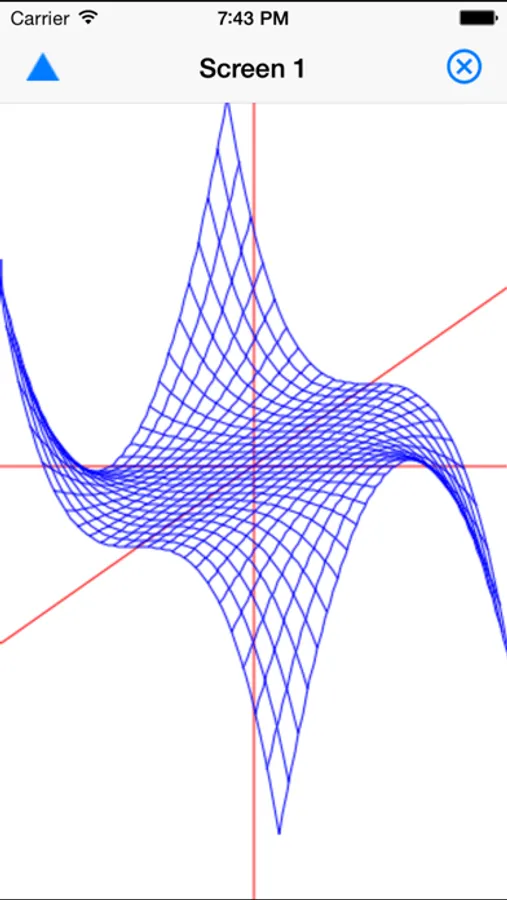
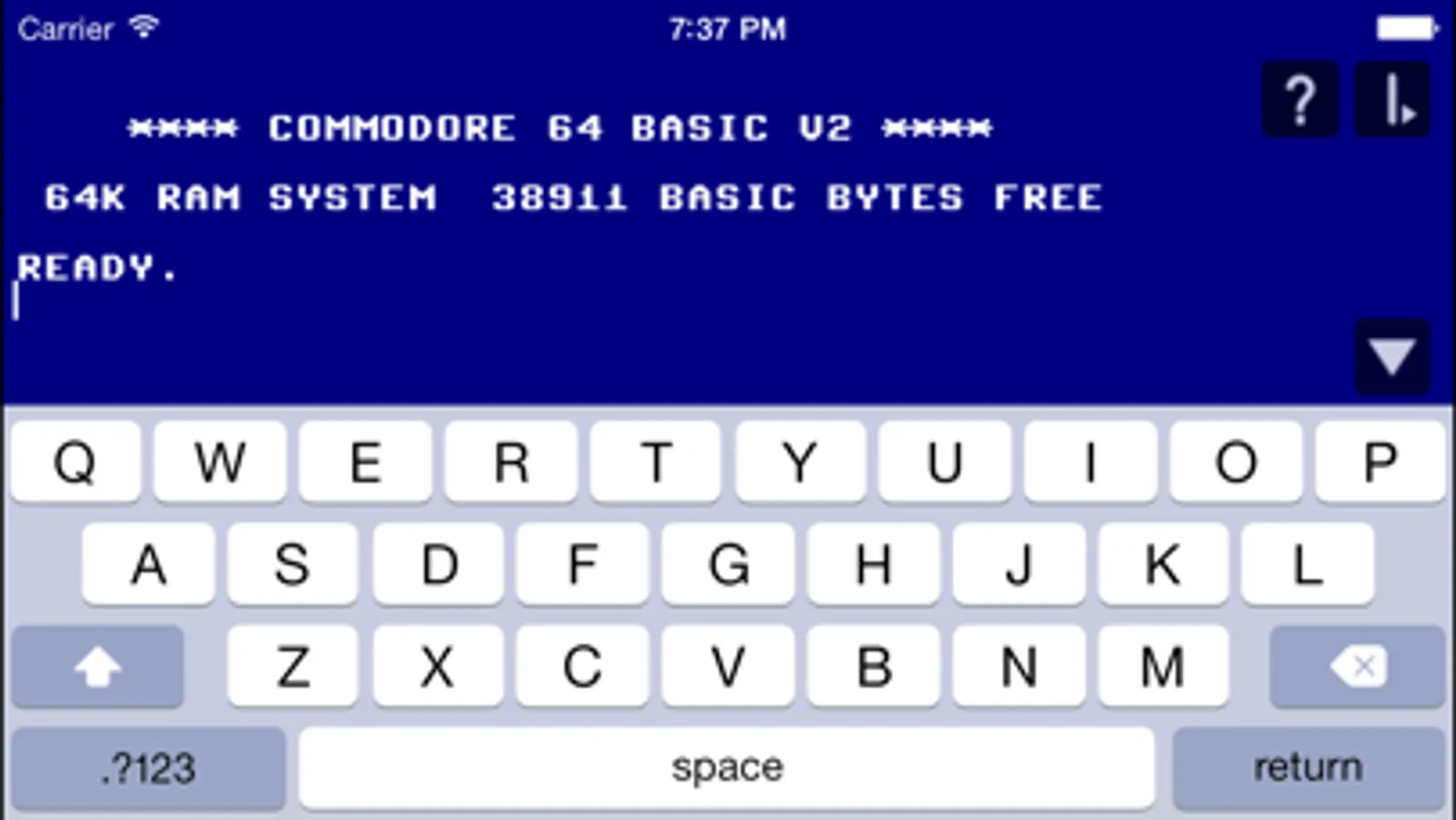
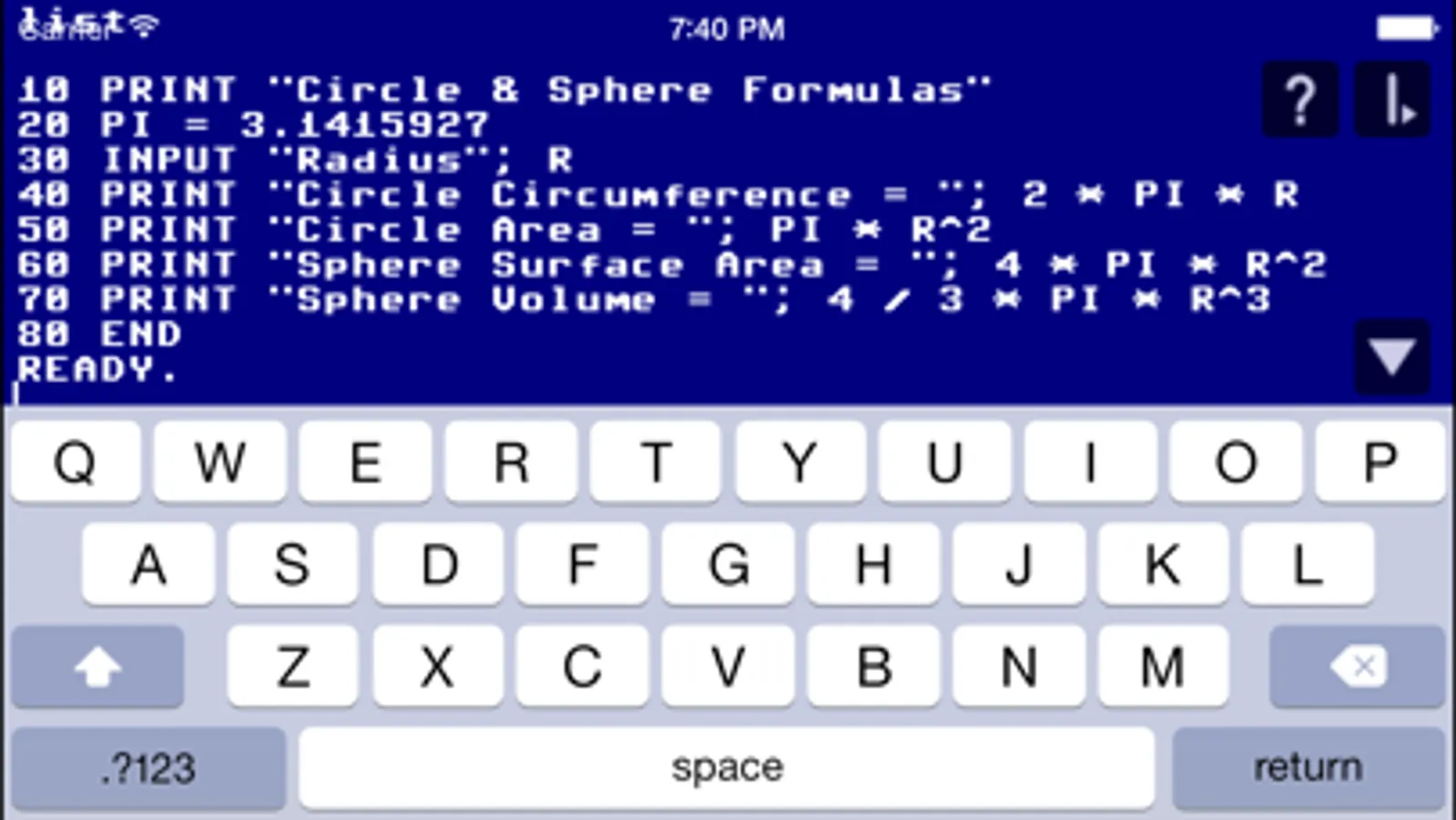
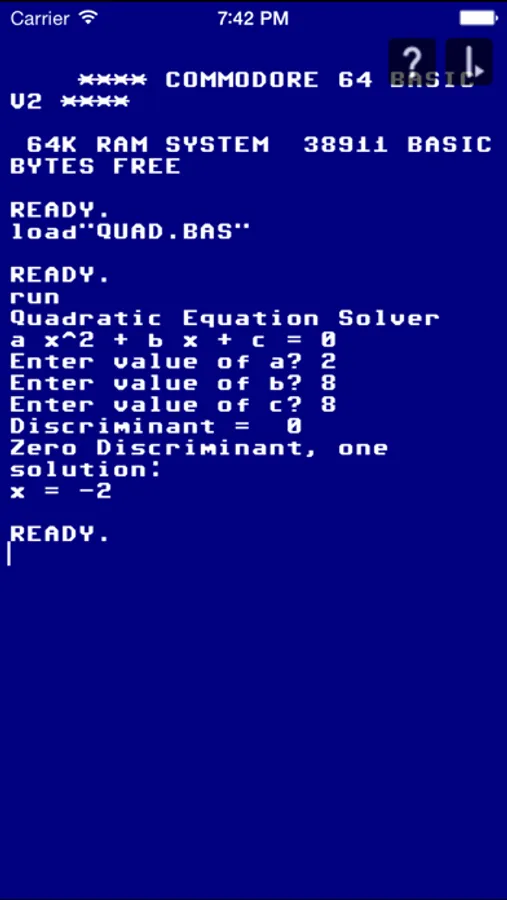
Hand BASIC - CBM Flavor Screenshots
Tap to Rate:
Reviews for Hand BASIC - CBM Flavor
Don in IL
Works great, fun to use
This app works great and is fun to use. After downloading it, I got a used Commodore 64 BASIC book (by Carl Shipman, copyright 1983) from Amazon, since I didn't know BASIC. The app itself has a lot of helpful documentation. I've been learning a lot working my way through the book and am really enjoying using the app. So far I've had no problems with the app at all.
DesertBlizzard
Loads of BASIC fun
While this app does what it says and allows for a lot of fun being creative with old-school BASIC, when used on an iPAD with a Logitech keyboard attached, I don’t know what it’s called but the on-screen functions for different keyboard operations danced around on screen making the experience super annoying. Can this be fixed?