
AppRecs review analysis
AppRecs rating 4.3. Trustworthiness 75 out of 100. Review manipulation risk 20 out of 100. Based on a review sample analyzed.
★★★★☆
4.3
AppRecs Rating
Ratings breakdown
5 star
88%
4 star
0%
3 star
0%
2 star
13%
1 star
0%
What to know
✓
Low review manipulation risk
20% review manipulation risk
✓
Credible reviews
75% trustworthiness score from analyzed reviews
✓
High user satisfaction
88% of sampled ratings are 5 stars
About Money Manager Classic
Next version (Blue Icon) is the later version which offers, even more, functionalities than Classic version (Brown Icon).
That is why we recommend using Next version.
Classic version is also good.
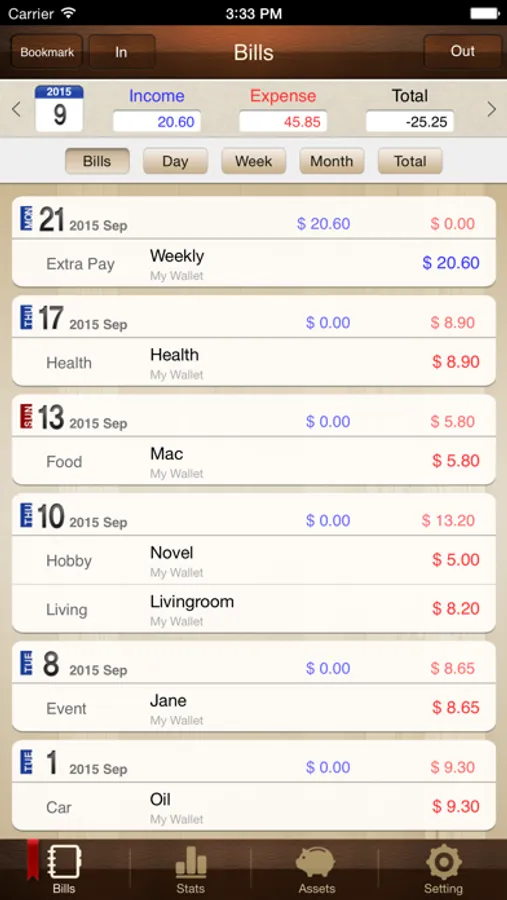
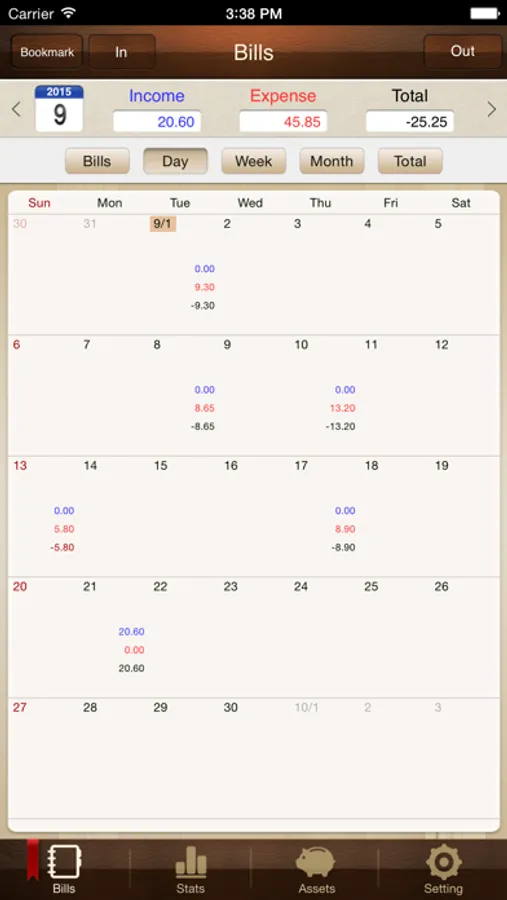
“Money Manager” is an optimized application for personal asset management.
※ PC editing function
You can view ‘“Money Manager” application by Wi-Fi or 3G. You can see the data sorted by date, category and asset group on the screen of your PC. In addition, you can see fluctuations of your asset indicated by graphs on your PC.
※ Applying double entry bookkeeping
It facilitates efficient asset management. It does not just record your money coming in and out of your account but deposits your money into your account as soon as your income is input and draws money from your account as soon as your expenditure is input.
※ Budget management function
You can manage your budget. It shows your budget and expenditure by a graph so you can see the amount of your expenditure against your budget quickly.
※ Card / Debit Card management function
Entering a settlement date, you can see payment amount and outstanding payment at asset tab. You can arrange the automatic debit by simply connecting your debit card with your account.
※ Passcode
You can check passcode in multitasking state so you can safely manage your account book.
※ Transfer, direct debit and recurrence function
Transfer between assets is possible, which makes your asset management more efficient. In addition, you can manage you salary, insurance, term deposit and loan more easily by setting automatic transfer and recurrence.
※ Instant statistics
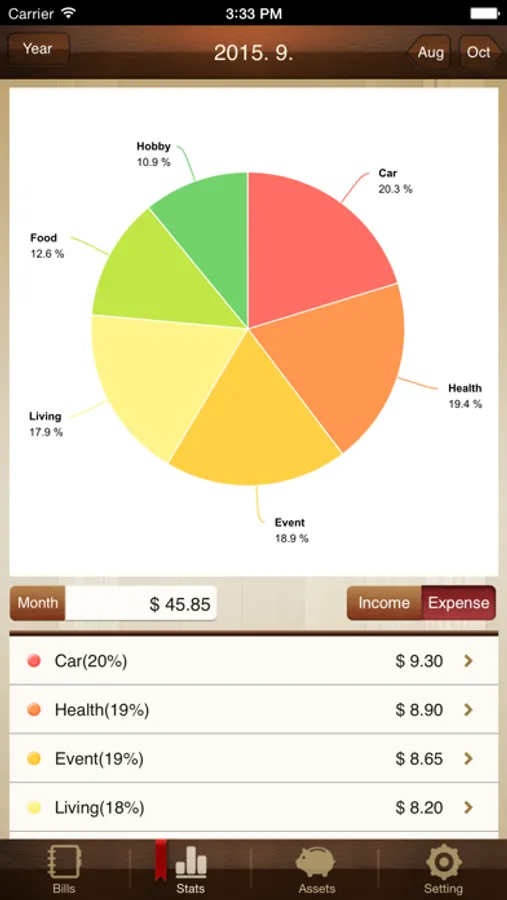
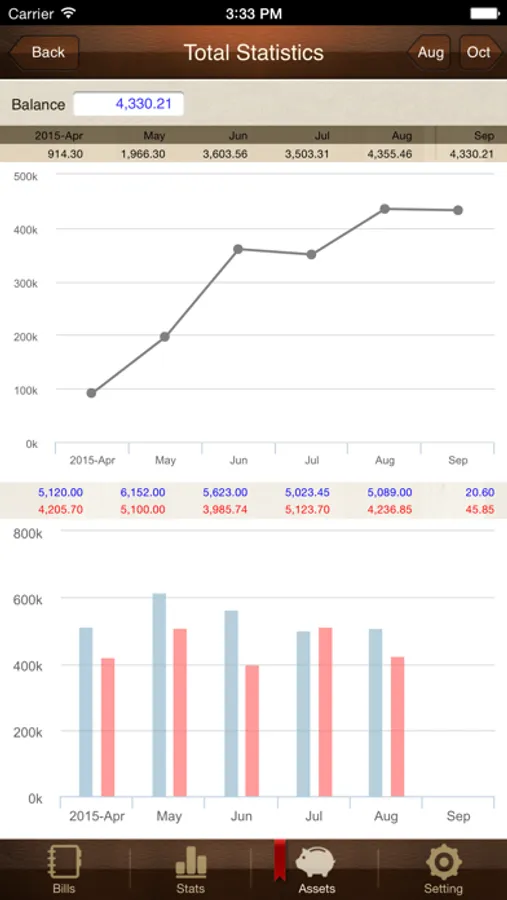
Based on the data entered, you can instantly see your expenditure by category and changes between each month. And you can see change of your assets and income/expenditure indicated by a graph as well.
※ Bookmark function
You can easily input your frequent expenditures all at once by bookmarking them.
※ Backup / Restore
You can make and view backup files in Excel file and backup / restore is possible.
※ Choice of currency – you can freely choose your currency.
※ Other functions
- Change of starting date
- Calculator function (Amount > upper right button)
- Sub Category ON-OFF function
Money Manager Classic Screenshots
Tap to Rate:
Reviews for Money Manager Classic
Alejandro Godoy Morales
Actualizar.
Me encanta esta aplicación , pero por favor háganla compatible con el IPad. O que está se pueda sincronizar con versión que tienen para el iPad. Gracias.
pmp1230
Hqwerty
This app not working The credits cards work differently from bank accounts .. the balance of a credit card increases with expenses, because it is a debt. in a thing as simple as this you do not know, the app is useless..




![[피쉬]더치페이 계산기(엔빵계산기) icon](https://apprecs.org/ios/img/icons/webp/150/6446617273/cq-vu01U_qGf6t--EKbTxquCcMfEpAbB1_HLb4KyVXw-icon)