
In this navigation app, pilots can access terrain maps, flight statistics, and live traffic warnings. Includes free aviation data updates, flight-logging, and live tracking options.
AppRecs review analysis
AppRecs rating 4.0. Trustworthiness 83 out of 100. Review manipulation risk 17 out of 100. Based on a review sample analyzed.
★★★★☆
4.0
AppRecs Rating
Ratings breakdown
5 star
42%
4 star
25%
3 star
0%
2 star
8%
1 star
25%
What to know
✓
Low review manipulation risk
17% review manipulation risk
✓
Credible reviews
83% trustworthiness score from analyzed reviews
✓
Good user ratings
67% positive sampled reviews
About iGlide Lite
iGlide is a soaring navigation App with advanced functionality that is amazingly easy to use. iGlide supports glider pilots during a competition, a cross-country flight, or just during short recreational flights.
iGlide comes in three editions at three price-points. Starting with "iGlide lite" and "iGlide advanced" up to "iGlide pro". All apps can be upgraded later-on by paying the price difference in an in-app-purchase.
Features of iGlide lite:
- Simple and easy to use Direct-To function to a single waypoint.
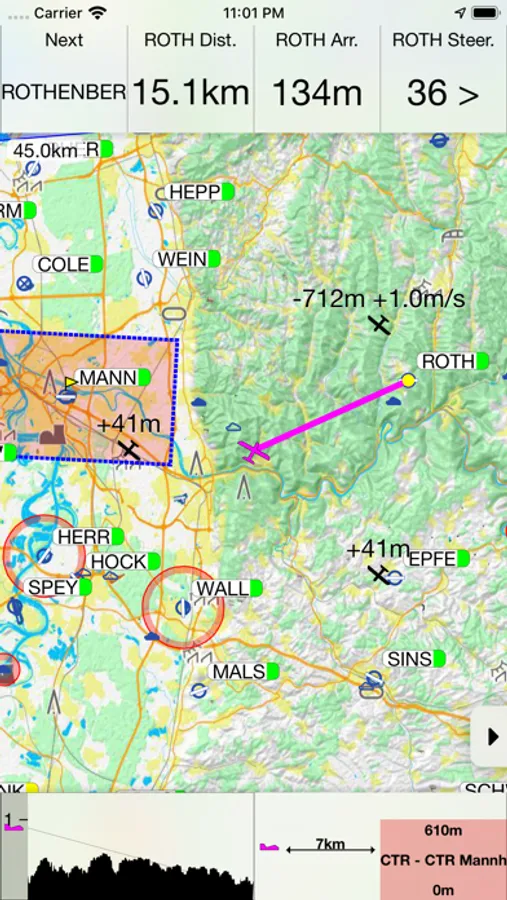
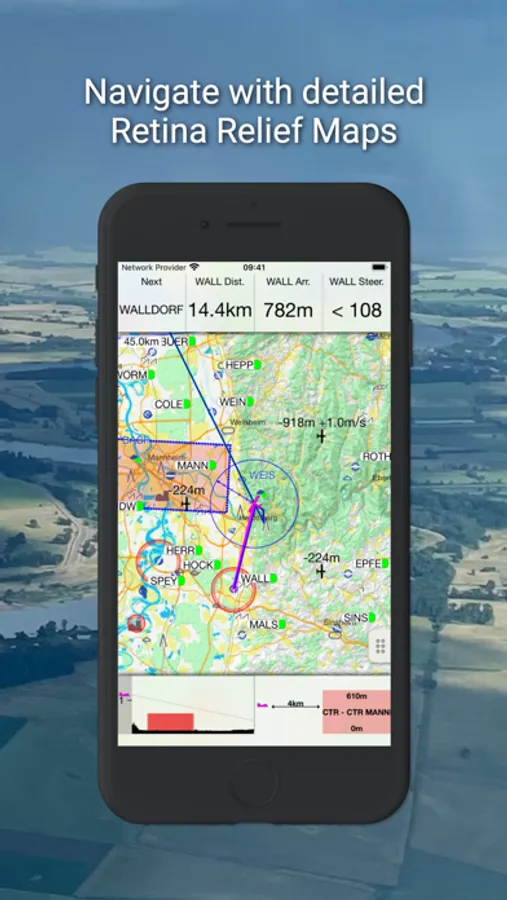
- Easy to read, high-resolution terrain map with detailed topographical features.
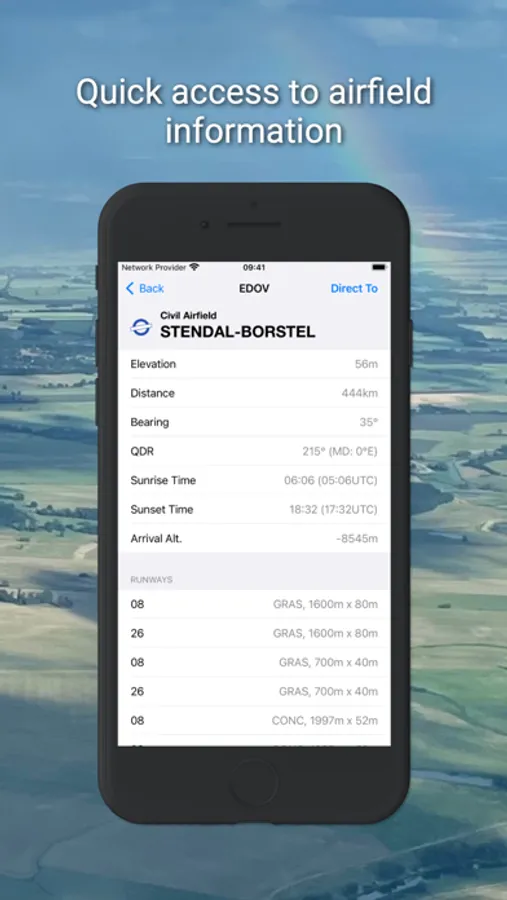
- Free daily updates for aviation data such as airspaces, airfields, and navaids.
- Final glide calculator with Ballast, Bugs, MacCready, and aircraft polar data.
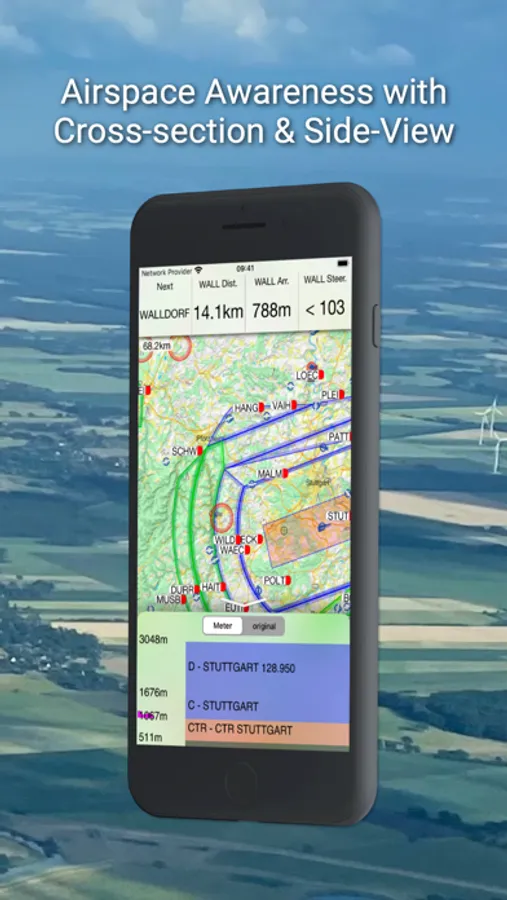
- Profile view showing terrain and airspace en route.
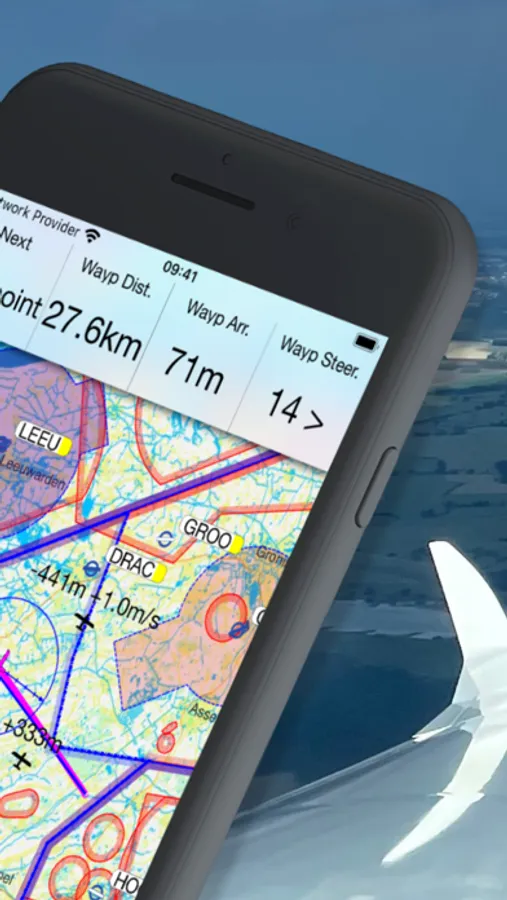
- Vertical airspace overview and airspace warnings
- Free airport and airspace-database with free updates
- Flight-statistics with logbook
- Traffic is displayed on the map if an appropriate data source is connected (FLARM, AIR TRAFFIC or similar).
- Visual and voice traffic warnings, if an appropriate data source is connected.
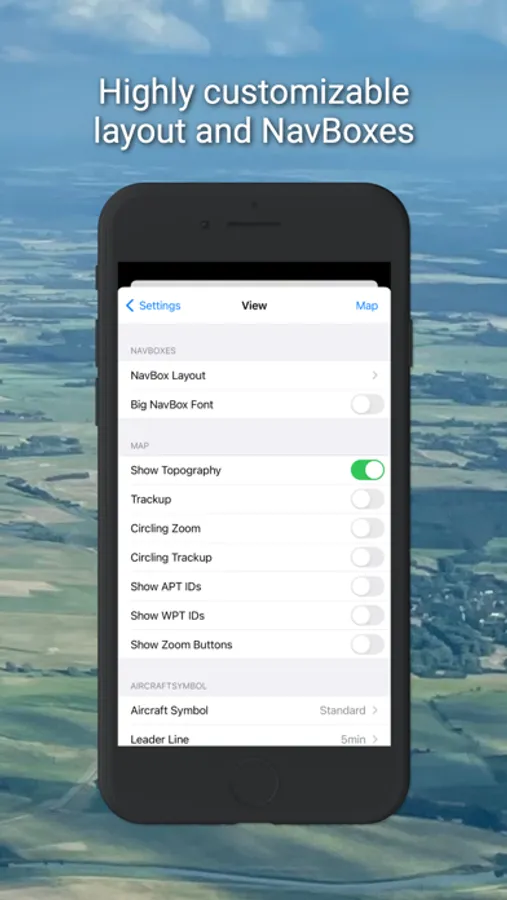
- Many display options individually configurable.
- Flight-logging (IGC and KML format).
- Live tracking on different servers (livetrack24, skylines, sky-mobile).
- Track-Line showing the preceding flightpath on the map.
- Data import for all common data formats (CUP/DAT/OpenAir/PLR etc.)
- Live METAR weather data for selected airports.
Additional features in iGlide advanced:
- Route planning over any number of waypoints.
- Directly upload flight logs to OLC (www.onlinecontest.org) or send via eMail.
- Rubberband function for quick and easy route manipulation.
- Accurate wind calculation.
Additional features in iGlide pro:
- Calculation and optimization of the current OLC scoring distance.
- Extensive route planning with turn areas, assigned areas and implementation of FAI Rules (e.g. finish circle).
- FAI triangle optimization.
- Comprehensive in-flight statistics functions.
- Final glide calculation over terrain.
- Live and super-easy AAT optimization.
- Thermal Climb Optimizer.
IMPORTANT SYSTEM REQUIREMENTS: iOS 13 or newer. Devices running older versions are not supported.
iGlide Lite Screenshots

Tap to Rate:
Reviews for iGlide Lite
Minden Regular
Tracking Function
The app could be improved by showing the track flown, i.e. both out and return in addition to the track displayed to a destination. This is would be particularly useful while flying in blue wave. The map page used to add area has no maps available to download. Who’s minding the app support? This is unacceptable for an app that costs more than $100!
bvanderveen
Great glide computer
Update July 2020: Well they’ve updated it! It’s not dead. On the bright side, the map data downloads again, and it’s been moved so it doesn’t let iOS automatically purge map data to free up space any more. That’s good! Unfortunately: it no longer records my flights! It used to automatically add flights to the “logbook” but this no longer works, all flight GPS data is lost when you close the app and cannot be exported. I’ve lost three days worth of flight data this weekend. Previous problem still exists: No “cancel” when tapping a map data time. Only “delete” or “reload”. This is a huge problem for the USA map because the buttons are tiny. See below. Sadly, with the loss of the GPS data recording function, I now cannot use this app at all now, and will have to find a replacement. I will keep an eye out for updates though. Previous review, ca. 2019: This was a great glide computer. Sadly the map data doesn’t seem to be downloadable any more. My most major complaint was that the app stores its map and airport/airspace data in a location that iOS automatically purges, so pretty much every time you use this app you have to redownload the map data, which is pretty tedious (the download screen had extremely small buttons and if you “missed” your only option was “delete” or “download again”—frustrating!). Sadly I can not recommend this app since it appears to be abandoned (no update in over two years) and no longer downloads map data at all.