With this database viewer app, you can load and display CSV or tab-delimited files, search and sort data easily, or execute SQL commands to analyze your tables. Includes features like importing files from the web, Dropbox, or Mail, and switching between different database formats.
AppRecs review analysis
AppRecs rating 4.6. Trustworthiness 80 out of 100. Review manipulation risk 20 out of 100. Based on a review sample analyzed.
★★★★☆
4.6
AppRecs Rating
Ratings breakdown
5 star
81%
4 star
9%
3 star
4%
2 star
0%
1 star
6%
What to know
✓
Low review manipulation risk
20% review manipulation risk
✓
Credible reviews
80% trustworthiness score from analyzed reviews
✓
High user satisfaction
81% of sampled ratings are 5 stars
About Private DB
NOTE: You can view and sort and search tables with this app, but cannot add, edit or delete rows. To do that, please use General DB.
With Private DB, your rows are:
* Searchable
* Sortable
* Selectable
This app is great for IT managers who want to distribute company data in table form, and don't want to worry about their users modifying the data.
It is also ideal for publishers of reference data tables, who do not want their users tampering with the data.
Some capabilities:
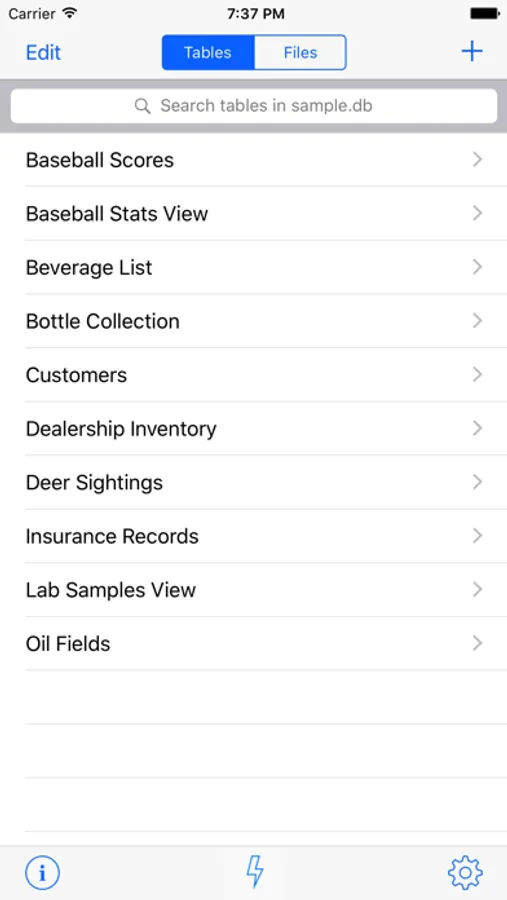
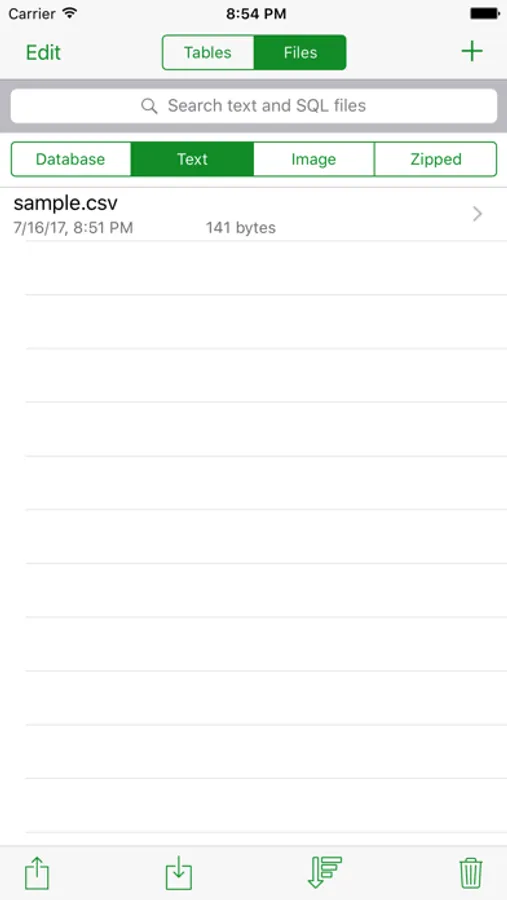
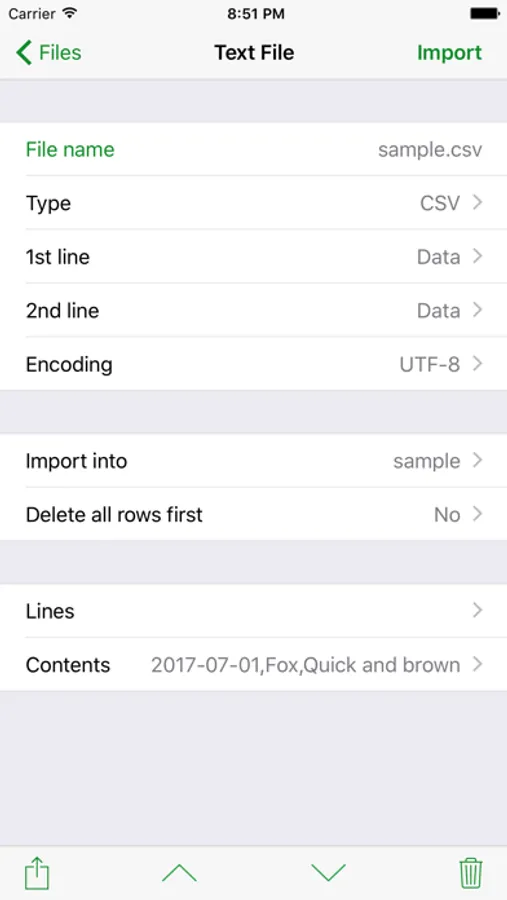
- Download and import tab-delimited or CSV text files
- Download from the web or Dropbox, or share from iTunes
- Import text files from the Mail app
- Download and execute SQL files
- Download and switch to SQLite databases
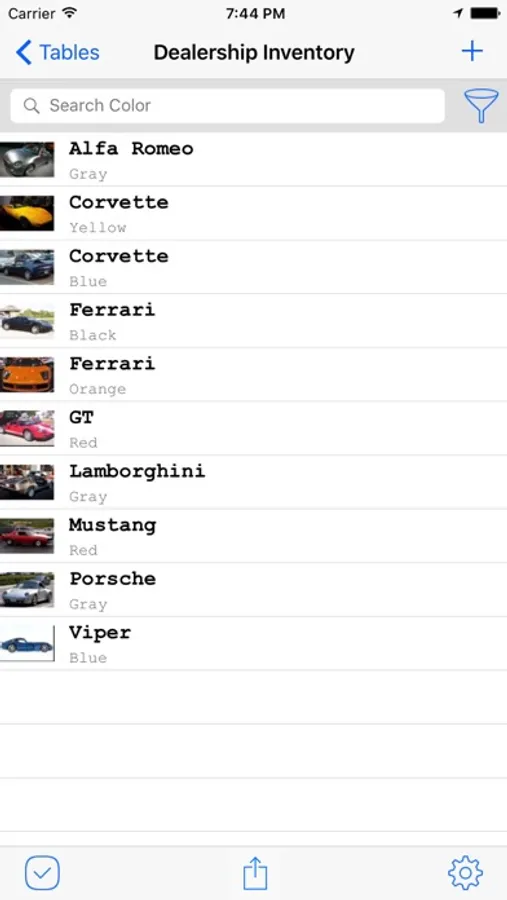
- Sort on up to three fields
- Search on any field
- Execute SQL commands in the SQL Console
- Create views on tables to reorder or select a subset of fields
Private DB Screenshots
Tap to Rate:
Reviews for Private DB
Yuan-Khan
Limited Usecases
Would be nice, in addition to beng able to create a table from scratch (which seems to work fine), to be able to add rows with data.
wildernessfamily78
Awesome and Full Featured App
Awesome app. Simply it just works! It’s also fully featured. I’m Python developer. When working with Pythonista I can easily create and manage my SQLite DB’s. Thanks for an awesome app!