
AppRecs review analysis
AppRecs rating 4.8. Trustworthiness 0 out of 100. Review manipulation risk 0 out of 100. Based on a review sample analyzed.
★★★★☆
4.8
AppRecs Rating
Ratings breakdown
5 star
50%
4 star
25%
3 star
0%
2 star
0%
1 star
25%
What to know
✓
High user satisfaction
75% of sampled ratings are 4+ stars (4.8★ average)
About TrackRoad
To track users in your group, go to the list of users, then click on the person you want to track.
To walkie-talkie with users in your group, go to the list of users, then hold down the "mic" button on the person you want to chat. Release button when done. You can also broadcast to Everyone in your group by clicking the "Everyone" button on top.
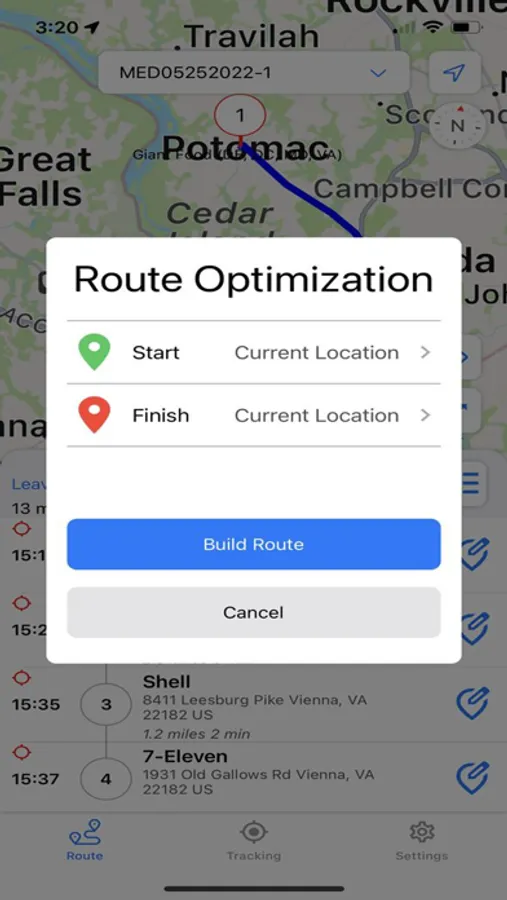
To optimize your route, follow the steps below:
-Enter each stop location.
-Click Build Route to distribute stops among single or multiple drivers.
-Share the optimized routes with your multiple drivers for GPS tracking and real-time updates.
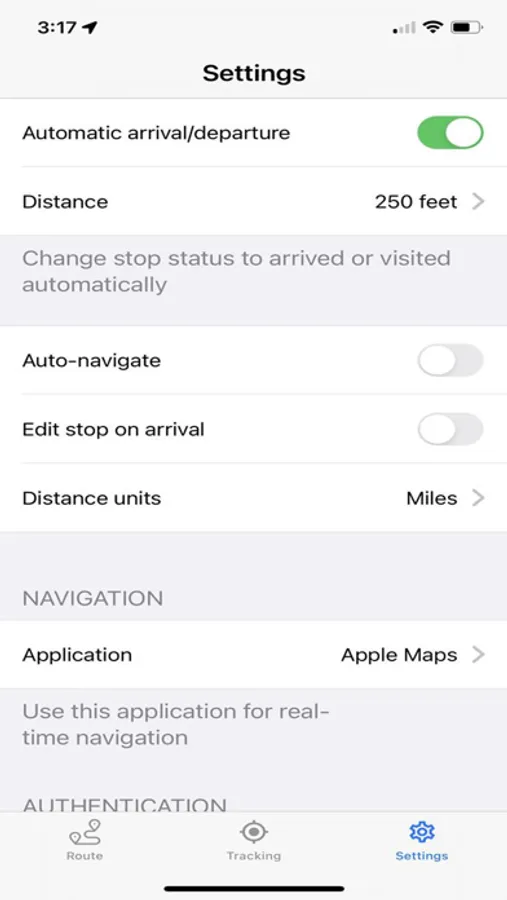
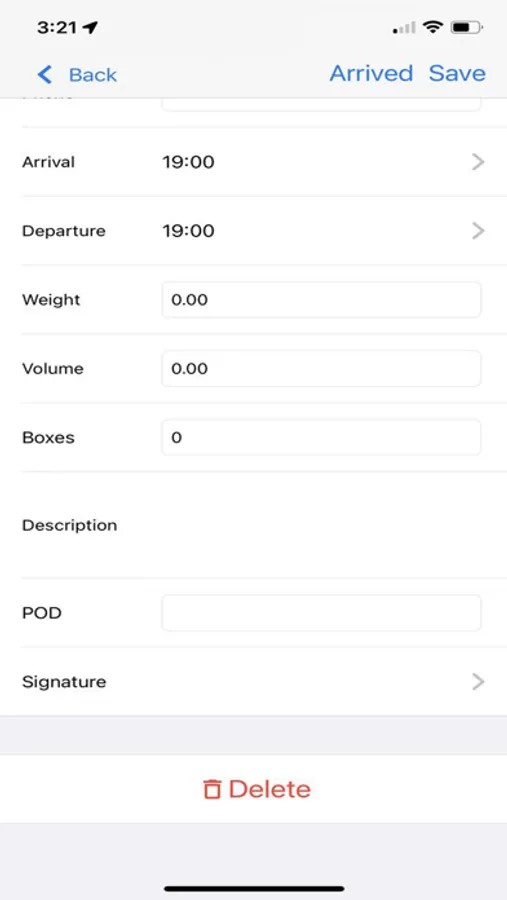
-Geofencing marks each stop "arrived" (stop turns yellow) on approach circle, and visited (stop turns green) on exit circle.
-Walkie-Talkie to people in your group (works with either WiFi or Cellular data)
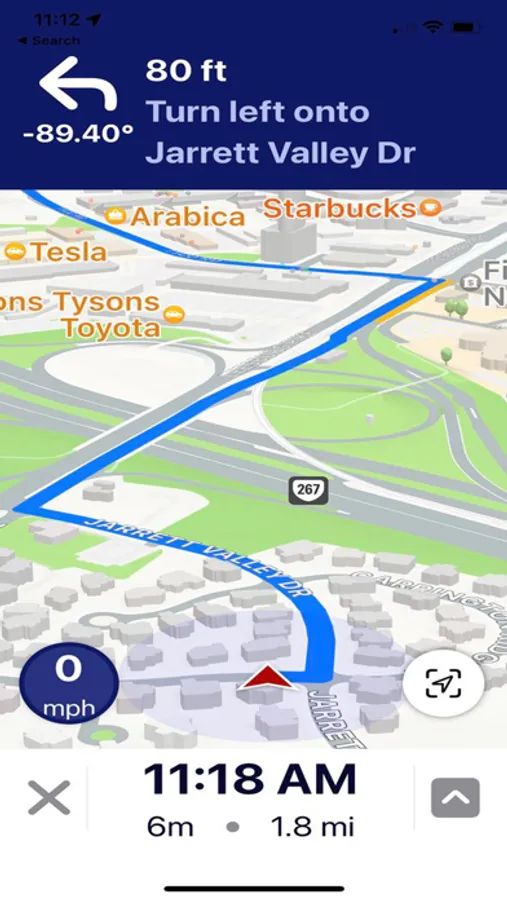
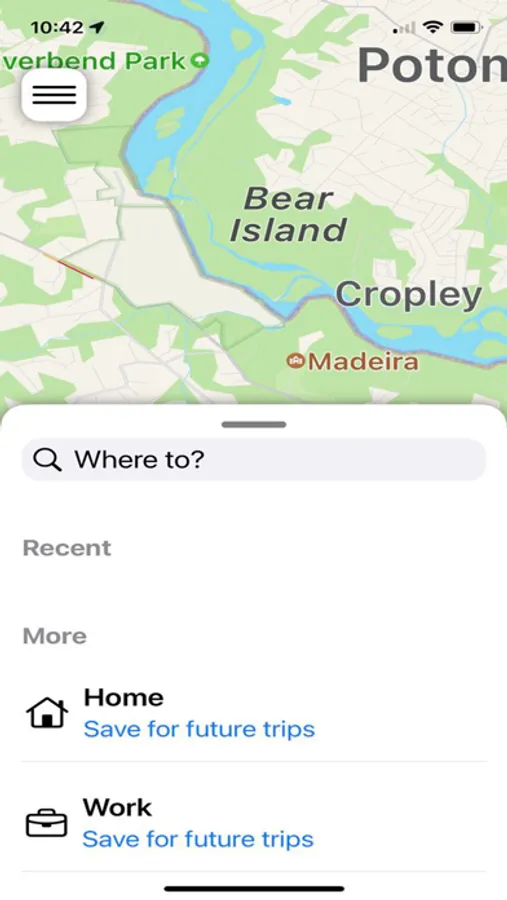
-Get audio navigation and turn-by-turn directions.
-Auto navigation.
-Track your assets in real time (every hour, every minute, or every 20 seconds).
-Signature capture and two-way notes at each stop.
For EULA please visit https://www.trackroad.com/PayBill/Terms.htm
TrackRoad Screenshots


Tap to Rate:
Reviews for TrackRoad
hkh*
Only 6 stops!!
I love this app but there needs to be more stops per route allowed. Each of my drivers does up to 50 stops a day.
Curran8223
Good deal for a great App
I really like this app, I use it on a daily basis. Coming from Microsoft streets and trips this is so much easier to use. The website easily downloads to the phone without any hassles it's automatically there and allows you to mark off each stop as you visit it. The only downside is, I wish you could build routes from the app. Other than that by far the best and the cheapest I have found!